Portrait cleanup
Upload a selfie and ask ChatGPT or your image model to keep face identity, age, expression, and skin texture unchanged while cleaning light and background.
Find a matching promptCHATGPT_PHOTO_PROMPTS
Use these RSP-style prompt patterns in ChatGPT image editing or copy them into AI Editor RSP. The page uses the same header, footer, prompt cards, and editor shell as the homepage.
Upload a selfie and ask ChatGPT or your image model to keep face identity, age, expression, and skin texture unchanged while cleaning light and background.
Find a matching promptDescribe the exact product geometry, material, label text, edge shape, and shadow so the edit improves the image without inventing packaging claims.
Find a matching promptName the trend, lighting, crop, and mood, then add explicit negative constraints for identity, logos, hands, and text.
Find a matching promptSpecify what stays unchanged first, then describe the new background, lighting direction, contact shadow, and edge preservation.
Find a matching promptRSP_PROMPT_HUB
Every card shows real before/after proof, freshness state, and three separate paths: copy, use the template page, or open the editor with the prompt prefilled.
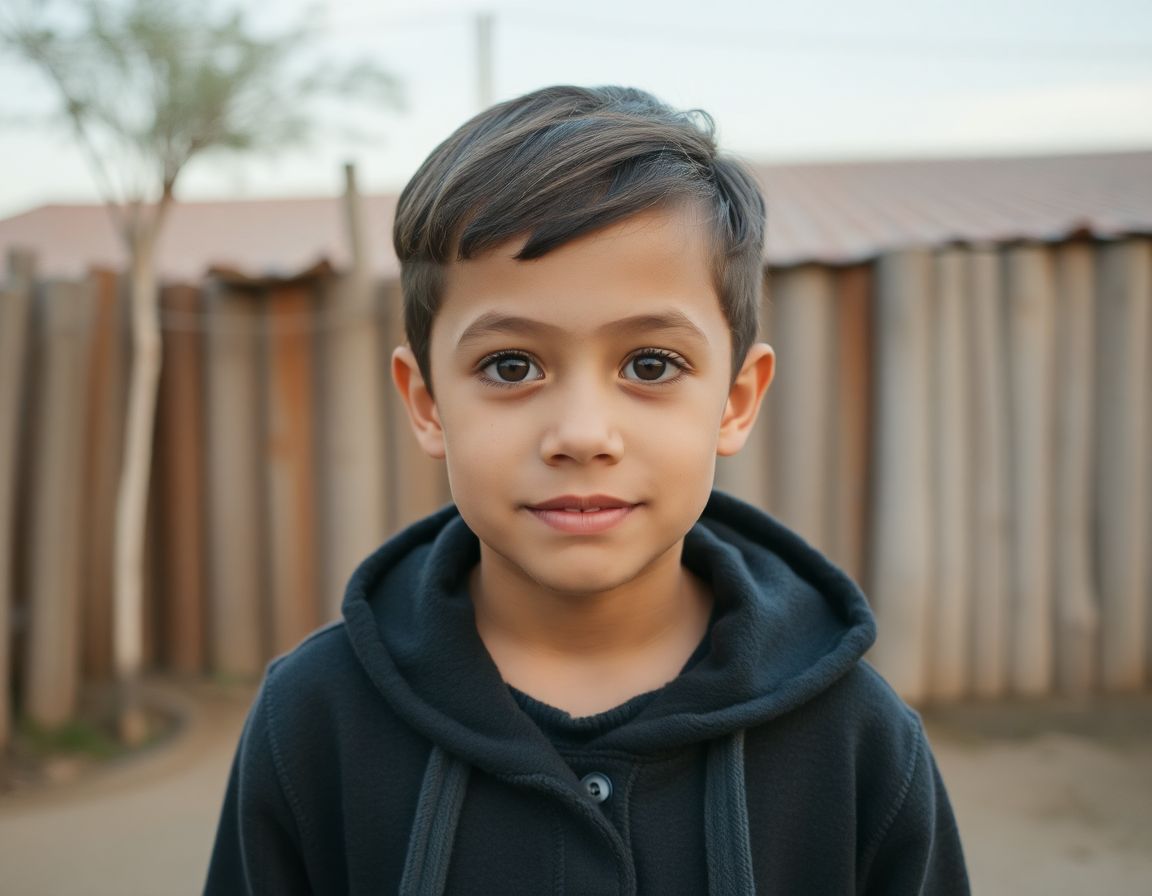 Beforesource photo
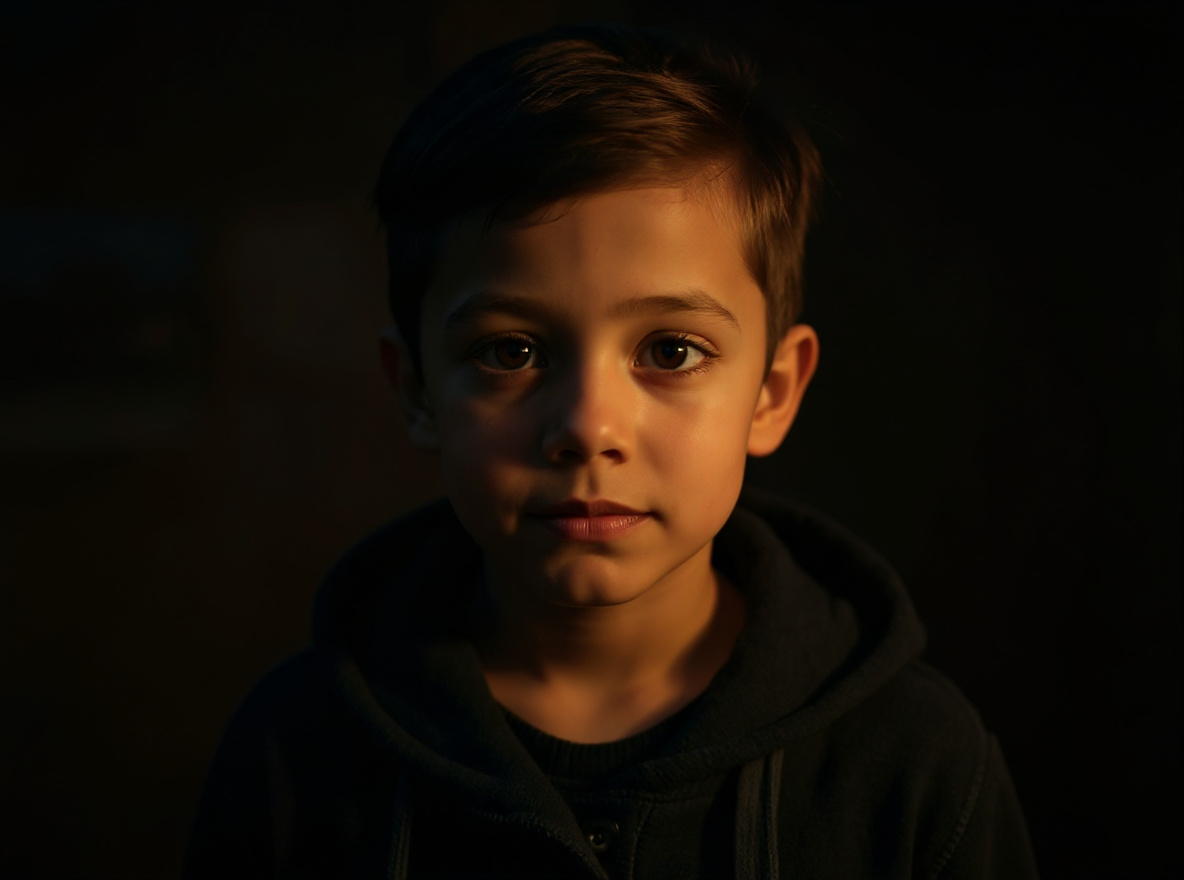 Afterstyle reference
This prompt helps users create a cinematic AI boy portrait with dramatic depth, golden-hour light, and identity-preserving face detail. Copy it as a same-effect edit instruction, replace variables such as outfit, background, mood, and aspect ratio, then use it in AI Editor RSP or an external AI photo editor.
Active trend · reviewed Jul 28
Real provider output · replicate · 7qbqr3k2mdrmy0cz3qxrx21yzg. Your own source image will vary. provider state visible.
Edit this image into a cinematic AI boy portrait with dramatic depth, golden-hour light, and identity-preserving face detail. Preserve face identity, hairstyle, pose, outfit shape. Keep the result realistic and source-anchored. Do not change identity, proportions, readable labels, logos, UI text, or factual context unless the user explicitly asks for that specific safe change. Do not add fake text, do not distort hands, and do not imply any provider or brand endorsement.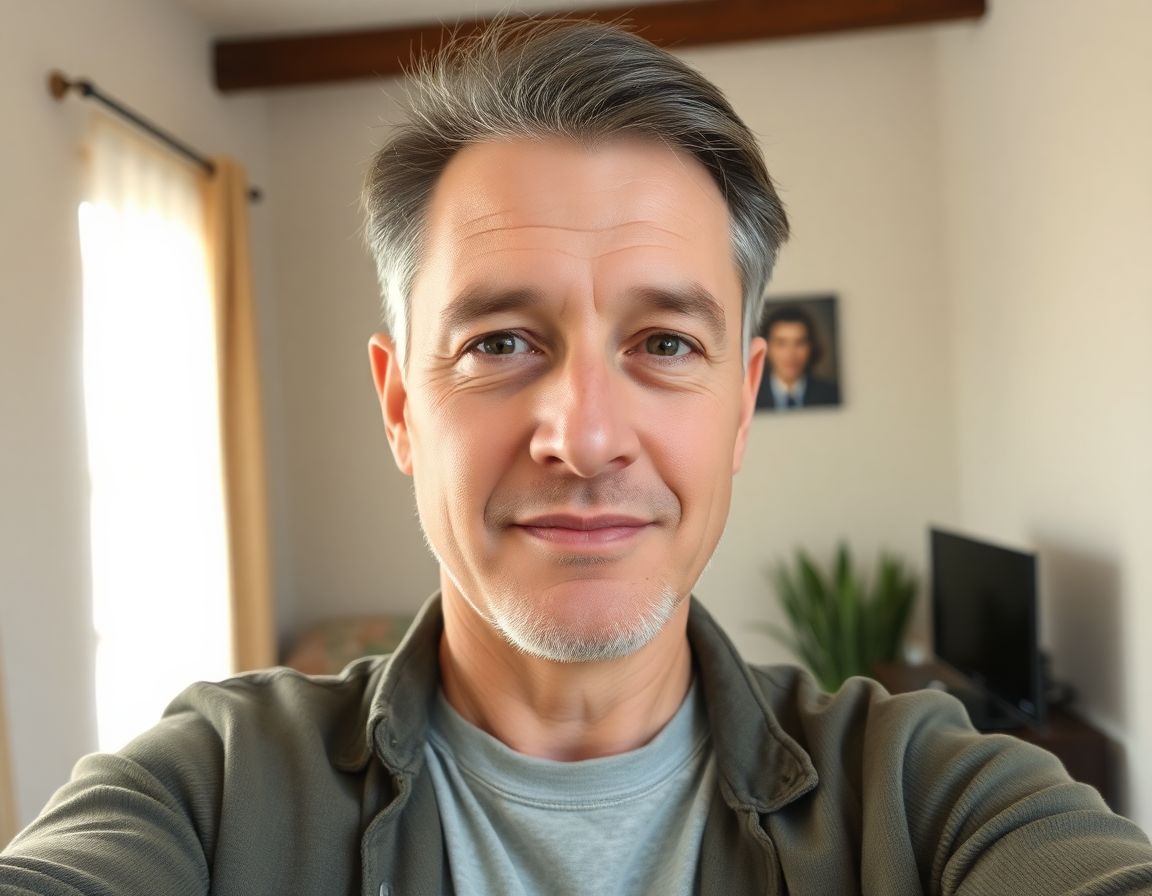 Beforeselfie source
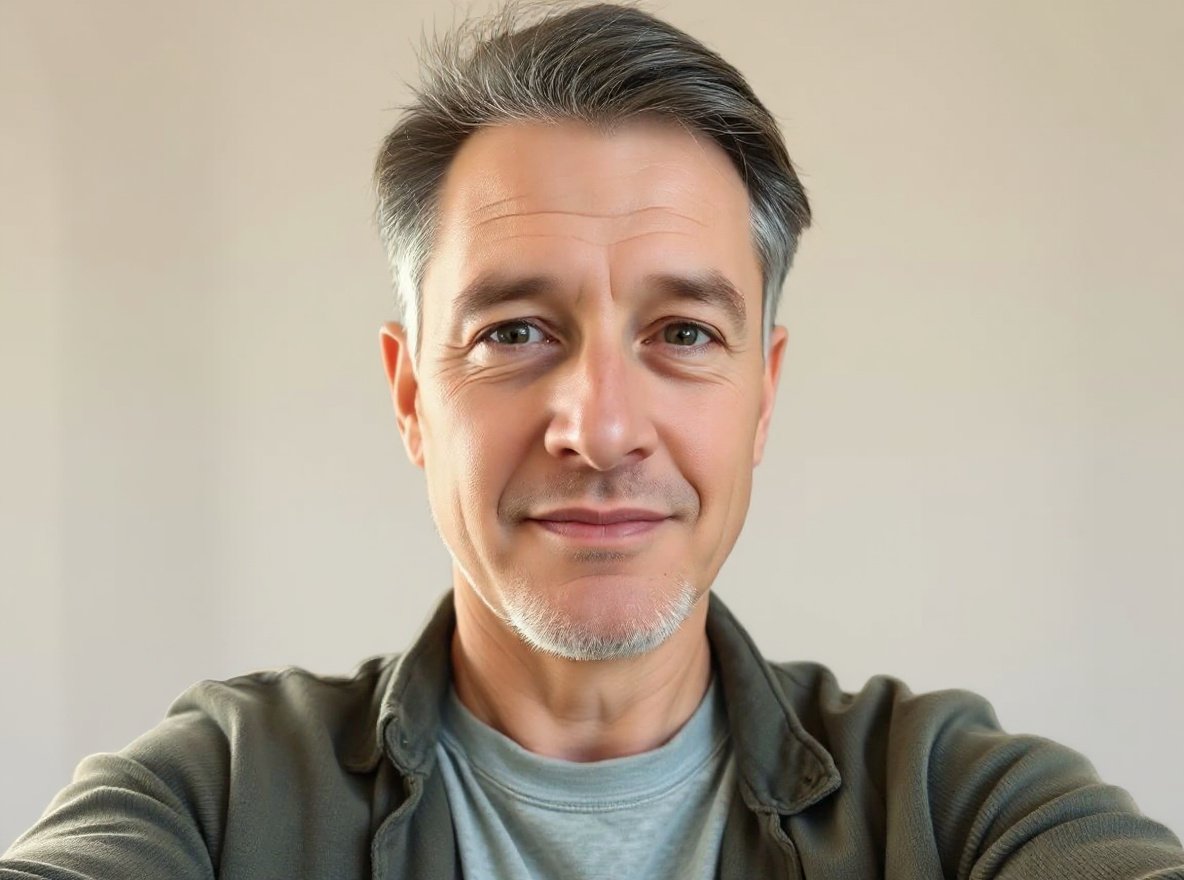 Afterstudio light
This prompt helps users create a clean professional studio headshot with soft light, neutral background, and realistic skin texture. Copy it as a same-effect edit instruction, replace variables such as outfit, background, mood, and aspect ratio, then use it in AI Editor RSP or an external AI photo editor.
Evergreen active · reviewed Jul 28
Real provider output · replicate · 4mjzq3b401rmt0cz3qxtfsrmm0. Your own source image will vary. neutral background.
Edit this image into a clean professional studio headshot with soft light, neutral background, and realistic skin texture. Preserve face identity, expression, skin texture, hairline. Keep the result realistic and source-anchored. Do not change identity, proportions, readable labels, logos, UI text, or factual context unless the user explicitly asks for that specific safe change. Do not add fake text, do not distort hands, and do not imply any provider or brand endorsement. Beforestadium energy
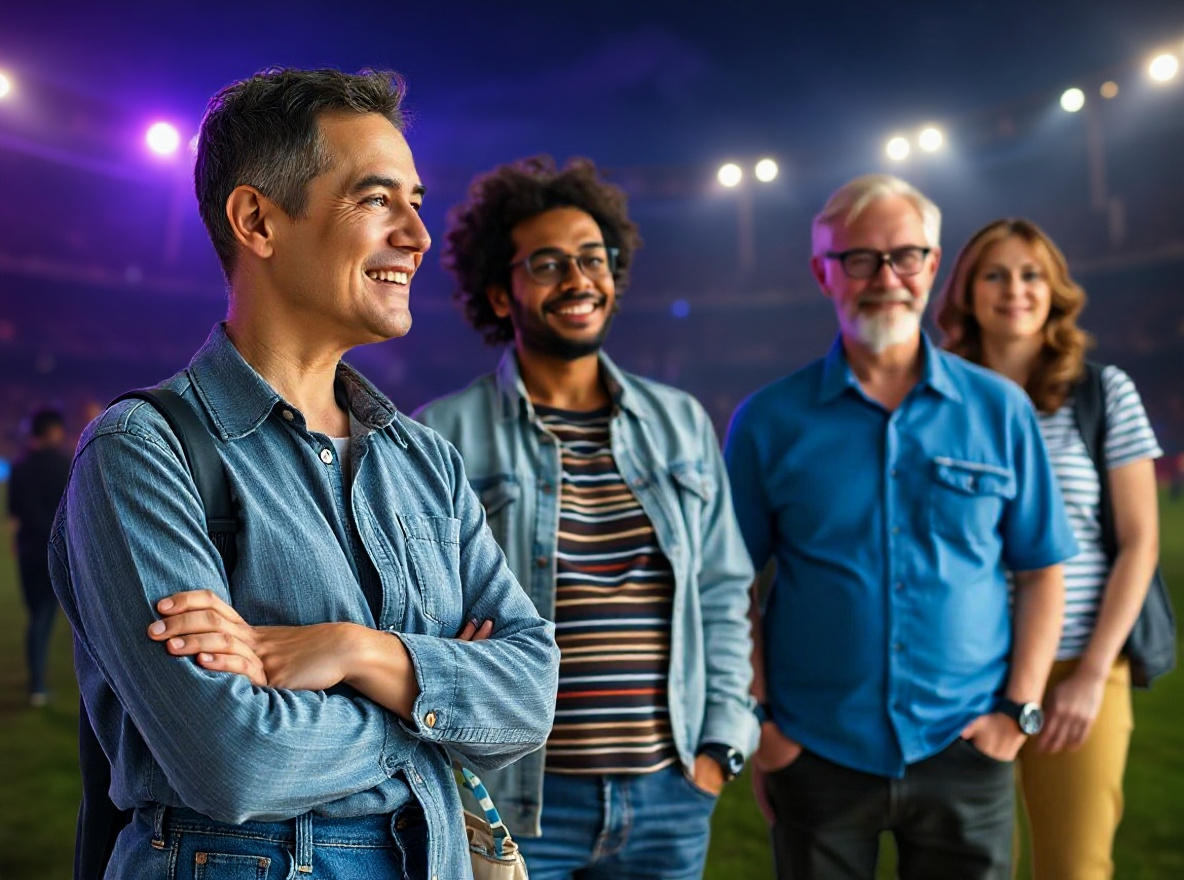 Afterfan-style colors
This prompt helps users create a cricket-season social portrait with team-color lighting, stadium energy, and safe non-affiliated fan styling. Copy it as a same-effect edit instruction, replace variables such as outfit, background, mood, and aspect ratio, then use it in AI Editor RSP or an external AI photo editor.
Needs refresh · seasonal trend
Real provider output · replicate · seaecbk3a1rmr0cz3qxtsp62mr. Your own source image will vary. no team logos.
Edit this image into a cricket-season social portrait with team-color lighting, stadium energy, and safe non-affiliated fan styling. Preserve face identity, outfit shape, pose, no real team logos unless provided by user. Keep the result realistic and source-anchored. Do not change identity, proportions, readable labels, logos, UI text, or factual context unless the user explicitly asks for that specific safe change. Do not add fake text, do not distort hands, and do not imply any provider or brand endorsement.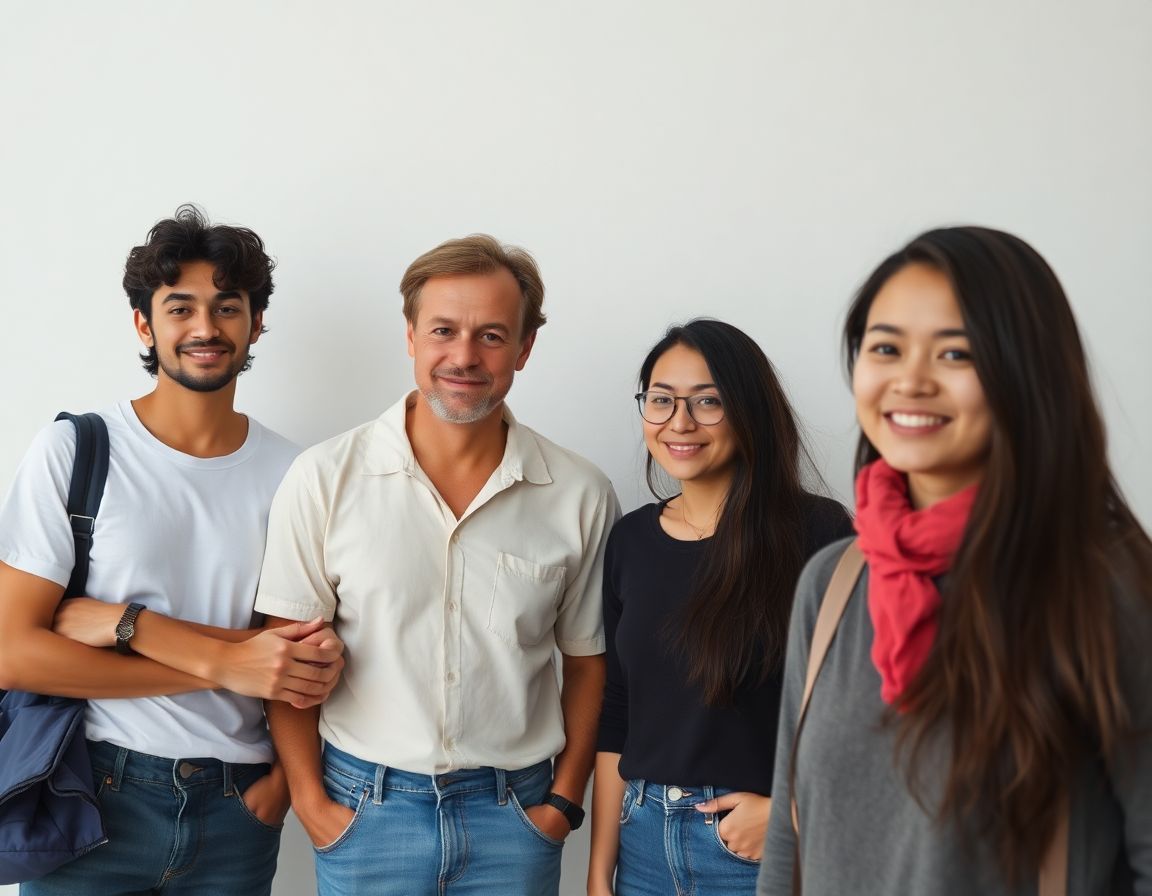 Beforetwo-person portrait
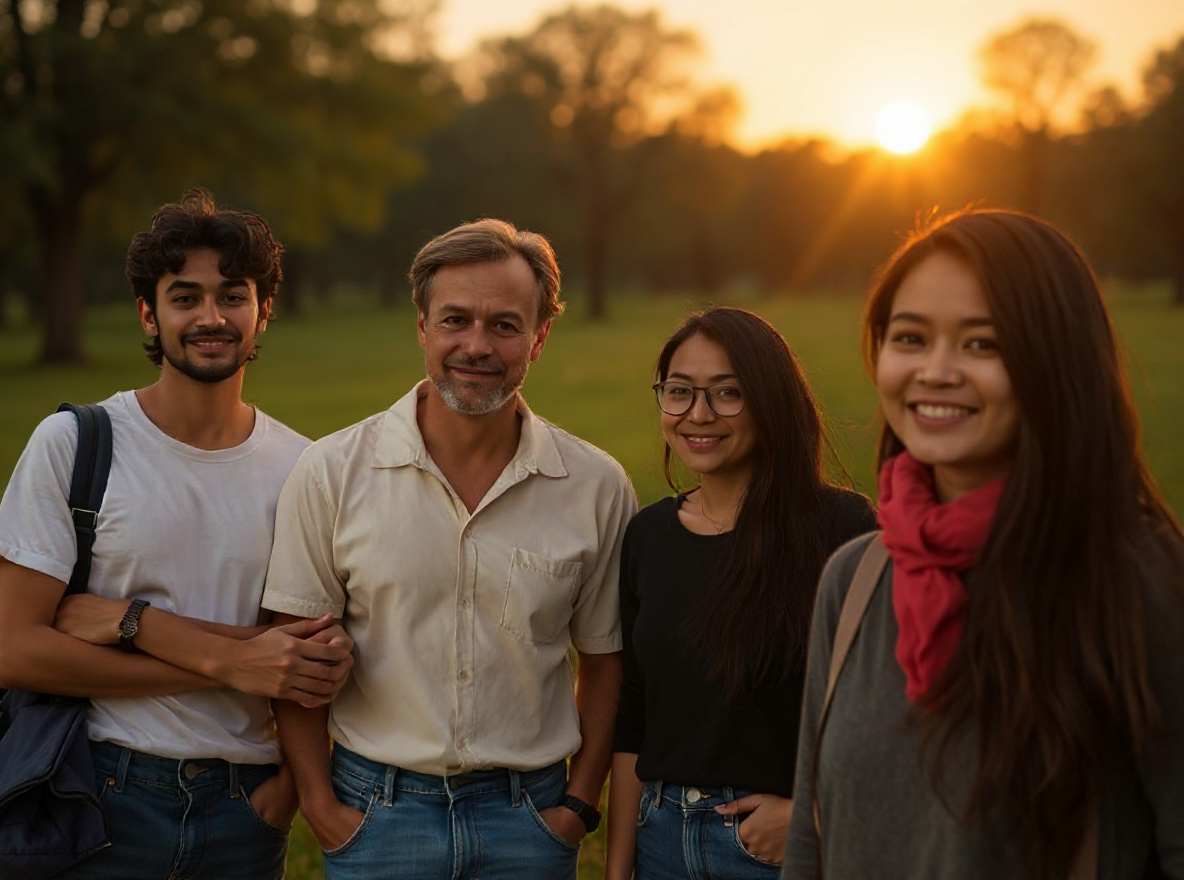 Afterwarm cinema light
This prompt helps users create a warm couple portrait edit with cinematic background, natural expressions, and consent-first identity preservation. Copy it as a same-effect edit instruction, replace variables such as outfit, background, mood, and aspect ratio, then use it in AI Editor RSP or an external AI photo editor.
Active trend · reviewed Jul 28
Real provider output · replicate · tavvahvmkxrmt0cz3qyss1wj5w. Your own source image will vary. consent-first edit.
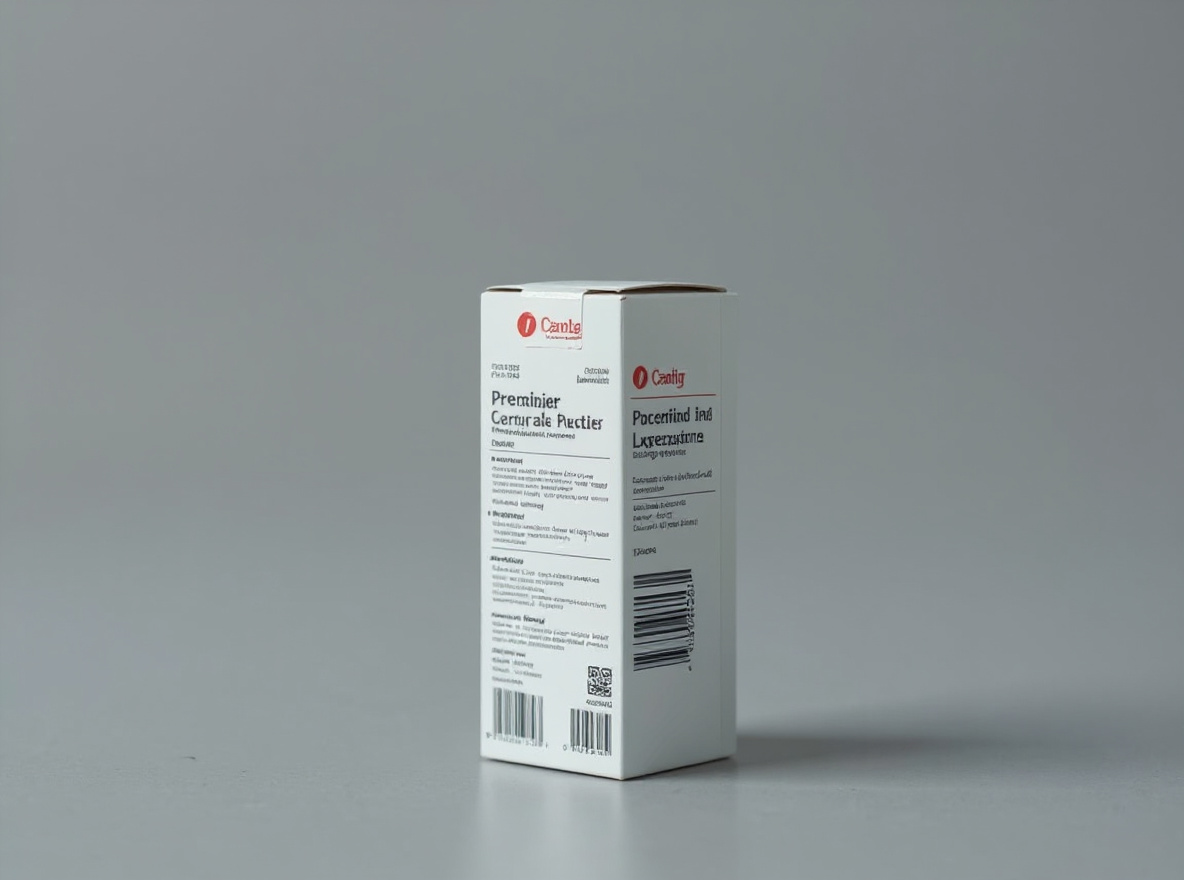
Edit this image into a warm couple portrait edit with cinematic background, natural expressions, and consent-first identity preservation. Preserve both face identities, relative pose, natural expressions, body proportions. Keep the result realistic and source-anchored. Do not change identity, proportions, readable labels, logos, UI text, or factual context unless the user explicitly asks for that specific safe change. Do not add fake text, do not distort hands, and do not imply any provider or brand endorsement.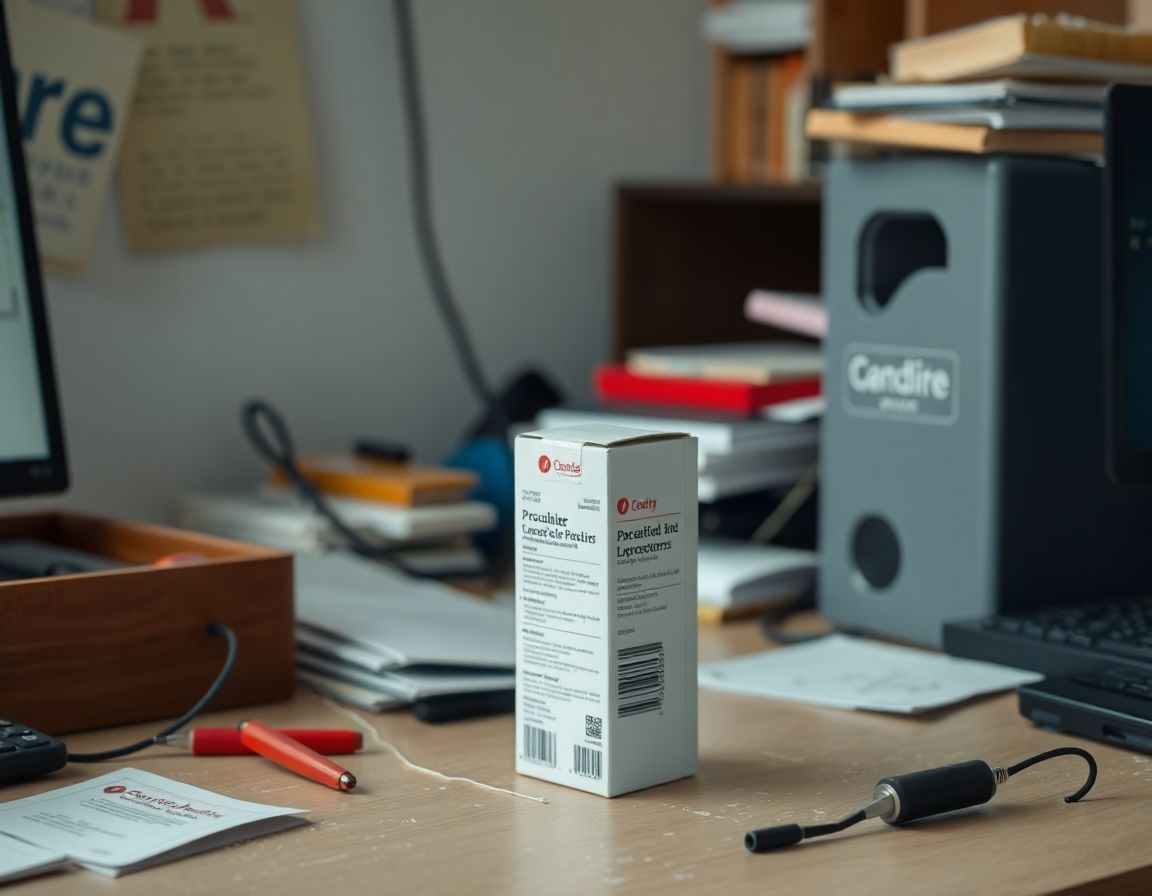 Beforeraw product
 Aftergrounded shadow
This prompt helps users create a marketplace-ready product photo with natural grounded shadow, crisp edges, and unchanged product details. Copy it as a same-effect edit instruction, replace variables such as outfit, background, mood, and aspect ratio, then use it in AI Editor RSP or an external AI photo editor.
Active trend · reviewed Jul 28
Real provider output · replicate · hmtbngxf51rmy0cz3qyrcfr8ng. Your own source image will vary. unchanged label.
Edit this image into a marketplace-ready product photo with natural grounded shadow, crisp edges, and unchanged product details. Preserve product geometry, label, material, scale. Keep the result realistic and source-anchored. Do not change identity, proportions, readable labels, logos, UI text, or factual context unless the user explicitly asks for that specific safe change. Do not add fake text, do not distort hands, and do not imply any provider or brand endorsement.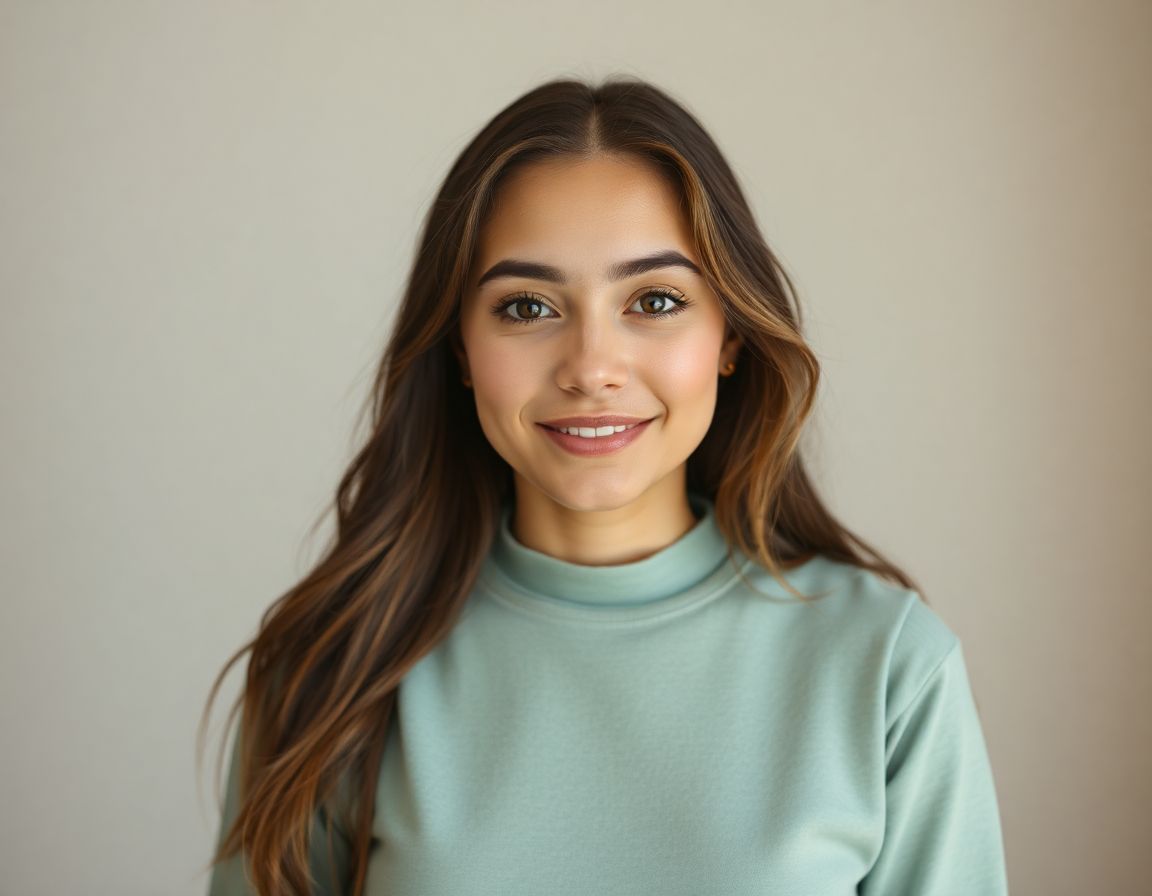 Beforephone-flash highlights
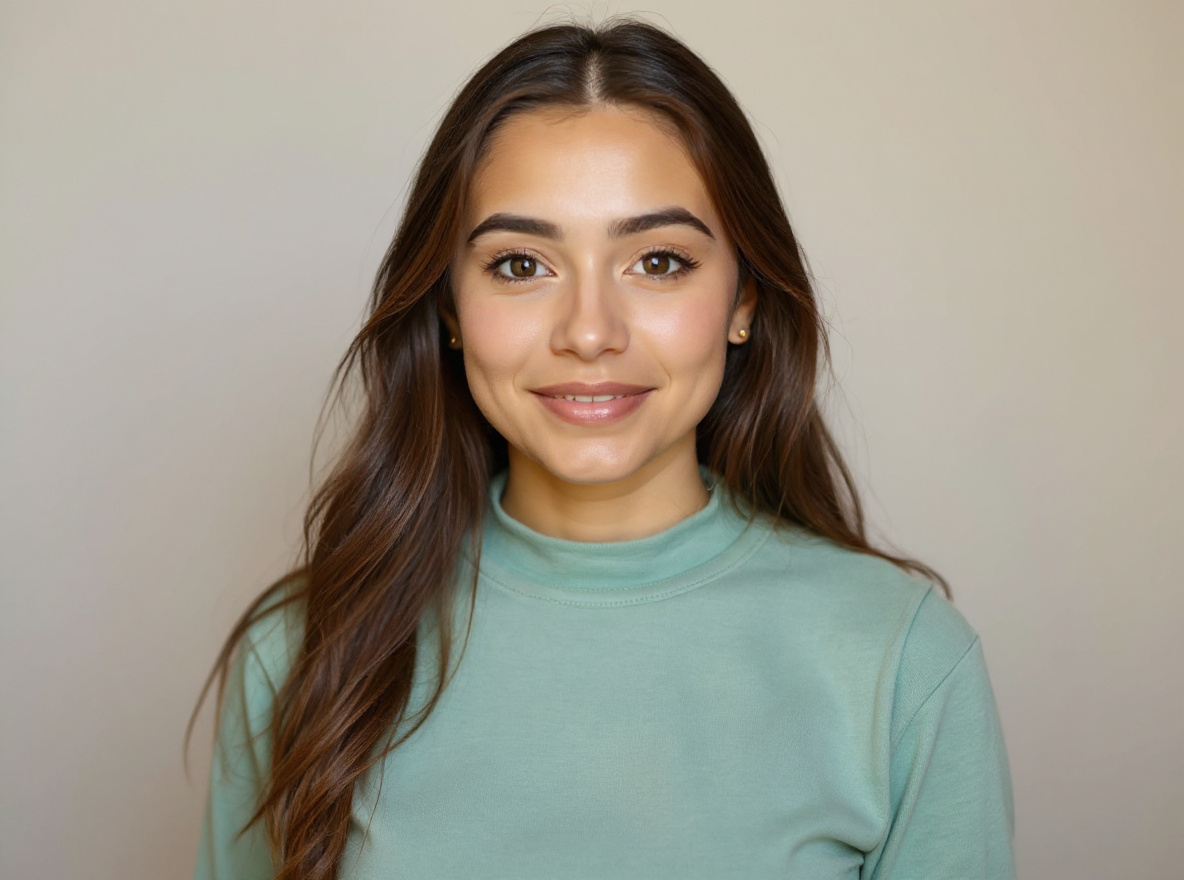 Afterclean crop
This prompt helps users create a bright flash-style social photo with clean crop, punchy highlights, and realistic skin detail. Copy it as a same-effect edit instruction, replace variables such as outfit, background, mood, and aspect ratio, then use it in AI Editor RSP or an external AI photo editor.
Active trend · reviewed Jul 28
Real provider output · replicate · qc2m99cw89rmy0cz3qxrzw4ear. Your own source image will vary. realistic skin.
Edit this image into a bright flash-style social photo with clean crop, punchy highlights, and realistic skin detail. Preserve face identity, expression, silhouette, crop safety. Keep the result realistic and source-anchored. Do not change identity, proportions, readable labels, logos, UI text, or factual context unless the user explicitly asks for that specific safe change. Do not add fake text, do not distort hands, and do not imply any provider or brand endorsement.TRY_AFTER_COPY
Copying is free. If you want to test a prompt on your own image, use the same compact editor shell and honest provider/credit state as the homepage.
EDITOR_WORKSPACE
1 · SOURCE
2 · PROMPT
SEO guide / ChatGPT photo editing prompts
This crawlable guide expands the visible product page with practical, answer-first guidance about ChatGPT photo editing prompts, reusable prompt structure, semantic alternatives, safety limits, and internal navigation for AI Editor RSP.
ChatGPT photo editing prompts work best when they are specific about the source image and honest about what must remain unchanged. A prompt like “make this better” gives the model too much freedom. A better prompt says: edit this image into a clean professional headshot, keep the same face identity, natural expression, pose, and realistic skin texture, use soft studio lighting, use a neutral background, sharpen the eyes, and do not change facial structure or add unrealistic features.
The best ChatGPT photo editing prompts include five parts: edit goal, preservation rule, visual style, output context, and negative constraints. That format works for portraits, products, backgrounds, social posts, profile photos, and campaign variations. AI Editor RSP turns these examples into reusable prompt templates so users can copy a prompt, adapt it, and apply it inside a prompt-based editor.
For portraits, ChatGPT photo editing prompts should mention identity preservation before style. Try: edit this portrait into a modern editorial headshot. Keep the same person, facial structure, natural expression, skin texture, and eye direction. Add soft side lighting, a clean charcoal background, subtle contrast, and business-casual styling. Avoid plastic skin, changed age, exaggerated makeup, extra accessories, distorted hands, or artificial facial features.
For profile photos, the prompt can add crop and platform context: create a LinkedIn-ready profile image from this photo, keep the same face identity and realistic skin, use a clean professional background, center the subject, crop to square, leave enough headroom, and avoid changing facial proportions. These ChatGPT photo editing prompts are safer because they tell the model what should not change.
Product edits need stricter preservation. Use ChatGPT photo editing prompts such as: edit this product photo into an ecommerce hero image. Preserve the exact product shape, material, label, logo placement, color, and proportions. Remove background clutter, add a clean studio surface, use realistic soft shadows, improve lighting, and keep all package text accurate. Do not invent claims, change the label, add fake branding, or distort the item.
For lifestyle scenes, add the scene only after the preservation rule: place the same product on a minimal bathroom counter with warm morning light, realistic reflections, and a premium editorial feel, while preserving the exact bottle, cap, label, color, and scale. A reusable prompt like this is more reliable than a broad request for a better product image.
Background prompts should describe both removal and replacement. Example: keep the person unchanged, remove the messy background, place the subject in a clean neutral studio setting, add soft depth of field, match the original perspective, and keep lighting realistic. Avoid halos, cutout edges, mismatched shadows, extra limbs, or new objects that distract from the subject.
Lighting prompts should be modest and realistic. Instead of asking for dramatic changes that may rewrite the whole photo, use ChatGPT photo editing prompts that say: enhance the existing light, add soft fill light, preserve natural shadows, reduce harsh highlights, keep skin texture, and avoid over-smoothing. This gives the model a clear editing boundary.
Do not use ChatGPT photo editing prompts to impersonate real people, create explicit edits, fabricate evidence, mislead customers, or use copyrighted characters and logos in a confusing way. If the image involves a minor, sensitive identity, medical context, financial claim, or legal evidence, keep the edit conservative or do not edit it. A good prompt should make the ethical boundary visible.
When adapting a prompt, change one variable at a time: style, background, lighting, crop, or platform. Keeping the preservation rule stable makes it easier to compare results and choose which reusable photo editing prompt belongs in your library.
ChatGPT photo editing prompts are natural-language instructions for editing an existing image. They describe what to change, what to preserve, which style to apply, and what to avoid.
Yes. AI Editor RSP is designed to turn copy-paste prompt formulas into reusable style prompts for the editor workflow.
Preservation instructions help reduce unwanted changes to face identity, product shape, labels, pose, lighting, and composition.
No. Use only images you own or have permission to edit, and avoid impersonation, explicit, deceptive, illegal, or IP-infringing edits.