RSPAI Editor RSP
Start Editing

AI EDITOR RSP · TRENDING PROMPT HUB · UPDATED WEEKLY

AI Editor RSP for Viral Photo Editing Prompts

Use AI Editor RSP to find RSP-style photo prompts seen on Reels, Shorts, Instagram, and WhatsApp. Copy prompts for free, build your own prompt, or upload a photo to try one signed-in preview edit before you pay.

  • 75 prompt effects
  • Copy is free
  • 1 signed-in free edit
  • Consent-first editing

Catalog reviewed Jul 28 · AI Editor RSP effects refreshed weekly

TRENDING RSP PROMPT HUB · UPDATED WEEKLY

See the trend, copy the prompt, try it with your photo.

Every card shows real before/after proof, freshness state, and three separate paths: copy, use the template page, or open the editor with the prompt prefilled.

Open 75-effect hub
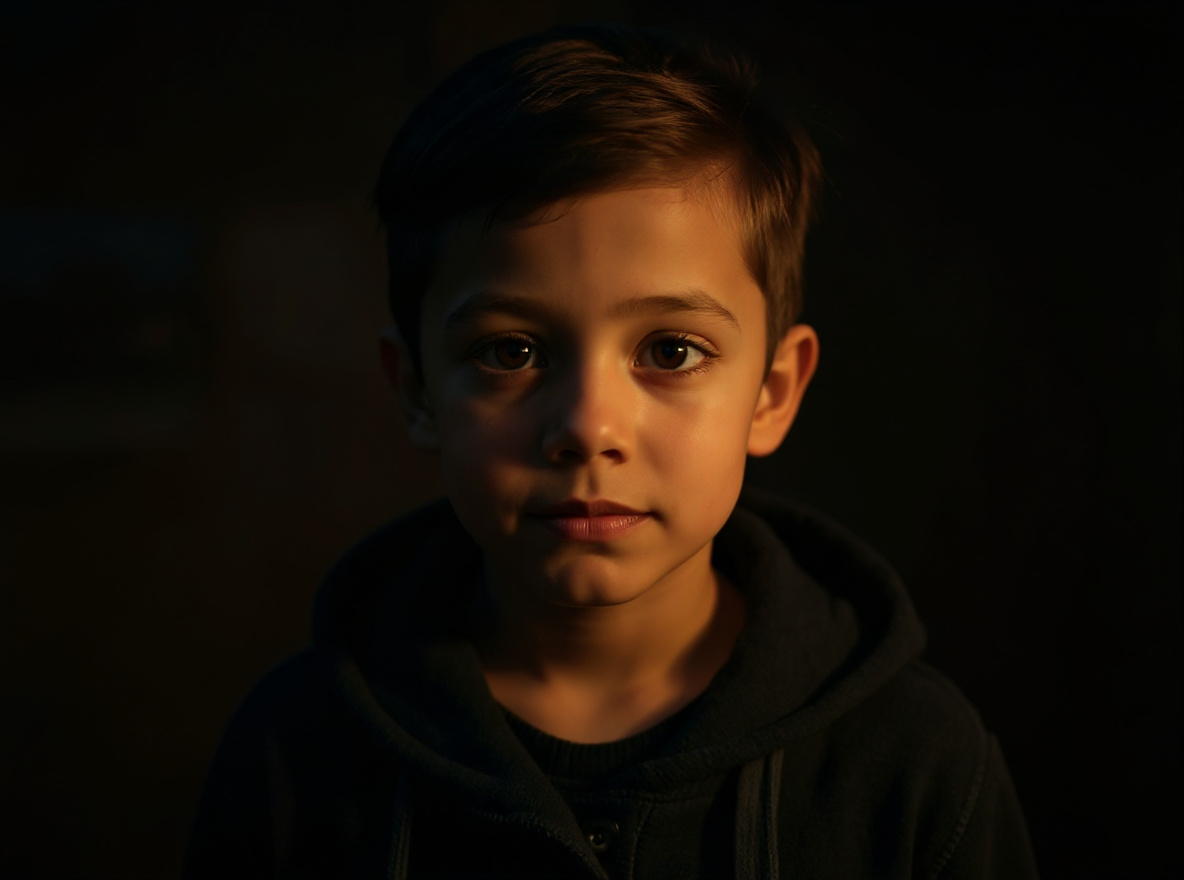
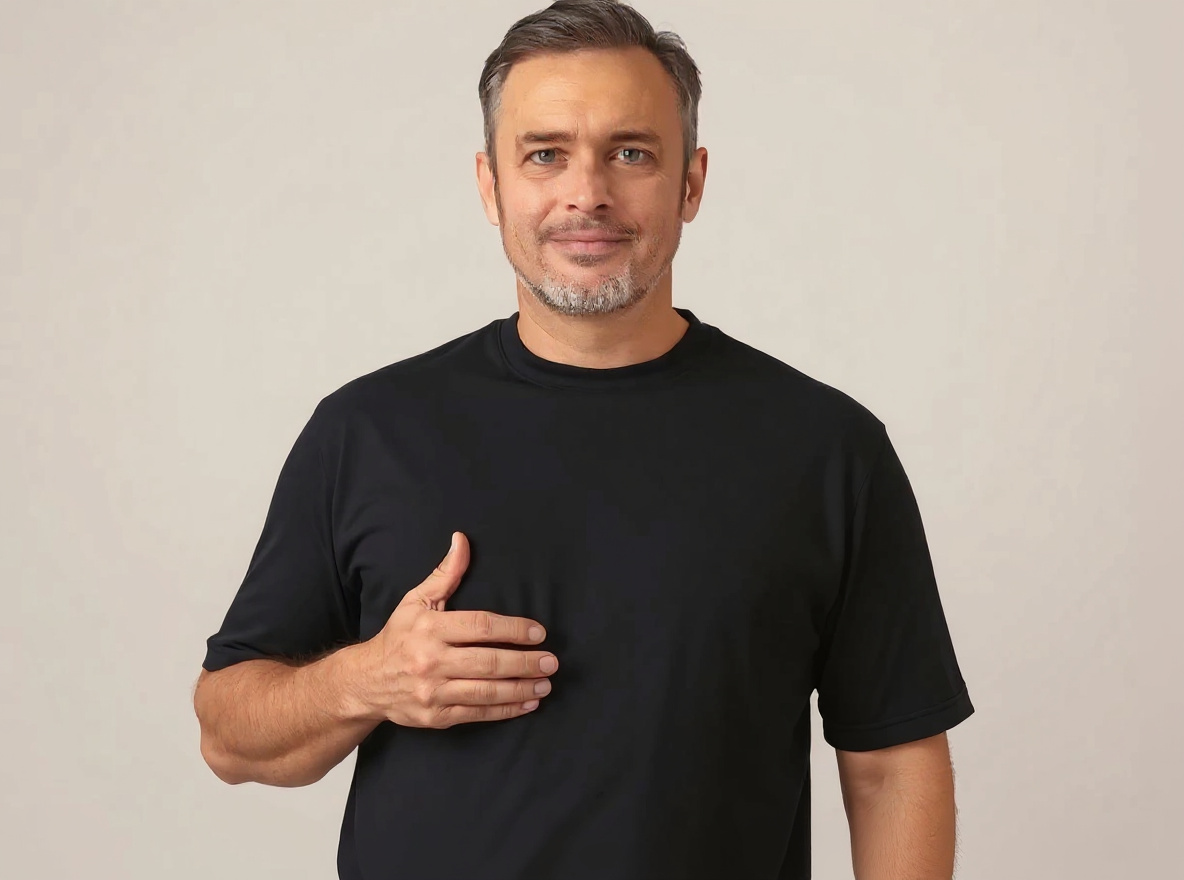
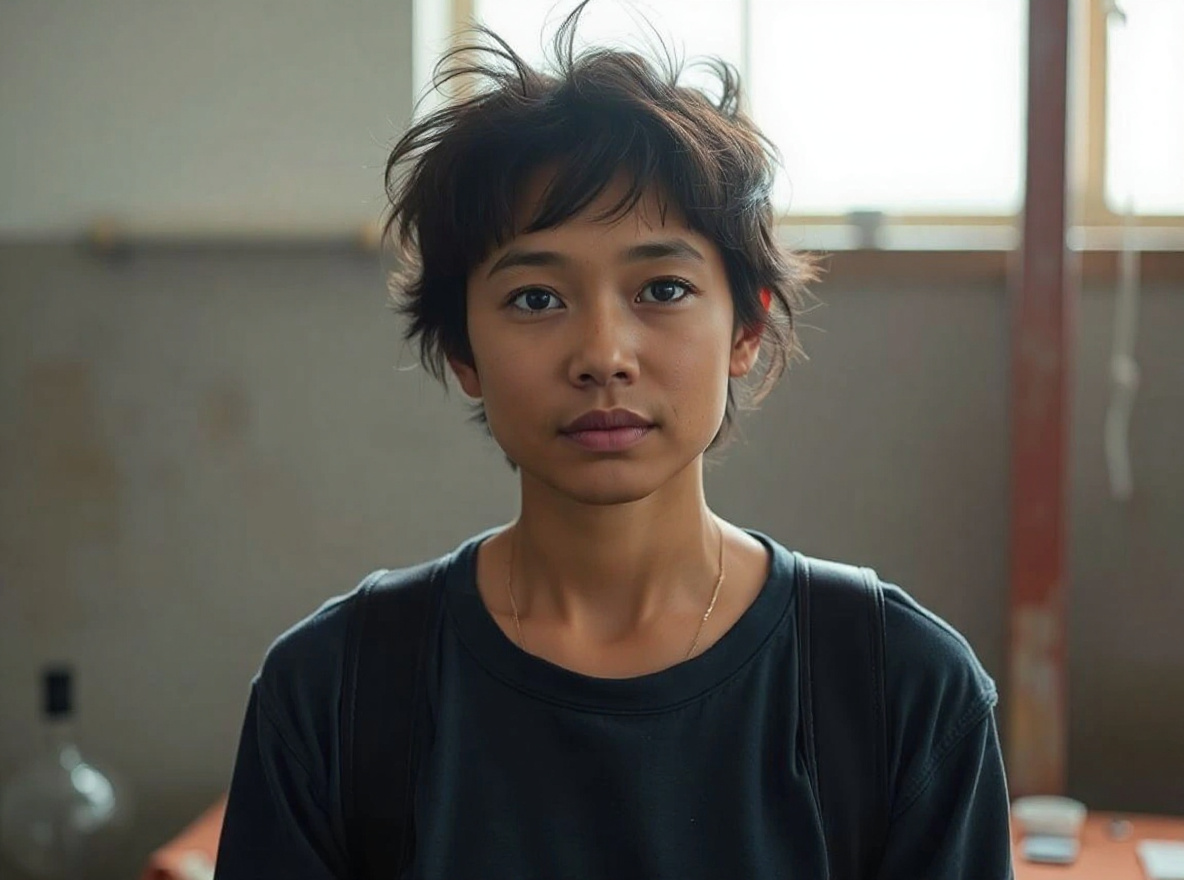
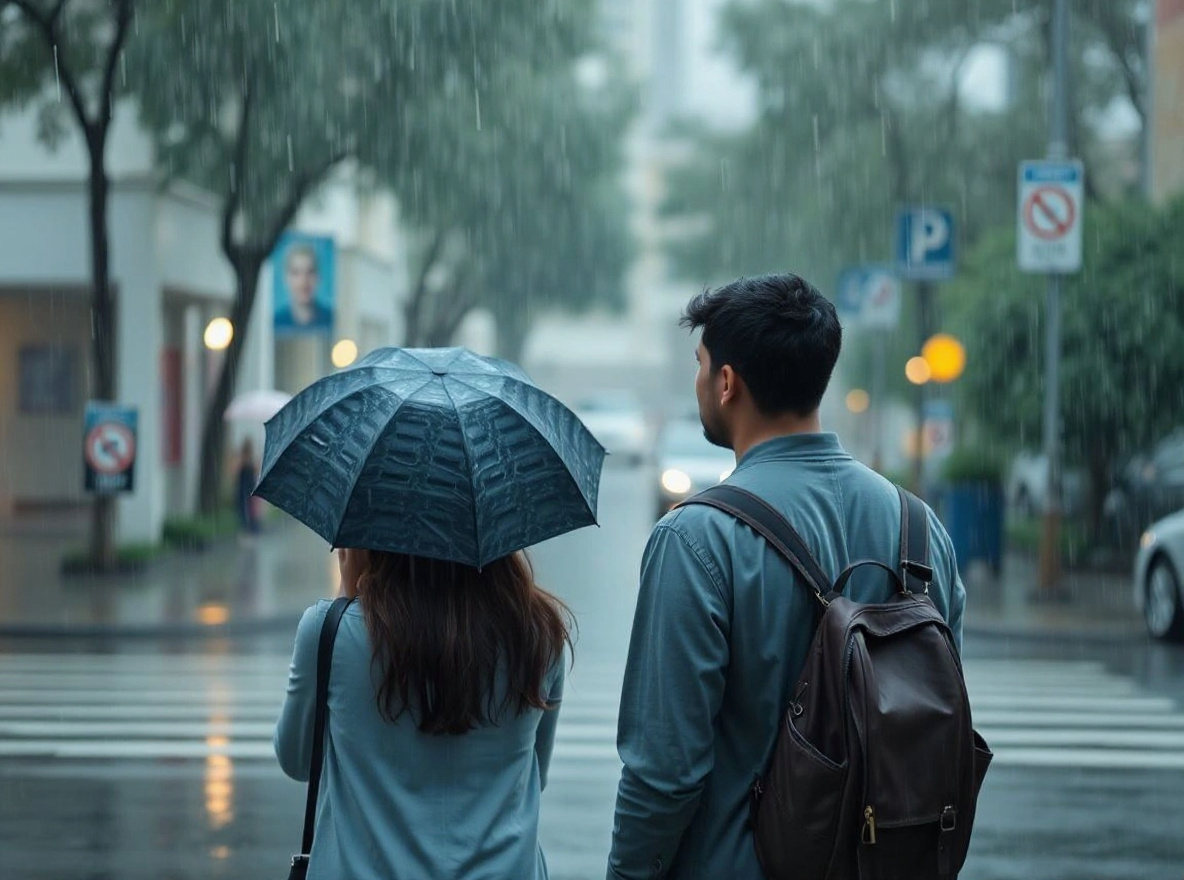
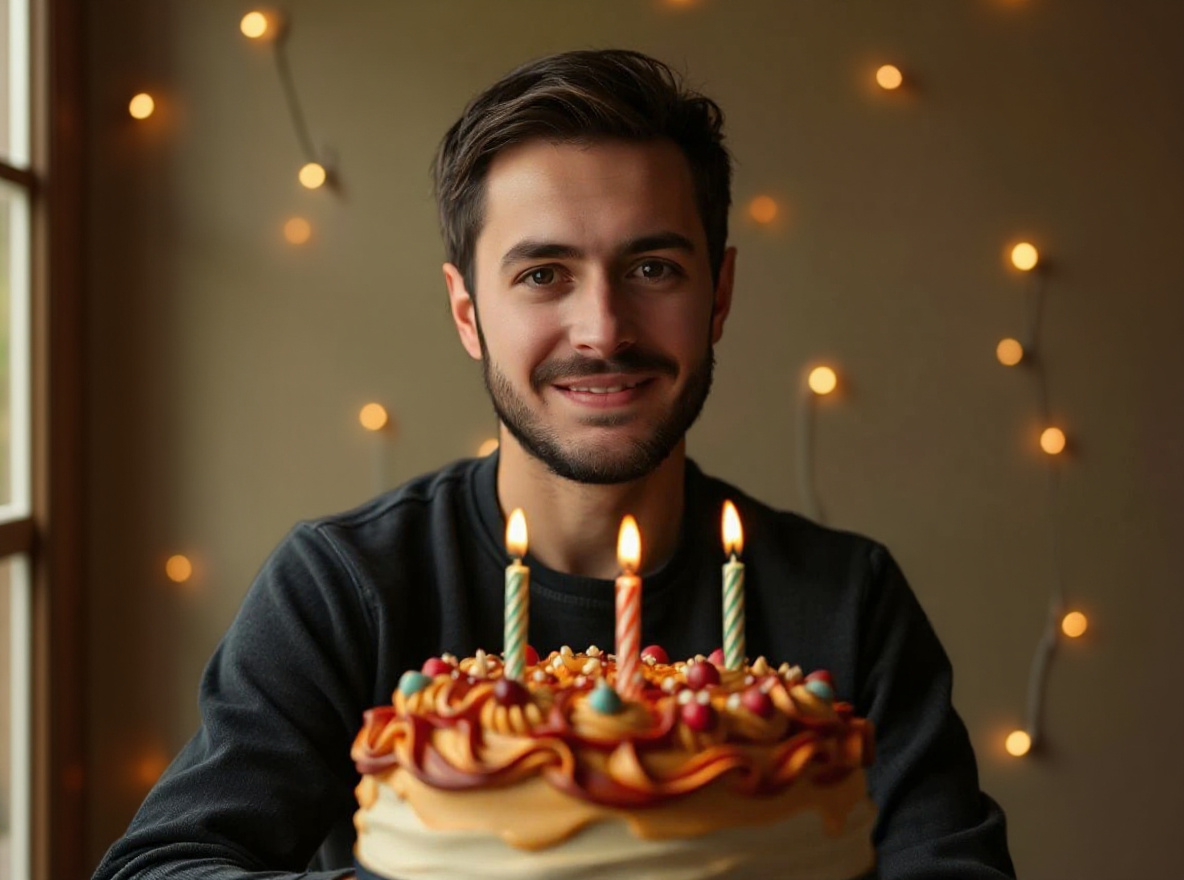
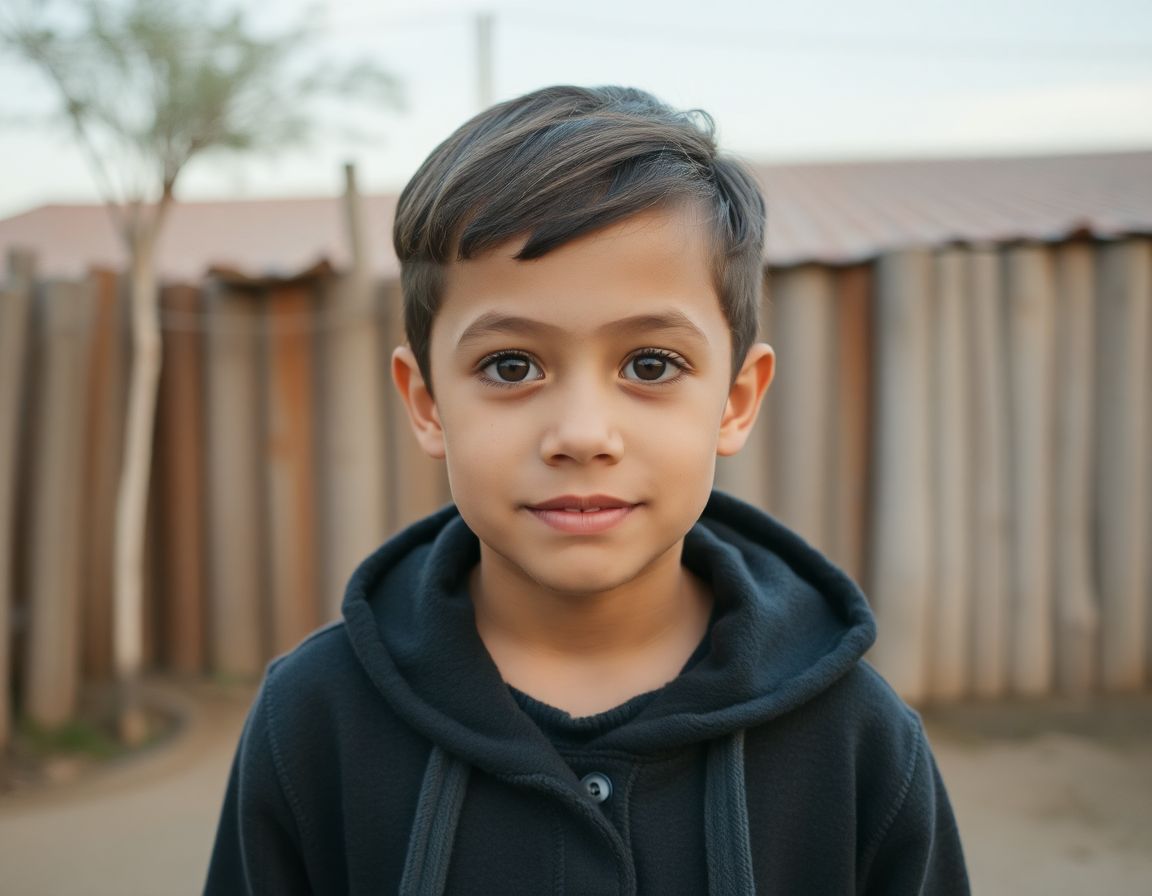
RSP AI Editing Boy Cinematic Prompt before sourceBeforesource photo
RSP AI Editing Boy Cinematic Prompt after provider outputAfterstyle reference

RSP / India Social Trends#1

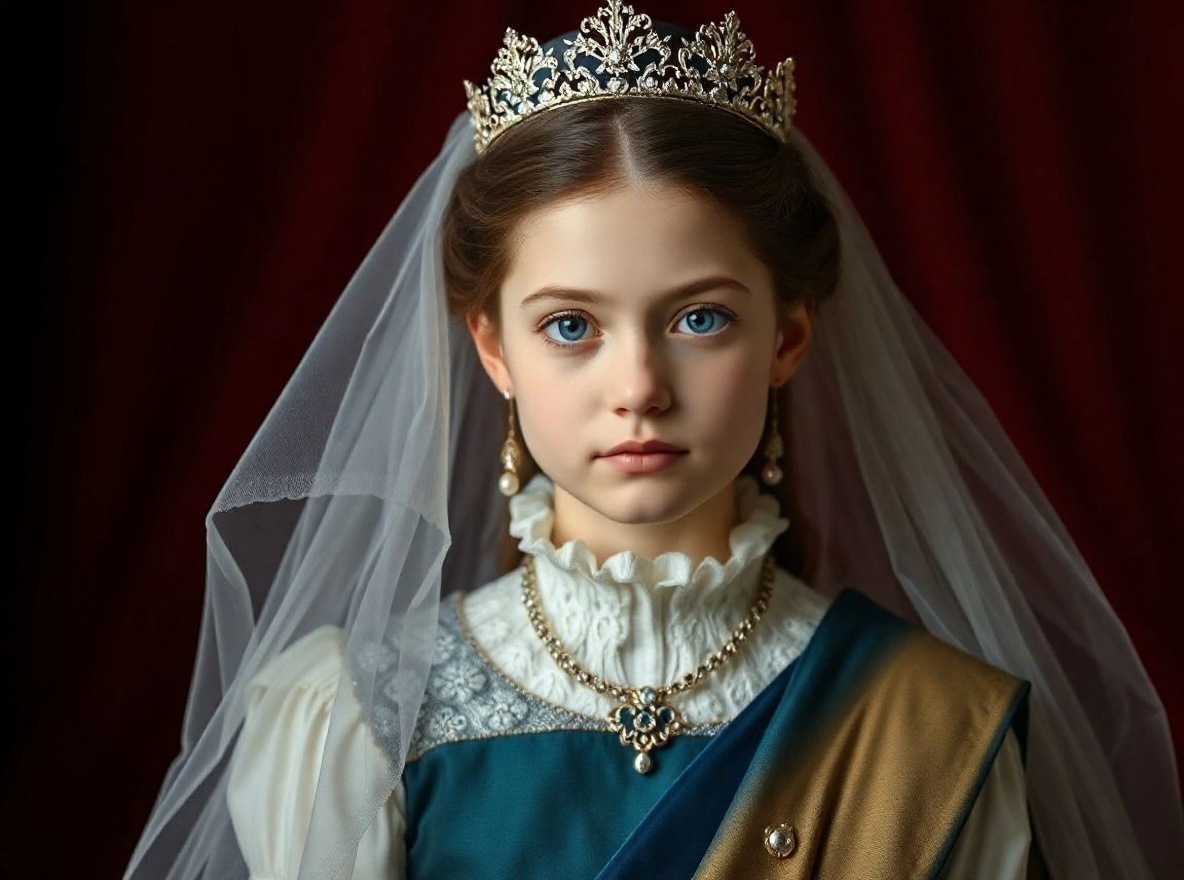
RSP AI Editing Boy Cinematic Prompt

This prompt helps users create a cinematic AI boy portrait with dramatic depth, golden-hour light, and identity-preserving face detail. Copy it as a same-effect edit instruction, replace variables such as outfit, background, mood, and aspect ratio, then use it in AI Editor RSP or an external AI photo editor.

Active trend · reviewed Jul 28

Real provider output · replicate · 7qbqr3k2mdrmy0cz3qxrx21yzg. Your own source image will vary. provider state visible.

Edit this image into a cinematic AI boy portrait with dramatic depth, golden-hour light, and identity-preserving face detail. Preserve face identity, hairstyle, pose, outfit shape. Keep the result realistic and source-anchored. Do not change identity, proportions, readable labels, logos, UI text, or factual context unless the user explicitly asks for that specific safe change. Do not add fake text, do not distort hands, and do not imply any provider or brand endorsement.
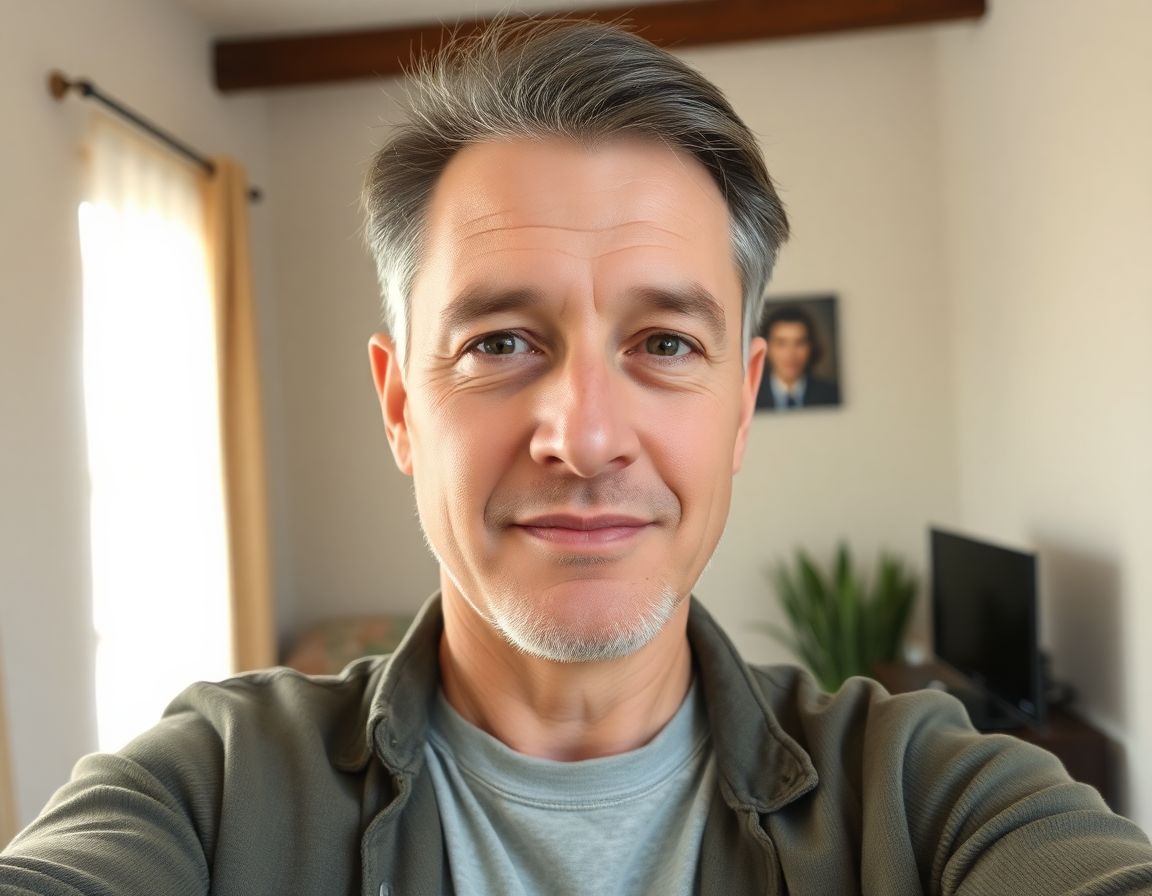
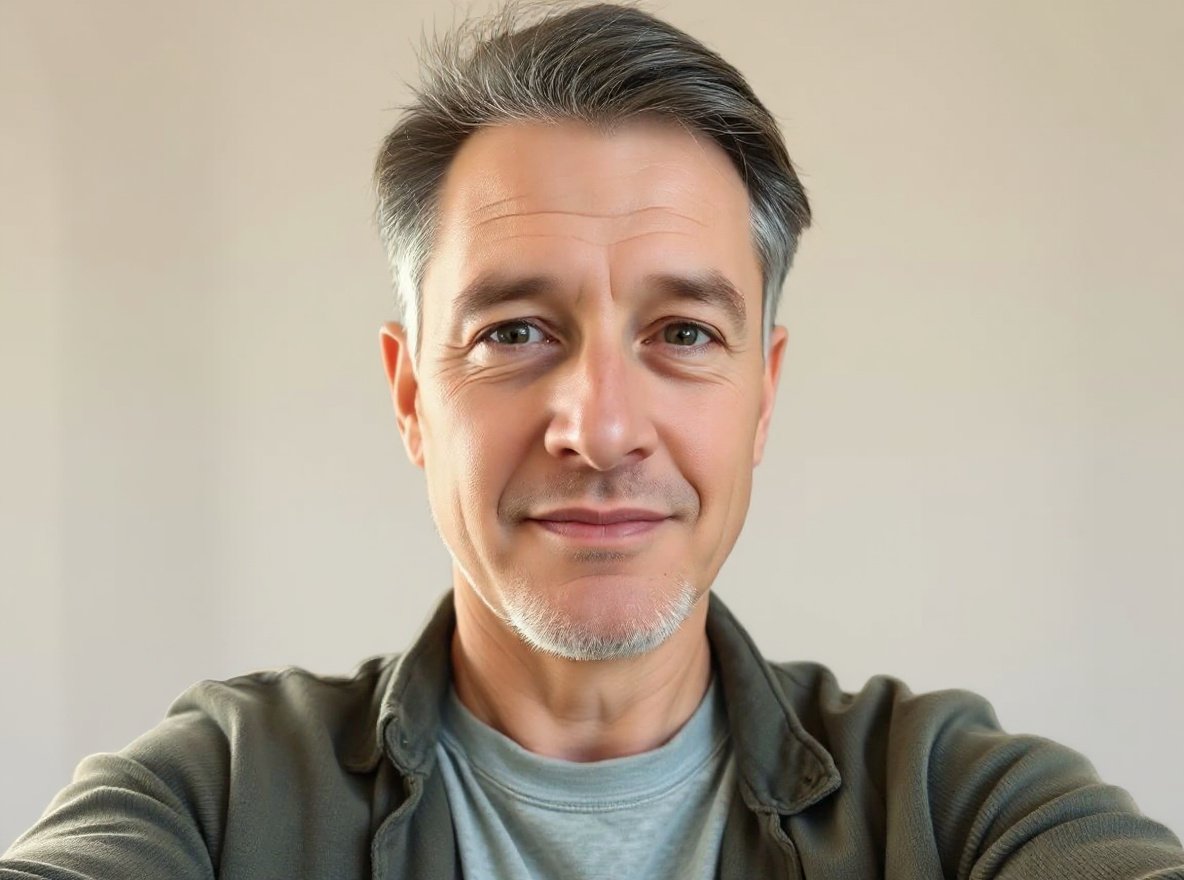
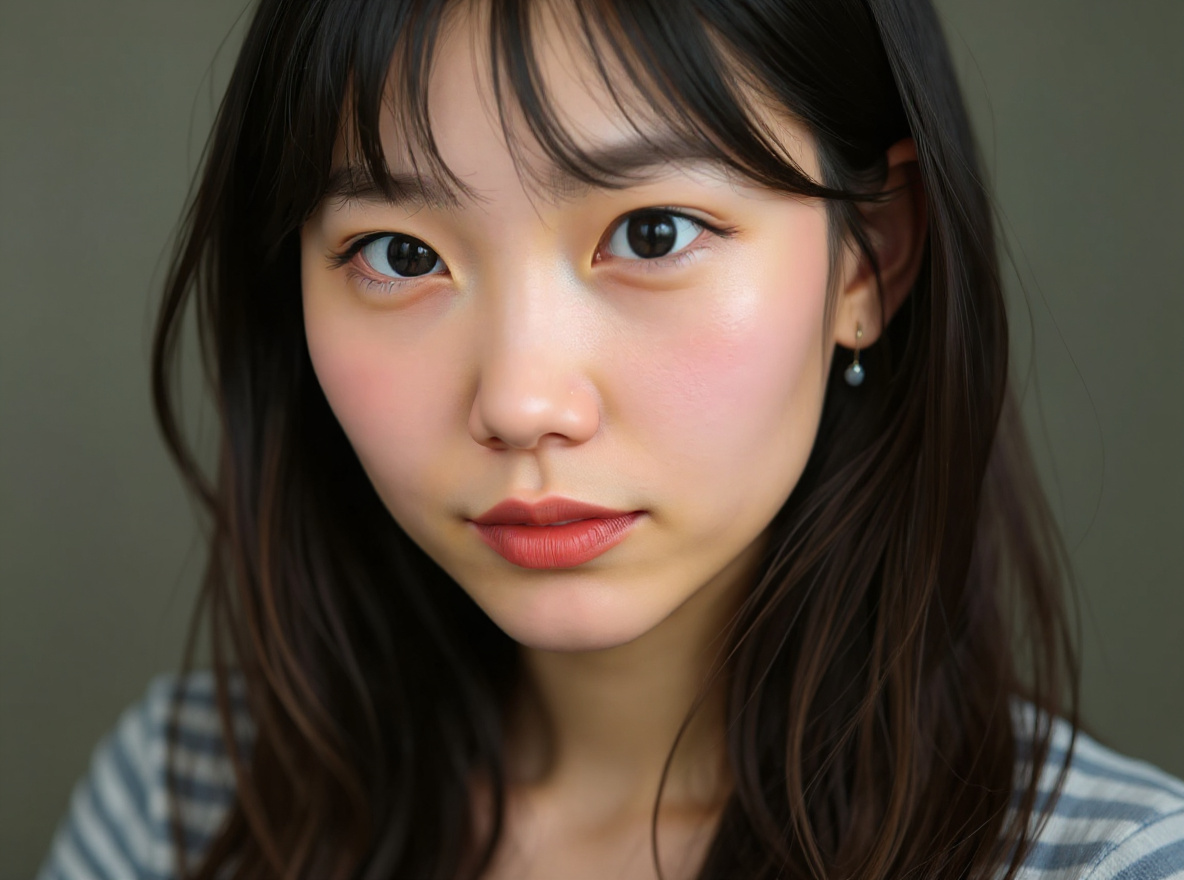
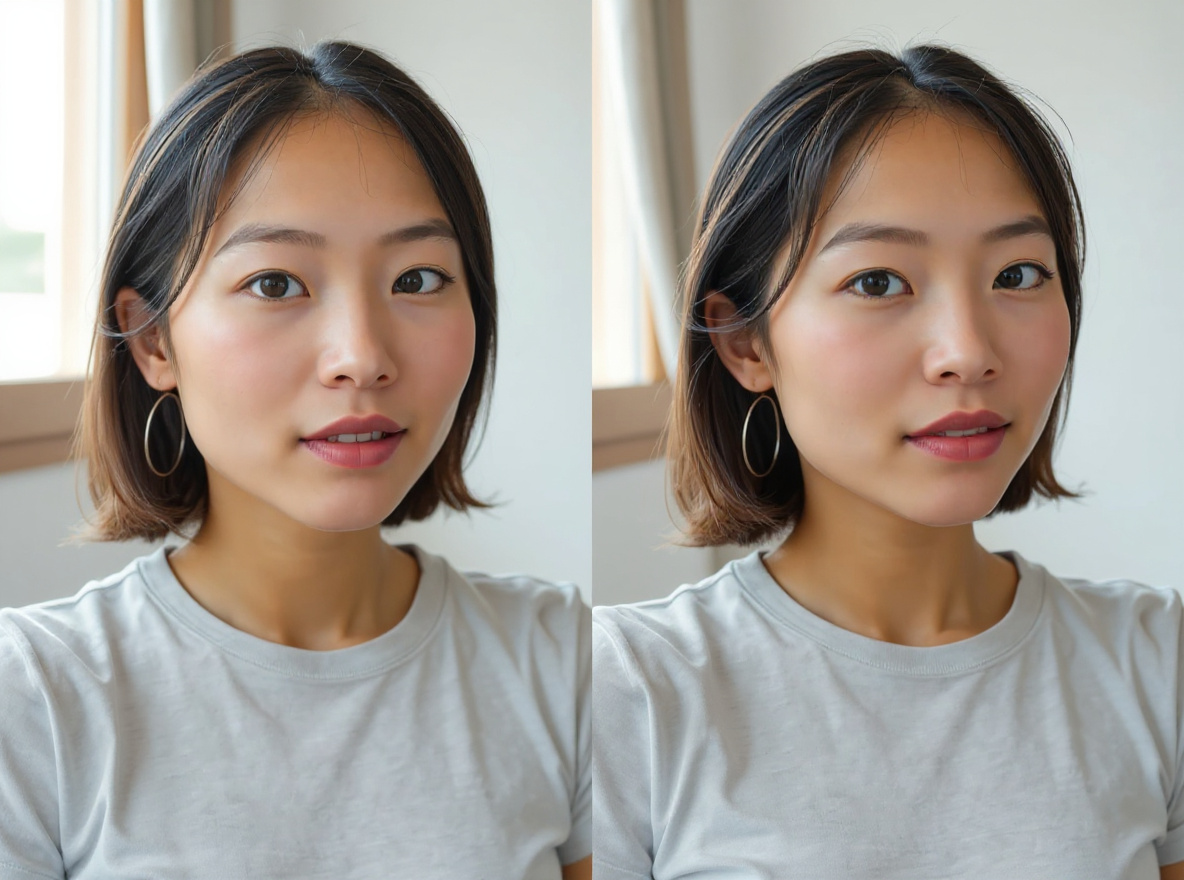
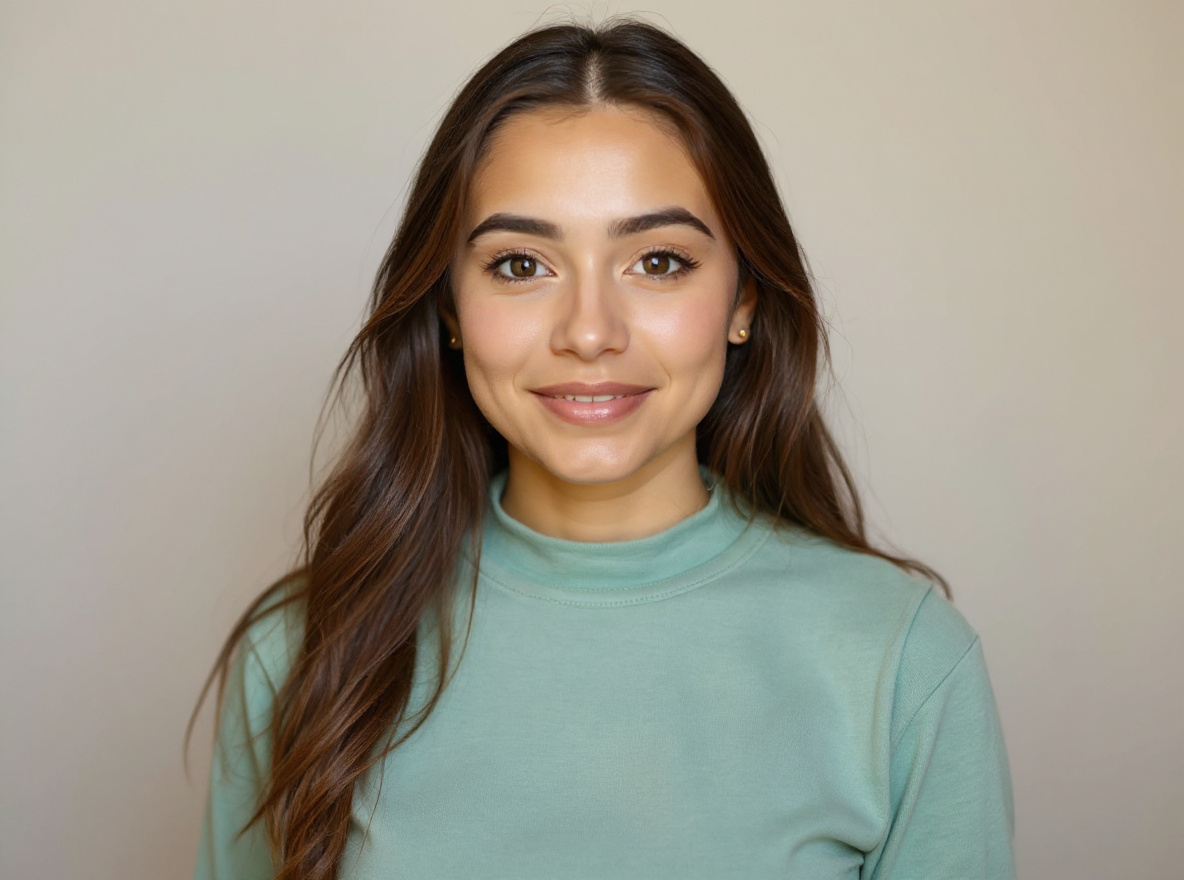
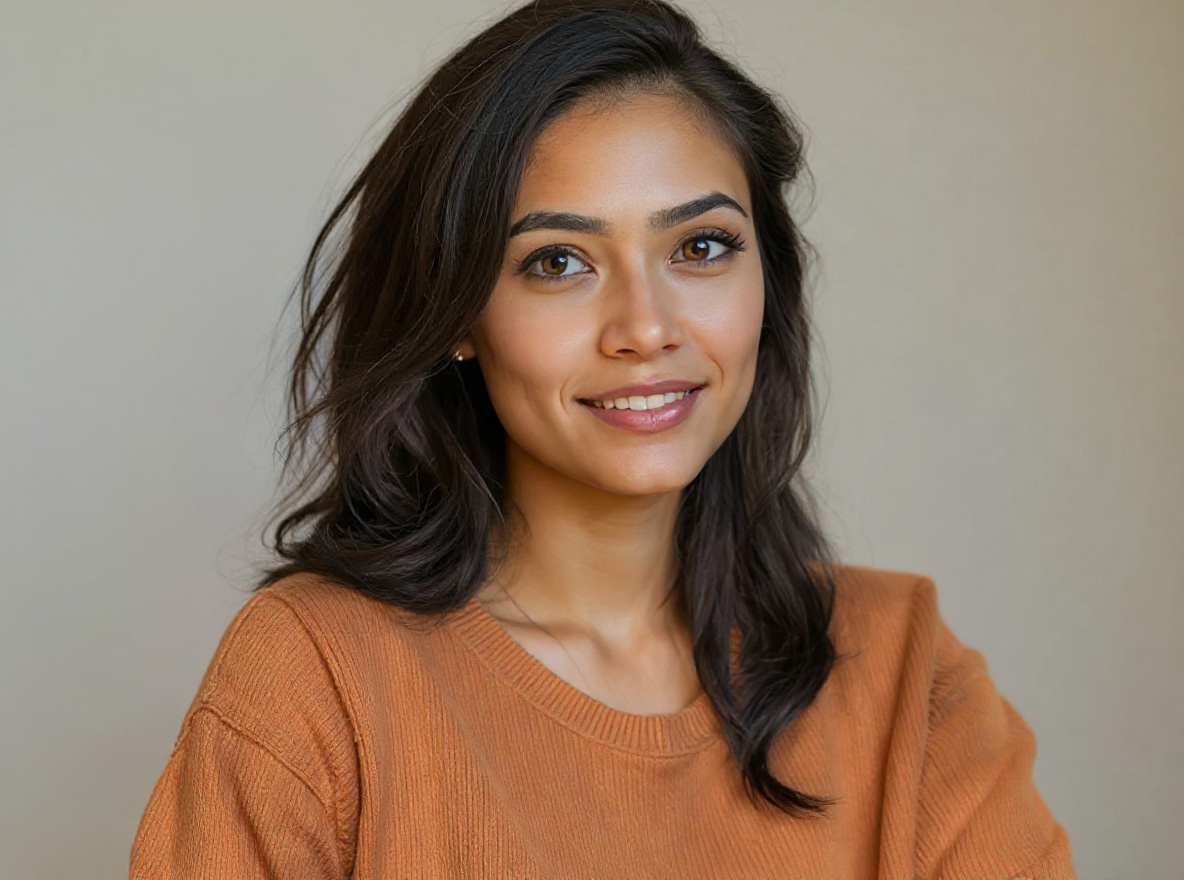
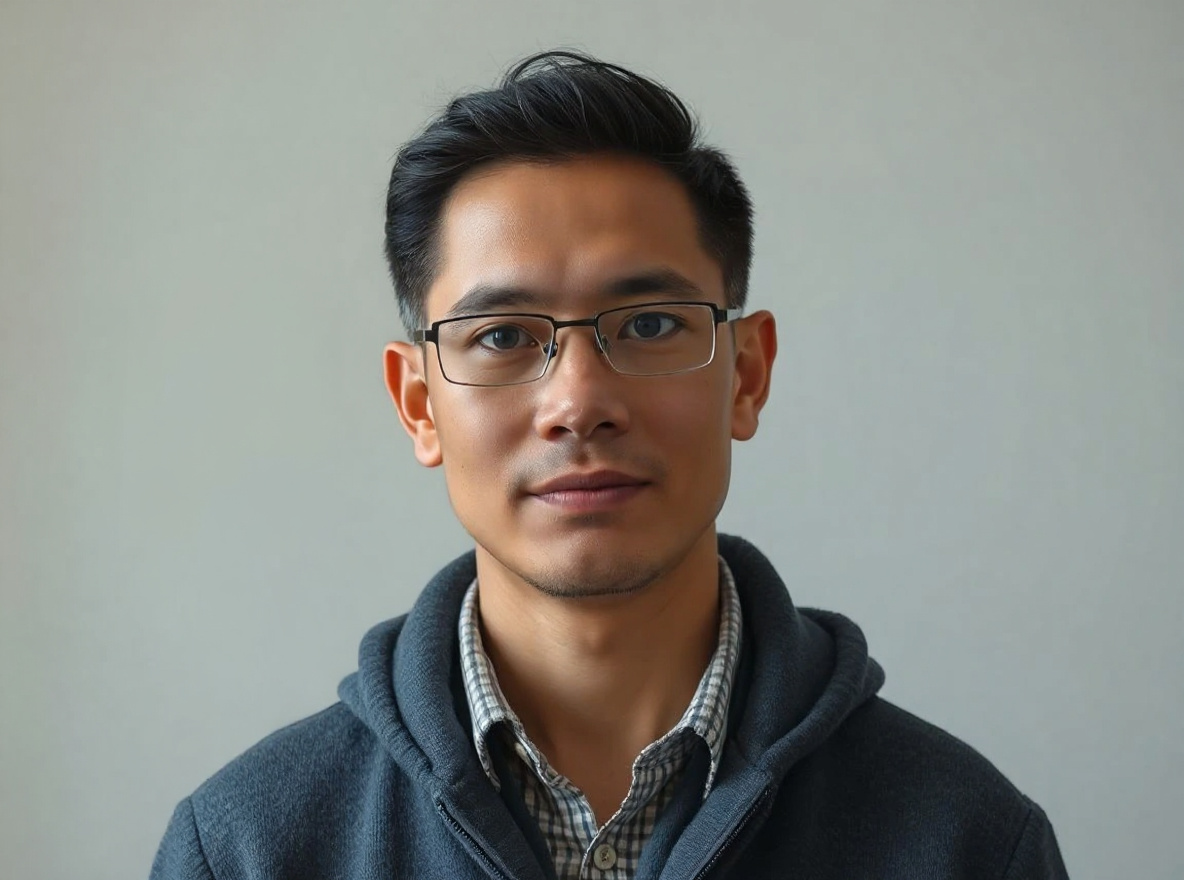
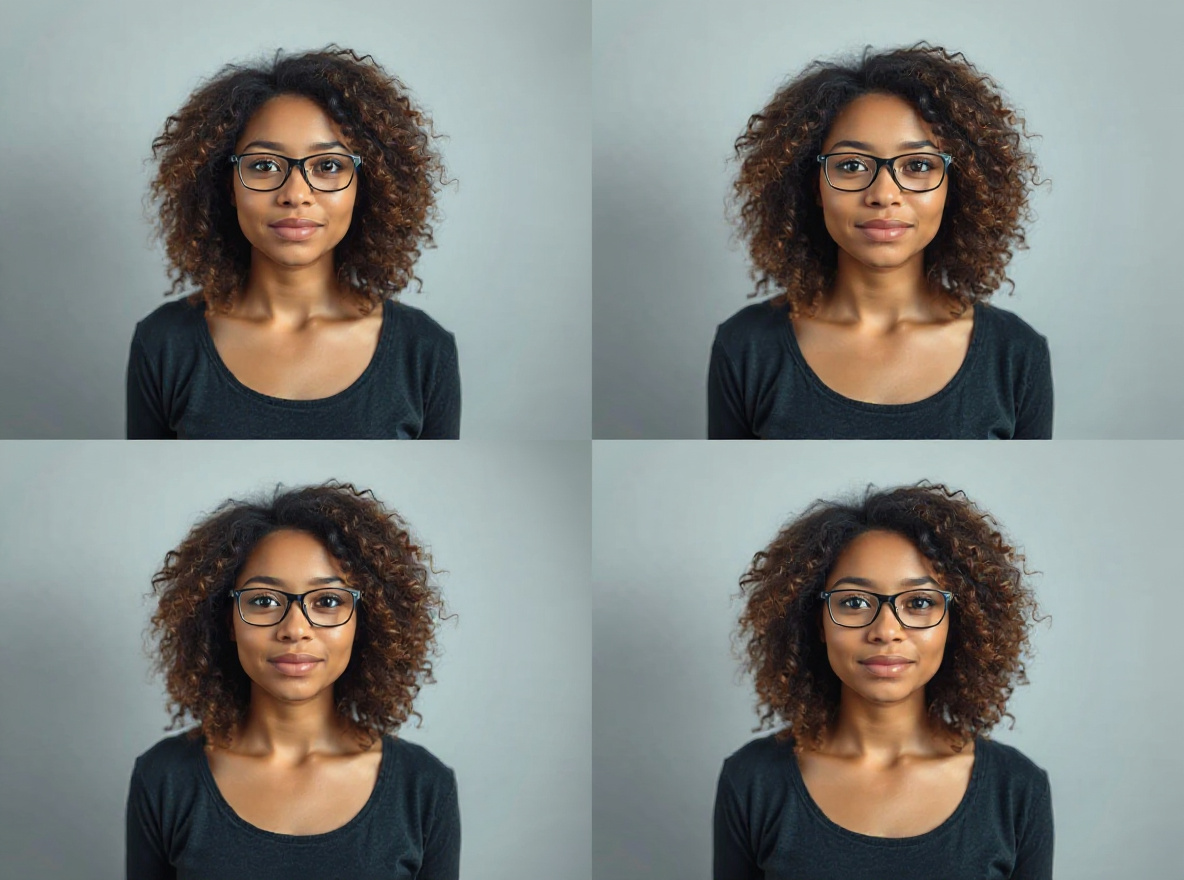
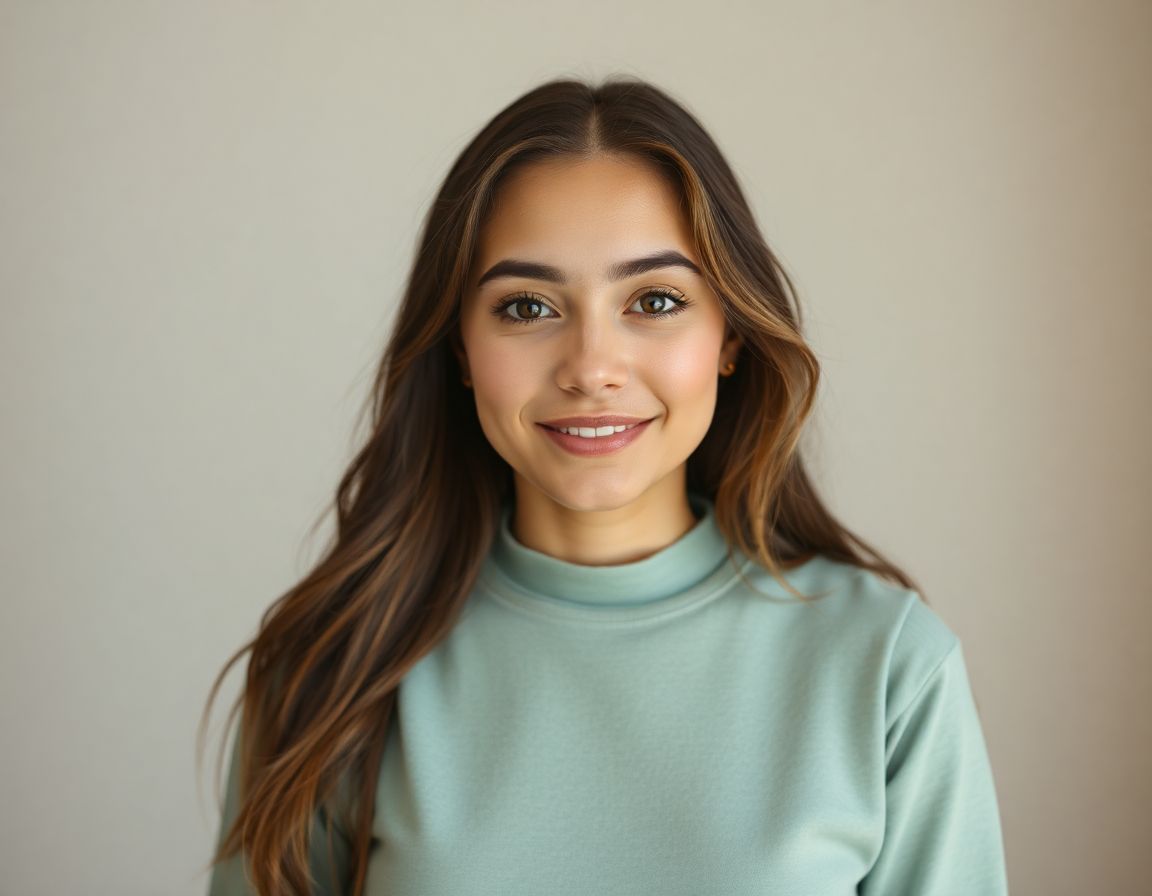
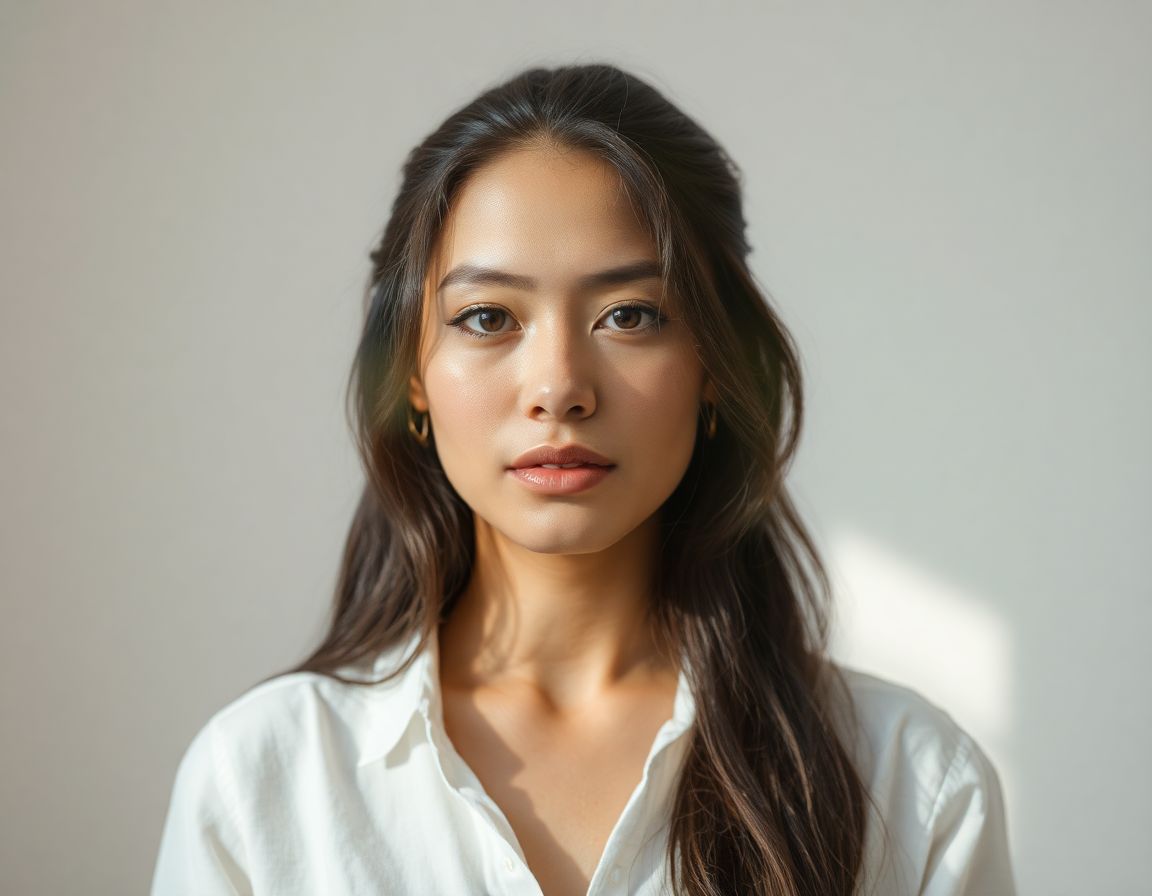
Professional Headshot From Selfie Prompt before sourceBeforeselfie source
Professional Headshot From Selfie Prompt after provider outputAfterstudio light

Personal Photo#2

Professional Headshot From Selfie Prompt

This prompt helps users create a clean professional studio headshot with soft light, neutral background, and realistic skin texture. Copy it as a same-effect edit instruction, replace variables such as outfit, background, mood, and aspect ratio, then use it in AI Editor RSP or an external AI photo editor.

Evergreen active · reviewed Jul 28

Real provider output · replicate · 4mjzq3b401rmt0cz3qxtfsrmm0. Your own source image will vary. neutral background.

Edit this image into a clean professional studio headshot with soft light, neutral background, and realistic skin texture. Preserve face identity, expression, skin texture, hairline. Keep the result realistic and source-anchored. Do not change identity, proportions, readable labels, logos, UI text, or factual context unless the user explicitly asks for that specific safe change. Do not add fake text, do not distort hands, and do not imply any provider or brand endorsement.
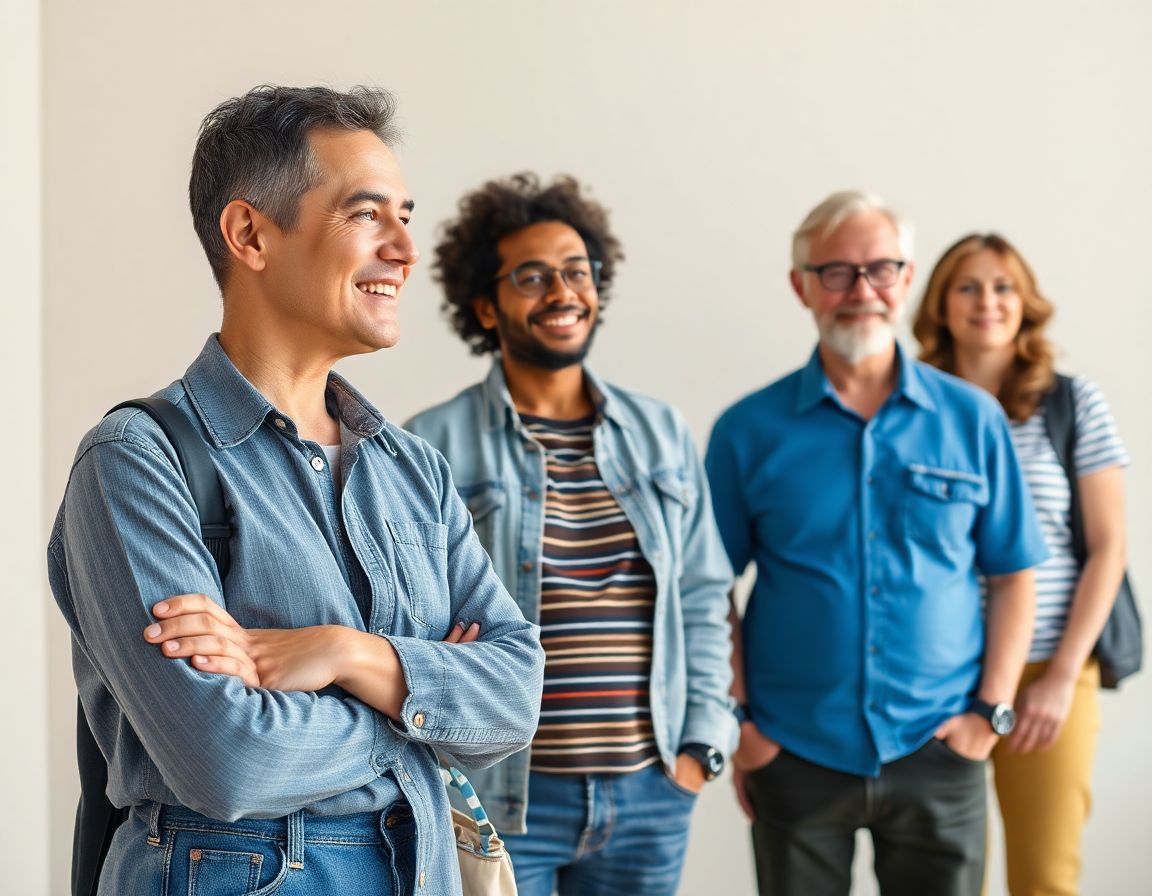
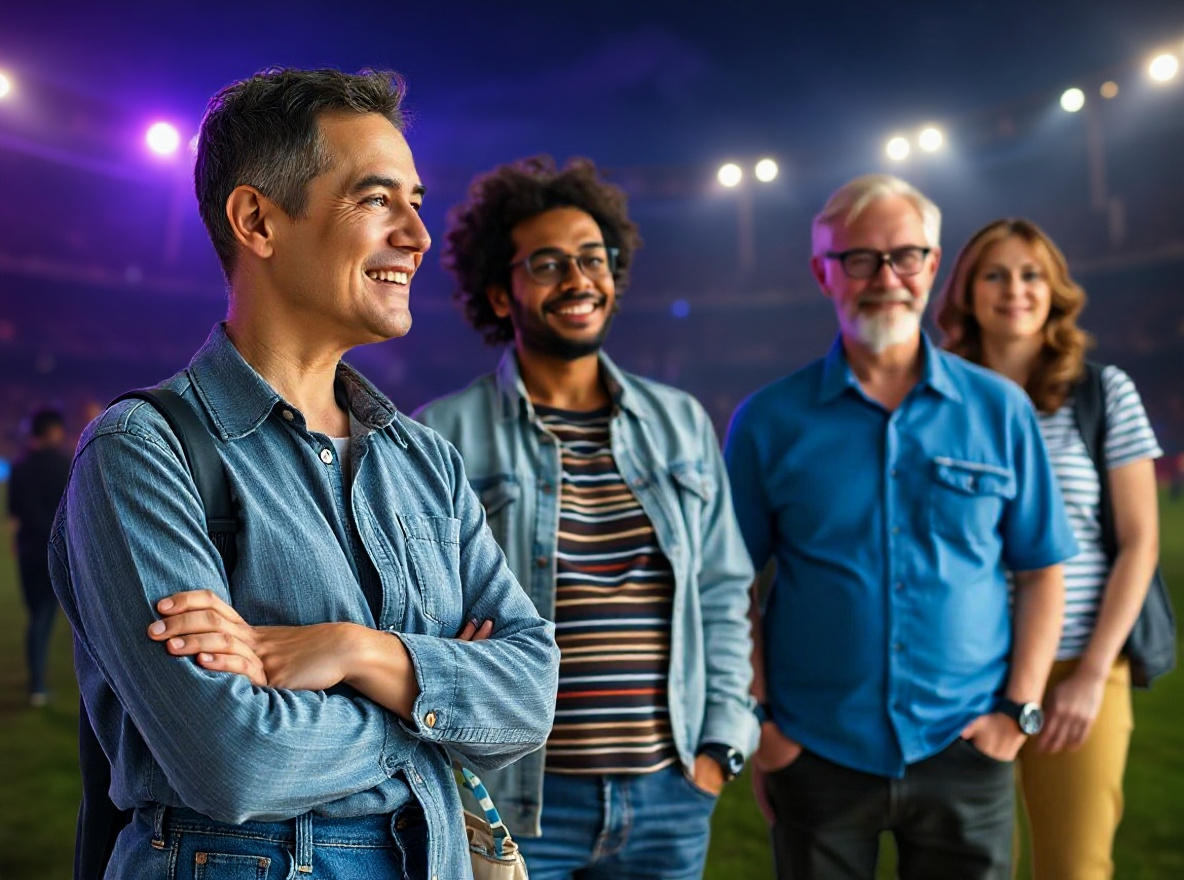
Gemini IPL AI Photo Editing Prompt before sourceBeforestadium energy
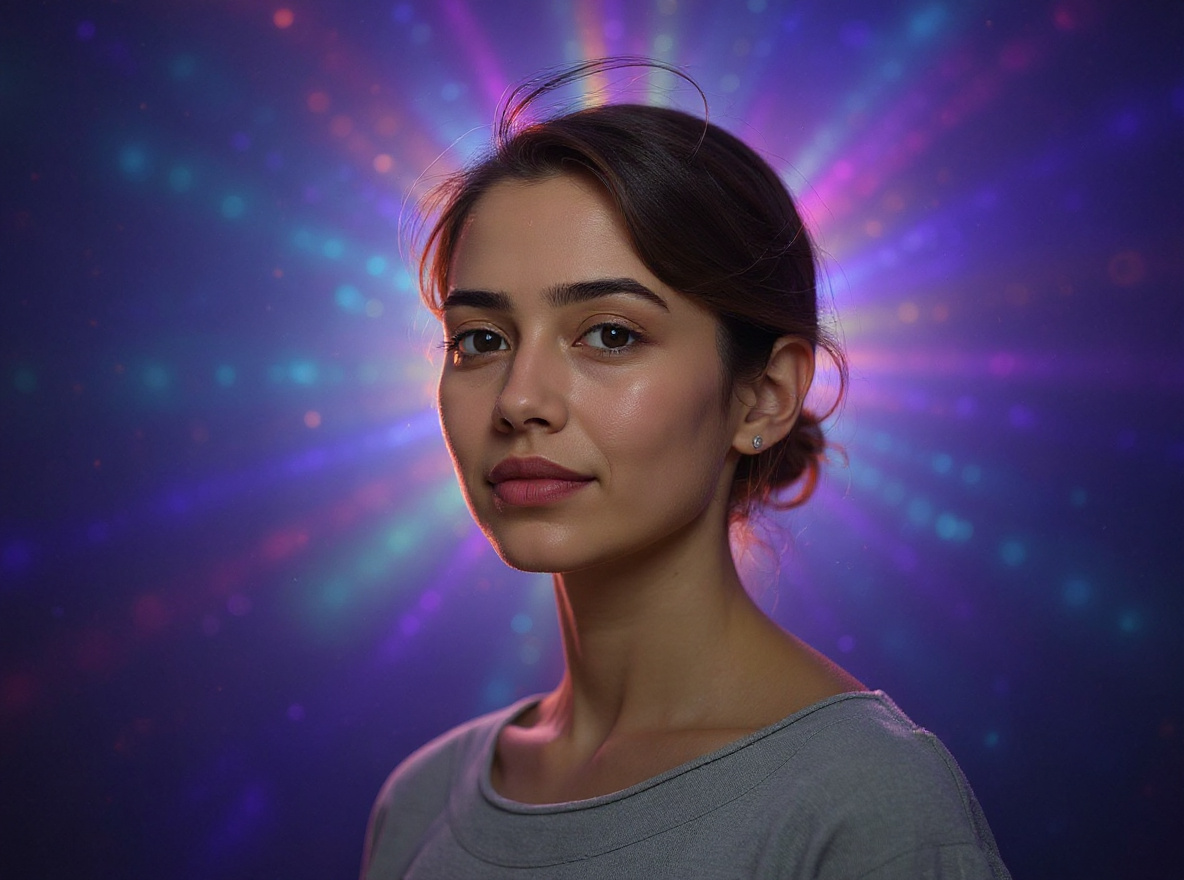
Gemini IPL AI Photo Editing Prompt after provider outputAfterfan-style colors

Festival / Culture#3

Gemini IPL AI Photo Editing Prompt

This prompt helps users create a cricket-season social portrait with team-color lighting, stadium energy, and safe non-affiliated fan styling. Copy it as a same-effect edit instruction, replace variables such as outfit, background, mood, and aspect ratio, then use it in AI Editor RSP or an external AI photo editor.

Needs refresh · seasonal trend

Real provider output · replicate · seaecbk3a1rmr0cz3qxtsp62mr. Your own source image will vary. no team logos.

Edit this image into a cricket-season social portrait with team-color lighting, stadium energy, and safe non-affiliated fan styling. Preserve face identity, outfit shape, pose, no real team logos unless provided by user. Keep the result realistic and source-anchored. Do not change identity, proportions, readable labels, logos, UI text, or factual context unless the user explicitly asks for that specific safe change. Do not add fake text, do not distort hands, and do not imply any provider or brand endorsement.
STUDIO_CONSOLE_V01
CHECKING PROVIDER STATE
Checking signed-in proof quota
EDITORIAL_V4soft lightPROMPT_READY
Choose a style prompt
Girl / couple / men DP / festival effectsCopy-ready prompts with preservation rulesUpload, apply, preview, then upgrade

SCENARIO_COVERAGE · INSPIRED BY REAL RSP SEARCHES

Pick the result you want, not a blank prompt box.

Start from familiar RSP outcomes: girl photo, couple edit, men DP, preset look, reel cover, and festival visuals. Each card leads to a copy-ready prompt with preservation rules and real before/after proof.

PROMPT_LIBRARY_MAP

Browse RSP prompts by use case, model, and trend.

PromptPlum-style library navigation, but connected to our real editor: portraits, headshots, product photos, festival edits, Gemini, ChatGPT, Nano Banana, and RSP trends.

Open full library
5 effects

RSP Girl Photo

Soft cinematic girl-photo and girlfriend-style RSP prompts with glowing skin, dreamy bokeh, social crop, and identity-safe preservation rules.

29 effects

Men DP

Men DP, attitude portrait, black-shirt, bike, college fresher, and WhatsApp profile prompts with dramatic light and realistic face detail.

23 effects

Lightroom Preset

Warm highlights, deep shadows, clean skin tones, bokeh, teal-orange contrast, and 2026 preset-style color grading prompts.

28 effects

AI Video RSP

Reels cover, TikTok cover, YouTube thumbnail, CapCut-style recipe, and short-video visual prompts for RSP creators.

44 effects

WhatsApp DP

Profile picture, dating profile, men DP, girl DP, and clean avatar prompts optimized for mobile social identity and realistic crops.

52 effects

Portraits

Identity-safe portrait, DP, cinematic, attitude, and studio photo prompts with copy-ready preservation rules.

14 effects

Headshots

LinkedIn, resume, founder, team-avatar, and studio headshot prompts that preserve face identity and natural skin texture.

6 effects

Couple

Romantic, rainy, wedding, and festival couple prompts with consent-first two-person identity preservation.

24 effects

Product Photos

Ecommerce, white-background, marketplace, product shadow, label cleanup, and hero image prompts with geometry and label preservation.

74 effects

Background Swap

Safe background swap and cleanup prompts that preserve subject edges, perspective, shadows, and product or face details.

44 effects

Social Visuals

Instagram, TikTok, YouTube thumbnail, Reels cover, UGC ad, and profile-picture prompts optimized for readable social crops.

14 effects

Festival

Diwali, Holi, Eid, IPL, Republic Day, Ram Navami, Raksha Bandhan, and Indian festival prompt effects with non-affiliated styling.

RSP_PROMPT_HUB

RSP-style prompts you can copy now

Every card shows real before/after proof, freshness state, and three separate paths: copy, use the template page, or open the editor with the prompt prefilled.

Open 75-effect hub
RSP AI Editing Boy Cinematic Prompt before sourceBeforesource photo
RSP AI Editing Boy Cinematic Prompt after provider outputAfterstyle reference

RSP / India Social Trends#1

RSP AI Editing Boy Cinematic Prompt

This prompt helps users create a cinematic AI boy portrait with dramatic depth, golden-hour light, and identity-preserving face detail. Copy it as a same-effect edit instruction, replace variables such as outfit, background, mood, and aspect ratio, then use it in AI Editor RSP or an external AI photo editor.

Active trend · reviewed Jul 28

Real provider output · replicate · 7qbqr3k2mdrmy0cz3qxrx21yzg. Your own source image will vary. provider state visible.

Edit this image into a cinematic AI boy portrait with dramatic depth, golden-hour light, and identity-preserving face detail. Preserve face identity, hairstyle, pose, outfit shape. Keep the result realistic and source-anchored. Do not change identity, proportions, readable labels, logos, UI text, or factual context unless the user explicitly asks for that specific safe change. Do not add fake text, do not distort hands, and do not imply any provider or brand endorsement.
Professional Headshot From Selfie Prompt before sourceBeforeselfie source
Professional Headshot From Selfie Prompt after provider outputAfterstudio light

Personal Photo#2

Professional Headshot From Selfie Prompt

This prompt helps users create a clean professional studio headshot with soft light, neutral background, and realistic skin texture. Copy it as a same-effect edit instruction, replace variables such as outfit, background, mood, and aspect ratio, then use it in AI Editor RSP or an external AI photo editor.

Evergreen active · reviewed Jul 28

Real provider output · replicate · 4mjzq3b401rmt0cz3qxtfsrmm0. Your own source image will vary. neutral background.

Edit this image into a clean professional studio headshot with soft light, neutral background, and realistic skin texture. Preserve face identity, expression, skin texture, hairline. Keep the result realistic and source-anchored. Do not change identity, proportions, readable labels, logos, UI text, or factual context unless the user explicitly asks for that specific safe change. Do not add fake text, do not distort hands, and do not imply any provider or brand endorsement.
Gemini IPL AI Photo Editing Prompt before sourceBeforestadium energy
Gemini IPL AI Photo Editing Prompt after provider outputAfterfan-style colors

Festival / Culture#3

Gemini IPL AI Photo Editing Prompt

This prompt helps users create a cricket-season social portrait with team-color lighting, stadium energy, and safe non-affiliated fan styling. Copy it as a same-effect edit instruction, replace variables such as outfit, background, mood, and aspect ratio, then use it in AI Editor RSP or an external AI photo editor.

Needs refresh · seasonal trend

Real provider output · replicate · seaecbk3a1rmr0cz3qxtsp62mr. Your own source image will vary. no team logos.

Edit this image into a cricket-season social portrait with team-color lighting, stadium energy, and safe non-affiliated fan styling. Preserve face identity, outfit shape, pose, no real team logos unless provided by user. Keep the result realistic and source-anchored. Do not change identity, proportions, readable labels, logos, UI text, or factual context unless the user explicitly asks for that specific safe change. Do not add fake text, do not distort hands, and do not imply any provider or brand endorsement.
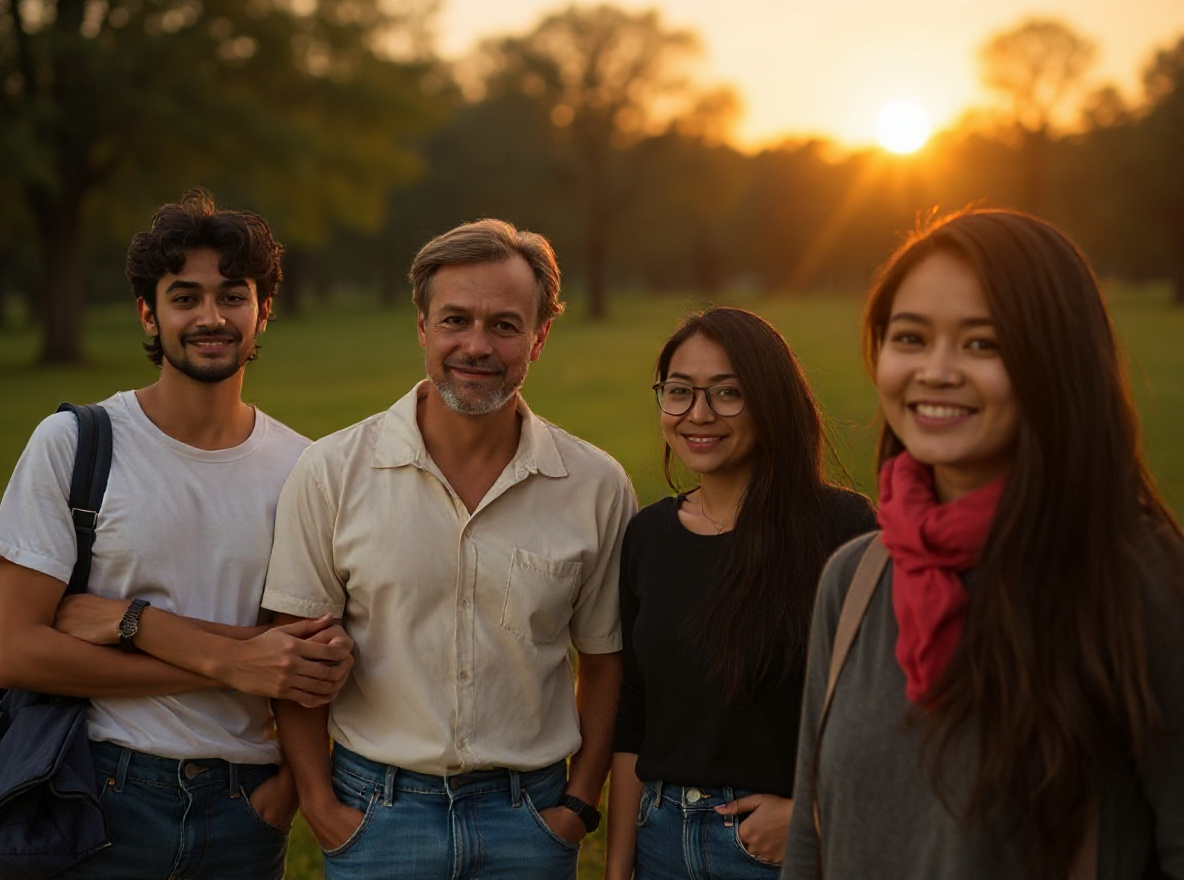
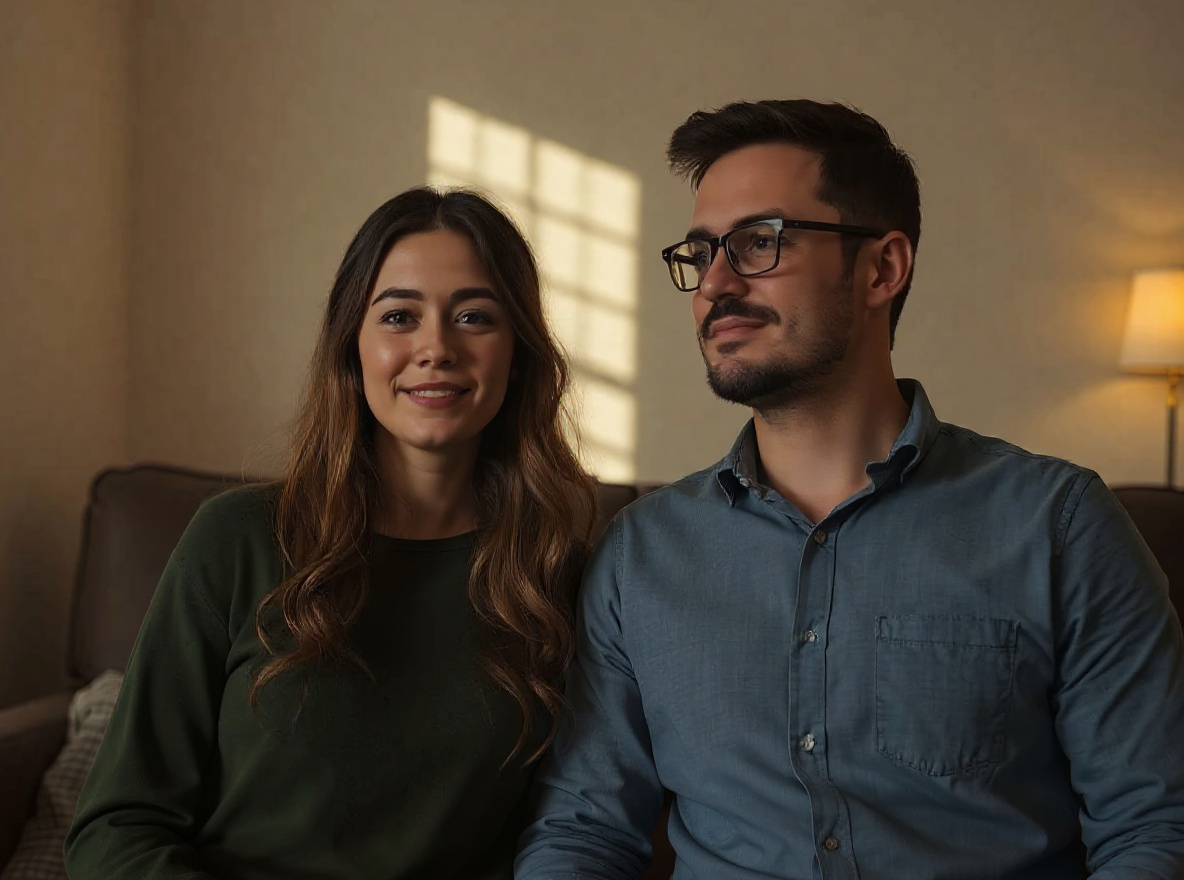
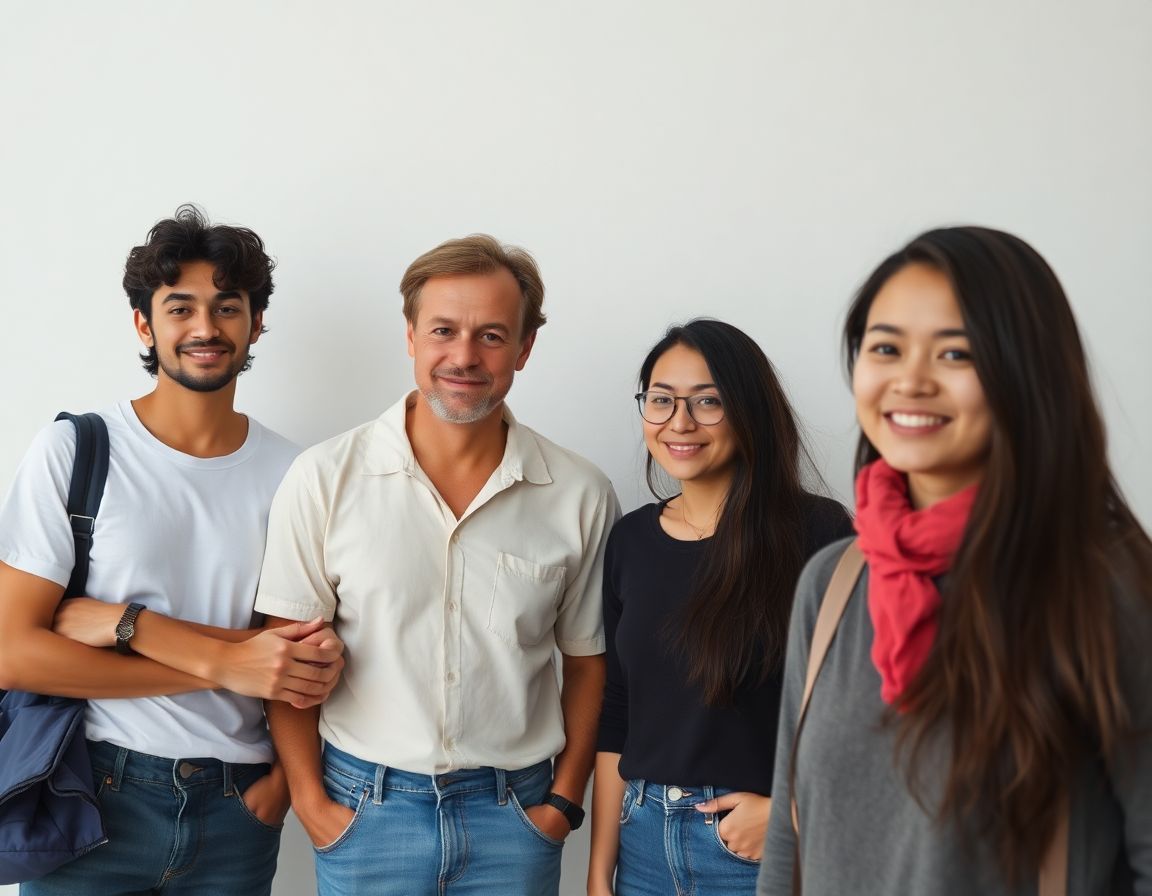
Couple Photo Editing Prompt before sourceBeforetwo-person portrait
Couple Photo Editing Prompt after provider outputAfterwarm cinema light

RSP / India Social Trends#4

Couple Photo Editing Prompt

This prompt helps users create a warm couple portrait edit with cinematic background, natural expressions, and consent-first identity preservation. Copy it as a same-effect edit instruction, replace variables such as outfit, background, mood, and aspect ratio, then use it in AI Editor RSP or an external AI photo editor.

Active trend · reviewed Jul 28

Real provider output · replicate · tavvahvmkxrmt0cz3qyss1wj5w. Your own source image will vary. consent-first edit.

Edit this image into a warm couple portrait edit with cinematic background, natural expressions, and consent-first identity preservation. Preserve both face identities, relative pose, natural expressions, body proportions. Keep the result realistic and source-anchored. Do not change identity, proportions, readable labels, logos, UI text, or factual context unless the user explicitly asks for that specific safe change. Do not add fake text, do not distort hands, and do not imply any provider or brand endorsement.
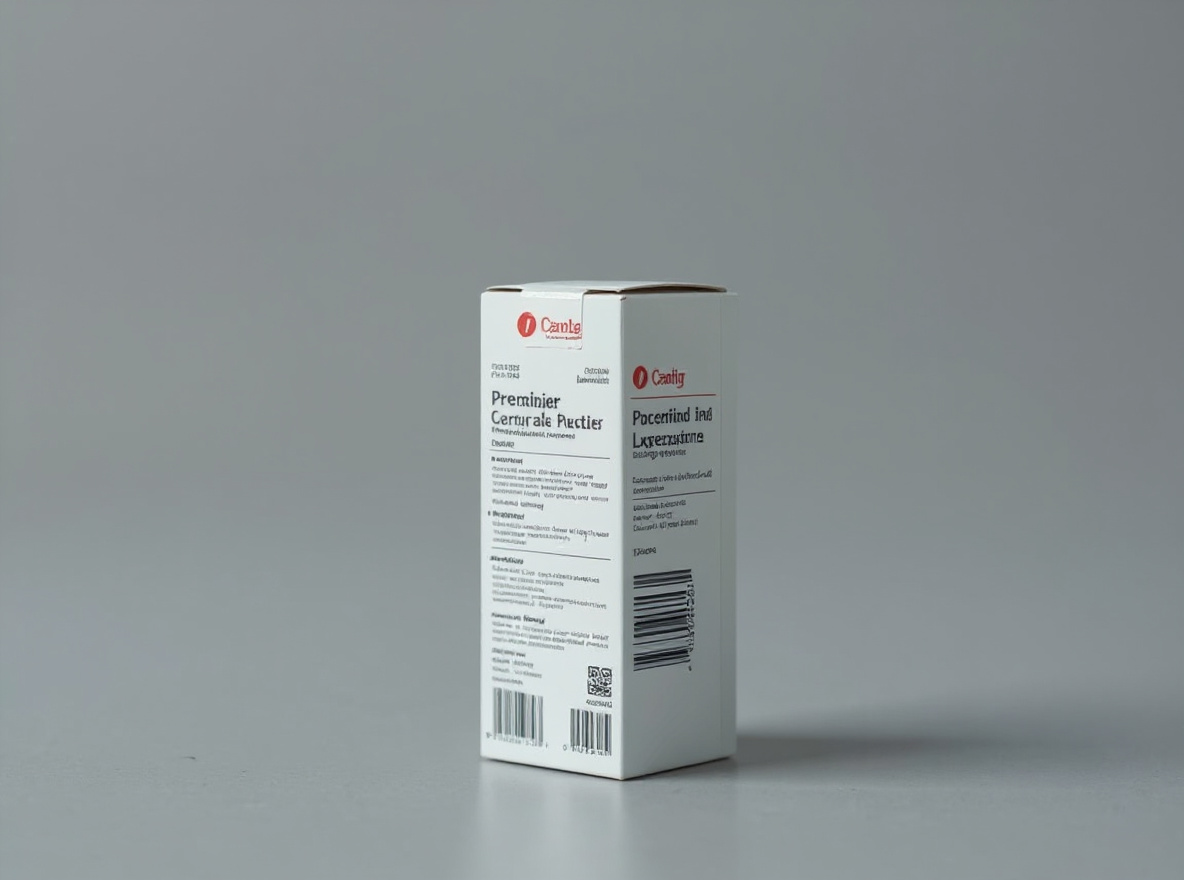
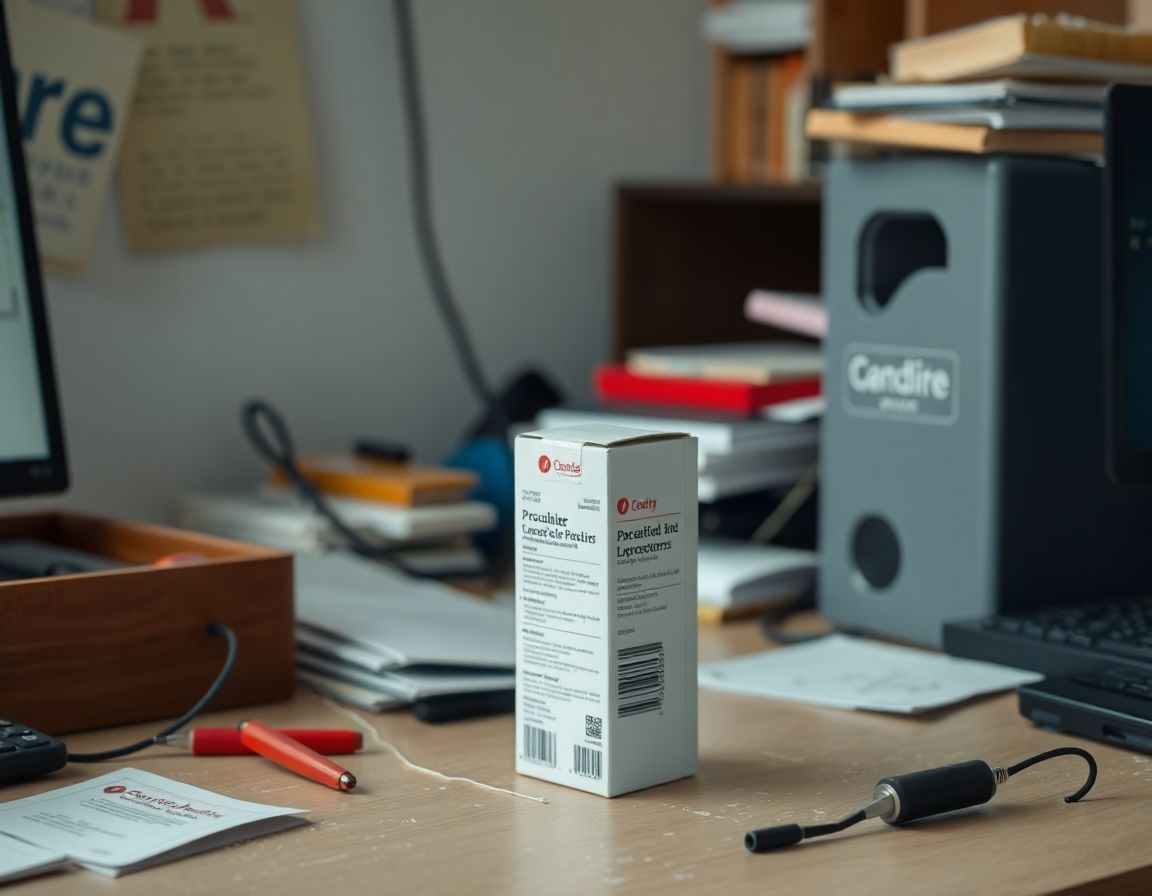
Product Photo Shadow Prompt before sourceBeforeraw product
Product Photo Shadow Prompt after provider outputAftergrounded shadow

Ecommerce#5

Product Photo Shadow Prompt

This prompt helps users create a marketplace-ready product photo with natural grounded shadow, crisp edges, and unchanged product details. Copy it as a same-effect edit instruction, replace variables such as outfit, background, mood, and aspect ratio, then use it in AI Editor RSP or an external AI photo editor.

Active trend · reviewed Jul 28

Real provider output · replicate · hmtbngxf51rmy0cz3qyrcfr8ng. Your own source image will vary. unchanged label.

Edit this image into a marketplace-ready product photo with natural grounded shadow, crisp edges, and unchanged product details. Preserve product geometry, label, material, scale. Keep the result realistic and source-anchored. Do not change identity, proportions, readable labels, logos, UI text, or factual context unless the user explicitly asks for that specific safe change. Do not add fake text, do not distort hands, and do not imply any provider or brand endorsement.
Instagram Flash Filter Prompt before sourceBeforephone-flash highlights
Instagram Flash Filter Prompt after provider outputAfterclean crop

Social Creator#6

Instagram Flash Filter Prompt

This prompt helps users create a bright flash-style social photo with clean crop, punchy highlights, and realistic skin detail. Copy it as a same-effect edit instruction, replace variables such as outfit, background, mood, and aspect ratio, then use it in AI Editor RSP or an external AI photo editor.

Active trend · reviewed Jul 28

Real provider output · replicate · qc2m99cw89rmy0cz3qxrzw4ear. Your own source image will vary. realistic skin.

Edit this image into a bright flash-style social photo with clean crop, punchy highlights, and realistic skin detail. Preserve face identity, expression, silhouette, crop safety. Keep the result realistic and source-anchored. Do not change identity, proportions, readable labels, logos, UI text, or factual context unless the user explicitly asks for that specific safe change. Do not add fake text, do not distort hands, and do not imply any provider or brand endorsement.
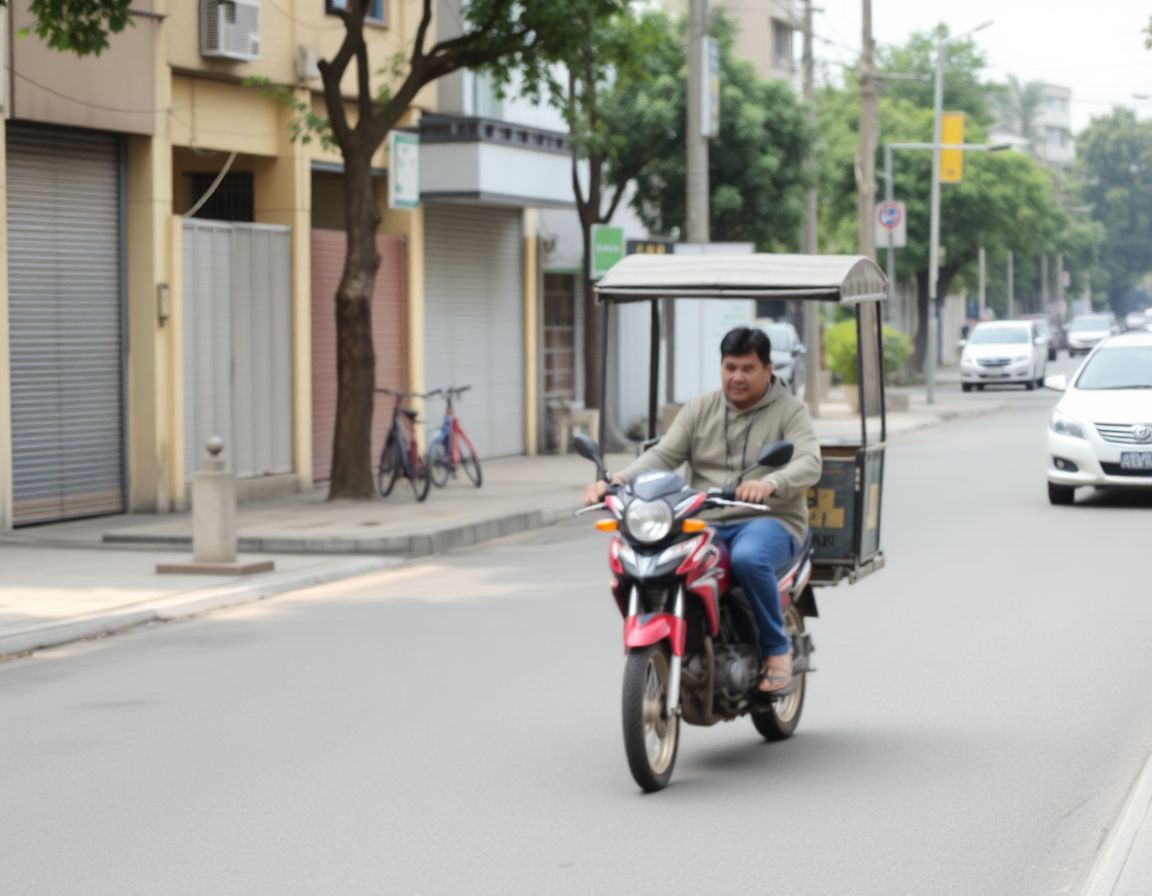
Bike AI Photo Editing Prompt before sourceBeforerider silhouette
Bike AI Photo Editing Prompt after provider outputAfterroad depth

RSP / India Social Trends#7

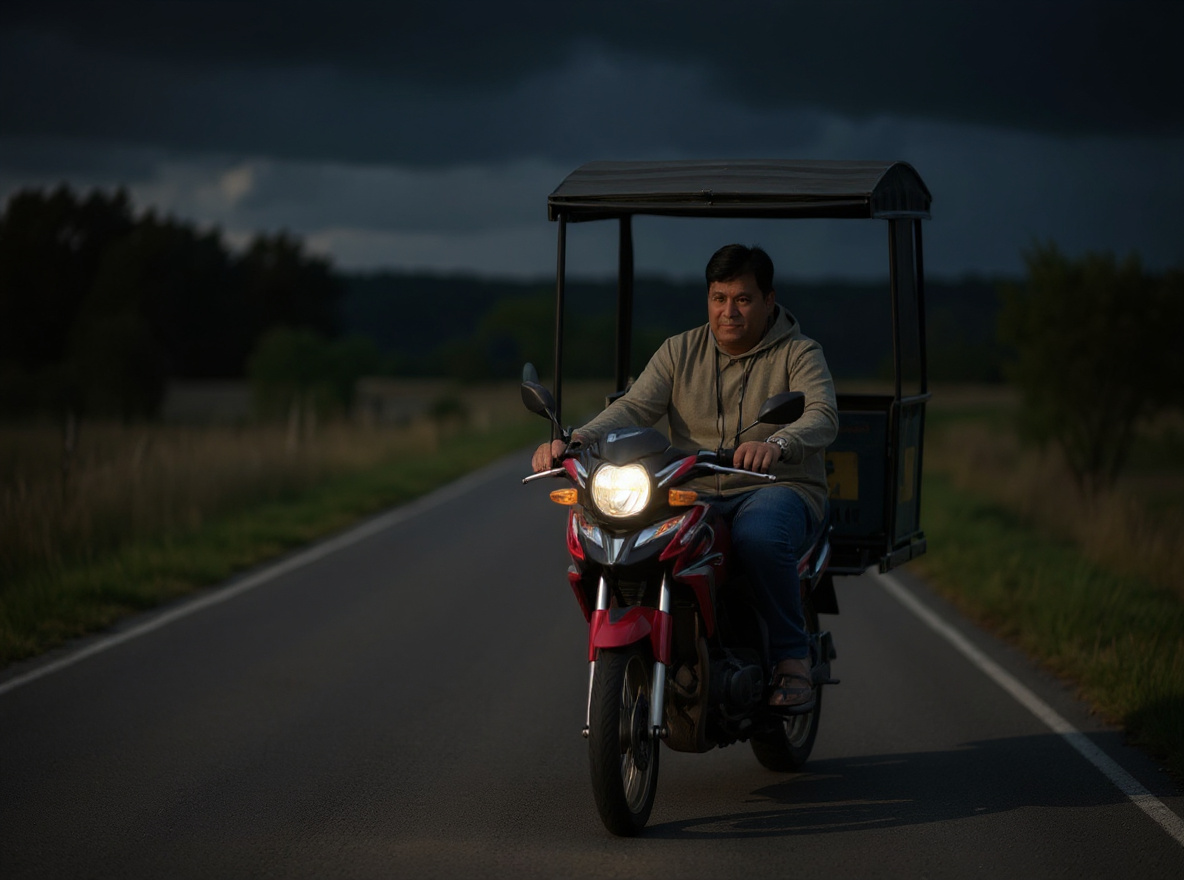
Bike AI Photo Editing Prompt

This prompt helps users create a cinematic bike portrait with road depth, dramatic light, and the rider and vehicle preserved. Copy it as a same-effect edit instruction, replace variables such as outfit, background, mood, and aspect ratio, then use it in AI Editor RSP or an external AI photo editor.

Active trend · reviewed Jul 28

Real provider output · replicate · fffb6gmz9srmw0cz3qxtnse59g. Your own source image will vary. identity-safe details.

Edit this image into a cinematic bike portrait with road depth, dramatic light, and the rider and vehicle preserved. Preserve rider face identity, bike shape, pose, visible vehicle details. Keep the result realistic and source-anchored. Do not change identity, proportions, readable labels, logos, UI text, or factual context unless the user explicitly asks for that specific safe change. Do not add fake text, do not distort hands, and do not imply any provider or brand endorsement.
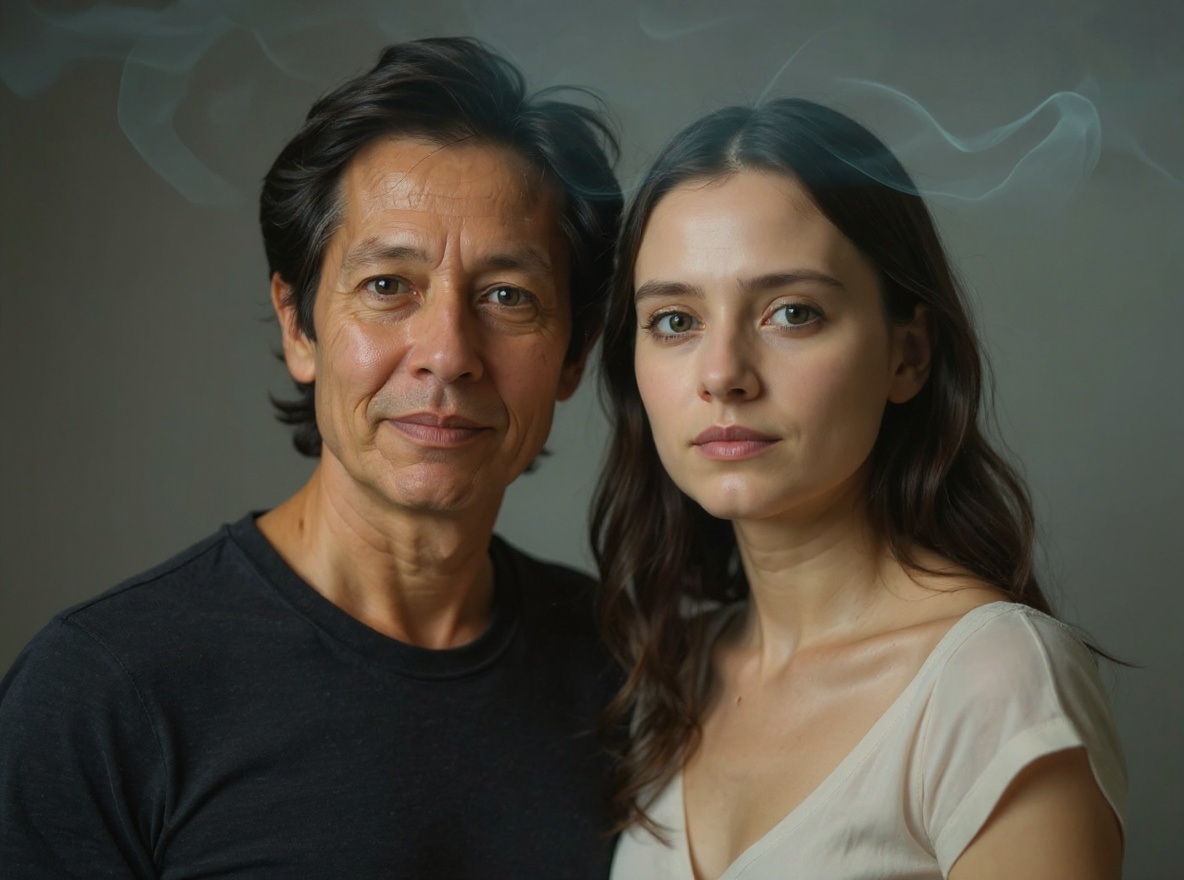
Double Exposure AI Photo Prompt before sourceBeforeportrait silhouette
Double Exposure AI Photo Prompt after provider outputAftercity overlay

RSP / India Social Trends#8

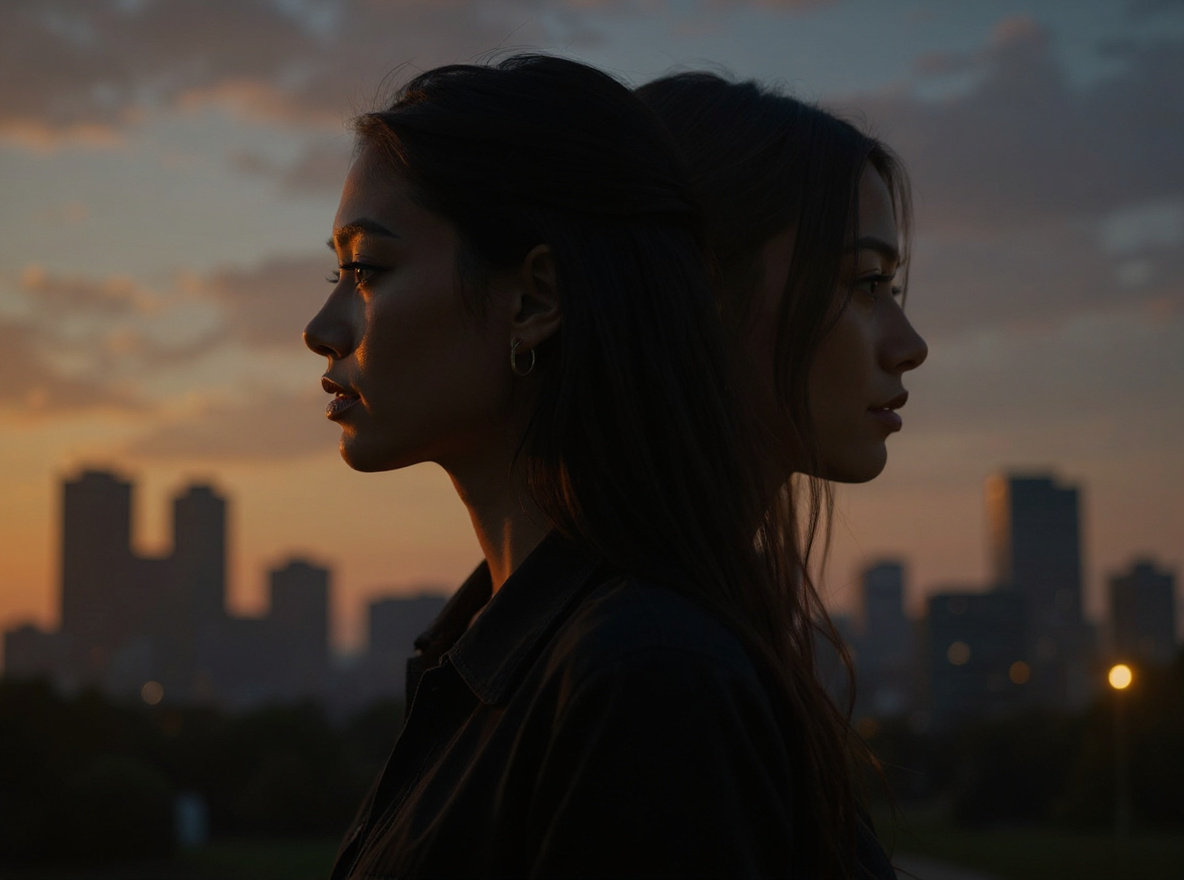
Double Exposure AI Photo Prompt

This prompt helps users create a double-exposure portrait blending the subject with a city, nature, or festival silhouette while keeping identity readable. Copy it as a same-effect edit instruction, replace variables such as outfit, background, mood, and aspect ratio, then use it in AI Editor RSP or an external AI photo editor.

Active trend · reviewed Jul 28

Real provider output · replicate · pzy1d2d98nrmr0cz3qkbd738y0. Your own source image will vary. readable face.

Edit this image into a double-exposure portrait blending the subject with a city, nature, or festival silhouette while keeping identity readable. Preserve face outline, main expression, hair silhouette, core subject framing. Keep the result realistic and source-anchored. Do not change identity, proportions, readable labels, logos, UI text, or factual context unless the user explicitly asks for that specific safe change. Do not add fake text, do not distort hands, and do not imply any provider or brand endorsement.
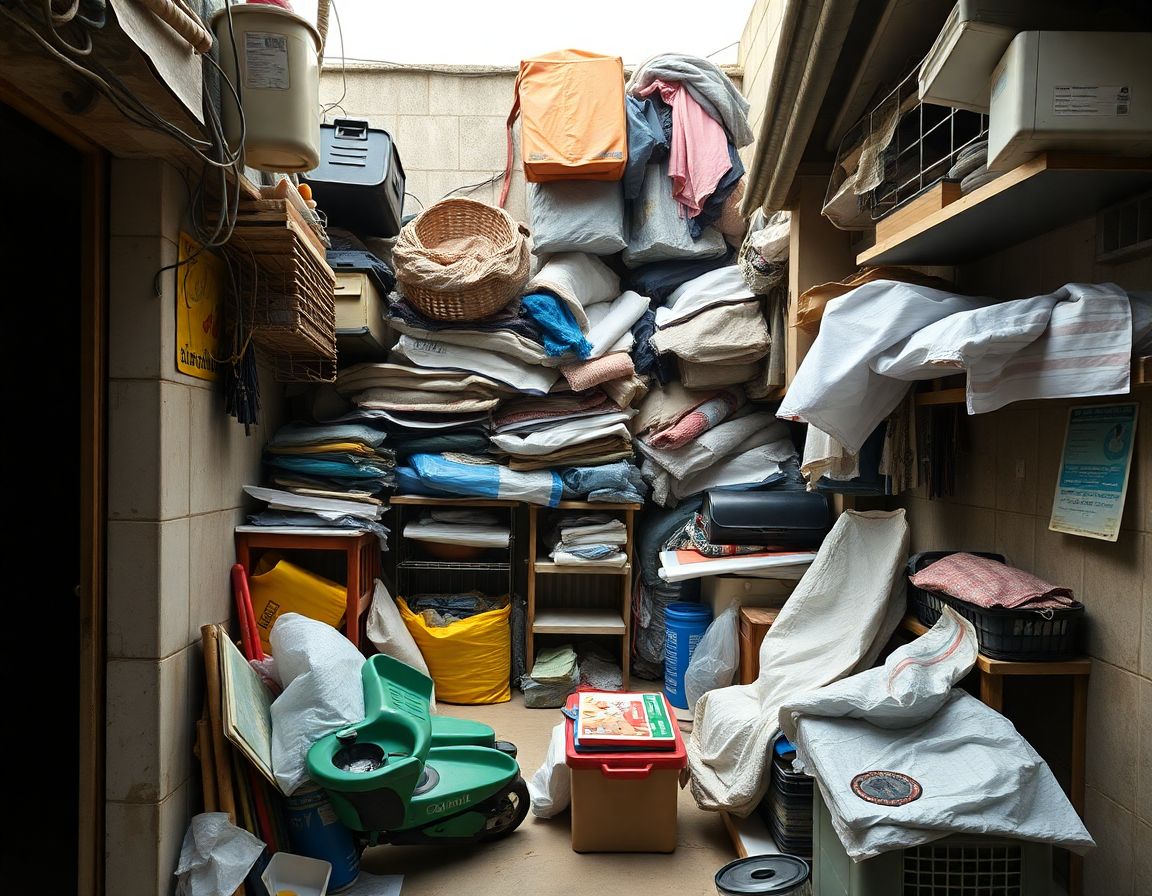
Background Swap Without Changing Subject Prompt before sourceBeforemessy source
Background Swap Without Changing Subject Prompt after provider outputAfterclean studio

Utility#9

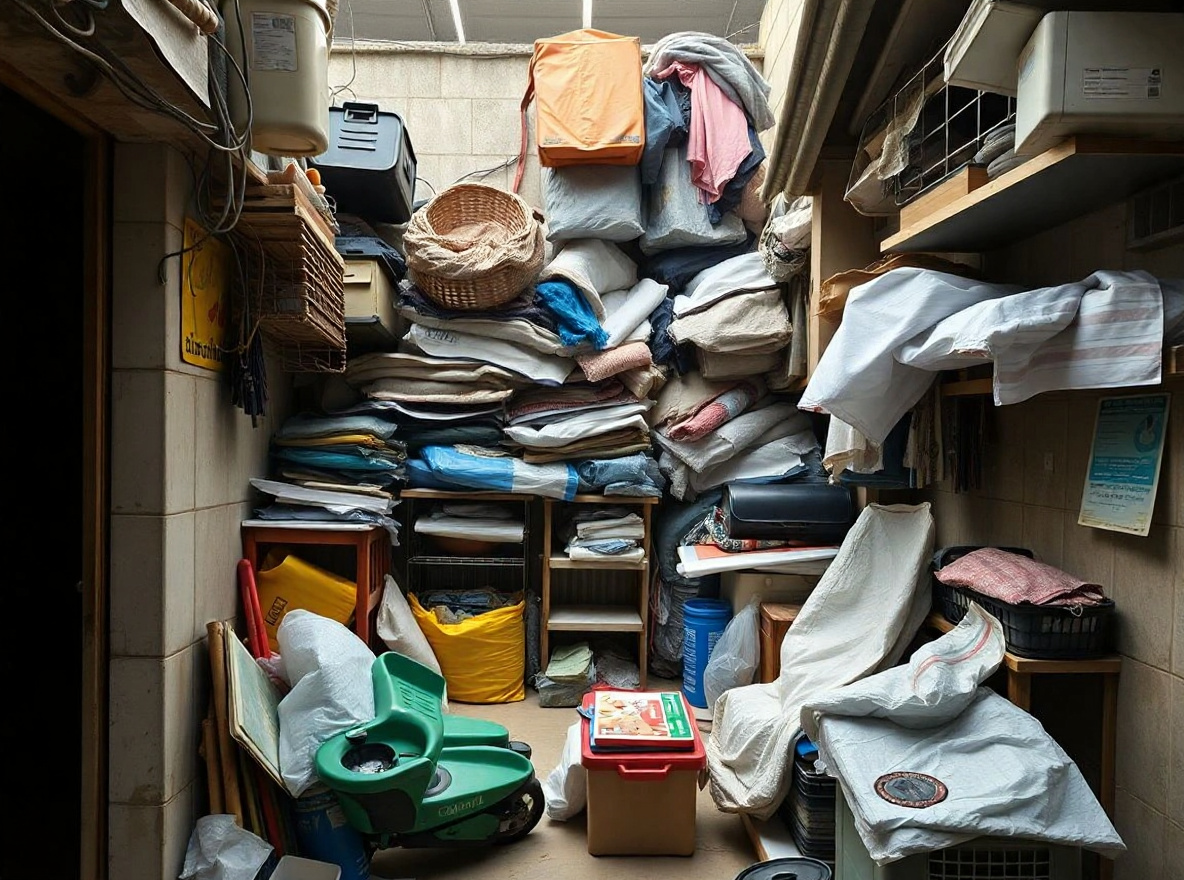
Background Swap Without Changing Subject Prompt

This prompt helps users create a clean new background while the subject remains exactly recognizable. Copy it as a same-effect edit instruction, replace variables such as outfit, background, mood, and aspect ratio, then use it in AI Editor RSP or an external AI photo editor.

Evergreen active · reviewed Jul 28

Real provider output · replicate · tbg52s7c41rmt0cz3qyv5mcj24. Your own source image will vary. preserved edges.

Edit this image into a clean new background while the subject remains exactly recognizable. Preserve subject edges, proportions, hair or product edges, lighting direction. Keep the result realistic and source-anchored. Do not change identity, proportions, readable labels, logos, UI text, or factual context unless the user explicitly asks for that specific safe change. Do not add fake text, do not distort hands, and do not imply any provider or brand endorsement.

PROOF_BEFORE_PAYMENT

Show the effect before asking for a credit.

Three high-intent styles are visible on the landing page; the full library keeps Copy Prompt free and sends every effect into the same upload-to-edit editor.

Browse 75 prompts
RSP AI Editing Boy Cinematic Prompt owned source before example
Before
RSP AI Editing Boy Cinematic Prompt real provider after result
After

Real provider output · replicate · 7qbqr3k2mdrmy0cz3qxrx21yzg

RSP AI Editing Boy Cinematic Prompt

a cinematic AI boy portrait with dramatic depth, golden-hour light, and identity-preserving face detail

Request 7qbqr3k2mdrmy0cz3qxrx21yzg · SHA 16e10fea5565

Professional Headshot From Selfie Prompt owned source before example
Before
Professional Headshot From Selfie Prompt real provider after result
After

Real provider output · replicate · 4mjzq3b401rmt0cz3qxtfsrmm0

Professional Headshot From Selfie Prompt

a clean professional studio headshot with soft light, neutral background, and realistic skin texture

Request 4mjzq3b401rmt0cz3qxtfsrmm0 · SHA 164f0f4d0d62

Gemini IPL AI Photo Editing Prompt owned source before example
Before
Gemini IPL AI Photo Editing Prompt real provider after result
After

Real provider output · replicate · seaecbk3a1rmr0cz3qxtsp62mr

Gemini IPL AI Photo Editing Prompt

a cricket-season social portrait with team-color lighting, stadium energy, and safe non-affiliated fan styling

Request seaecbk3a1rmr0cz3qxtsp62mr · SHA 64651d046224

PRICING_BEFORE_PAYWALL

Free copy, capped generation, clear upgrade.

Copying prompts is always free. One signed-in real generation is available for proof. More runs require credits, with the cost and remaining balance shown before you continue.

Free$0

Copy 75 prompts. Try 1 real image edit after sign-in.

Try one edit
Pro comparison$15/mo

200 successful edits/month, yearly billing, failed provider calls do not consume credits.

Compare yearly

WORKFLOW_PROTOCOL

Protocol: From Input to Asset

1

Upload Image

Import your base photo. The editor validates file type and keeps provider keys server-side.

2

Define Intent

Use a reusable prompt template or write a controlled edit instruction with safety constraints.

3

Execute & Refine

Run the preview-aware generation and keep status, retry, and safety outcomes visible.

4

Reuse

Download available preview output or copy the reusable prompt recipe for rapid reuse.

REAL-TIME ADJUSTMENT PREVIEW

Granular Control Panel

Adjust technical prompt parameters without leaving the editor-console feel from the deployed editor-console system.

STYLE_INTENSITY
DETAIL_RECOVERY
LIGHTING_BIAS

PERFORMANCE_COMPARISON

Performance Comparisons

Two representative runs, shown as a proof console instead of another wall of examples. The visual is still provider-backed; the section now carries a different rhythm from the prompt cards.

Product Shot Protocol after provider output
Product Shot Protocol before source
Before
After
SOURCE
EDITION_01

Product Shot Protocol

Real provider output · replicate · hmtbngxf51rmy0cz3qyrcfr8ng
Shadow
Label
Crop
Portrait Conversion Protocol after provider output
Portrait Conversion Protocol before source
Before
After
SOURCE
EDITION_04

Portrait Conversion Protocol

Real provider output · replicate · 4mjzq3b401rmt0cz3qxtfsrmm0
Identity
Skin
Backdrop
portrait

Portraits

Corporate headshots from casual selfies.

shopping_bag

Products

Commerce assets with controlled backdrops.

account_circle

Profile Photos

Optimized avatars with identity-safe prompts.

share

Social Visuals

Punchy creator crops for launch posts.

Safety Protocols & Compliance

AI Editor RSP blocks unsafe prompt categories and does not offer celebrity, political, non-consensual, or third-party rights infringing edits. Free and paid credits are capped, checkout requires Google login, and generation use is not uncapped.

SEO guide / AI Editor RSP

AI Editor RSP

This crawlable guide expands the visible product page with practical, answer-first guidance about AI Editor RSP, reusable prompt structure, semantic alternatives, safety limits, and internal navigation for AI Editor RSP.

What AI Editor RSP does

AI Editor RSP starts from an existing photo and turns natural-language RSP editing prompts into a focused edit. Instead of masking, layering, or memorizing a filter stack, you describe what should change, what must stay intact, and which visual style should guide the result. AI Editor RSP is built around that workflow: upload the image, choose a reusable style prompt, adjust the edit details, and keep the prompt for the next portrait, product photo, or social visual.

The important difference is control. A generic image generator often creates a new image from scratch, while AI Editor RSP is useful only when it respects the source photo. The prompt should mention subject preservation, face identity, product shape, pose, lighting, background, crop, aspect ratio, and negative constraints. AI Editor RSP makes those instructions visible so users can understand why one prompt is safer and more repeatable than another.

Reusable Style Prompts reduce random edits

Reusable Style Prompts are structured blocks that can be applied to more than one image. A good reusable style prompt separates the edit goal from the preservation rules: make a cinematic editorial portrait, keep the same face identity, preserve natural skin texture, use soft side lighting, keep the background clean, and avoid unrealistic facial changes. That structure helps an AI image editor with prompt produce a consistent direction without pretending that every model will return identical results.

The launch prompt library focuses on common high-intent jobs: professional headshots, product photo cleanup, background replacement, color grading, ecommerce lifestyle scenes, social avatars, and campaign variants. Each prompt explains when to use it, what it preserves, and what to avoid. This gives users a prompt-based image editor experience that is more useful than a blank textarea and more practical than a static prompt article.

Best results start with a clear source photo

For portraits, start with a sharp face, visible eyes, and enough lighting for the model to preserve identity. For product edits, use a clean photo with the full item in frame and mention which logos, labels, packaging shapes, or materials must remain unchanged. For social posts, specify the target platform, crop, mood, text-safe area, and whether the edit should look realistic or stylized. These details make AI photo editing prompts easier to reuse across a small campaign.

AI Editor RSP does not promise perfect face match, uncapped generations, or perfect product preservation. Results depend on the source image, prompt clarity, model availability, provider limits, and safety filters. The practical goal is to make each AI image editor with prompt session easier to review: users can see the prompt, refine it, copy it, and reuse the same prompt pattern instead of starting from zero.

Safety and launch limits

Use AI Editor RSP only with images you own or have permission to edit. Do not create impersonation, explicit content, deceptive evidence, illegal material, misleading product claims, or IP-infringing edits. The prompt builder includes negative constraints because safe prompts are often more precise prompts: they say what the model should not change, what should not be added, and which sensitive transformations should be avoided.

The current launch path keeps provider keys server-side and treats prompt templates as the durable product layer. 1 signed-in free proof run, saved prompt sets, downloadable preview exports, Pro monthly credits, and credit-pack behavior should remain consistent with the pricing, privacy, refund, and terms pages.

FAQ about AI Editor RSP

What is an AI image editor with prompt?

An AI image editor with prompt lets you upload an existing image and describe the exact edit you want in natural language. The prompt guides subject preservation, style, lighting, background, and negative constraints instead of requiring manual masks or layers.

Can I reuse the same style prompt on different photos?

Yes. AI Editor RSP is designed around reusable style prompts for portraits, products, social posts, and campaign visuals. You may need small changes for each source image, but the structure stays reusable.

Will AI Editor RSP preserve a face or product exactly?

No tool should guarantee perfect preservation. The prompt builder can request face identity, product shape, pose, texture, and composition preservation, but final results depend on source quality and model behavior.

What images am I allowed to edit?

Use photos you own or have permission to edit. Avoid impersonation, explicit, deceptive, illegal, or IP-infringing edits.

Is the prompt library free to browse?

Prompt browsing remains free, daily free generations are limited, and paid credits are available through Google login and Stripe Checkout.
Try one free edit