RSP / India Social Trends
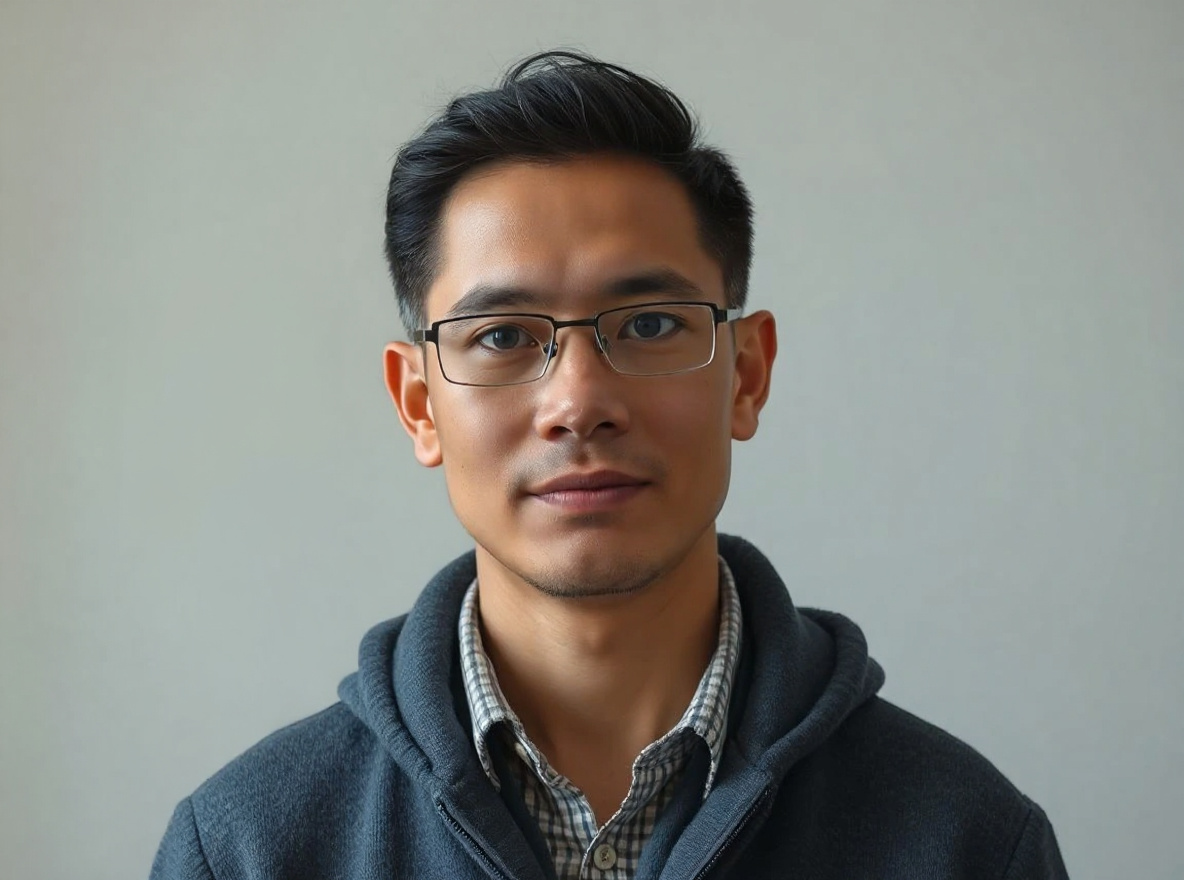
RSP Editing AI Boy Cinematic Prompt
This prompt helps users create a cinematic AI boy portrait with dramatic depth, golden-hour light, and identity-preserving face detail. Copy it as a same-effect edit instruction, replace variables such as outfit, background, mood, and aspect ratio, then use it in AI Editor RSP or an external AI photo editor.
- Best for
- Instagram Reels · WhatsApp DP · short-video covers
- Avoid if
- celebrity imitation · non-consensual couple edits
Edit this image into a cinematic AI boy portrait with dramatic depth, golden-hour light, and identity-preserving face detail. Preserve face identity, hairstyle, pose, outfit shape. Keep the result realistic and source-anchored. Do not change identity, proportions, readable labels, logos, UI text, or factual context unless the user explicitly asks for that specific safe change. Do not add fake text, do not distort hands, and do not imply any provider or brand endorsement.Personal Photo
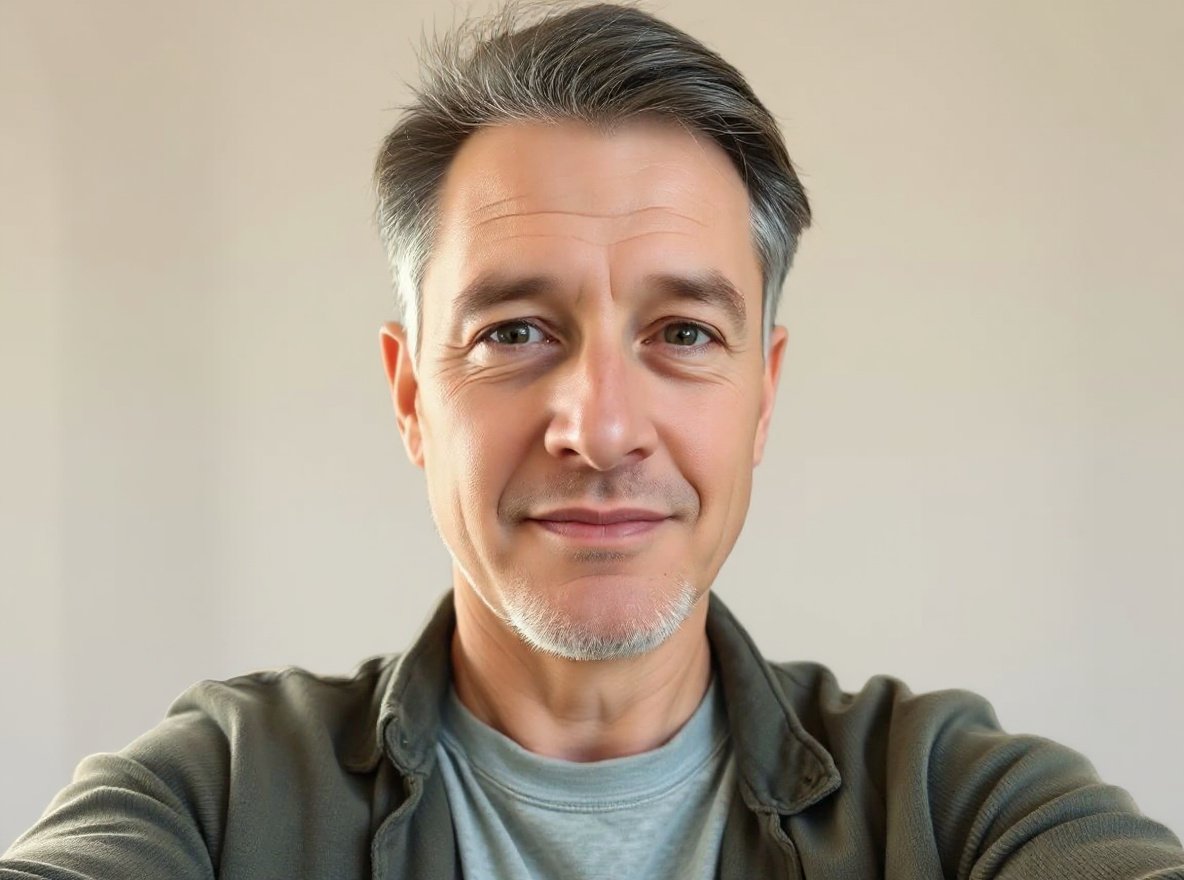
Professional Headshot From Selfie Prompt
This prompt helps users create a clean professional studio headshot with soft light, neutral background, and realistic skin texture. Copy it as a same-effect edit instruction, replace variables such as outfit, background, mood, and aspect ratio, then use it in AI Editor RSP or an external AI photo editor.
- Best for
- profile photos · personal branding · avatars
- Avoid if
- source face is heavily occluded · user expects identity or age change
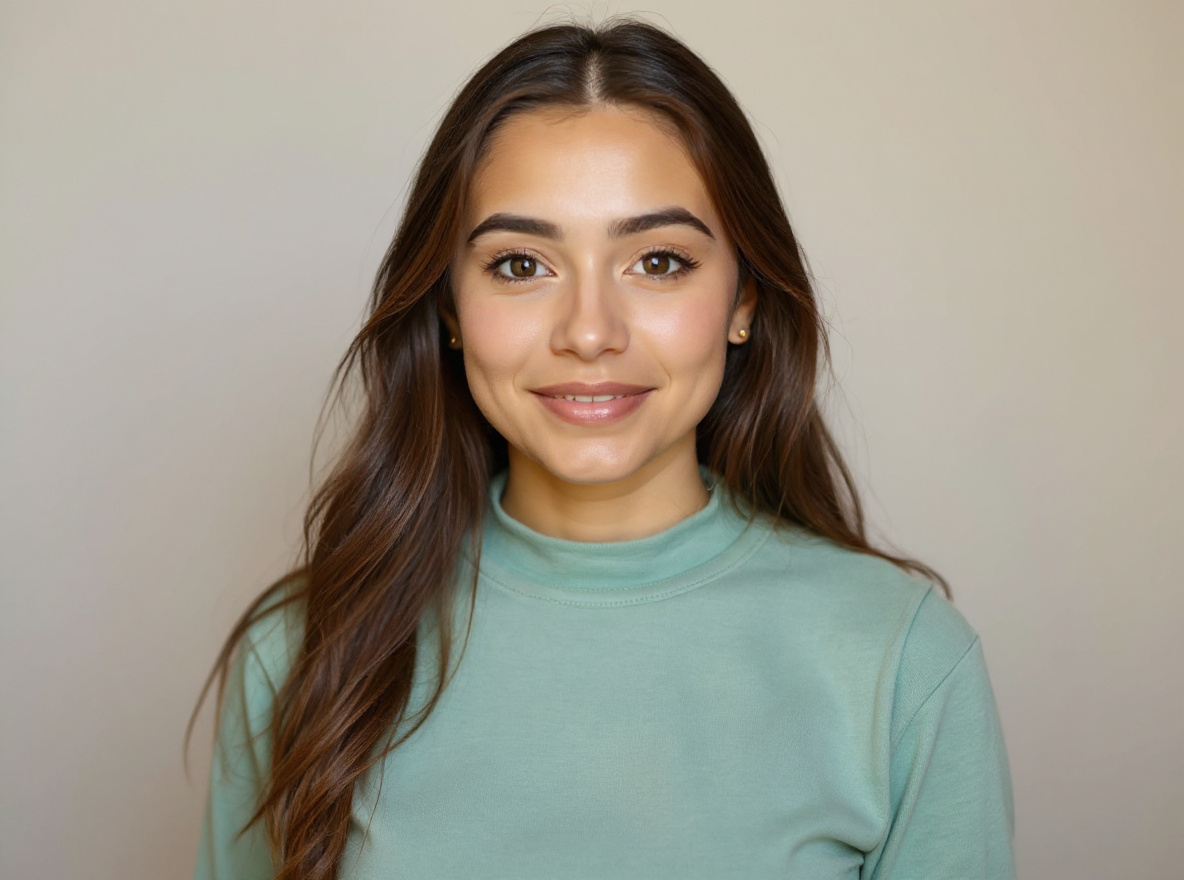
Edit this image into a clean professional studio headshot with soft light, neutral background, and realistic skin texture. Preserve face identity, expression, skin texture, hairline. Keep the result realistic and source-anchored. Do not change identity, proportions, readable labels, logos, UI text, or factual context unless the user explicitly asks for that specific safe change. Do not add fake text, do not distort hands, and do not imply any provider or brand endorsement.Festival / Culture
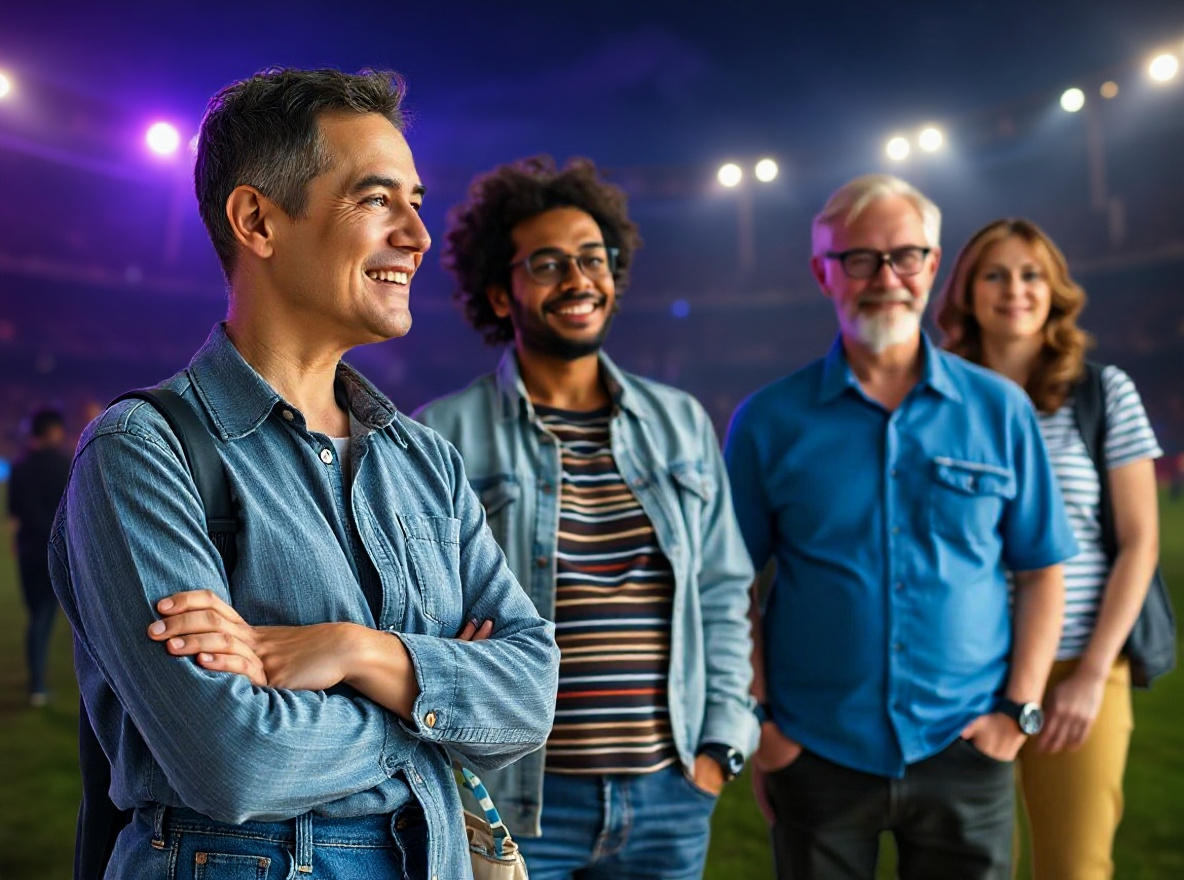
Gemini IPL AI Photo Editing Prompt
This prompt helps users create a cricket-season social portrait with team-color lighting, stadium energy, and safe non-affiliated fan styling. Copy it as a same-effect edit instruction, replace variables such as outfit, background, mood, and aspect ratio, then use it in AI Editor RSP or an external AI photo editor.
- Best for
- festival posts · WhatsApp DP · family-friendly social posts
- Avoid if
- political or religious provocation · offensive cultural framing
Edit this image into a cricket-season social portrait with team-color lighting, stadium energy, and safe non-affiliated fan styling. Preserve face identity, outfit shape, pose, no real team logos unless provided by user. Keep the result realistic and source-anchored. Do not change identity, proportions, readable labels, logos, UI text, or factual context unless the user explicitly asks for that specific safe change. Do not add fake text, do not distort hands, and do not imply any provider or brand endorsement.RSP / India Social Trends
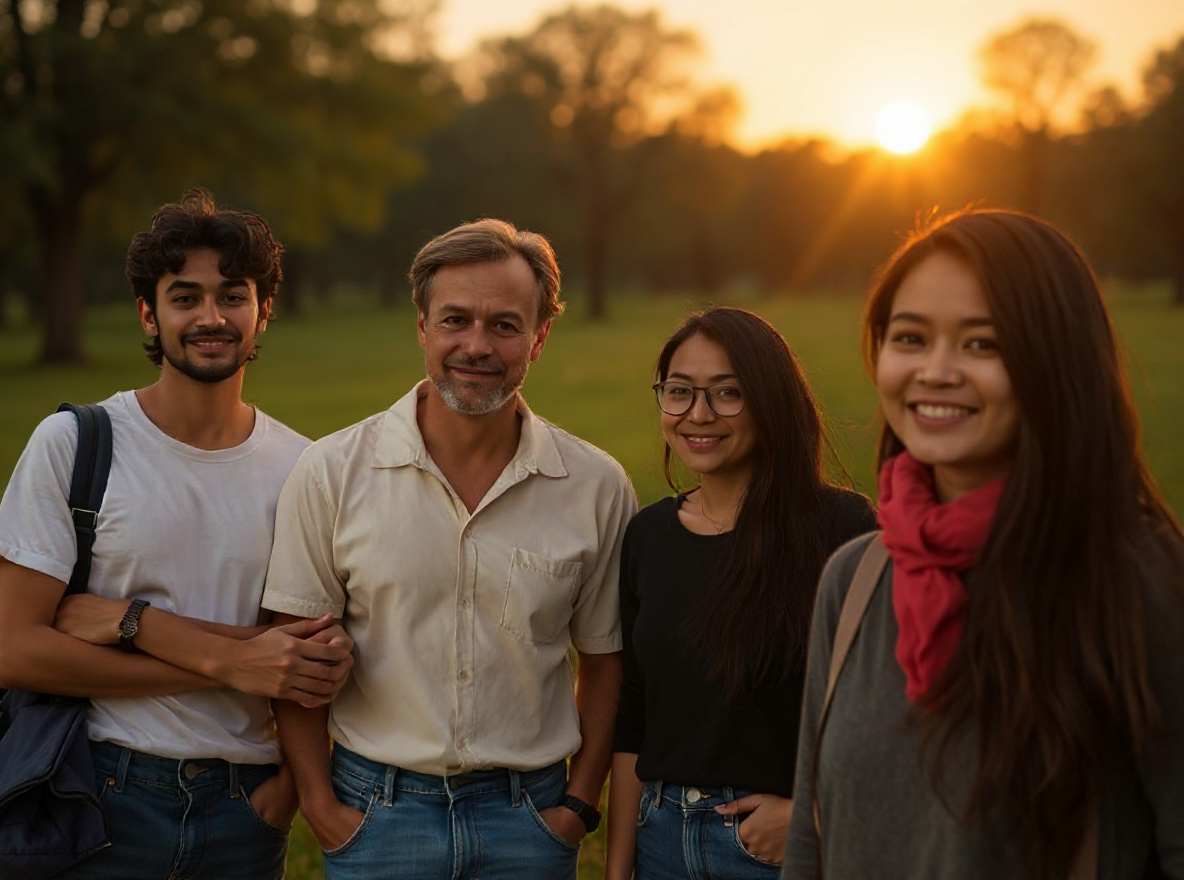
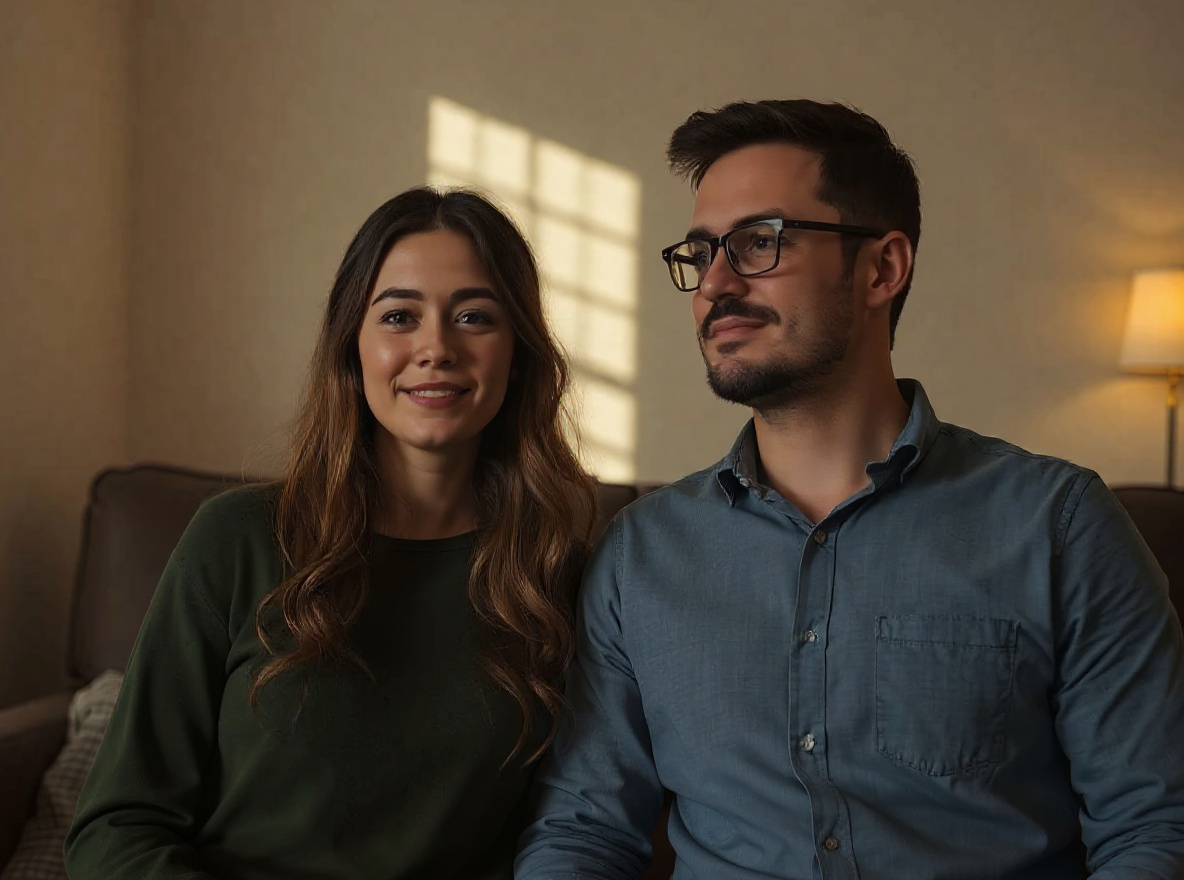
Couple Photo Editing Prompt
This prompt helps users create a warm couple portrait edit with cinematic background, natural expressions, and consent-first identity preservation. Copy it as a same-effect edit instruction, replace variables such as outfit, background, mood, and aspect ratio, then use it in AI Editor RSP or an external AI photo editor.
- Best for
- Instagram Reels · WhatsApp DP · short-video covers
- Avoid if
- celebrity imitation · non-consensual couple edits
Edit this image into a warm couple portrait edit with cinematic background, natural expressions, and consent-first identity preservation. Preserve both face identities, relative pose, natural expressions, body proportions. Keep the result realistic and source-anchored. Do not change identity, proportions, readable labels, logos, UI text, or factual context unless the user explicitly asks for that specific safe change. Do not add fake text, do not distort hands, and do not imply any provider or brand endorsement.Ecommerce
Product Photo Shadow Prompt
This prompt helps users create a marketplace-ready product photo with natural grounded shadow, crisp edges, and unchanged product details. Copy it as a same-effect edit instruction, replace variables such as outfit, background, mood, and aspect ratio, then use it in AI Editor RSP or an external AI photo editor.
- Best for
- product listings · marketplace photos · storefront visuals
- Avoid if
- label accuracy requires legal review · source product photo is not owned
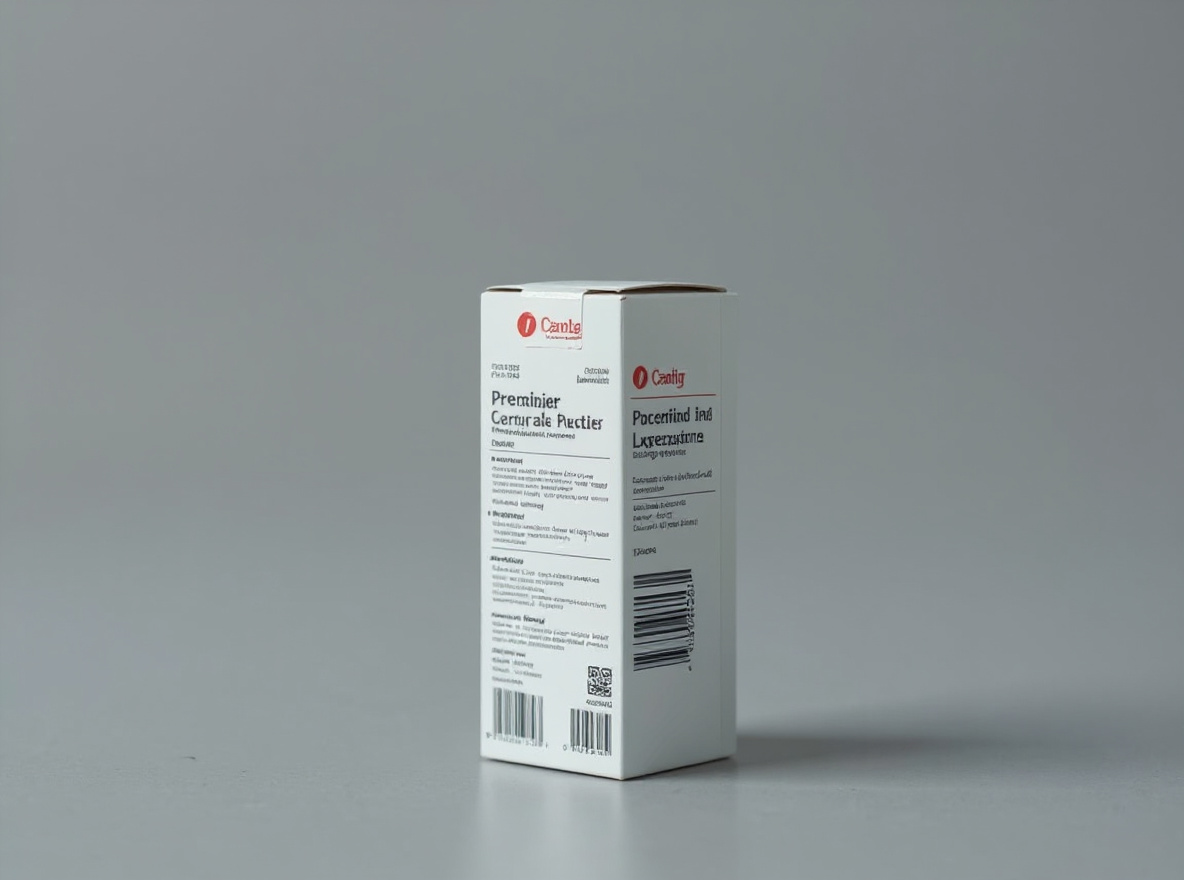
Edit this image into a marketplace-ready product photo with natural grounded shadow, crisp edges, and unchanged product details. Preserve product geometry, label, material, scale. Keep the result realistic and source-anchored. Do not change identity, proportions, readable labels, logos, UI text, or factual context unless the user explicitly asks for that specific safe change. Do not add fake text, do not distort hands, and do not imply any provider or brand endorsement.Social Creator
Instagram Flash Filter Prompt
This prompt helps users create a bright flash-style social photo with clean crop, punchy highlights, and realistic skin detail. Copy it as a same-effect edit instruction, replace variables such as outfit, background, mood, and aspect ratio, then use it in AI Editor RSP or an external AI photo editor.
- Best for
- short-form covers · social posts · creator thumbnails
- Avoid if
- exact platform UI text · celebrity/franchise imitation
Edit this image into a bright flash-style social photo with clean crop, punchy highlights, and realistic skin detail. Preserve face identity, expression, silhouette, crop safety. Keep the result realistic and source-anchored. Do not change identity, proportions, readable labels, logos, UI text, or factual context unless the user explicitly asks for that specific safe change. Do not add fake text, do not distort hands, and do not imply any provider or brand endorsement.RSP / India Social Trends
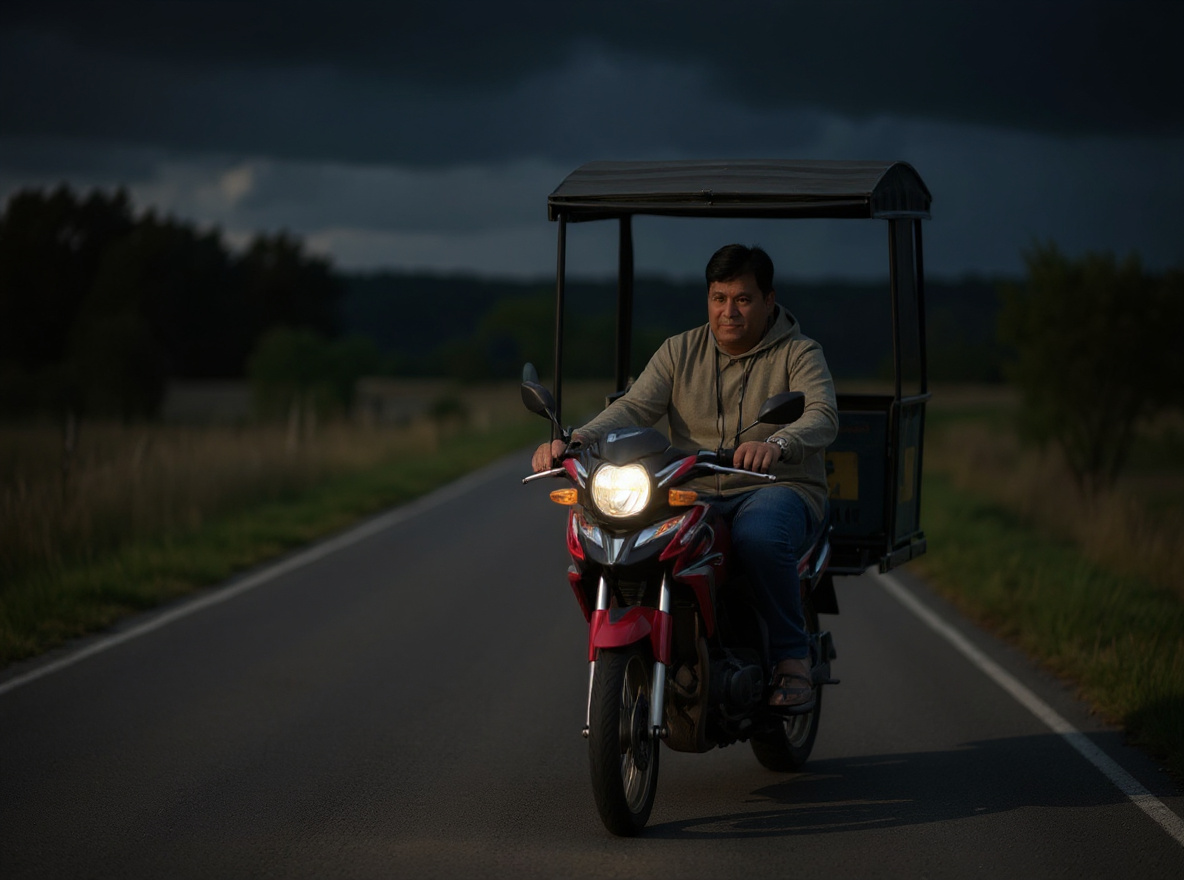
Bike AI Photo Editing Prompt
This prompt helps users create a cinematic bike portrait with road depth, dramatic light, and the rider and vehicle preserved. Copy it as a same-effect edit instruction, replace variables such as outfit, background, mood, and aspect ratio, then use it in AI Editor RSP or an external AI photo editor.
- Best for
- Instagram Reels · WhatsApp DP · short-video covers
- Avoid if
- celebrity imitation · non-consensual couple edits
Edit this image into a cinematic bike portrait with road depth, dramatic light, and the rider and vehicle preserved. Preserve rider face identity, bike shape, pose, visible vehicle details. Keep the result realistic and source-anchored. Do not change identity, proportions, readable labels, logos, UI text, or factual context unless the user explicitly asks for that specific safe change. Do not add fake text, do not distort hands, and do not imply any provider or brand endorsement.RSP / India Social Trends
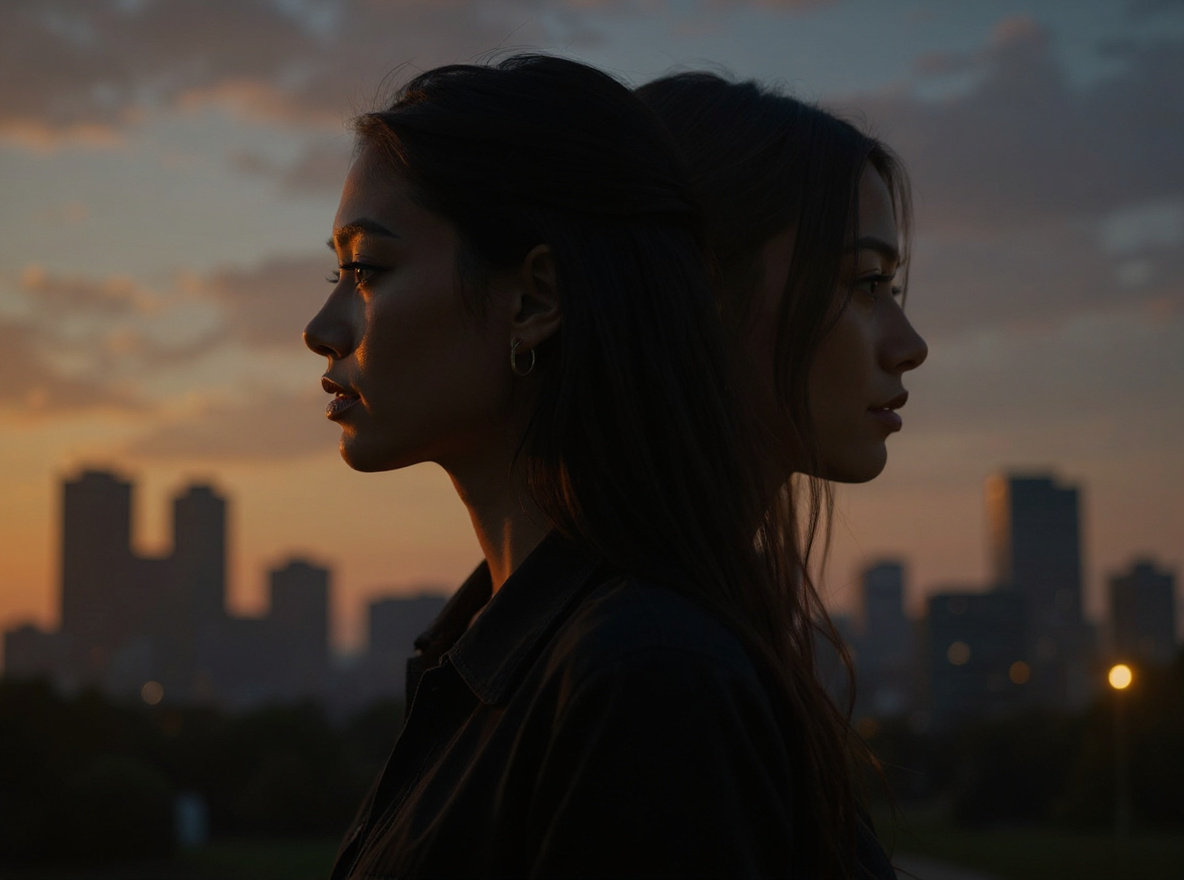
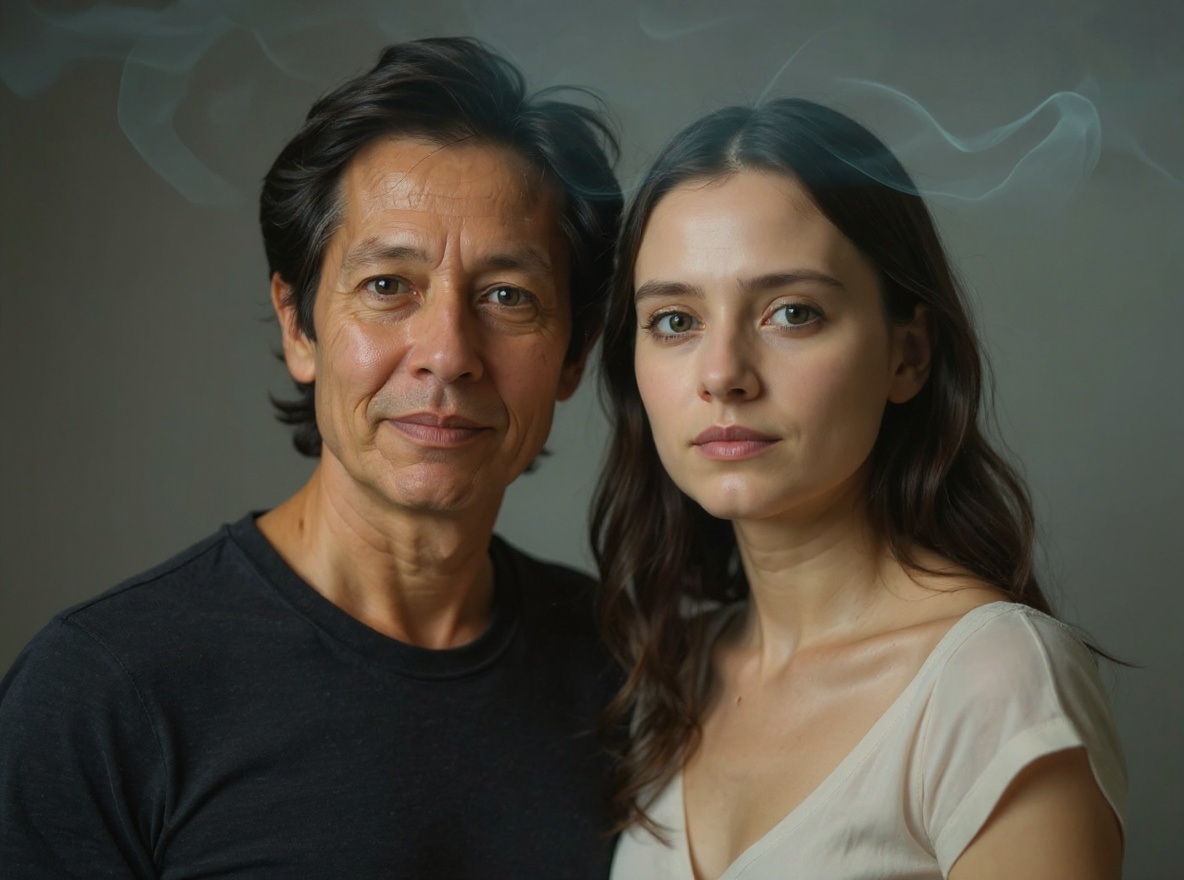
Double Exposure AI Photo Prompt
This prompt helps users create a double-exposure portrait blending the subject with a city, nature, or festival silhouette while keeping identity readable. Copy it as a same-effect edit instruction, replace variables such as outfit, background, mood, and aspect ratio, then use it in AI Editor RSP or an external AI photo editor.
- Best for
- Instagram Reels · WhatsApp DP · short-video covers
- Avoid if
- celebrity imitation · non-consensual couple edits
Edit this image into a double-exposure portrait blending the subject with a city, nature, or festival silhouette while keeping identity readable. Preserve face outline, main expression, hair silhouette, core subject framing. Keep the result realistic and source-anchored. Do not change identity, proportions, readable labels, logos, UI text, or factual context unless the user explicitly asks for that specific safe change. Do not add fake text, do not distort hands, and do not imply any provider or brand endorsement.Utility
Background Swap Without Changing Subject Prompt
This prompt helps users create a clean new background while the subject remains exactly recognizable. Copy it as a same-effect edit instruction, replace variables such as outfit, background, mood, and aspect ratio, then use it in AI Editor RSP or an external AI photo editor.
- Best for
- quick photo fixes · before/after demos · external AI editing
- Avoid if
- editing evidence or documents · watermark removal
Edit this image into a clean new background while the subject remains exactly recognizable. Preserve subject edges, proportions, hair or product edges, lighting direction. Keep the result realistic and source-anchored. Do not change identity, proportions, readable labels, logos, UI text, or factual context unless the user explicitly asks for that specific safe change. Do not add fake text, do not distort hands, and do not imply any provider or brand endorsement.RSP / India Social Trends
RSP Editing AI Girl Cinematic Prompt
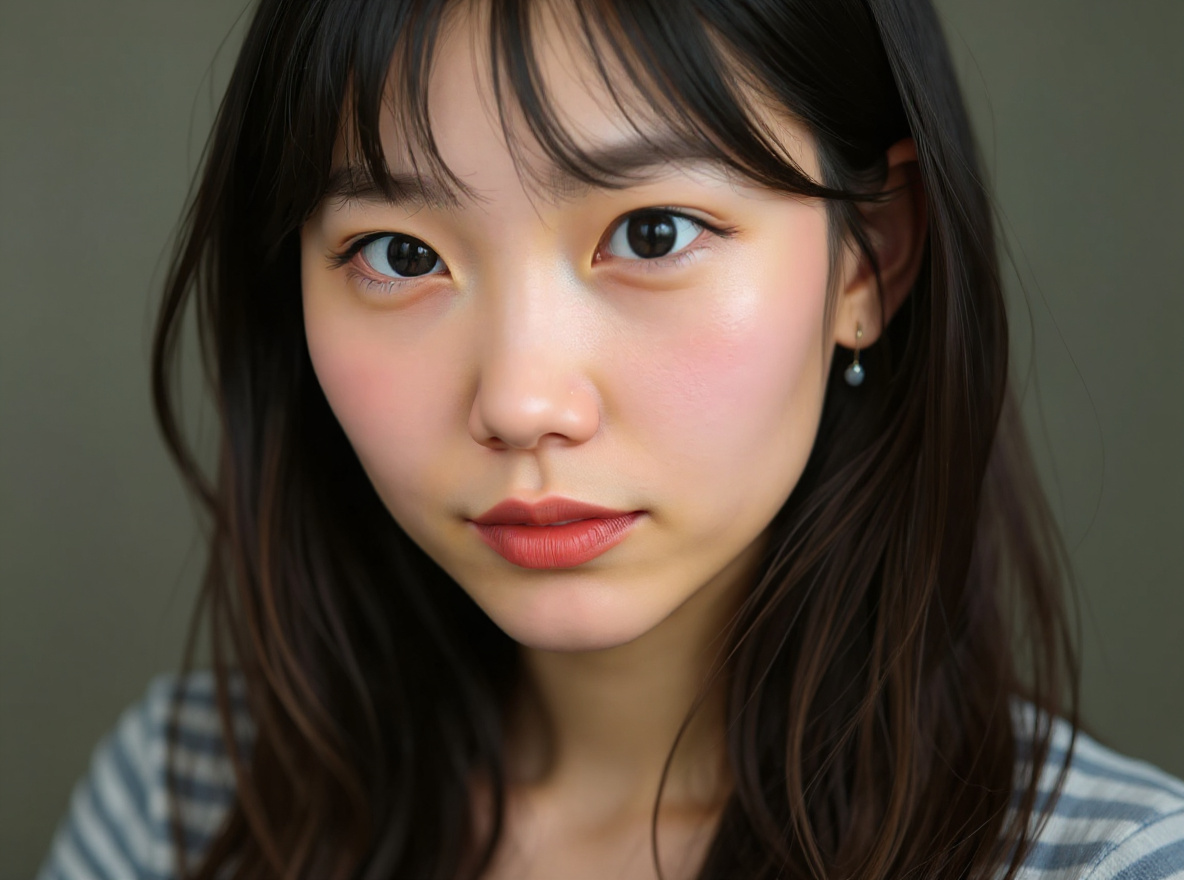
This prompt helps users create a cinematic AI girl portrait with soft glow, sharp facial detail, and social-ready depth. Copy it as a same-effect edit instruction, replace variables such as outfit, background, mood, and aspect ratio, then use it in AI Editor RSP or an external AI photo editor.
- Best for
- Instagram Reels · WhatsApp DP · short-video covers
- Avoid if
- celebrity imitation · non-consensual couple edits
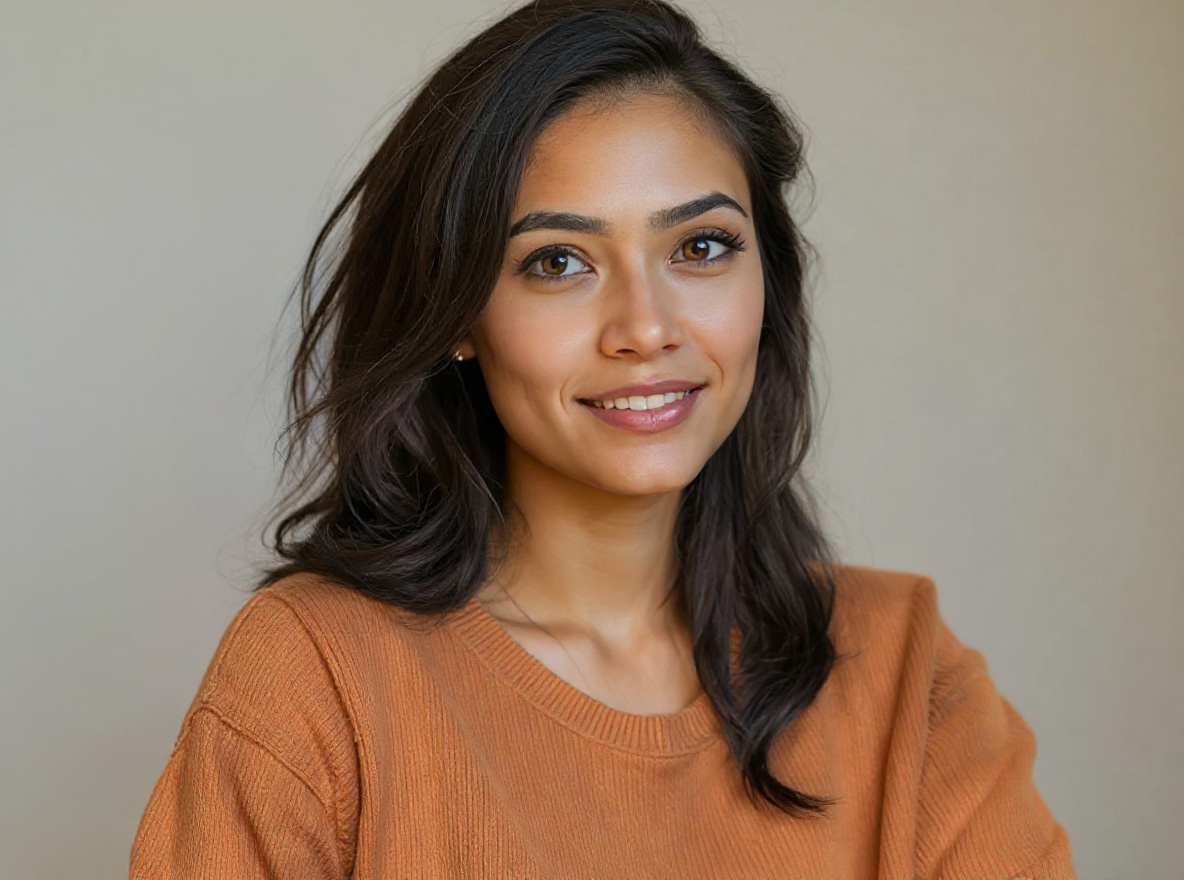
Edit this image into a cinematic AI girl portrait with soft glow, sharp facial detail, and social-ready depth. Preserve face identity, hair style, pose, outfit shape. Keep the result realistic and source-anchored. Do not change identity, proportions, readable labels, logos, UI text, or factual context unless the user explicitly asks for that specific safe change. Do not add fake text, do not distort hands, and do not imply any provider or brand endorsement.RSP / India Social Trends
RSP 3 Layer AI Photo Prompt
This prompt helps users create a three-layer portrait composition with foreground glow, subject layer, and blurred cinematic background. Copy it as a same-effect edit instruction, replace variables such as outfit, background, mood, and aspect ratio, then use it in AI Editor RSP or an external AI photo editor.
- Best for
- Instagram Reels · WhatsApp DP · short-video covers
- Avoid if
- celebrity imitation · non-consensual couple edits
Edit this image into a three-layer portrait composition with foreground glow, subject layer, and blurred cinematic background. Preserve face identity, subject scale, pose, main outfit. Keep the result realistic and source-anchored. Do not change identity, proportions, readable labels, logos, UI text, or factual context unless the user explicitly asks for that specific safe change. Do not add fake text, do not distort hands, and do not imply any provider or brand endorsement.RSP / India Social Trends
Ghost Girlfriend Trend AI Photo Prompt
This prompt helps users create a safe non-exploitative ghost-companion style portrait with fictional translucent silhouette and clear consent framing. Copy it as a same-effect edit instruction, replace variables such as outfit, background, mood, and aspect ratio, then use it in AI Editor RSP or an external AI photo editor.
- Best for
- Instagram Reels · WhatsApp DP · short-video covers
- Avoid if
- celebrity imitation · non-consensual couple edits
Edit this image into a safe non-exploitative ghost-companion style portrait with fictional translucent silhouette and clear consent framing. Preserve main subject identity, pose, non-real fictional companion, no private-person likeness. Keep the result realistic and source-anchored. Do not change identity, proportions, readable labels, logos, UI text, or factual context unless the user explicitly asks for that specific safe change. Do not add fake text, do not distort hands, and do not imply any provider or brand endorsement.RSP / India Social Trends
Instagram Milestone Poster Prompt
This prompt helps users create a milestone poster-style portrait with clean blank text zones and no invented follower counts or fake UI. Copy it as a same-effect edit instruction, replace variables such as outfit, background, mood, and aspect ratio, then use it in AI Editor RSP or an external AI photo editor.
- Best for
- Instagram Reels · WhatsApp DP · short-video covers
- Avoid if
- celebrity imitation · non-consensual couple edits
Edit this image into a milestone poster-style portrait with clean blank text zones and no invented follower counts or fake UI. Preserve face identity, pose, blank copy space, no fake metrics. Keep the result realistic and source-anchored. Do not change identity, proportions, readable labels, logos, UI text, or factual context unless the user explicitly asks for that specific safe change. Do not add fake text, do not distort hands, and do not imply any provider or brand endorsement.RSP / India Social Trends
Saree AI Photo Editing Prompt
This prompt helps users create a respectful saree portrait edit with realistic fabric detail, soft background, and unchanged face identity. Copy it as a same-effect edit instruction, replace variables such as outfit, background, mood, and aspect ratio, then use it in AI Editor RSP or an external AI photo editor.
- Best for
- Instagram Reels · WhatsApp DP · short-video covers
- Avoid if
- celebrity imitation · non-consensual couple edits
Edit this image into a respectful saree portrait edit with realistic fabric detail, soft background, and unchanged face identity. Preserve face identity, body proportions, traditional outfit realism, hands. Keep the result realistic and source-anchored. Do not change identity, proportions, readable labels, logos, UI text, or factual context unless the user explicitly asks for that specific safe change. Do not add fake text, do not distort hands, and do not imply any provider or brand endorsement.RSP / India Social Trends
Aura Photo Editing Prompt
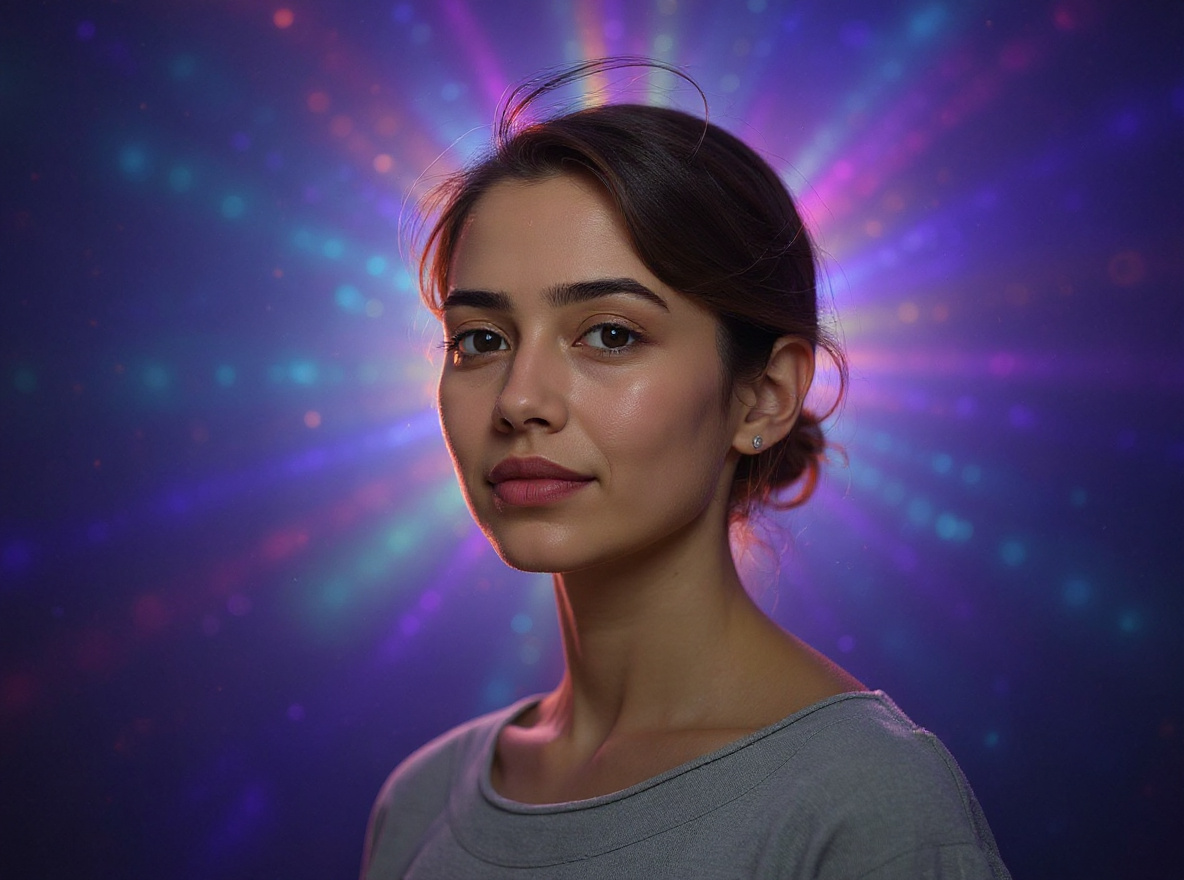
This prompt helps users create a colorful aura-glow portrait with realistic subject detail and soft spiritual-style background effects. Copy it as a same-effect edit instruction, replace variables such as outfit, background, mood, and aspect ratio, then use it in AI Editor RSP or an external AI photo editor.
- Best for
- Instagram Reels · WhatsApp DP · short-video covers
- Avoid if
- celebrity imitation · non-consensual couple edits
Edit this image into a colorful aura-glow portrait with realistic subject detail and soft spiritual-style background effects. Preserve face identity, expression, body outline, natural skin texture. Keep the result realistic and source-anchored. Do not change identity, proportions, readable labels, logos, UI text, or factual context unless the user explicitly asks for that specific safe change. Do not add fake text, do not distort hands, and do not imply any provider or brand endorsement.RSP / India Social Trends
Rainy Street Cinematic Portrait Prompt
This prompt helps users create a rainy-street cinematic portrait with reflections, moody light, and preserved subject details. Copy it as a same-effect edit instruction, replace variables such as outfit, background, mood, and aspect ratio, then use it in AI Editor RSP or an external AI photo editor.
- Best for
- Instagram Reels · WhatsApp DP · short-video covers
- Avoid if
- celebrity imitation · non-consensual couple edits
Edit this image into a rainy-street cinematic portrait with reflections, moody light, and preserved subject details. Preserve face identity, pose, outfit, lighting consistency. Keep the result realistic and source-anchored. Do not change identity, proportions, readable labels, logos, UI text, or factual context unless the user explicitly asks for that specific safe change. Do not add fake text, do not distort hands, and do not imply any provider or brand endorsement.RSP / India Social Trends
Urban Attitude Boy Portrait Prompt
This prompt helps users create a sharp urban attitude portrait with street depth, clean jacket detail, and social profile crop. Copy it as a same-effect edit instruction, replace variables such as outfit, background, mood, and aspect ratio, then use it in AI Editor RSP or an external AI photo editor.
- Best for
- Instagram Reels · WhatsApp DP · short-video covers
- Avoid if
- celebrity imitation · non-consensual couple edits
Edit this image into a sharp urban attitude portrait with street depth, clean jacket detail, and social profile crop. Preserve face identity, jacket shape, pose, hair. Keep the result realistic and source-anchored. Do not change identity, proportions, readable labels, logos, UI text, or factual context unless the user explicitly asks for that specific safe change. Do not add fake text, do not distort hands, and do not imply any provider or brand endorsement.RSP / India Social Trends
Royal Girl Portrait AI Prompt
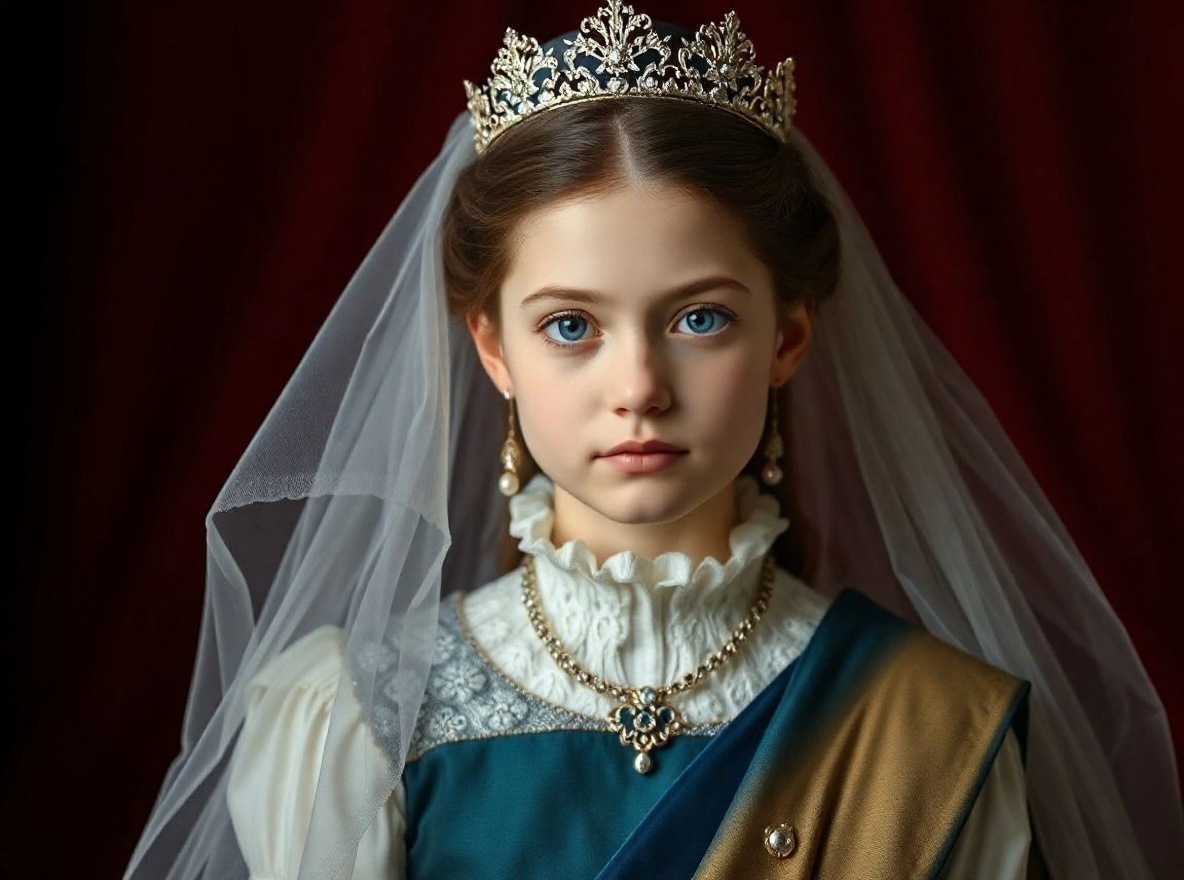
This prompt helps users create a royal-style girl portrait with elegant lighting, tasteful jewelry detail, and preserved identity. Copy it as a same-effect edit instruction, replace variables such as outfit, background, mood, and aspect ratio, then use it in AI Editor RSP or an external AI photo editor.
- Best for
- Instagram Reels · WhatsApp DP · short-video covers
- Avoid if
- celebrity imitation · non-consensual couple edits
Edit this image into a royal-style girl portrait with elegant lighting, tasteful jewelry detail, and preserved identity. Preserve face identity, expression, hands, outfit boundary. Keep the result realistic and source-anchored. Do not change identity, proportions, readable labels, logos, UI text, or factual context unless the user explicitly asks for that specific safe change. Do not add fake text, do not distort hands, and do not imply any provider or brand endorsement.RSP / India Social Trends
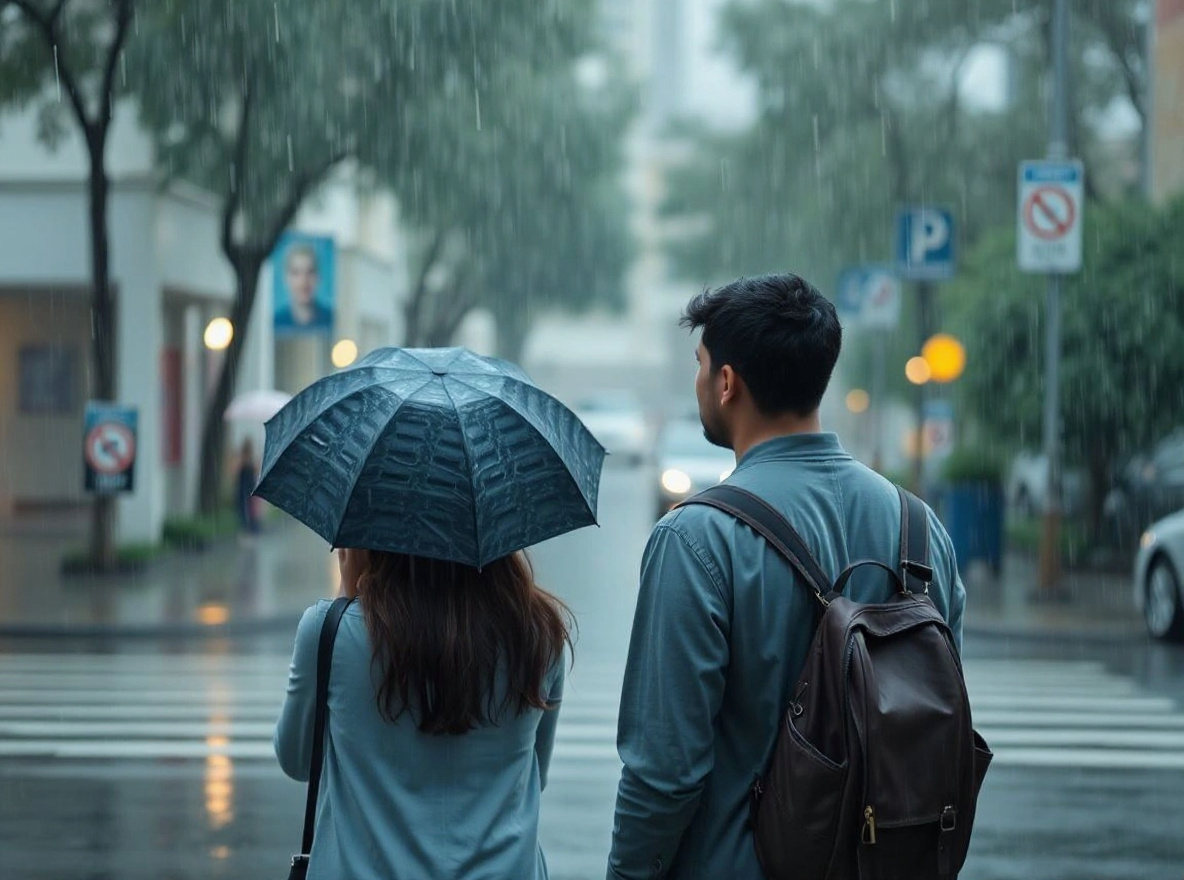
Couple Rain Scene Prompt
This prompt helps users create a romantic rain-scene couple edit with natural distance, preserved identities, and cinematic lighting. Copy it as a same-effect edit instruction, replace variables such as outfit, background, mood, and aspect ratio, then use it in AI Editor RSP or an external AI photo editor.
- Best for
- Instagram Reels · WhatsApp DP · short-video covers
- Avoid if
- celebrity imitation · non-consensual couple edits
Edit this image into a romantic rain-scene couple edit with natural distance, preserved identities, and cinematic lighting. Preserve both face identities, relative distance, pose, outfit. Keep the result realistic and source-anchored. Do not change identity, proportions, readable labels, logos, UI text, or factual context unless the user explicitly asks for that specific safe change. Do not add fake text, do not distort hands, and do not imply any provider or brand endorsement.RSP / India Social Trends
Car Portrait AI Editing Prompt
This prompt helps users create a cinematic car portrait with reflective vehicle detail, clean background depth, and unchanged subject. Copy it as a same-effect edit instruction, replace variables such as outfit, background, mood, and aspect ratio, then use it in AI Editor RSP or an external AI photo editor.
- Best for
- Instagram Reels · WhatsApp DP · short-video covers
- Avoid if
- celebrity imitation · non-consensual couple edits
Edit this image into a cinematic car portrait with reflective vehicle detail, clean background depth, and unchanged subject. Preserve face identity, car shape, pose, vehicle details. Keep the result realistic and source-anchored. Do not change identity, proportions, readable labels, logos, UI text, or factual context unless the user explicitly asks for that specific safe change. Do not add fake text, do not distort hands, and do not imply any provider or brand endorsement.RSP / India Social Trends
Neon Alley RSP Portrait Prompt
This prompt helps users create a neon alley portrait with teal-magenta rim light and realistic skin texture. Copy it as a same-effect edit instruction, replace variables such as outfit, background, mood, and aspect ratio, then use it in AI Editor RSP or an external AI photo editor.
- Best for
- Instagram Reels · WhatsApp DP · short-video covers
- Avoid if
- celebrity imitation · non-consensual couple edits
Edit this image into a neon alley portrait with teal-magenta rim light and realistic skin texture. Preserve face identity, pose, hands, outfit. Keep the result realistic and source-anchored. Do not change identity, proportions, readable labels, logos, UI text, or factual context unless the user explicitly asks for that specific safe change. Do not add fake text, do not distort hands, and do not imply any provider or brand endorsement.RSP / India Social Trends
RSP Bokeh Portrait Prompt
This prompt helps users create a shallow-depth bokeh portrait with warm background lights and crisp face preservation. Copy it as a same-effect edit instruction, replace variables such as outfit, background, mood, and aspect ratio, then use it in AI Editor RSP or an external AI photo editor.
- Best for
- Instagram Reels · WhatsApp DP · short-video covers
- Avoid if
- celebrity imitation · non-consensual couple edits
Edit this image into a shallow-depth bokeh portrait with warm background lights and crisp face preservation. Preserve face identity, expression, hairline, pose. Keep the result realistic and source-anchored. Do not change identity, proportions, readable labels, logos, UI text, or factual context unless the user explicitly asks for that specific safe change. Do not add fake text, do not distort hands, and do not imply any provider or brand endorsement.RSP / India Social Trends
Black Shirt Attitude Prompt
This prompt helps users create a black-shirt attitude portrait with crisp face detail, confident pose, and clean social crop. Copy it as a same-effect edit instruction, replace variables such as outfit, background, mood, and aspect ratio, then use it in AI Editor RSP or an external AI photo editor.
- Best for
- Instagram Reels · WhatsApp DP · short-video covers
- Avoid if
- celebrity imitation · non-consensual couple edits
Edit this image into a black-shirt attitude portrait with crisp face detail, confident pose, and clean social crop. Preserve face identity, shirt shape, pose, hands. Keep the result realistic and source-anchored. Do not change identity, proportions, readable labels, logos, UI text, or factual context unless the user explicitly asks for that specific safe change. Do not add fake text, do not distort hands, and do not imply any provider or brand endorsement.RSP / India Social Trends
Traditional Couple Festival Prompt
This prompt helps users create a traditional couple festival portrait with warm lights and respectful cultural styling. Copy it as a same-effect edit instruction, replace variables such as outfit, background, mood, and aspect ratio, then use it in AI Editor RSP or an external AI photo editor.
- Best for
- Instagram Reels · WhatsApp DP · short-video covers
- Avoid if
- celebrity imitation · non-consensual couple edits
Edit this image into a traditional couple festival portrait with warm lights and respectful cultural styling. Preserve both face identities, traditional clothing, relative pose, hands. Keep the result realistic and source-anchored. Do not change identity, proportions, readable labels, logos, UI text, or factual context unless the user explicitly asks for that specific safe change. Do not add fake text, do not distort hands, and do not imply any provider or brand endorsement.RSP / India Social Trends
College Fresher AI Portrait Prompt
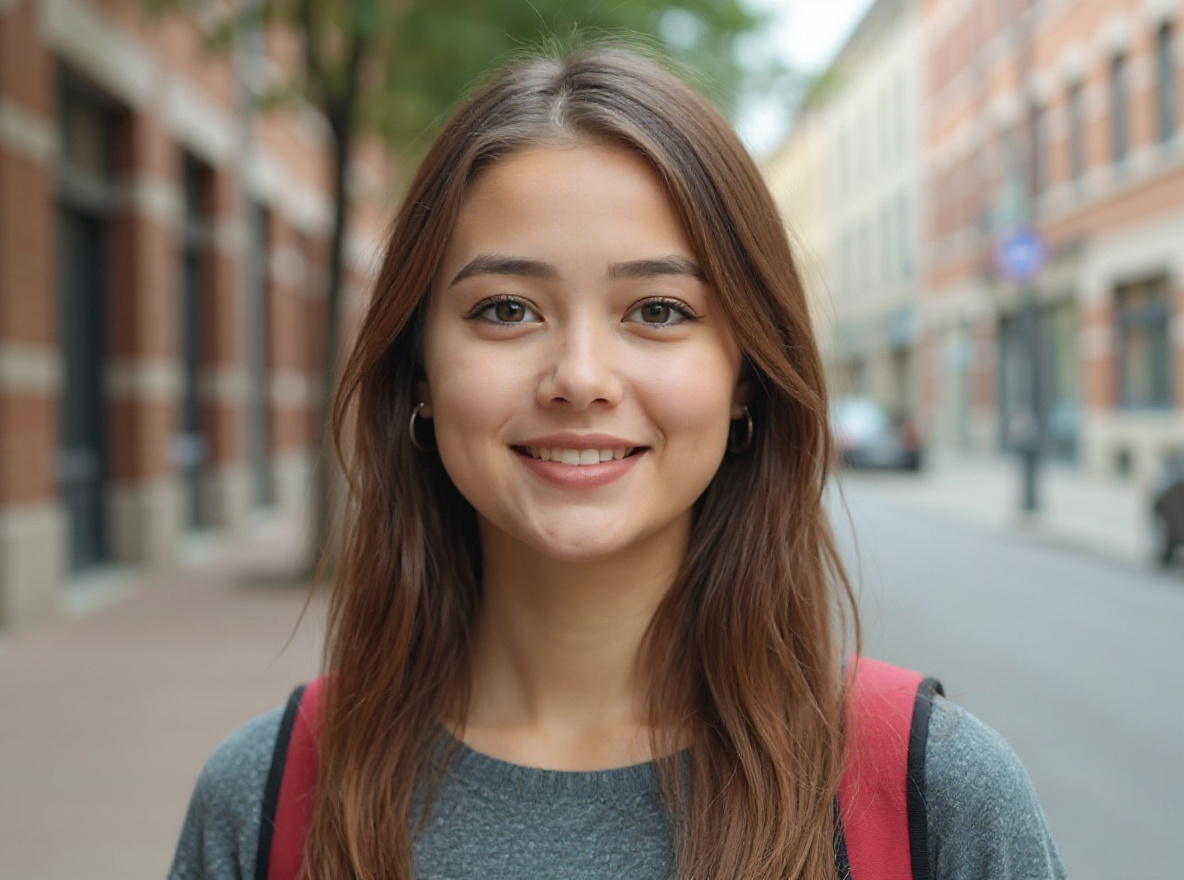
This prompt helps users create a clean college fresher social portrait with campus-style background, confident pose, and realistic identity preservation. Copy it as a same-effect edit instruction, replace variables such as outfit, background, mood, and aspect ratio, then use it in AI Editor RSP or an external AI photo editor.
- Best for
- Instagram Reels · WhatsApp DP · short-video covers
- Avoid if
- celebrity imitation · non-consensual couple edits
Edit this image into a clean college fresher social portrait with campus-style background, confident pose, and realistic identity preservation. Preserve face identity, pose, outfit shape, natural skin texture. Keep the result realistic and source-anchored. Do not change identity, proportions, readable labels, logos, UI text, or factual context unless the user explicitly asks for that specific safe change. Do not add fake text, do not distort hands, and do not imply any provider or brand endorsement.Festival / Culture
Holi AI Photo Editing Prompt
This prompt helps users create a Holi social portrait with colorful powder atmosphere, happy expression, and safe family-friendly framing. Copy it as a same-effect edit instruction, replace variables such as outfit, background, mood, and aspect ratio, then use it in AI Editor RSP or an external AI photo editor.
- Best for
- festival posts · WhatsApp DP · family-friendly social posts
- Avoid if
- political or religious provocation · offensive cultural framing
Edit this image into a Holi social portrait with colorful powder atmosphere, happy expression, and safe family-friendly framing. Preserve face identity, expression, hands, outfit shape. Keep the result realistic and source-anchored. Do not change identity, proportions, readable labels, logos, UI text, or factual context unless the user explicitly asks for that specific safe change. Do not add fake text, do not distort hands, and do not imply any provider or brand endorsement.Festival / Culture
Eid Photo Editing Prompt
This prompt helps users create an Eid greeting portrait with warm lights, elegant outfit detail, and no fake religious or political text. Copy it as a same-effect edit instruction, replace variables such as outfit, background, mood, and aspect ratio, then use it in AI Editor RSP or an external AI photo editor.
- Best for
- festival posts · WhatsApp DP · family-friendly social posts
- Avoid if
- political or religious provocation · offensive cultural framing
Edit this image into an Eid greeting portrait with warm lights, elegant outfit detail, and no fake religious or political text. Preserve face identity, outfit, hands, background realism. Keep the result realistic and source-anchored. Do not change identity, proportions, readable labels, logos, UI text, or factual context unless the user explicitly asks for that specific safe change. Do not add fake text, do not distort hands, and do not imply any provider or brand endorsement.Festival / Culture
Ram Navami AI Photo Editing Prompt
This prompt helps users create a respectful Ram Navami festival portrait with warm cultural lighting and no provocative symbols. Copy it as a same-effect edit instruction, replace variables such as outfit, background, mood, and aspect ratio, then use it in AI Editor RSP or an external AI photo editor.
- Best for
- festival posts · WhatsApp DP · family-friendly social posts
- Avoid if
- political or religious provocation · offensive cultural framing
Edit this image into a respectful Ram Navami festival portrait with warm cultural lighting and no provocative symbols. Preserve face identity, outfit, pose, safe background. Keep the result realistic and source-anchored. Do not change identity, proportions, readable labels, logos, UI text, or factual context unless the user explicitly asks for that specific safe change. Do not add fake text, do not distort hands, and do not imply any provider or brand endorsement.Festival / Culture
Republic Day AI Photo Editing Prompt
This prompt helps users create a civic Republic Day portrait with tricolor-inspired light and no altered official marks or documents. Copy it as a same-effect edit instruction, replace variables such as outfit, background, mood, and aspect ratio, then use it in AI Editor RSP or an external AI photo editor.
- Best for
- festival posts · WhatsApp DP · family-friendly social posts
- Avoid if
- political or religious provocation · offensive cultural framing
Edit this image into a civic Republic Day portrait with tricolor-inspired light and no altered official marks or documents. Preserve face identity, outfit, pose, no official emblems invented. Keep the result realistic and source-anchored. Do not change identity, proportions, readable labels, logos, UI text, or factual context unless the user explicitly asks for that specific safe change. Do not add fake text, do not distort hands, and do not imply any provider or brand endorsement.Festival / Culture
Diwali AI Photo Editing Prompt
This prompt helps users create a Diwali portrait with diya glow, festive bokeh, and realistic face preservation. Copy it as a same-effect edit instruction, replace variables such as outfit, background, mood, and aspect ratio, then use it in AI Editor RSP or an external AI photo editor.
- Best for
- festival posts · WhatsApp DP · family-friendly social posts
- Avoid if
- political or religious provocation · offensive cultural framing
Edit this image into a Diwali portrait with diya glow, festive bokeh, and realistic face preservation. Preserve face identity, hands, outfit, natural lighting. Keep the result realistic and source-anchored. Do not change identity, proportions, readable labels, logos, UI text, or factual context unless the user explicitly asks for that specific safe change. Do not add fake text, do not distort hands, and do not imply any provider or brand endorsement.Festival / Culture
Raksha Bandhan Photo Prompt
This prompt helps users create a warm sibling festival portrait with natural expressions, festive decor, and consent-safe framing. Copy it as a same-effect edit instruction, replace variables such as outfit, background, mood, and aspect ratio, then use it in AI Editor RSP or an external AI photo editor.
- Best for
- festival posts · WhatsApp DP · family-friendly social posts
- Avoid if
- political or religious provocation · offensive cultural framing
Edit this image into a warm sibling festival portrait with natural expressions, festive decor, and consent-safe framing. Preserve both face identities, relative pose, hands, festival accessories. Keep the result realistic and source-anchored. Do not change identity, proportions, readable labels, logos, UI text, or factual context unless the user explicitly asks for that specific safe change. Do not add fake text, do not distort hands, and do not imply any provider or brand endorsement.Festival / Culture
Wedding Invitation Portrait Prompt
This prompt helps users create a wedding invitation-style portrait with elegant background and blank text-safe space. Copy it as a same-effect edit instruction, replace variables such as outfit, background, mood, and aspect ratio, then use it in AI Editor RSP or an external AI photo editor.
- Best for
- festival posts · WhatsApp DP · family-friendly social posts
- Avoid if
- political or religious provocation · offensive cultural framing
Edit this image into a wedding invitation-style portrait with elegant background and blank text-safe space. Preserve face identity, outfit, blank text space, hands. Keep the result realistic and source-anchored. Do not change identity, proportions, readable labels, logos, UI text, or factual context unless the user explicitly asks for that specific safe change. Do not add fake text, do not distort hands, and do not imply any provider or brand endorsement.Festival / Culture
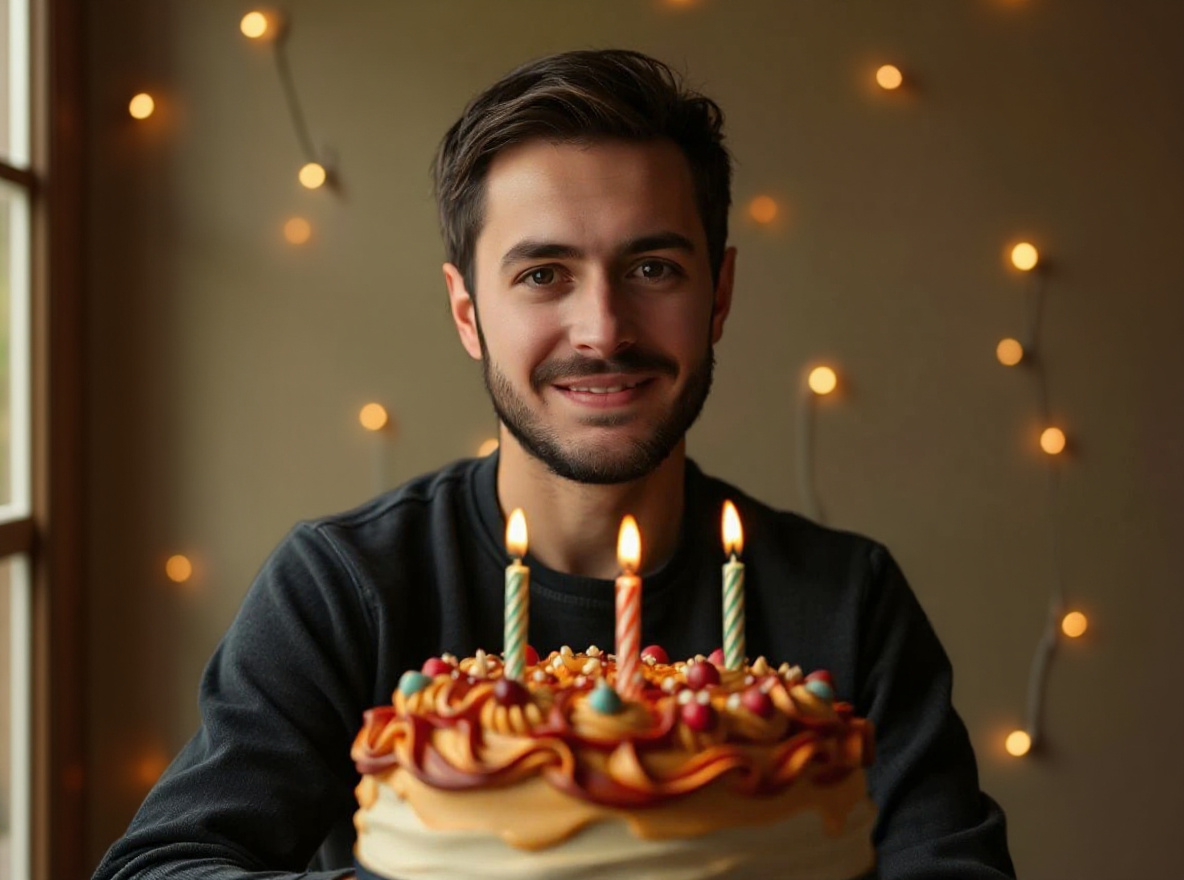
Birthday Social Poster Prompt
This prompt helps users create a birthday social poster photo with celebration lighting and blank editable text area. Copy it as a same-effect edit instruction, replace variables such as outfit, background, mood, and aspect ratio, then use it in AI Editor RSP or an external AI photo editor.
- Best for
- festival posts · WhatsApp DP · family-friendly social posts
- Avoid if
- political or religious provocation · offensive cultural framing
Edit this image into a birthday social poster photo with celebration lighting and blank editable text area. Preserve face identity, pose, blank text area, no fake age or claims. Keep the result realistic and source-anchored. Do not change identity, proportions, readable labels, logos, UI text, or factual context unless the user explicitly asks for that specific safe change. Do not add fake text, do not distort hands, and do not imply any provider or brand endorsement.Provider-specific
Gemini Professional Headshot Prompt
This prompt helps users create a Gemini-compatible professional headshot edit with explicit identity preservation and studio lighting. Copy it as a same-effect edit instruction, replace variables such as outfit, background, mood, and aspect ratio, then use it in AI Editor RSP or an external AI photo editor.
- Best for
- provider prompt testing · external AI editing · same-effect recipes
- Avoid if
- expecting exact same result across providers · claiming endorsement
Edit this image into a Gemini-compatible professional headshot edit with explicit identity preservation and studio lighting. Preserve face identity, hairline, expression, skin texture. Keep the result realistic and source-anchored. Do not change identity, proportions, readable labels, logos, UI text, or factual context unless the user explicitly asks for that specific safe change. Do not add fake text, do not distort hands, and do not imply any provider or brand endorsement.Provider-specific
Gemini Background Change Prompt
This prompt helps users create a Gemini-compatible background replacement that keeps the subject anchored and realistic. Copy it as a same-effect edit instruction, replace variables such as outfit, background, mood, and aspect ratio, then use it in AI Editor RSP or an external AI photo editor.
- Best for
- provider prompt testing · external AI editing · same-effect recipes
- Avoid if
- expecting exact same result across providers · claiming endorsement
Edit this image into a Gemini-compatible background replacement that keeps the subject anchored and realistic. Preserve subject identity, edges, lighting direction, proportions. Keep the result realistic and source-anchored. Do not change identity, proportions, readable labels, logos, UI text, or factual context unless the user explicitly asks for that specific safe change. Do not add fake text, do not distort hands, and do not imply any provider or brand endorsement.Provider-specific
Gemini Product Photo Prompt
This prompt helps users create a Gemini-compatible product photo edit with clean surface, realistic shadow, and preserved label. Copy it as a same-effect edit instruction, replace variables such as outfit, background, mood, and aspect ratio, then use it in AI Editor RSP or an external AI photo editor.
- Best for
- provider prompt testing · external AI editing · same-effect recipes
- Avoid if
- expecting exact same result across providers · claiming endorsement
Edit this image into a Gemini-compatible product photo edit with clean surface, realistic shadow, and preserved label. Preserve product geometry, label, material, scale. Keep the result realistic and source-anchored. Do not change identity, proportions, readable labels, logos, UI text, or factual context unless the user explicitly asks for that specific safe change. Do not add fake text, do not distort hands, and do not imply any provider or brand endorsement.Provider-specific
Gemini Couple Photo Prompt
This prompt helps users create a Gemini-compatible couple portrait edit with both identities preserved and cinematic lighting. Copy it as a same-effect edit instruction, replace variables such as outfit, background, mood, and aspect ratio, then use it in AI Editor RSP or an external AI photo editor.
- Best for
- provider prompt testing · external AI editing · same-effect recipes
- Avoid if
- expecting exact same result across providers · claiming endorsement
Edit this image into a Gemini-compatible couple portrait edit with both identities preserved and cinematic lighting. Preserve both identities, relative pose, hands, outfits. Keep the result realistic and source-anchored. Do not change identity, proportions, readable labels, logos, UI text, or factual context unless the user explicitly asks for that specific safe change. Do not add fake text, do not distort hands, and do not imply any provider or brand endorsement.Provider-specific
ChatGPT Image Edit Headshot Prompt
This prompt helps users create a ChatGPT image-edit headshot instruction with natural skin texture and professional background. Copy it as a same-effect edit instruction, replace variables such as outfit, background, mood, and aspect ratio, then use it in AI Editor RSP or an external AI photo editor.
- Best for
- provider prompt testing · external AI editing · same-effect recipes
- Avoid if
- expecting exact same result across providers · claiming endorsement
Edit this image into a ChatGPT image-edit headshot instruction with natural skin texture and professional background. Preserve face identity, expression, hair, skin texture. Keep the result realistic and source-anchored. Do not change identity, proportions, readable labels, logos, UI text, or factual context unless the user explicitly asks for that specific safe change. Do not add fake text, do not distort hands, and do not imply any provider or brand endorsement.Provider-specific
ChatGPT Product Cleanup Prompt
This prompt helps users create a ChatGPT product cleanup instruction with accurate labels, clean background, and realistic shadow. Copy it as a same-effect edit instruction, replace variables such as outfit, background, mood, and aspect ratio, then use it in AI Editor RSP or an external AI photo editor.
- Best for
- provider prompt testing · external AI editing · same-effect recipes
- Avoid if
- expecting exact same result across providers · claiming endorsement
Edit this image into a ChatGPT product cleanup instruction with accurate labels, clean background, and realistic shadow. Preserve product label, geometry, material, scale. Keep the result realistic and source-anchored. Do not change identity, proportions, readable labels, logos, UI text, or factual context unless the user explicitly asks for that specific safe change. Do not add fake text, do not distort hands, and do not imply any provider or brand endorsement.Provider-specific
ChatGPT Outfit Change Prompt
This prompt helps users create a ChatGPT image edit for changing outfit color or style while preserving face and body proportions. Copy it as a same-effect edit instruction, replace variables such as outfit, background, mood, and aspect ratio, then use it in AI Editor RSP or an external AI photo editor.
- Best for
- provider prompt testing · external AI editing · same-effect recipes
- Avoid if
- expecting exact same result across providers · claiming endorsement
Edit this image into a ChatGPT image edit for changing outfit color or style while preserving face and body proportions. Preserve face identity, body proportions, pose, hands. Keep the result realistic and source-anchored. Do not change identity, proportions, readable labels, logos, UI text, or factual context unless the user explicitly asks for that specific safe change. Do not add fake text, do not distort hands, and do not imply any provider or brand endorsement.Provider-specific
ChatGPT YouTube Thumbnail Prompt
This prompt helps users create a ChatGPT-compatible creator thumbnail edit with subject separation and blank space for manual text. Copy it as a same-effect edit instruction, replace variables such as outfit, background, mood, and aspect ratio, then use it in AI Editor RSP or an external AI photo editor.
- Best for
- provider prompt testing · external AI editing · same-effect recipes
- Avoid if
- expecting exact same result across providers · claiming endorsement
Edit this image into a ChatGPT-compatible creator thumbnail edit with subject separation and blank space for manual text. Preserve face identity, pose, hands, blank copy area. Keep the result realistic and source-anchored. Do not change identity, proportions, readable labels, logos, UI text, or factual context unless the user explicitly asks for that specific safe change. Do not add fake text, do not distort hands, and do not imply any provider or brand endorsement.Provider-specific
Nano Banana Face Preserve Prompt
This prompt helps users create a Nano Banana-compatible same-face portrait edit with clear preservation constraints. Copy it as a same-effect edit instruction, replace variables such as outfit, background, mood, and aspect ratio, then use it in AI Editor RSP or an external AI photo editor.
- Best for
- provider prompt testing · external AI editing · same-effect recipes
- Avoid if
- expecting exact same result across providers · claiming endorsement
Edit this image into a Nano Banana-compatible same-face portrait edit with clear preservation constraints. Preserve face identity, expression, hairline, skin texture. Keep the result realistic and source-anchored. Do not change identity, proportions, readable labels, logos, UI text, or factual context unless the user explicitly asks for that specific safe change. Do not add fake text, do not distort hands, and do not imply any provider or brand endorsement.Provider-specific
Nano Banana Instagram Edit Prompt
This prompt helps users create a Nano Banana-compatible Instagram edit with pop color, clean crop, and no fake UI text. Copy it as a same-effect edit instruction, replace variables such as outfit, background, mood, and aspect ratio, then use it in AI Editor RSP or an external AI photo editor.
- Best for
- provider prompt testing · external AI editing · same-effect recipes
- Avoid if
- expecting exact same result across providers · claiming endorsement
Edit this image into a Nano Banana-compatible Instagram edit with pop color, clean crop, and no fake UI text. Preserve face identity, crop safety, expression, no fake text. Keep the result realistic and source-anchored. Do not change identity, proportions, readable labels, logos, UI text, or factual context unless the user explicitly asks for that specific safe change. Do not add fake text, do not distort hands, and do not imply any provider or brand endorsement.Provider-specific
Nano Banana Product Shadow Prompt
This prompt helps users create a Nano Banana-compatible product shadow edit with unchanged product details. Copy it as a same-effect edit instruction, replace variables such as outfit, background, mood, and aspect ratio, then use it in AI Editor RSP or an external AI photo editor.
- Best for
- provider prompt testing · external AI editing · same-effect recipes
- Avoid if
- expecting exact same result across providers · claiming endorsement
Edit this image into a Nano Banana-compatible product shadow edit with unchanged product details. Preserve product geometry, label, scale, material. Keep the result realistic and source-anchored. Do not change identity, proportions, readable labels, logos, UI text, or factual context unless the user explicitly asks for that specific safe change. Do not add fake text, do not distort hands, and do not imply any provider or brand endorsement.Provider-specific
Nano Banana Festival Portrait Prompt
This prompt helps users create a Nano Banana-compatible festival portrait with safe cultural styling and preserved subject identity. Copy it as a same-effect edit instruction, replace variables such as outfit, background, mood, and aspect ratio, then use it in AI Editor RSP or an external AI photo editor.
- Best for
- provider prompt testing · external AI editing · same-effect recipes
- Avoid if
- expecting exact same result across providers · claiming endorsement
Edit this image into a Nano Banana-compatible festival portrait with safe cultural styling and preserved subject identity. Preserve face identity, outfit, hands, background realism. Keep the result realistic and source-anchored. Do not change identity, proportions, readable labels, logos, UI text, or factual context unless the user explicitly asks for that specific safe change. Do not add fake text, do not distort hands, and do not imply any provider or brand endorsement.Provider-specific
Bing Image Creator Portrait Prompt
This prompt helps users create a shorter Bing-compatible portrait prompt for a realistic social profile photo. Copy it as a same-effect edit instruction, replace variables such as outfit, background, mood, and aspect ratio, then use it in AI Editor RSP or an external AI photo editor.
- Best for
- provider prompt testing · external AI editing · same-effect recipes
- Avoid if
- expecting exact same result across providers · claiming endorsement
Edit this image into a shorter Bing-compatible portrait prompt for a realistic social profile photo. Preserve face identity where upload/edit is supported, pose, outfit, natural crop. Keep the result realistic and source-anchored. Do not change identity, proportions, readable labels, logos, UI text, or factual context unless the user explicitly asks for that specific safe change. Do not add fake text, do not distort hands, and do not imply any provider or brand endorsement.Provider-specific
Bing Product Background Prompt
This prompt helps users create a shorter Bing-compatible product background prompt with conservative label handling. Copy it as a same-effect edit instruction, replace variables such as outfit, background, mood, and aspect ratio, then use it in AI Editor RSP or an external AI photo editor.
- Best for
- provider prompt testing · external AI editing · same-effect recipes
- Avoid if
- expecting exact same result across providers · claiming endorsement
Edit this image into a shorter Bing-compatible product background prompt with conservative label handling. Preserve product geometry, label if provided, scale, material. Keep the result realistic and source-anchored. Do not change identity, proportions, readable labels, logos, UI text, or factual context unless the user explicitly asks for that specific safe change. Do not add fake text, do not distort hands, and do not imply any provider or brand endorsement.Provider-specific
CapCut Template Recipe Prompt
This prompt helps users create a CapCut-style recipe card describing transitions, overlays, and safe source-photo edit notes without unsafe downloads. Copy it as a same-effect edit instruction, replace variables such as outfit, background, mood, and aspect ratio, then use it in AI Editor RSP or an external AI photo editor.
- Best for
- provider prompt testing · external AI editing · same-effect recipes
- Avoid if
- expecting exact same result across providers · claiming endorsement
Edit this image into a CapCut-style recipe card describing transitions, overlays, and safe source-photo edit notes without unsafe downloads. Preserve source subject, timing notes, manual text zones, no unsafe downloads. Keep the result realistic and source-anchored. Do not change identity, proportions, readable labels, logos, UI text, or factual context unless the user explicitly asks for that specific safe change. Do not add fake text, do not distort hands, and do not imply any provider or brand endorsement.Provider-specific
Lightroom Preset Recipe Prompt
This prompt helps users create a Lightroom-style preset recipe for warmth, contrast, grain, and realistic portrait tone. Copy it as a same-effect edit instruction, replace variables such as outfit, background, mood, and aspect ratio, then use it in AI Editor RSP or an external AI photo editor.
- Best for
- provider prompt testing · external AI editing · same-effect recipes
- Avoid if
- expecting exact same result across providers · claiming endorsement
Edit this image into a Lightroom-style preset recipe for warmth, contrast, grain, and realistic portrait tone. Preserve face identity, skin texture, lighting direction, color balance. Keep the result realistic and source-anchored. Do not change identity, proportions, readable labels, logos, UI text, or factual context unless the user explicitly asks for that specific safe change. Do not add fake text, do not distort hands, and do not imply any provider or brand endorsement.Personal Photo
LinkedIn Headshot Prompt
This prompt helps users create a LinkedIn-ready headshot with clean background, approachable expression, and professional crop. Copy it as a same-effect edit instruction, replace variables such as outfit, background, mood, and aspect ratio, then use it in AI Editor RSP or an external AI photo editor.
- Best for
- profile photos · personal branding · avatars
- Avoid if
- source face is heavily occluded · user expects identity or age change
Edit this image into a LinkedIn-ready headshot with clean background, approachable expression, and professional crop. Preserve face identity, expression, hairline, shoulders. Keep the result realistic and source-anchored. Do not change identity, proportions, readable labels, logos, UI text, or factual context unless the user explicitly asks for that specific safe change. Do not add fake text, do not distort hands, and do not imply any provider or brand endorsement.Personal Photo
Profile Picture Prompt
This prompt helps users create a clean profile picture with centered crop, soft light, and recognizable identity. Copy it as a same-effect edit instruction, replace variables such as outfit, background, mood, and aspect ratio, then use it in AI Editor RSP or an external AI photo editor.
- Best for
- profile photos · personal branding · avatars
- Avoid if
- source face is heavily occluded · user expects identity or age change
Edit this image into a clean profile picture with centered crop, soft light, and recognizable identity. Preserve face identity, expression, silhouette, crop safety. Keep the result realistic and source-anchored. Do not change identity, proportions, readable labels, logos, UI text, or factual context unless the user explicitly asks for that specific safe change. Do not add fake text, do not distort hands, and do not imply any provider or brand endorsement.Personal Photo
Passport-Style Photo Cleanup Prompt
This prompt helps users create a neutral passport-style photo cleanup for lighting and background only, without claiming legal document compliance. Copy it as a same-effect edit instruction, replace variables such as outfit, background, mood, and aspect ratio, then use it in AI Editor RSP or an external AI photo editor.
- Best for
- profile photos · personal branding · avatars
- Avoid if
- source face is heavily occluded · user expects identity or age change
Edit this image into a neutral passport-style photo cleanup for lighting and background only, without claiming legal document compliance. Preserve face identity, head position, natural skin texture, plain background. Keep the result realistic and source-anchored. Do not change identity, proportions, readable labels, logos, UI text, or factual context unless the user explicitly asks for that specific safe change. Do not add fake text, do not distort hands, and do not imply any provider or brand endorsement.Personal Photo
Dating Profile Photo Prompt
This prompt helps users create a natural dating profile photo with warmer light, honest face detail, and relaxed background. Copy it as a same-effect edit instruction, replace variables such as outfit, background, mood, and aspect ratio, then use it in AI Editor RSP or an external AI photo editor.
- Best for
- profile photos · personal branding · avatars
- Avoid if
- source face is heavily occluded · user expects identity or age change
Edit this image into a natural dating profile photo with warmer light, honest face detail, and relaxed background. Preserve face identity, expression, body proportions, natural context. Keep the result realistic and source-anchored. Do not change identity, proportions, readable labels, logos, UI text, or factual context unless the user explicitly asks for that specific safe change. Do not add fake text, do not distort hands, and do not imply any provider or brand endorsement.Personal Photo
Resume Photo Clean Background Prompt
This prompt helps users create a resume-friendly portrait with clean background and realistic professional lighting. Copy it as a same-effect edit instruction, replace variables such as outfit, background, mood, and aspect ratio, then use it in AI Editor RSP or an external AI photo editor.
- Best for
- profile photos · personal branding · avatars
- Avoid if
- source face is heavily occluded · user expects identity or age change
Edit this image into a resume-friendly portrait with clean background and realistic professional lighting. Preserve face identity, expression, hair, shoulders. Keep the result realistic and source-anchored. Do not change identity, proportions, readable labels, logos, UI text, or factual context unless the user explicitly asks for that specific safe change. Do not add fake text, do not distort hands, and do not imply any provider or brand endorsement.Business
Founder Portrait Prompt
This prompt helps users create a credible founder portrait with editorial light, clean environment, and unchanged facial identity. Copy it as a same-effect edit instruction, replace variables such as outfit, background, mood, and aspect ratio, then use it in AI Editor RSP or an external AI photo editor.
- Best for
- founder profiles · team pages · launch decks
- Avoid if
- badge/certificate text must be exact · photo belongs to someone without consent
Edit this image into a credible founder portrait with editorial light, clean environment, and unchanged facial identity. Preserve face identity, expression, outfit, background context. Keep the result realistic and source-anchored. Do not change identity, proportions, readable labels, logos, UI text, or factual context unless the user explicitly asks for that specific safe change. Do not add fake text, do not distort hands, and do not imply any provider or brand endorsement.Business
Team Avatar Prompt
This prompt helps users create a consistent team avatar style across members while preserving each person's identity. Copy it as a same-effect edit instruction, replace variables such as outfit, background, mood, and aspect ratio, then use it in AI Editor RSP or an external AI photo editor.
- Best for
- founder profiles · team pages · launch decks
- Avoid if
- badge/certificate text must be exact · photo belongs to someone without consent
Edit this image into a consistent team avatar style across members while preserving each person's identity. Preserve each face identity, pose style, team consistency, natural skin. Keep the result realistic and source-anchored. Do not change identity, proportions, readable labels, logos, UI text, or factual context unless the user explicitly asks for that specific safe change. Do not add fake text, do not distort hands, and do not imply any provider or brand endorsement.Business
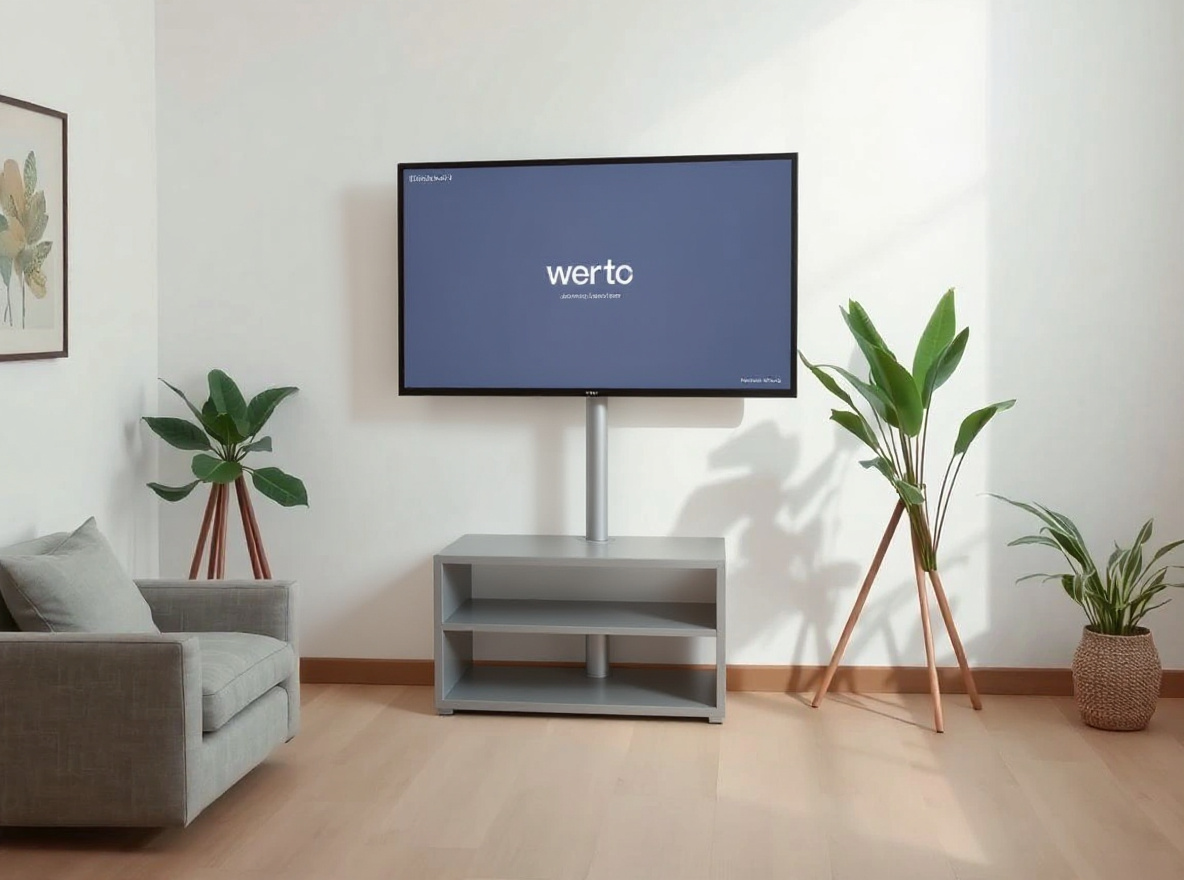
App Launch Hero Prompt
This prompt helps users create a launch hero visual with product-safe device framing, clean light, and no fake UI claims. Copy it as a same-effect edit instruction, replace variables such as outfit, background, mood, and aspect ratio, then use it in AI Editor RSP or an external AI photo editor.
- Best for
- founder profiles · team pages · launch decks
- Avoid if
- badge/certificate text must be exact · photo belongs to someone without consent
Edit this image into a launch hero visual with product-safe device framing, clean light, and no fake UI claims. Preserve device shape, screen as user-provided, composition, no invented UI. Keep the result realistic and source-anchored. Do not change identity, proportions, readable labels, logos, UI text, or factual context unless the user explicitly asks for that specific safe change. Do not add fake text, do not distort hands, and do not imply any provider or brand endorsement.Business
Ad Creative Cleanup Prompt
This prompt helps users create a cleaner ad creative photo with stronger subject hierarchy and blank copy-safe zones. Copy it as a same-effect edit instruction, replace variables such as outfit, background, mood, and aspect ratio, then use it in AI Editor RSP or an external AI photo editor.
- Best for
- founder profiles · team pages · launch decks
- Avoid if
- badge/certificate text must be exact · photo belongs to someone without consent
Edit this image into a cleaner ad creative photo with stronger subject hierarchy and blank copy-safe zones. Preserve subject identity, product details, blank copy space, lighting direction. Keep the result realistic and source-anchored. Do not change identity, proportions, readable labels, logos, UI text, or factual context unless the user explicitly asks for that specific safe change. Do not add fake text, do not distort hands, and do not imply any provider or brand endorsement.Business
Corporate Event Photo Polish Prompt
This prompt helps users create a corporate event photo polish with better lighting, reduced clutter, and truthful scene preservation. Copy it as a same-effect edit instruction, replace variables such as outfit, background, mood, and aspect ratio, then use it in AI Editor RSP or an external AI photo editor.
- Best for
- founder profiles · team pages · launch decks
- Avoid if
- badge/certificate text must be exact · photo belongs to someone without consent
Edit this image into a corporate event photo polish with better lighting, reduced clutter, and truthful scene preservation. Preserve people identities, event context, badges if readable, no false attendees. Keep the result realistic and source-anchored. Do not change identity, proportions, readable labels, logos, UI text, or factual context unless the user explicitly asks for that specific safe change. Do not add fake text, do not distort hands, and do not imply any provider or brand endorsement.Ecommerce
White Background Product Photo Prompt
This prompt helps users create a white-background product photo with clean edges, realistic surface contact, and unchanged label. Copy it as a same-effect edit instruction, replace variables such as outfit, background, mood, and aspect ratio, then use it in AI Editor RSP or an external AI photo editor.
- Best for
- product listings · marketplace photos · storefront visuals
- Avoid if
- label accuracy requires legal review · source product photo is not owned
Edit this image into a white-background product photo with clean edges, realistic surface contact, and unchanged label. Preserve product geometry, label, material, scale. Keep the result realistic and source-anchored. Do not change identity, proportions, readable labels, logos, UI text, or factual context unless the user explicitly asks for that specific safe change. Do not add fake text, do not distort hands, and do not imply any provider or brand endorsement.Ecommerce
Lifestyle Product Photo Prompt
This prompt helps users create a lifestyle product scene with natural props, realistic shadow, and preserved product accuracy. Copy it as a same-effect edit instruction, replace variables such as outfit, background, mood, and aspect ratio, then use it in AI Editor RSP or an external AI photo editor.
- Best for
- product listings · marketplace photos · storefront visuals
- Avoid if
- label accuracy requires legal review · source product photo is not owned
Edit this image into a lifestyle product scene with natural props, realistic shadow, and preserved product accuracy. Preserve product geometry, label, material, scale. Keep the result realistic and source-anchored. Do not change identity, proportions, readable labels, logos, UI text, or factual context unless the user explicitly asks for that specific safe change. Do not add fake text, do not distort hands, and do not imply any provider or brand endorsement.Ecommerce
Product Label Cleanup Prompt
This prompt helps users create a product label cleanup that improves lighting and dust while preserving all readable label information. Copy it as a same-effect edit instruction, replace variables such as outfit, background, mood, and aspect ratio, then use it in AI Editor RSP or an external AI photo editor.
- Best for
- product listings · marketplace photos · storefront visuals
- Avoid if
- label accuracy requires legal review · source product photo is not owned
Edit this image into a product label cleanup that improves lighting and dust while preserving all readable label information. Preserve label text, logo if user-owned, product geometry, material. Keep the result realistic and source-anchored. Do not change identity, proportions, readable labels, logos, UI text, or factual context unless the user explicitly asks for that specific safe change. Do not add fake text, do not distort hands, and do not imply any provider or brand endorsement.Ecommerce
Product Hero Image Prompt
This prompt helps users create a premium product hero image with crisp highlight, clean background, and unchanged package details. Copy it as a same-effect edit instruction, replace variables such as outfit, background, mood, and aspect ratio, then use it in AI Editor RSP or an external AI photo editor.
- Best for
- product listings · marketplace photos · storefront visuals
- Avoid if
- label accuracy requires legal review · source product photo is not owned
Edit this image into a premium product hero image with crisp highlight, clean background, and unchanged package details. Preserve product shape, label, material, scale. Keep the result realistic and source-anchored. Do not change identity, proportions, readable labels, logos, UI text, or factual context unless the user explicitly asks for that specific safe change. Do not add fake text, do not distort hands, and do not imply any provider or brand endorsement.Ecommerce
Marketplace Listing Photo Prompt
This prompt helps users create a marketplace listing image with balanced light, true color, and product-safe composition. Copy it as a same-effect edit instruction, replace variables such as outfit, background, mood, and aspect ratio, then use it in AI Editor RSP or an external AI photo editor.
- Best for
- product listings · marketplace photos · storefront visuals
- Avoid if
- label accuracy requires legal review · source product photo is not owned
Edit this image into a marketplace listing image with balanced light, true color, and product-safe composition. Preserve product geometry, label, color, scale. Keep the result realistic and source-anchored. Do not change identity, proportions, readable labels, logos, UI text, or factual context unless the user explicitly asks for that specific safe change. Do not add fake text, do not distort hands, and do not imply any provider or brand endorsement.Utility
Object Removal Prompt
This prompt helps users create a clutter removal edit that removes distracting objects while keeping scene geometry believable. Copy it as a same-effect edit instruction, replace variables such as outfit, background, mood, and aspect ratio, then use it in AI Editor RSP or an external AI photo editor.
- Best for
- quick photo fixes · before/after demos · external AI editing
- Avoid if
- editing evidence or documents · watermark removal
Edit this image into a clutter removal edit that removes distracting objects while keeping scene geometry believable. Preserve main subject, background perspective, shadows, edges. Keep the result realistic and source-anchored. Do not change identity, proportions, readable labels, logos, UI text, or factual context unless the user explicitly asks for that specific safe change. Do not add fake text, do not distort hands, and do not imply any provider or brand endorsement.Utility
Change Clothes Prompt
This prompt helps users create a safe clothing color or style edit while preserving face, pose, hands, and body proportions. Copy it as a same-effect edit instruction, replace variables such as outfit, background, mood, and aspect ratio, then use it in AI Editor RSP or an external AI photo editor.
- Best for
- quick photo fixes · before/after demos · external AI editing
- Avoid if
- editing evidence or documents · watermark removal
Edit this image into a safe clothing color or style edit while preserving face, pose, hands, and body proportions. Preserve face identity, body proportions, pose, hands. Keep the result realistic and source-anchored. Do not change identity, proportions, readable labels, logos, UI text, or factual context unless the user explicitly asks for that specific safe change. Do not add fake text, do not distort hands, and do not imply any provider or brand endorsement.Utility
HD Photo Enhance Prompt
This prompt helps users create an HD photo enhancement with sharper detail, balanced noise, and realistic texture. Copy it as a same-effect edit instruction, replace variables such as outfit, background, mood, and aspect ratio, then use it in AI Editor RSP or an external AI photo editor.
- Best for
- quick photo fixes · before/after demos · external AI editing
- Avoid if
- editing evidence or documents · watermark removal
Edit this image into an HD photo enhancement with sharper detail, balanced noise, and realistic texture. Preserve face identity or product geometry, texture, lighting, original context. Keep the result realistic and source-anchored. Do not change identity, proportions, readable labels, logos, UI text, or factual context unless the user explicitly asks for that specific safe change. Do not add fake text, do not distort hands, and do not imply any provider or brand endorsement.Utility
Restore Lighting Prompt
This prompt helps users create a lighting restoration edit that fixes underexposure while keeping the original scene believable. Copy it as a same-effect edit instruction, replace variables such as outfit, background, mood, and aspect ratio, then use it in AI Editor RSP or an external AI photo editor.
- Best for
- quick photo fixes · before/after demos · external AI editing
- Avoid if
- editing evidence or documents · watermark removal
Edit this image into a lighting restoration edit that fixes underexposure while keeping the original scene believable. Preserve subject identity, lighting direction, skin or product texture, context. Keep the result realistic and source-anchored. Do not change identity, proportions, readable labels, logos, UI text, or factual context unless the user explicitly asks for that specific safe change. Do not add fake text, do not distort hands, and do not imply any provider or brand endorsement.Utility
Remove Clutter Prompt
This prompt helps users create a tidy scene edit that removes visual clutter without changing the main subject. Copy it as a same-effect edit instruction, replace variables such as outfit, background, mood, and aspect ratio, then use it in AI Editor RSP or an external AI photo editor.
- Best for
- quick photo fixes · before/after demos · external AI editing
- Avoid if
- editing evidence or documents · watermark removal
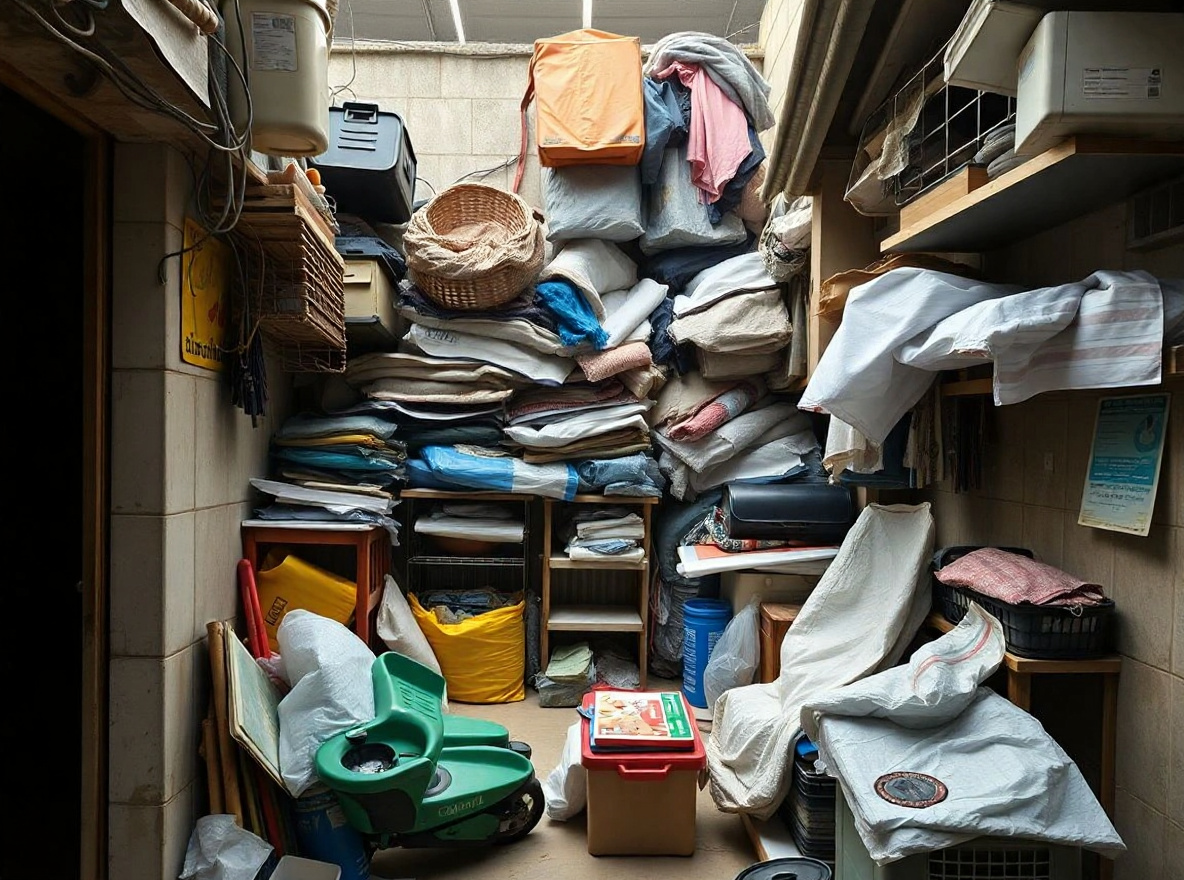
Edit this image into a tidy scene edit that removes visual clutter without changing the main subject. Preserve main subject, room geometry, lighting direction, edges. Keep the result realistic and source-anchored. Do not change identity, proportions, readable labels, logos, UI text, or factual context unless the user explicitly asks for that specific safe change. Do not add fake text, do not distort hands, and do not imply any provider or brand endorsement.Utility
Resize and Crop Prompt
This prompt helps users create a crop-safe photo adaptation for square, vertical, and thumbnail formats without cutting key details. Copy it as a same-effect edit instruction, replace variables such as outfit, background, mood, and aspect ratio, then use it in AI Editor RSP or an external AI photo editor.
- Best for
- quick photo fixes · before/after demos · external AI editing
- Avoid if
- editing evidence or documents · watermark removal
Edit this image into a crop-safe photo adaptation for square, vertical, and thumbnail formats without cutting key details. Preserve face/product visibility, hands, edge details, composition. Keep the result realistic and source-anchored. Do not change identity, proportions, readable labels, logos, UI text, or factual context unless the user explicitly asks for that specific safe change. Do not add fake text, do not distort hands, and do not imply any provider or brand endorsement.Utility
Old Photo Color Restore Prompt
This prompt helps users create a respectful old-photo restoration with gentle color, scratch cleanup, and no identity invention. Copy it as a same-effect edit instruction, replace variables such as outfit, background, mood, and aspect ratio, then use it in AI Editor RSP or an external AI photo editor.
- Best for
- quick photo fixes · before/after demos · external AI editing
- Avoid if
- editing evidence or documents · watermark removal
Edit this image into a respectful old-photo restoration with gentle color, scratch cleanup, and no identity invention. Preserve face identity, historical context, clothing shape, original composition. Keep the result realistic and source-anchored. Do not change identity, proportions, readable labels, logos, UI text, or factual context unless the user explicitly asks for that specific safe change. Do not add fake text, do not distort hands, and do not imply any provider or brand endorsement.Social Creator
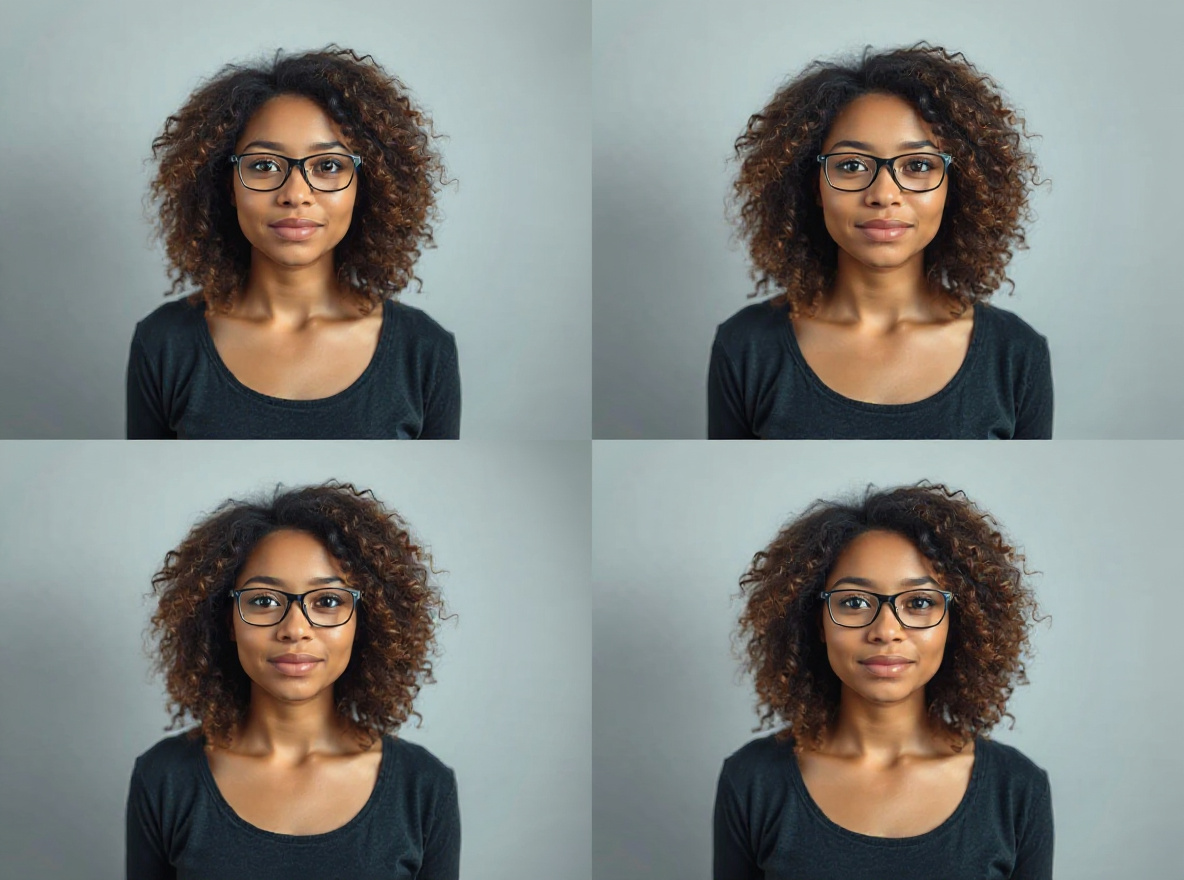
AI Collage Photo Prompt
This prompt helps users create a clean AI collage photo with multiple frames, consistent color, and no fake platform UI. Copy it as a same-effect edit instruction, replace variables such as outfit, background, mood, and aspect ratio, then use it in AI Editor RSP or an external AI photo editor.
- Best for
- short-form covers · social posts · creator thumbnails
- Avoid if
- exact platform UI text · celebrity/franchise imitation
Edit this image into a clean AI collage photo with multiple frames, consistent color, and no fake platform UI. Preserve subject identity, frame boundaries, blank text zones, source context. Keep the result realistic and source-anchored. Do not change identity, proportions, readable labels, logos, UI text, or factual context unless the user explicitly asks for that specific safe change. Do not add fake text, do not distort hands, and do not imply any provider or brand endorsement.Social Creator
TikTok Cover Prompt
This prompt helps users create a vertical short-video cover with clear subject separation and bold but blank copy area. Copy it as a same-effect edit instruction, replace variables such as outfit, background, mood, and aspect ratio, then use it in AI Editor RSP or an external AI photo editor.
- Best for
- short-form covers · social posts · creator thumbnails
- Avoid if
- exact platform UI text · celebrity/franchise imitation
Edit this image into a vertical short-video cover with clear subject separation and bold but blank copy area. Preserve face identity, pose, hands, blank copy area. Keep the result realistic and source-anchored. Do not change identity, proportions, readable labels, logos, UI text, or factual context unless the user explicitly asks for that specific safe change. Do not add fake text, do not distort hands, and do not imply any provider or brand endorsement.Social Creator
YouTube Thumbnail Prompt
This prompt helps users create a high-contrast YouTube thumbnail hero with clear subject separation and text-safe space. Copy it as a same-effect edit instruction, replace variables such as outfit, background, mood, and aspect ratio, then use it in AI Editor RSP or an external AI photo editor.
- Best for
- short-form covers · social posts · creator thumbnails
- Avoid if
- exact platform UI text · celebrity/franchise imitation
Edit this image into a high-contrast YouTube thumbnail hero with clear subject separation and text-safe space. Preserve face identity, pose, hands, empty copy space. Keep the result realistic and source-anchored. Do not change identity, proportions, readable labels, logos, UI text, or factual context unless the user explicitly asks for that specific safe change. Do not add fake text, do not distort hands, and do not imply any provider or brand endorsement.Personal Photo
Cinematic Portrait Prompt
This prompt helps users create a cinematic portrait with depth, dramatic lighting, and realistic facial preservation. Copy it as a same-effect edit instruction, replace variables such as outfit, background, mood, and aspect ratio, then use it in AI Editor RSP or an external AI photo editor.
- Best for
- profile photos · personal branding · avatars
- Avoid if
- source face is heavily occluded · user expects identity or age change
Edit this image into a cinematic portrait with depth, dramatic lighting, and realistic facial preservation. Preserve face identity, pose, skin texture, hair. Keep the result realistic and source-anchored. Do not change identity, proportions, readable labels, logos, UI text, or factual context unless the user explicitly asks for that specific safe change. Do not add fake text, do not distort hands, and do not imply any provider or brand endorsement.