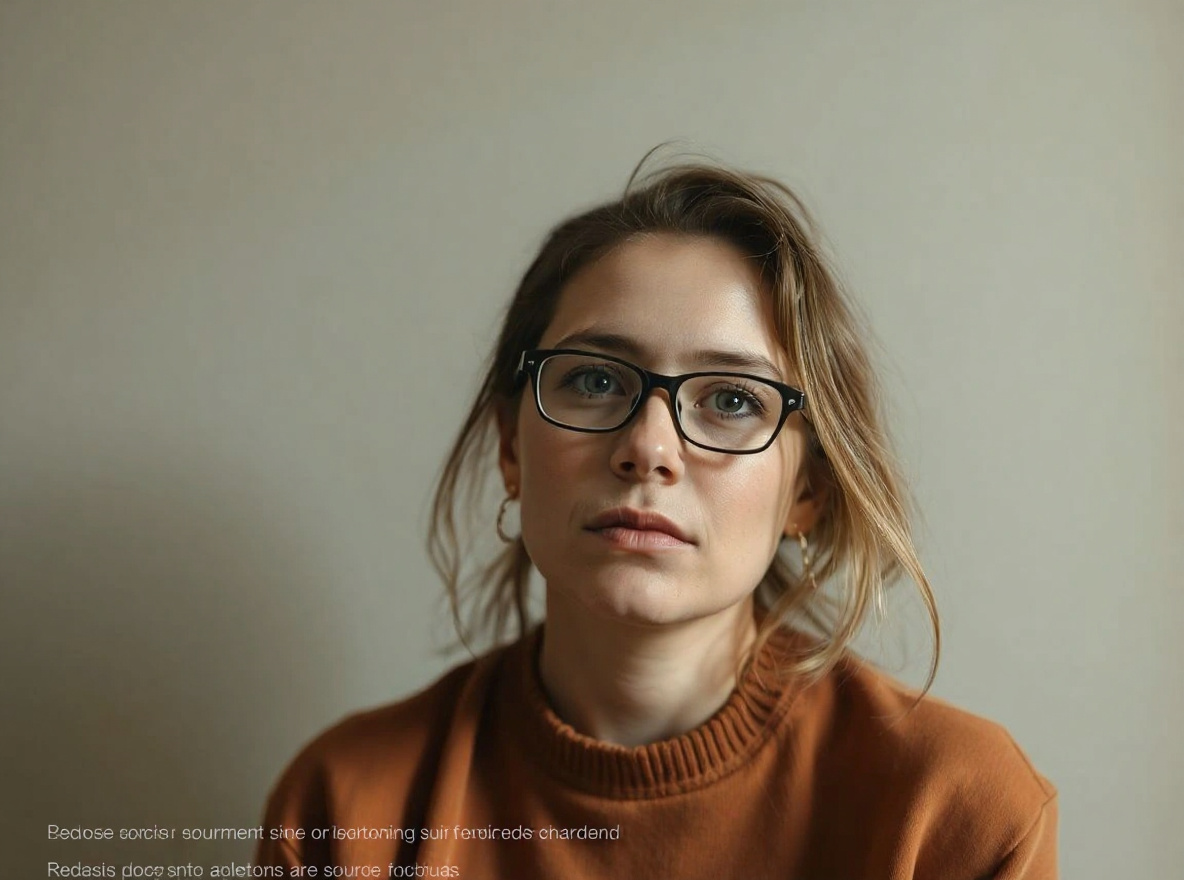
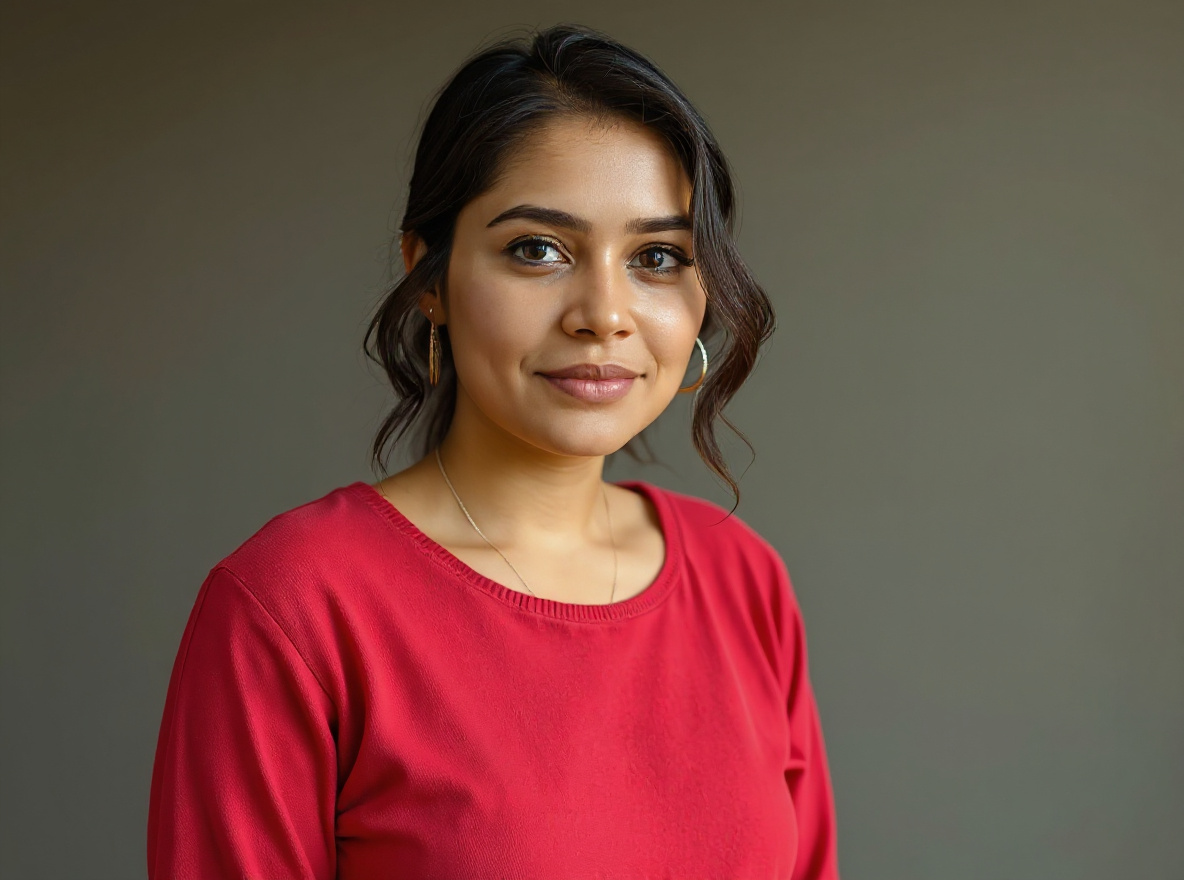
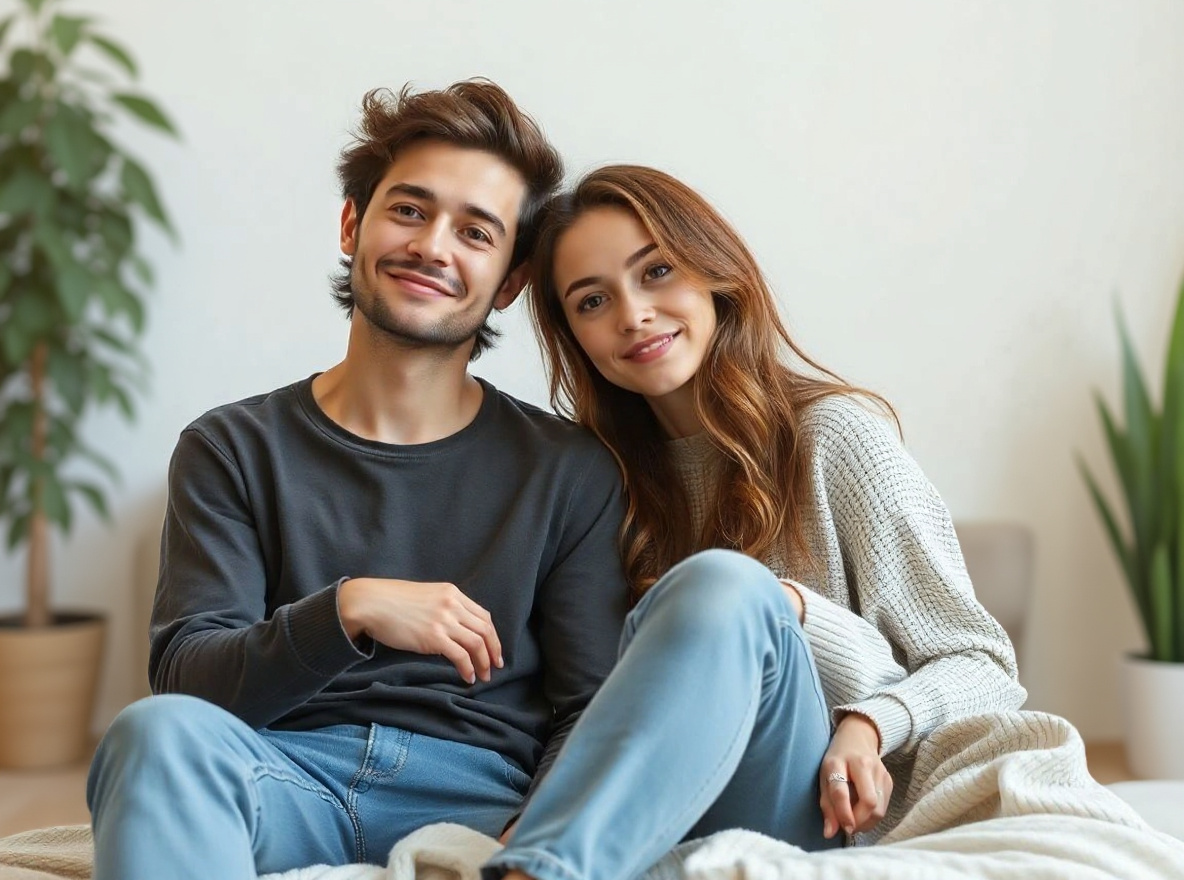
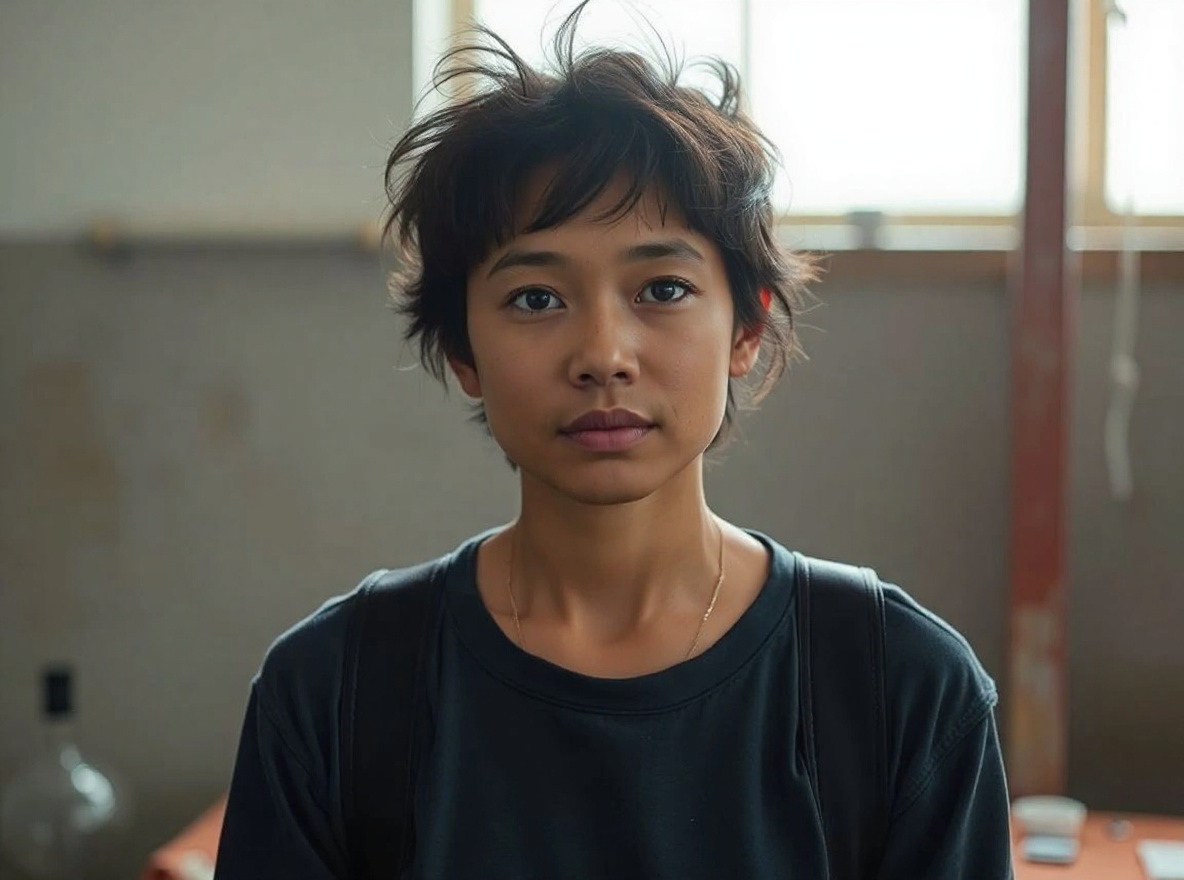
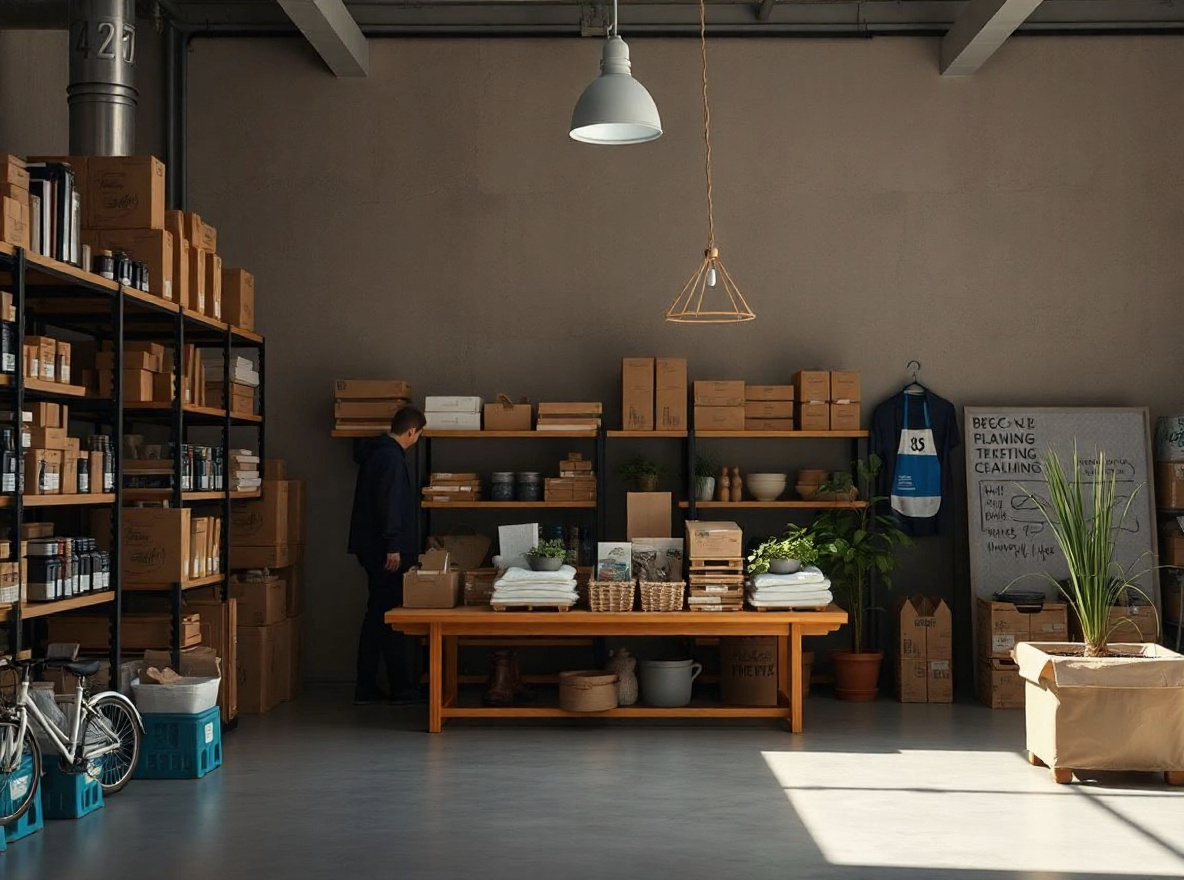
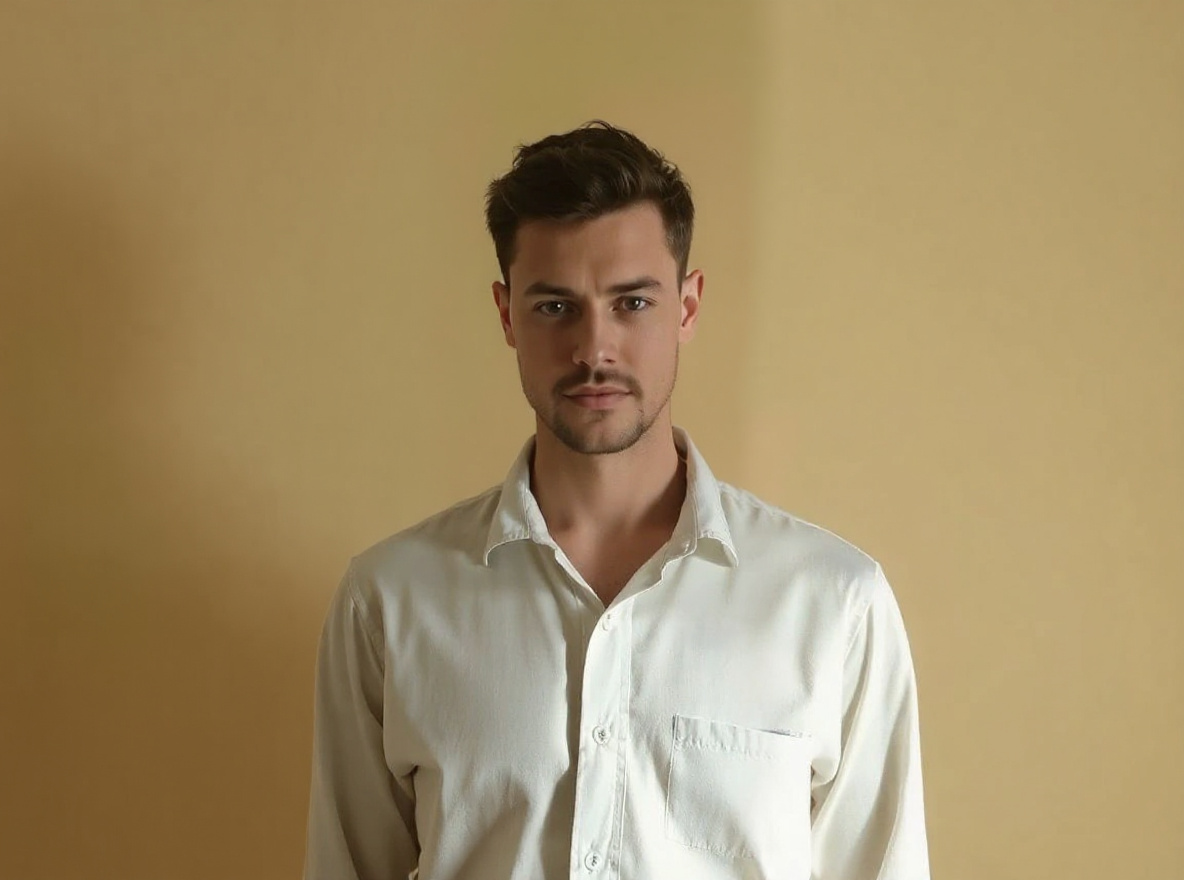
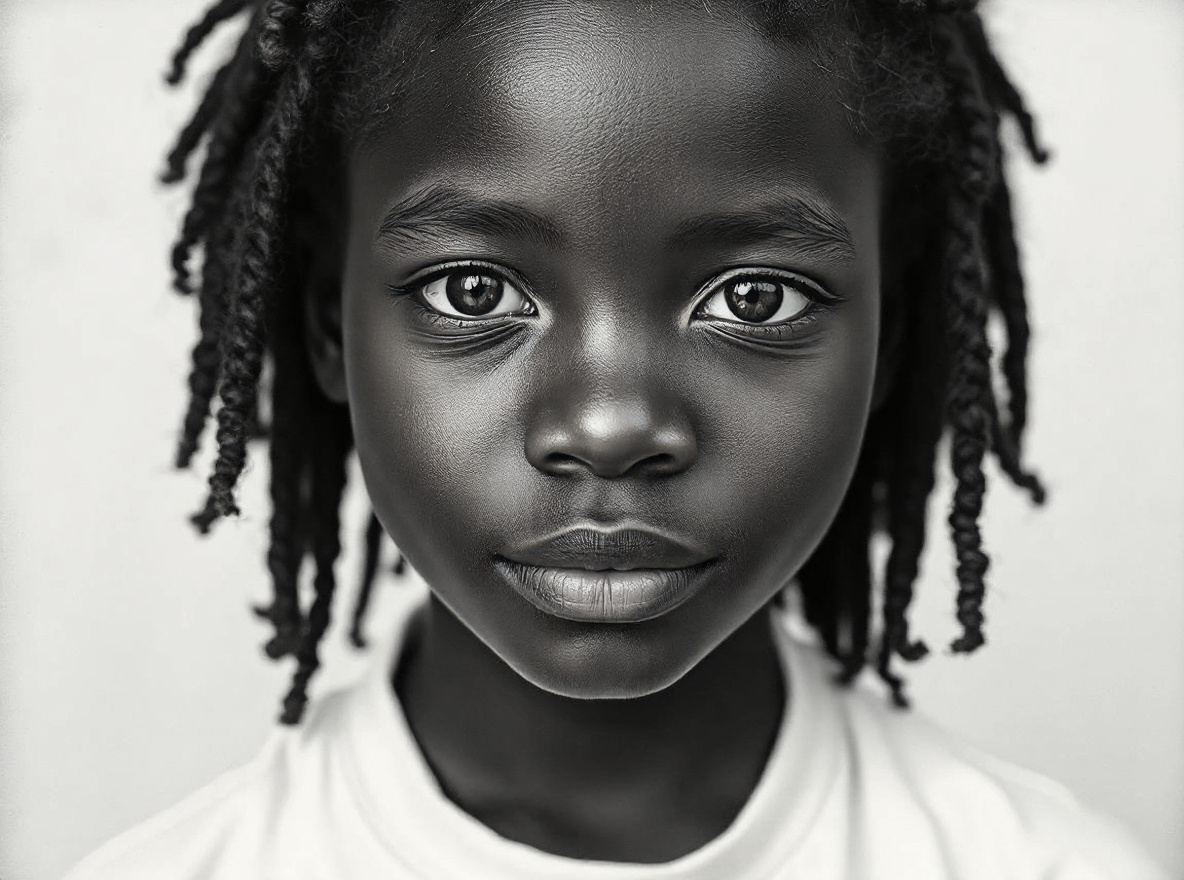
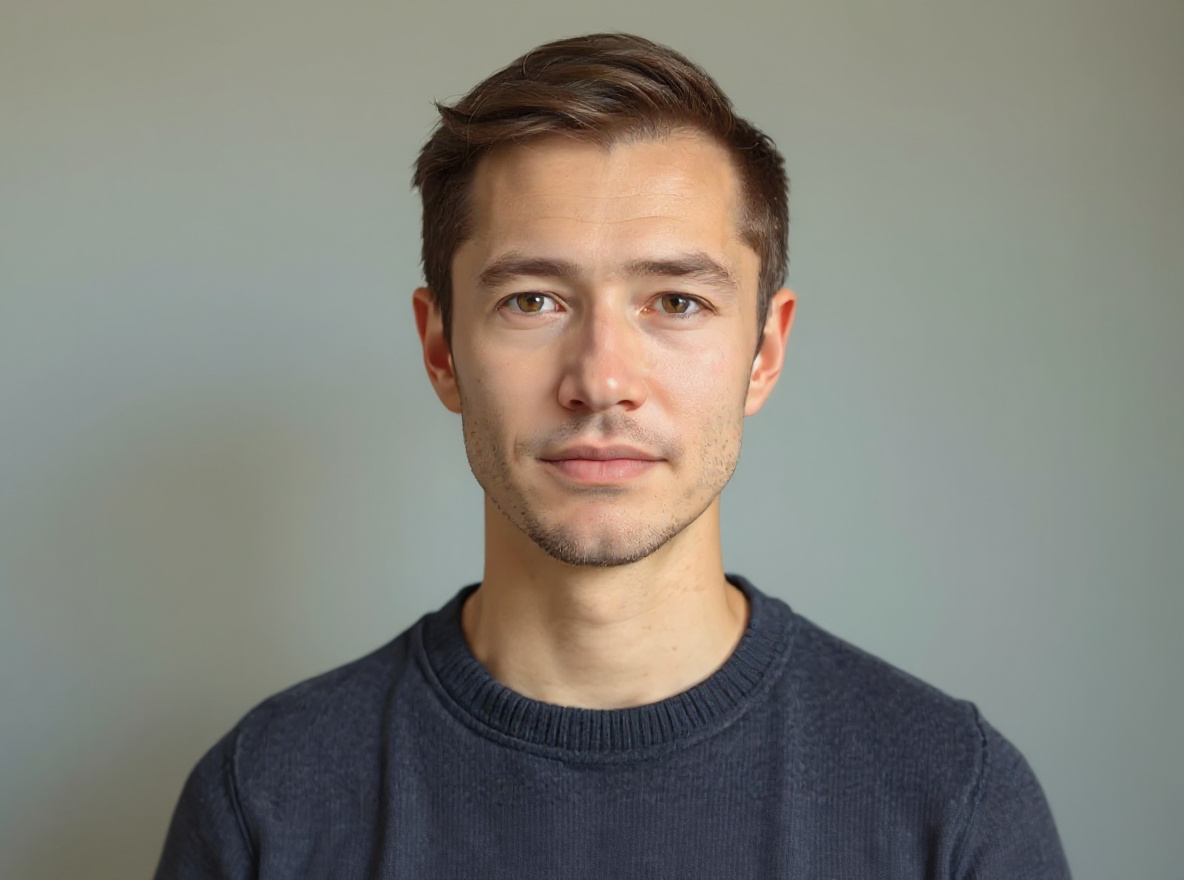
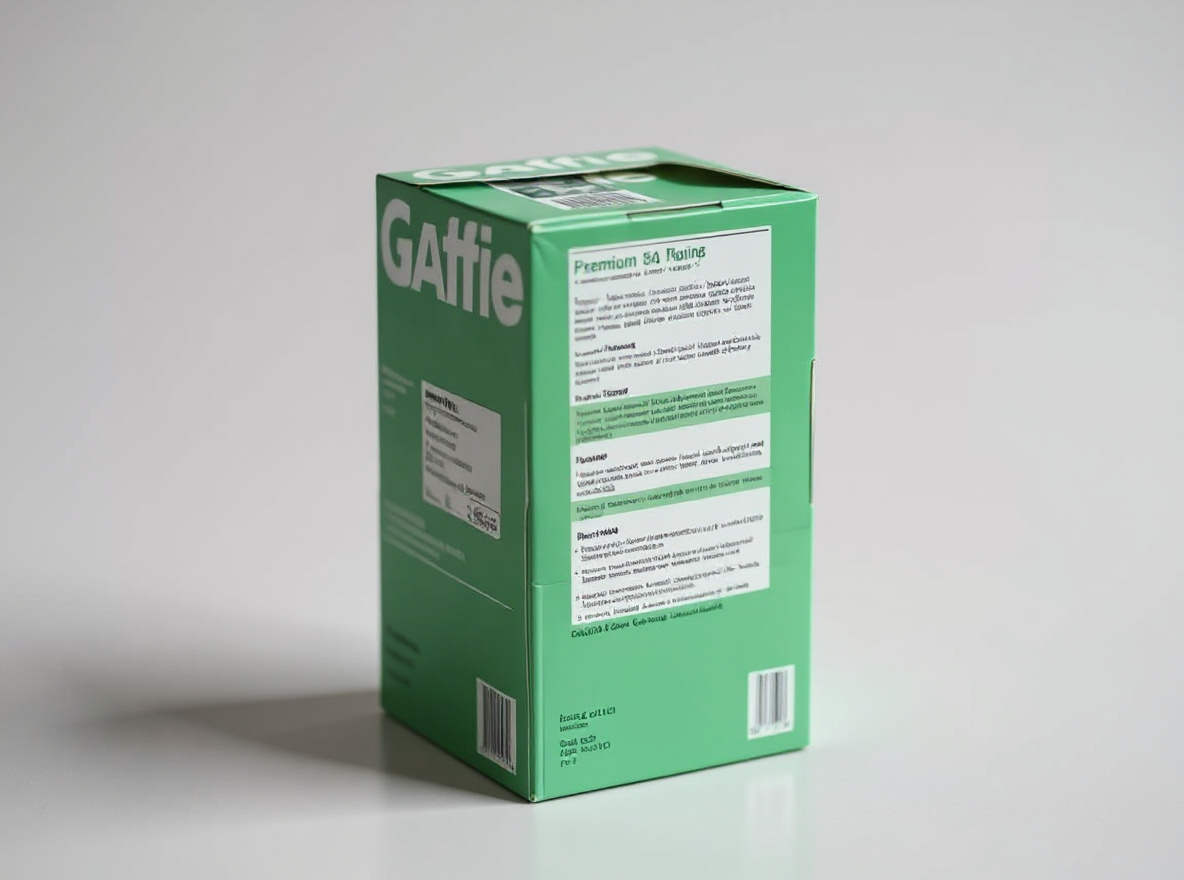
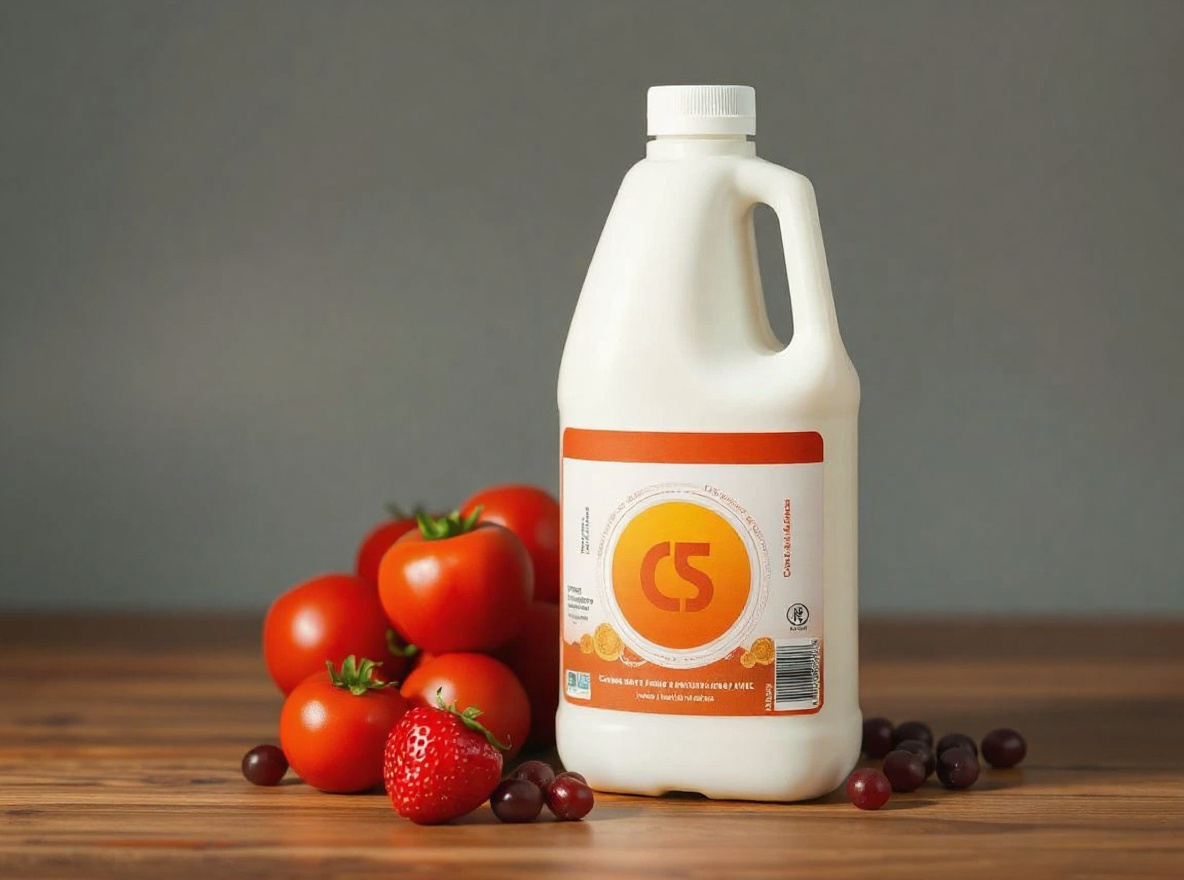
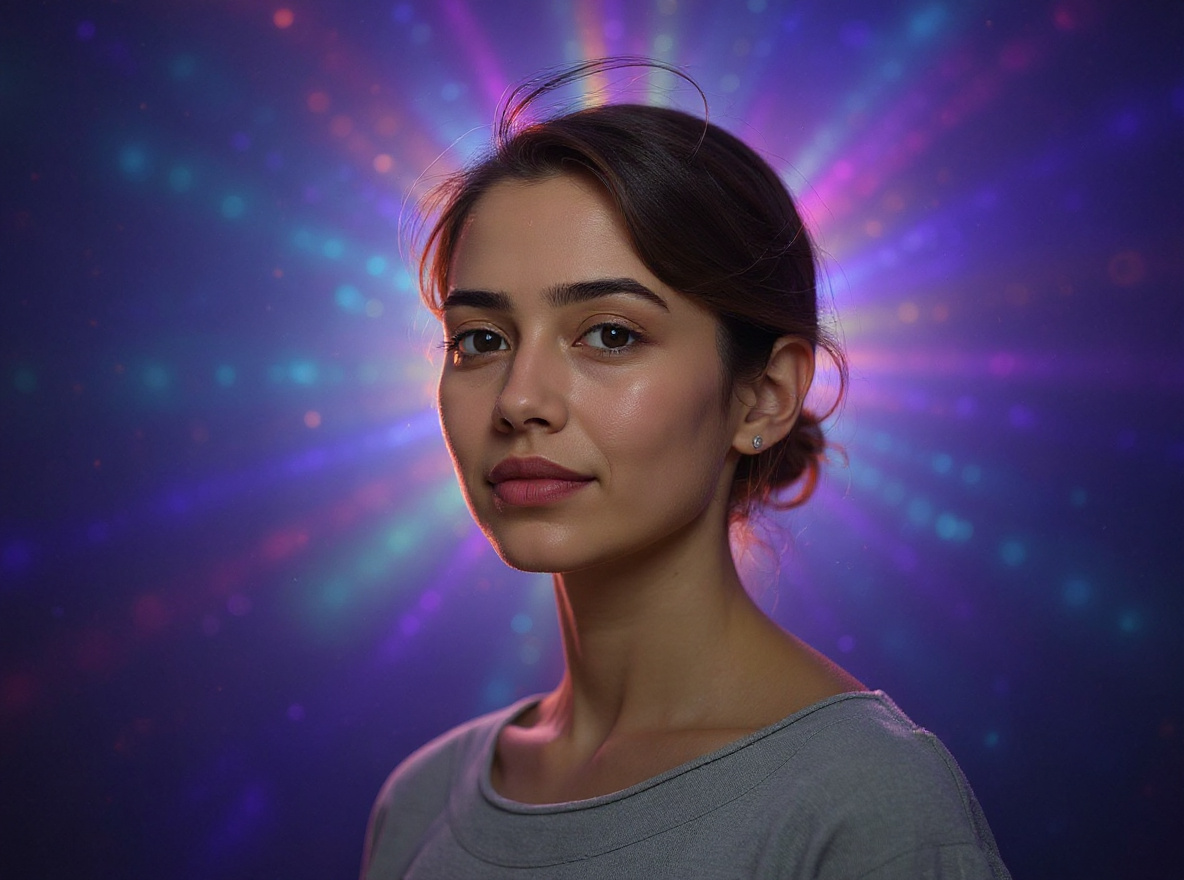
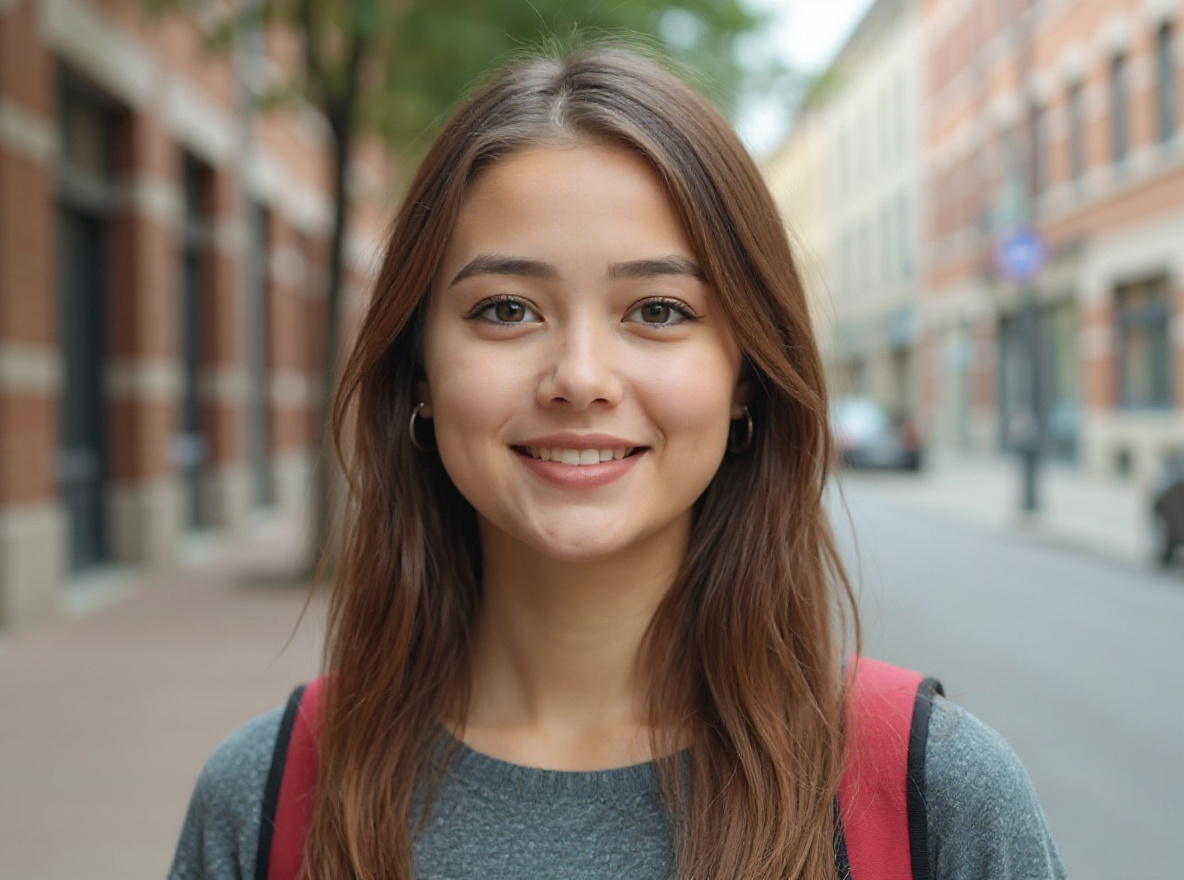
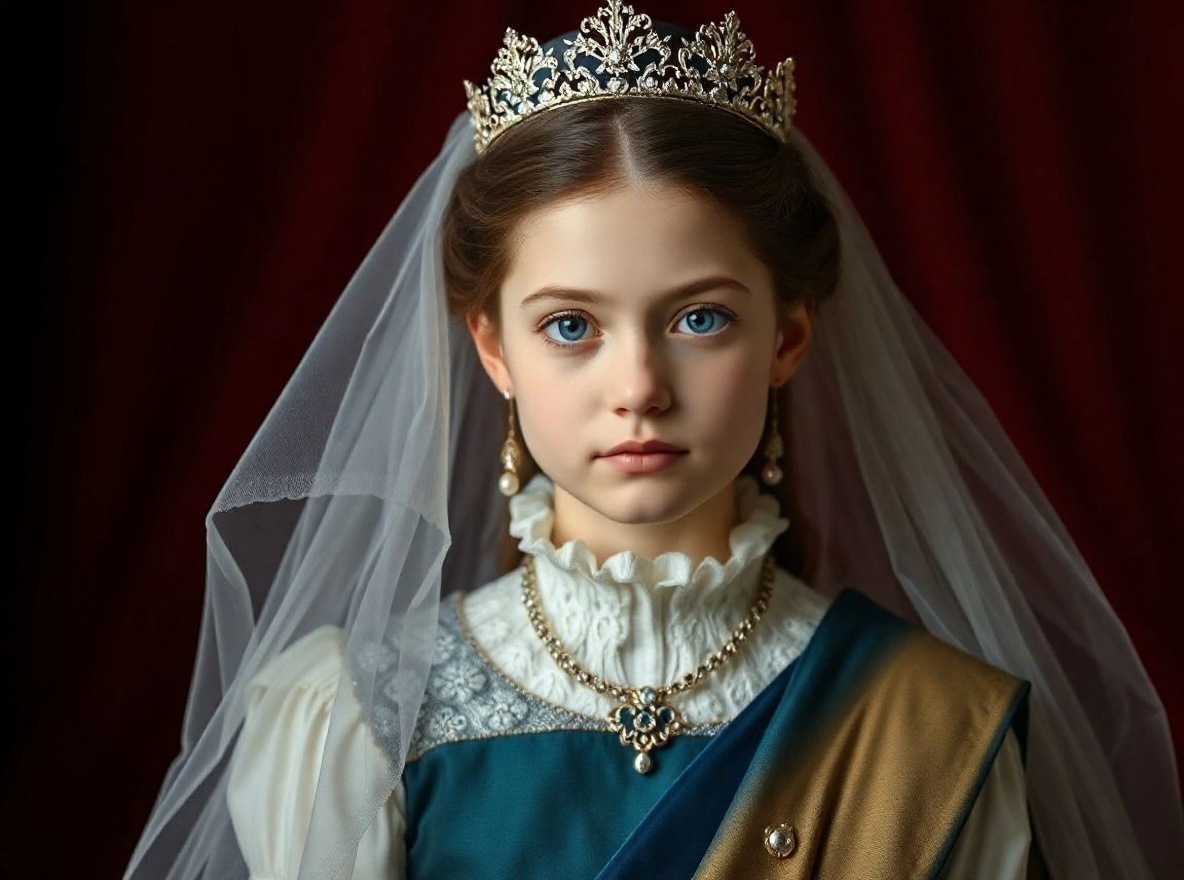
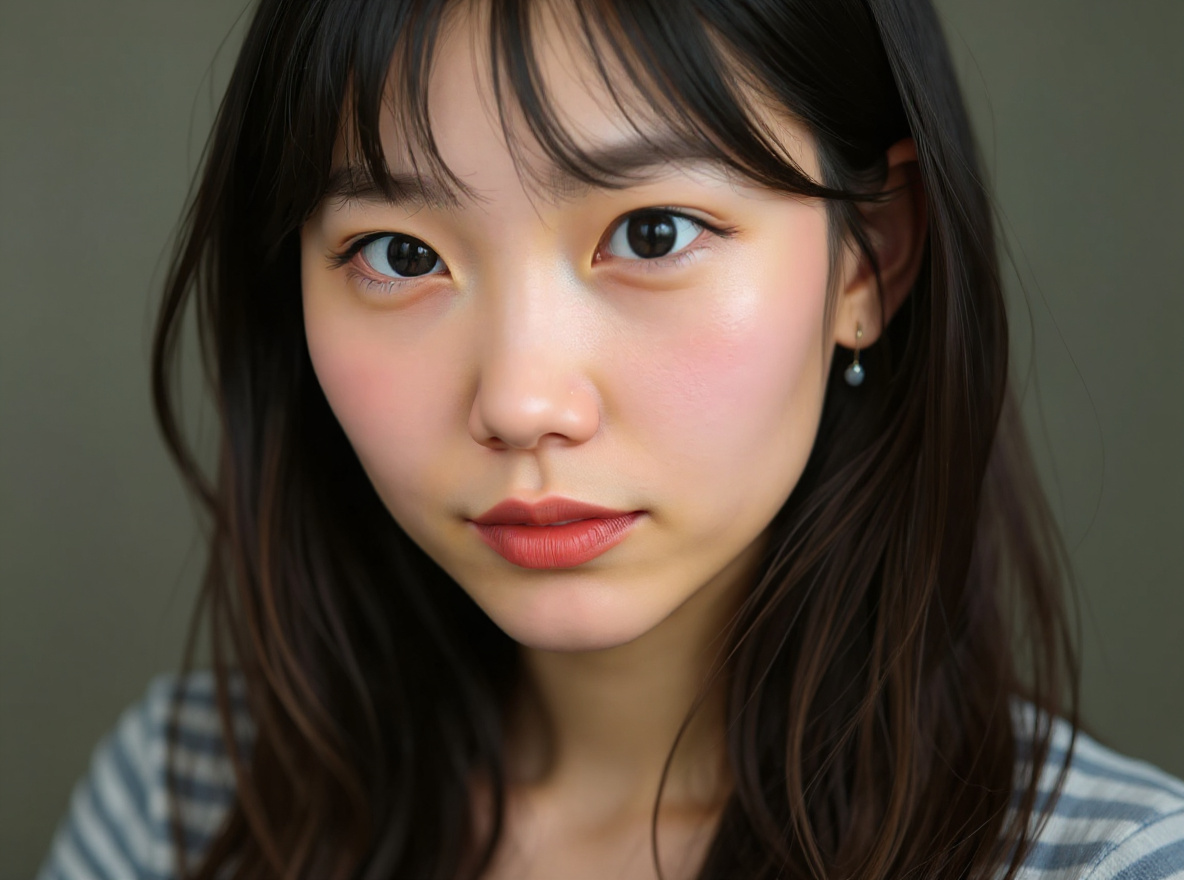
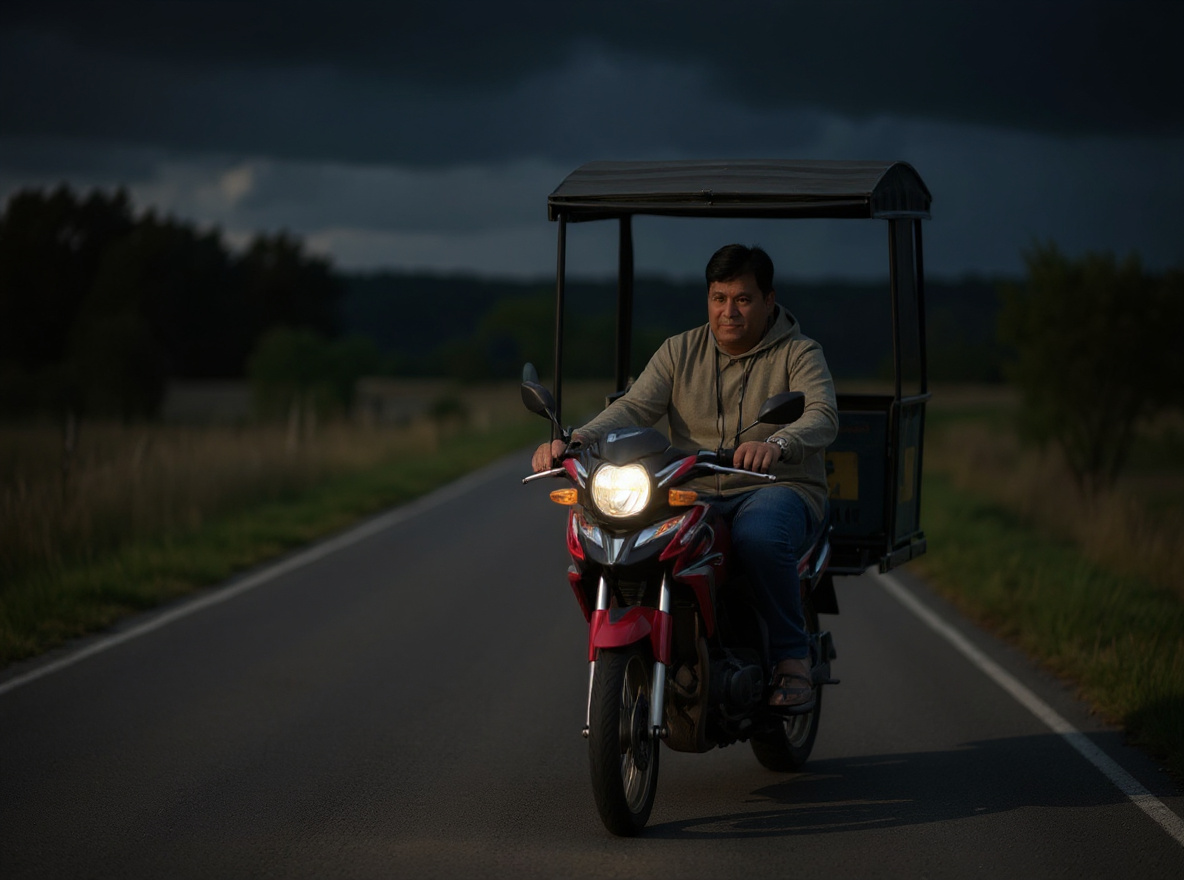
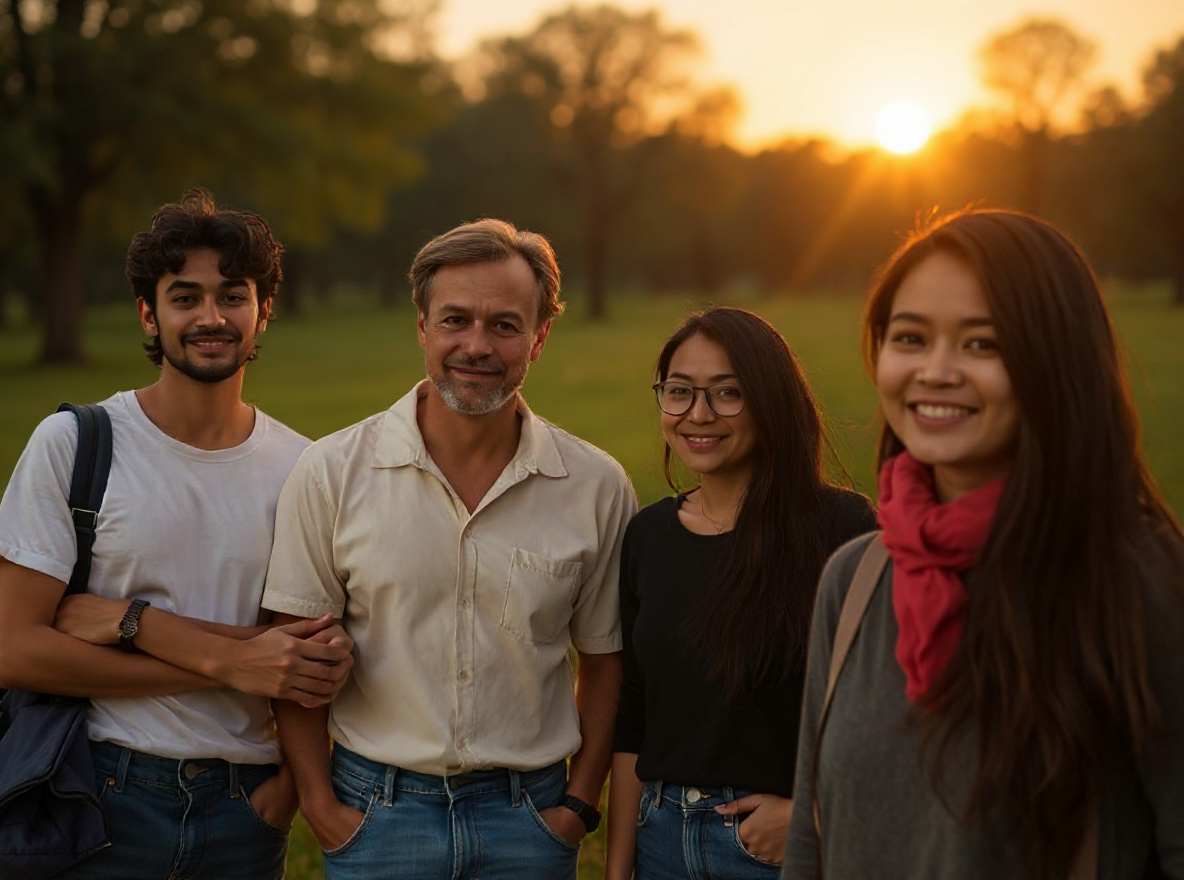
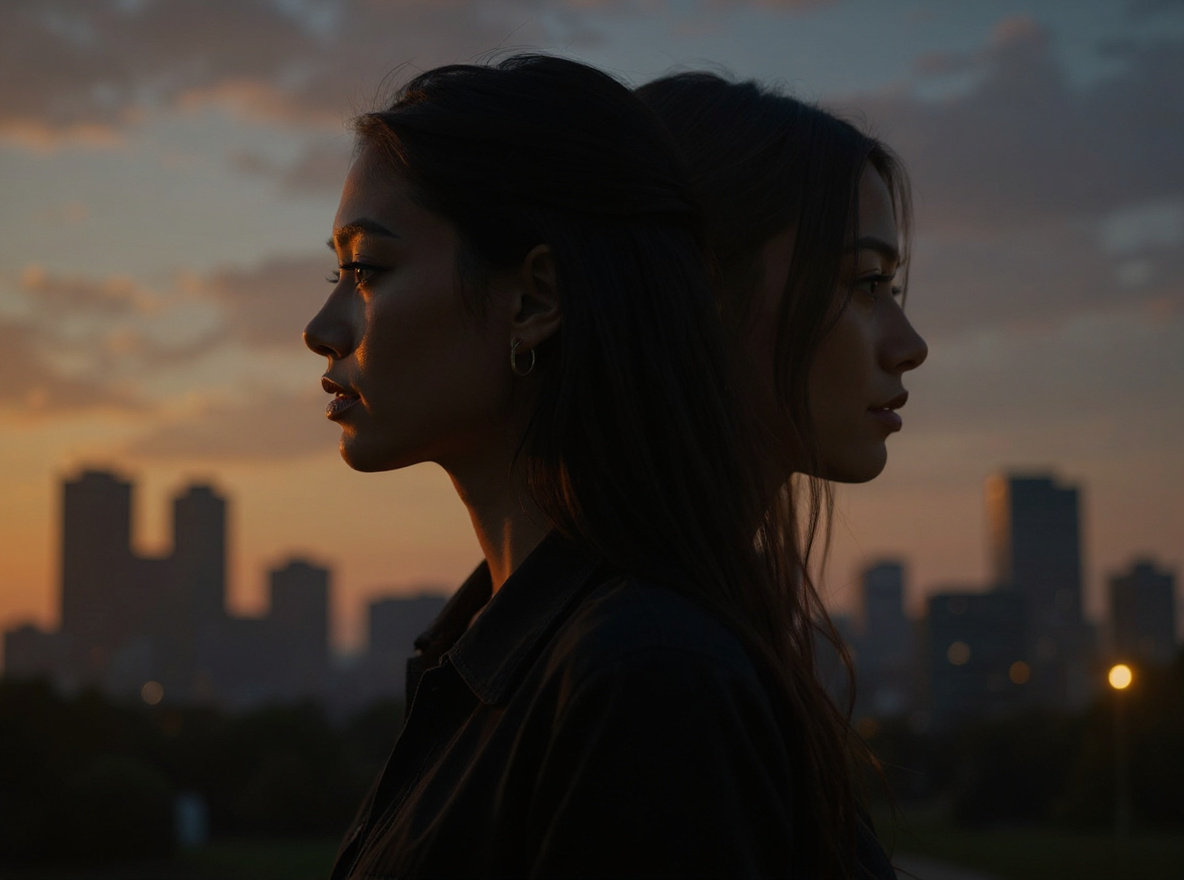
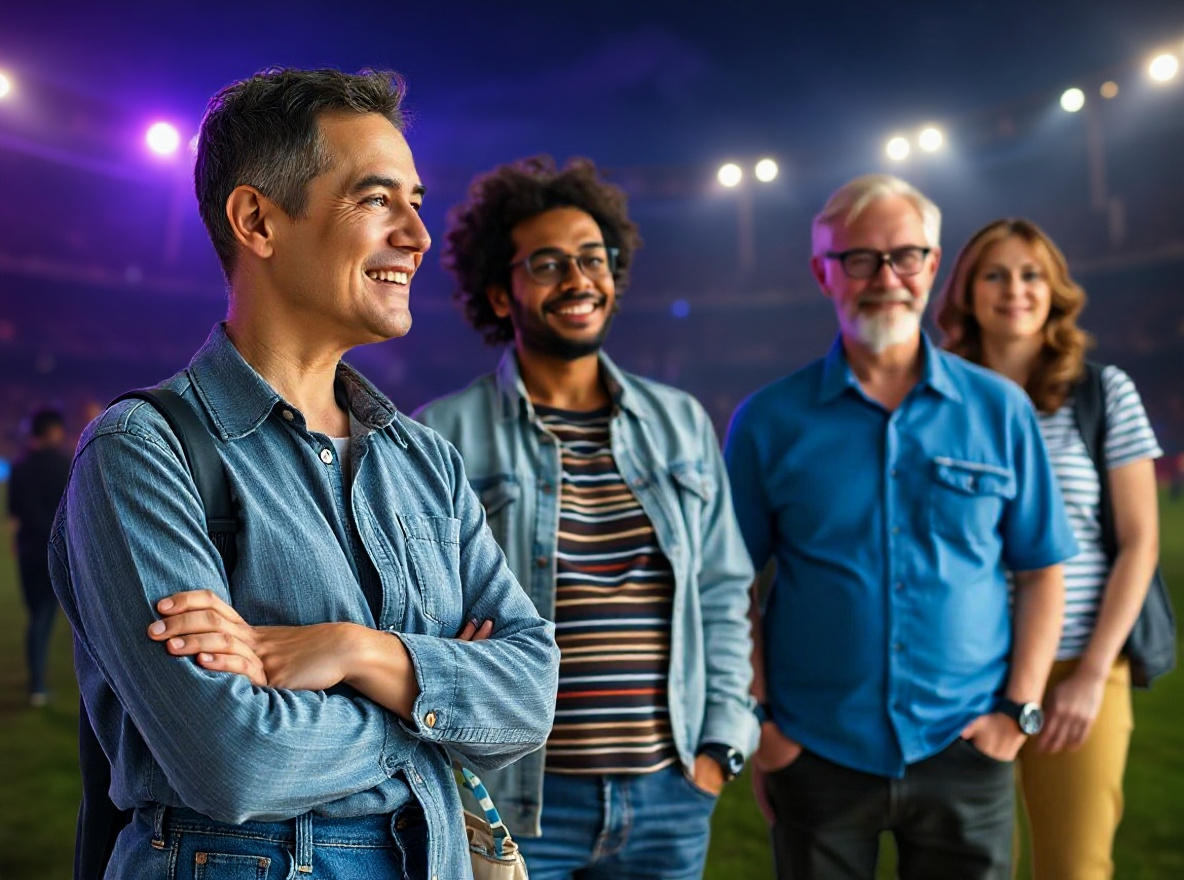
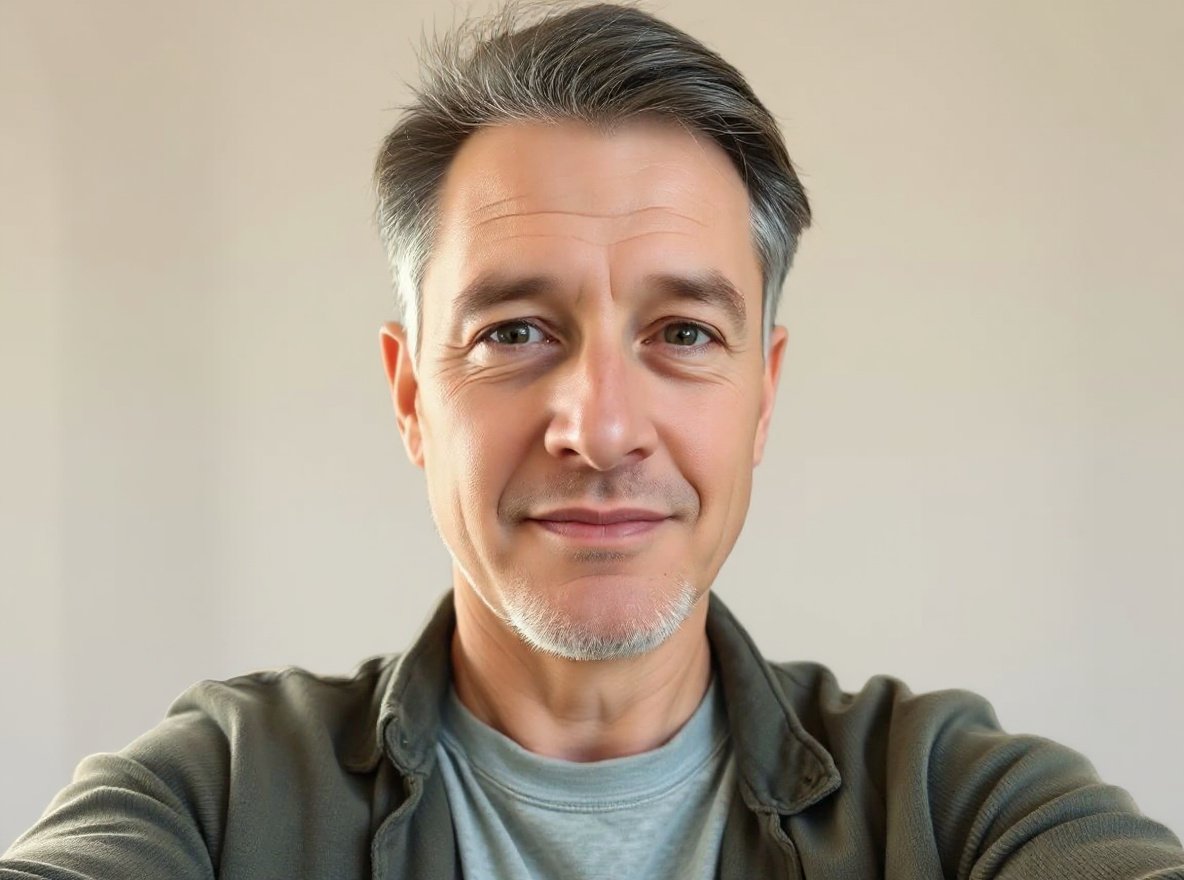
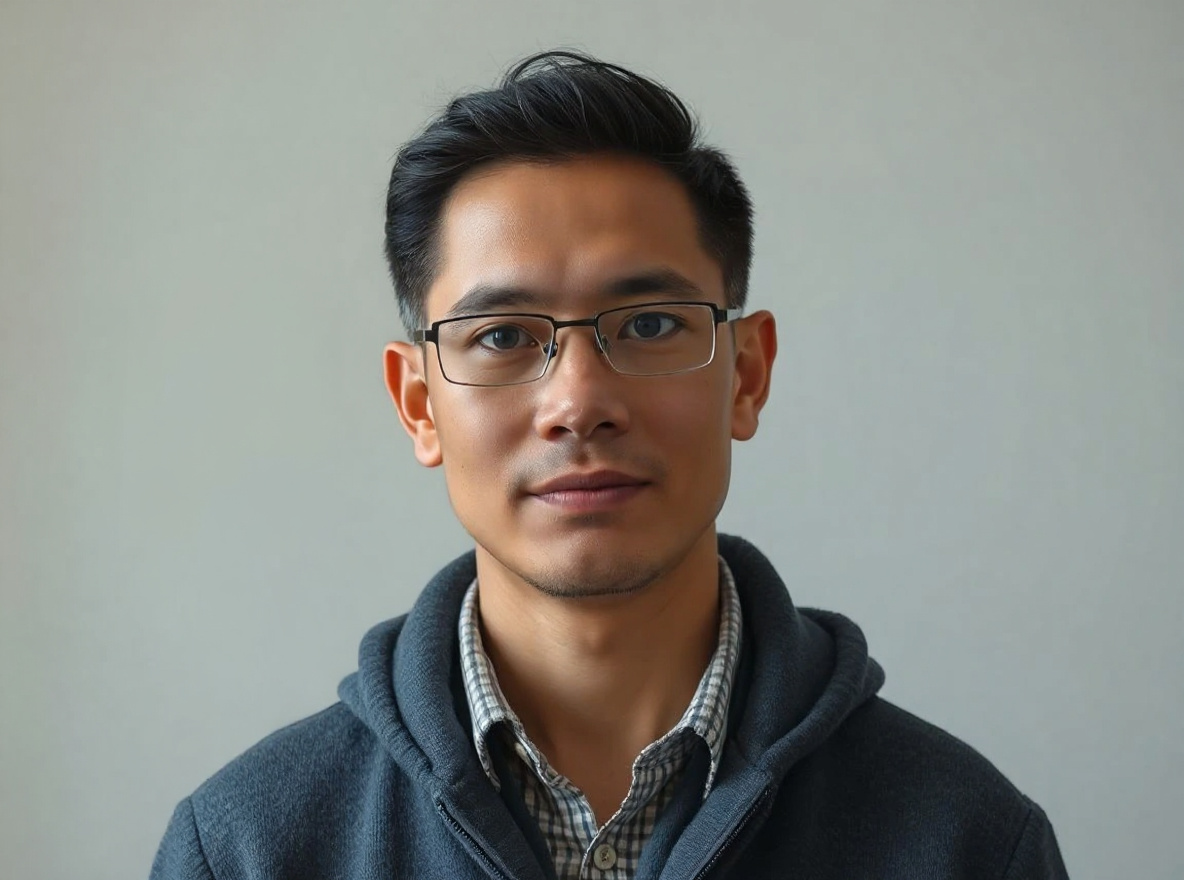
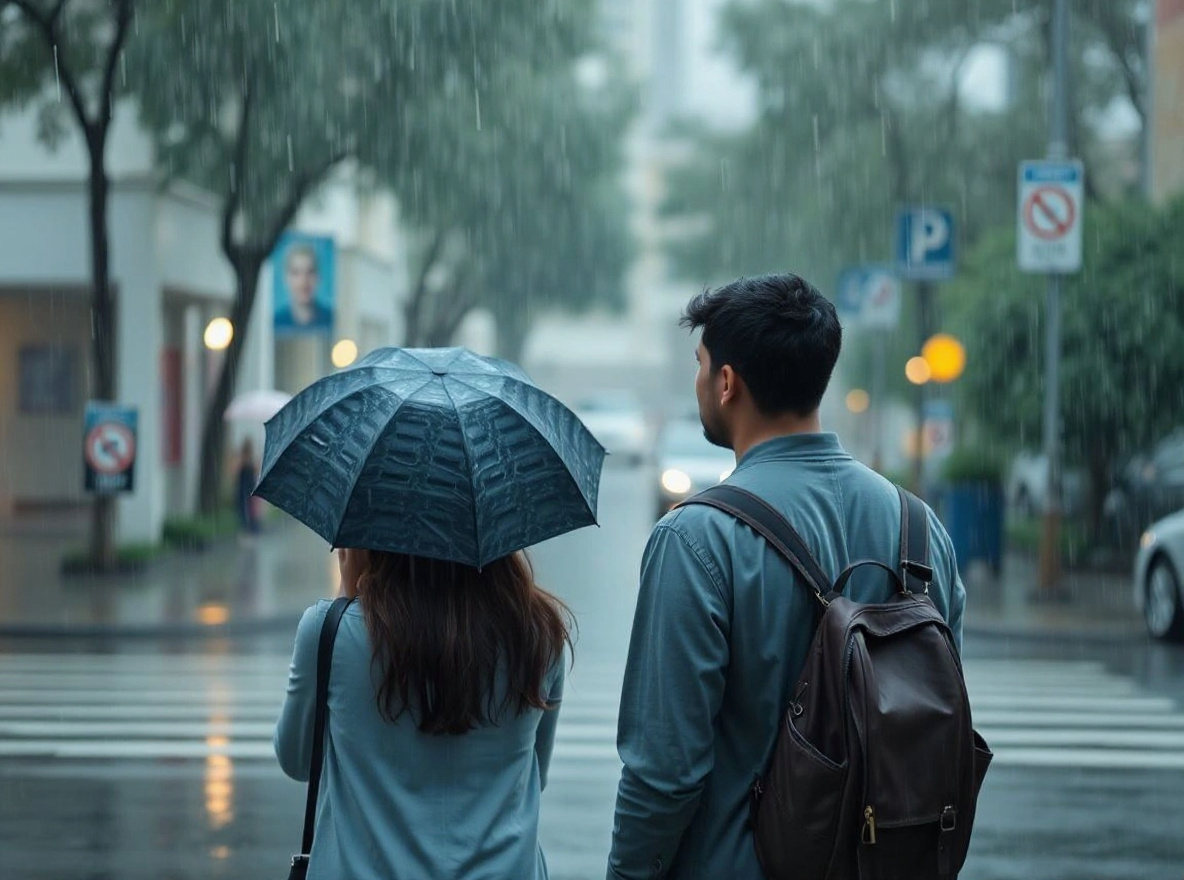
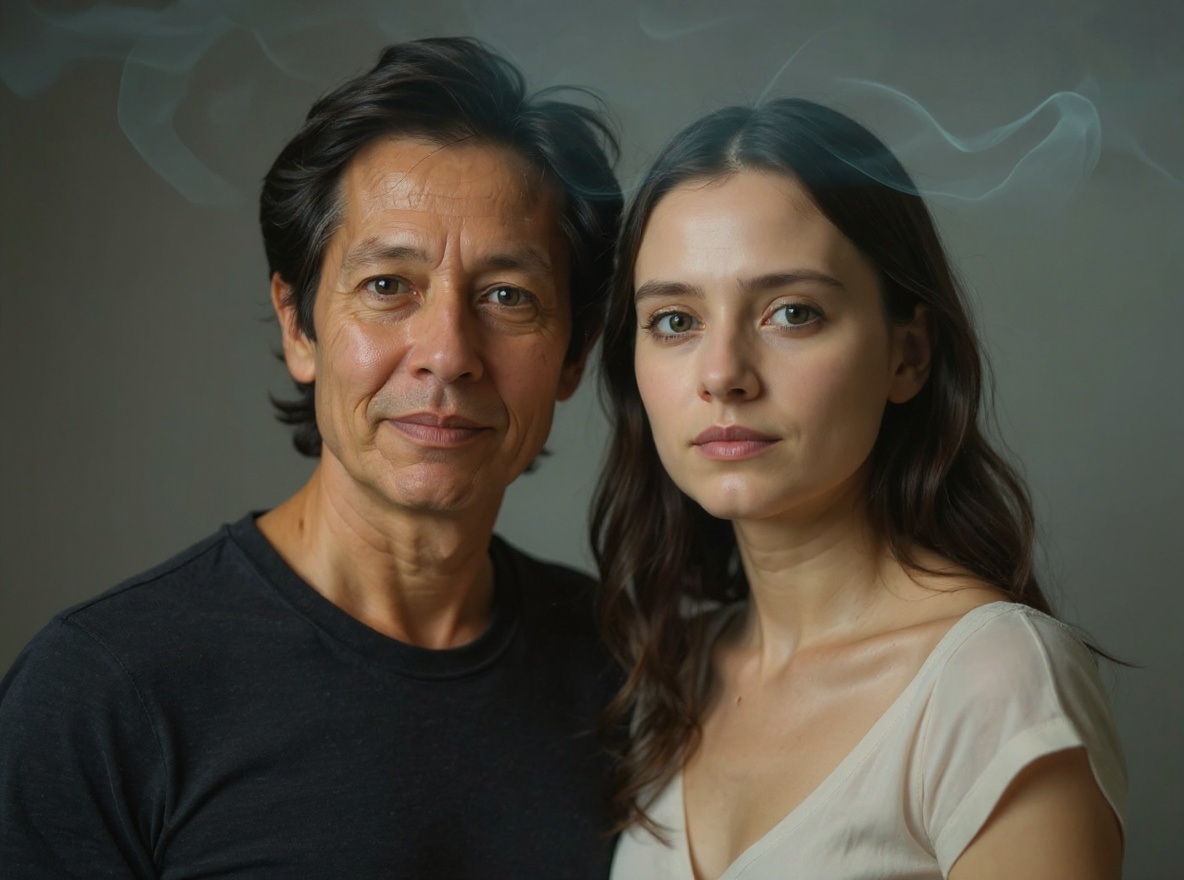
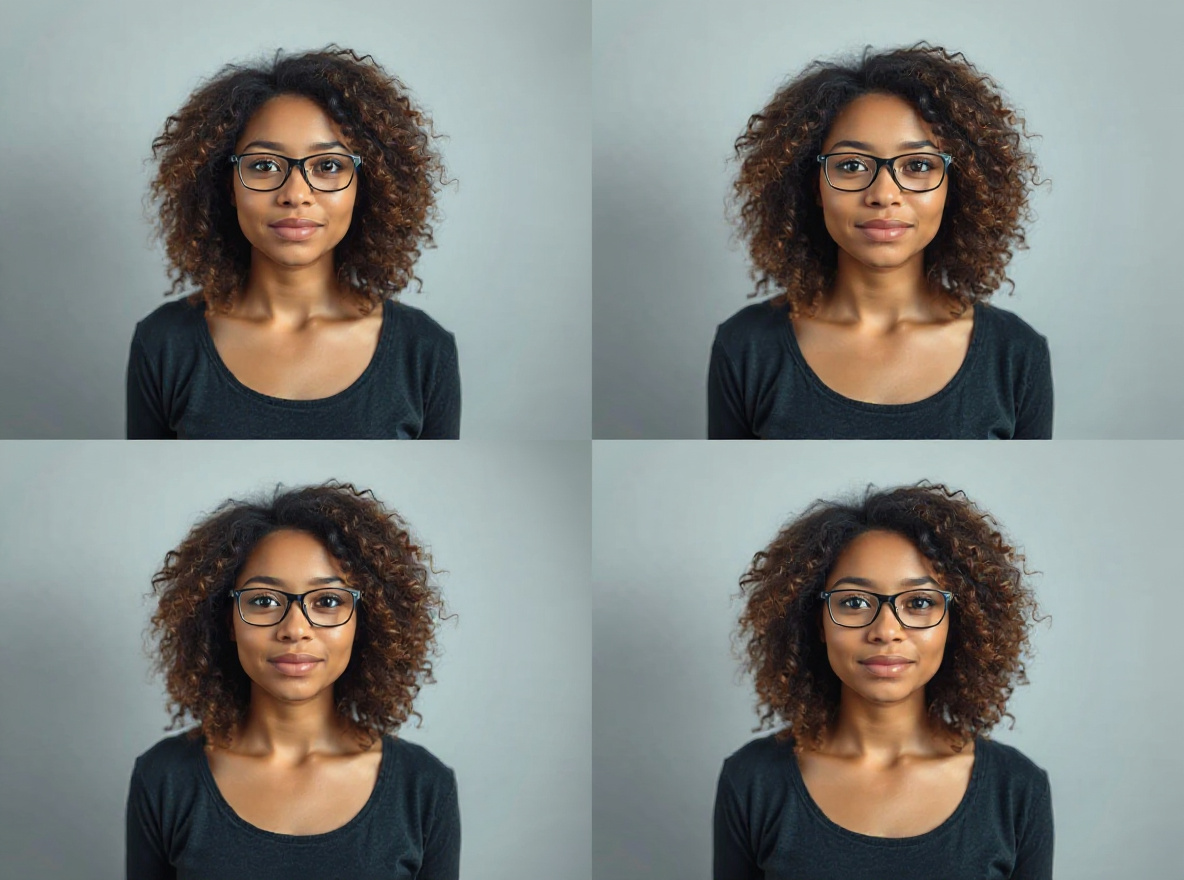
Warm highlights, deep shadows, clean skin tones, bokeh, teal-orange contrast, and 2026 preset-style color grading prompts. Copy prompts for free, inspect real visual proof, then try the same effect in AI Editor RSP.
Use this hub when the search intent is “show me the exact effect, then let me try it.”
Lightroom Preset pages work best when they combine a visual result, a preservation-first prompt, and a direct editor path. AI Editor RSP keeps all three on the same page so search visitors can copy first and generate only after checking the effect.
RSP Lightroom preset prompt
Lightroom Preset you can copy and try.
Warm highlights, deep shadows, clean skin tones, bokeh, teal-orange contrast, and 2026 preset-style color grading prompts. Each card keeps the visual result, preservation rules, and editor path close together.
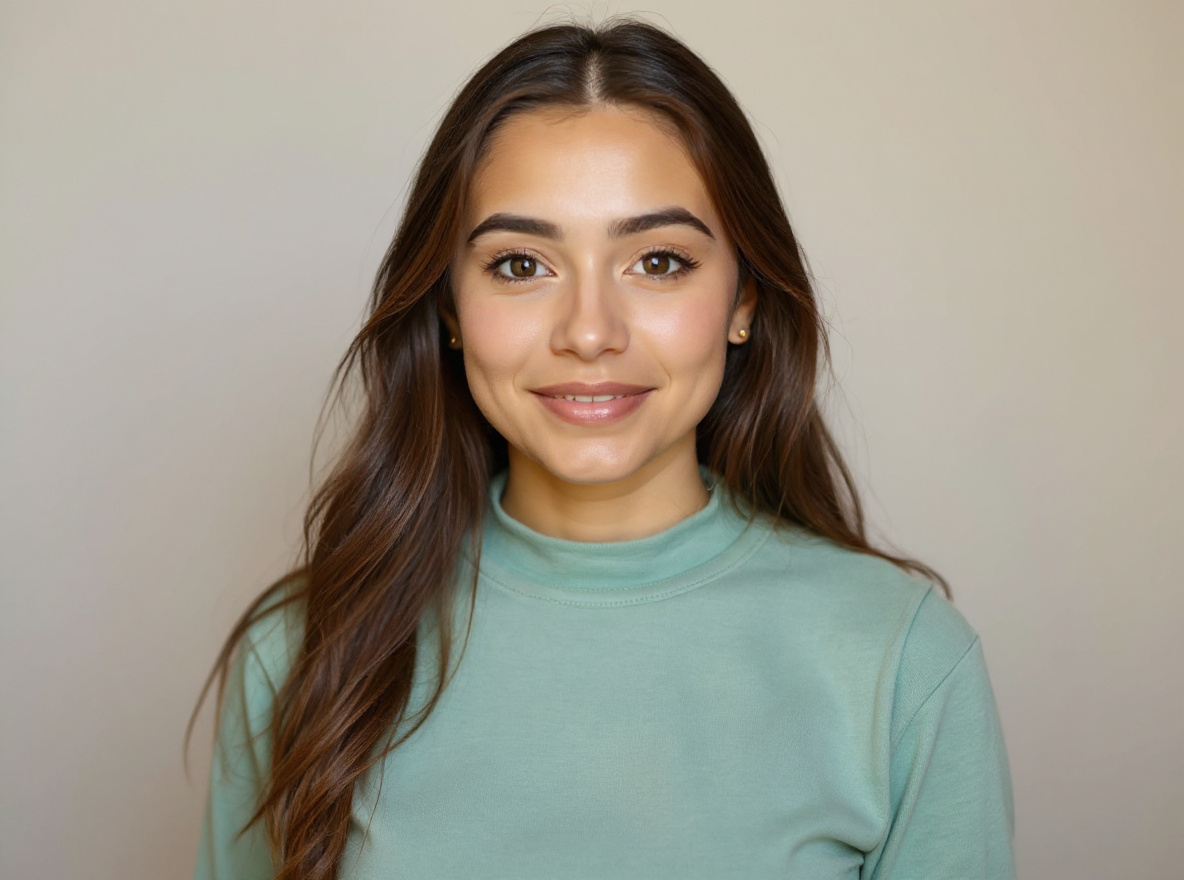
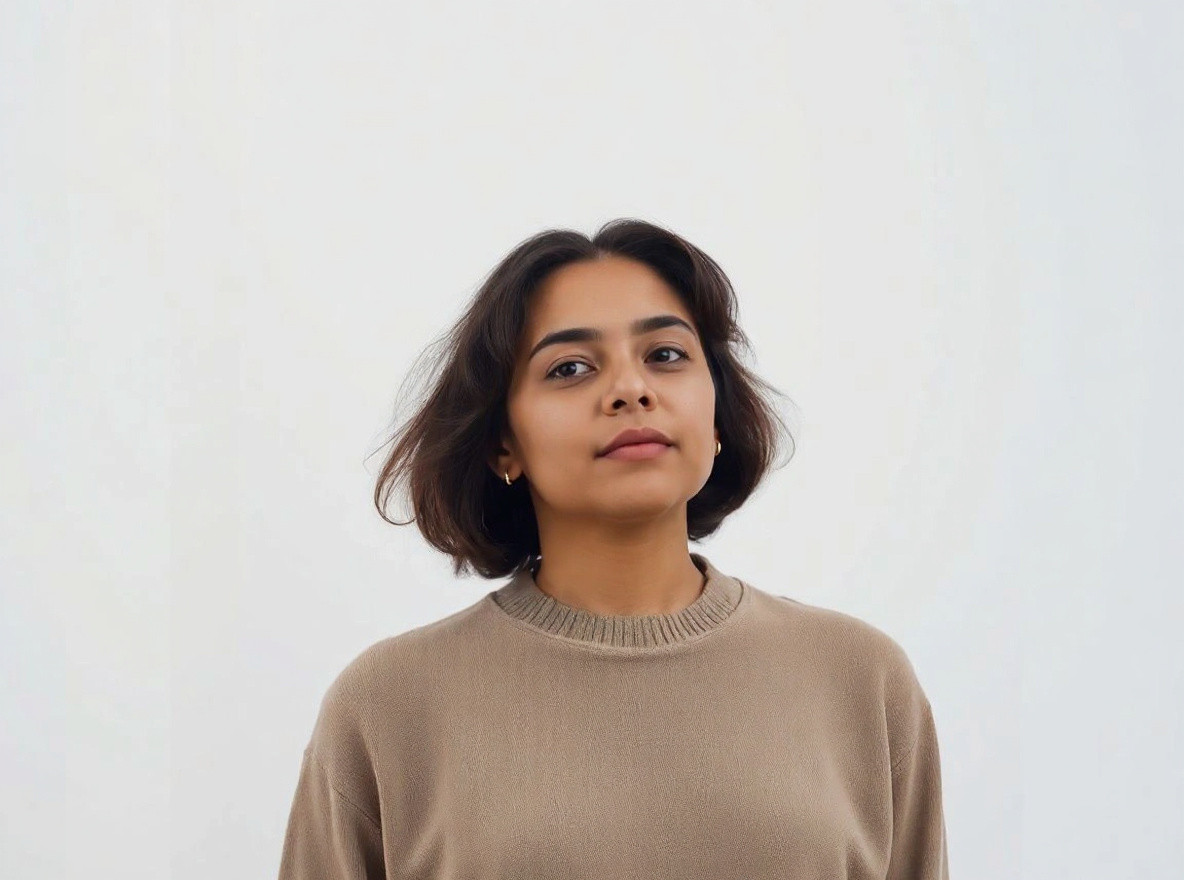
This prompt helps users create a clean new background while the subject remains exactly recognizable. Copy it as a same-effect edit instruction, replace variables such as outfit, background, mood, and aspect ratio, then use it in AI Editor RSP or an external AI photo editor.
Real provider output · replicate · tbg52s7c41rmt0cz3qyv5mcj24
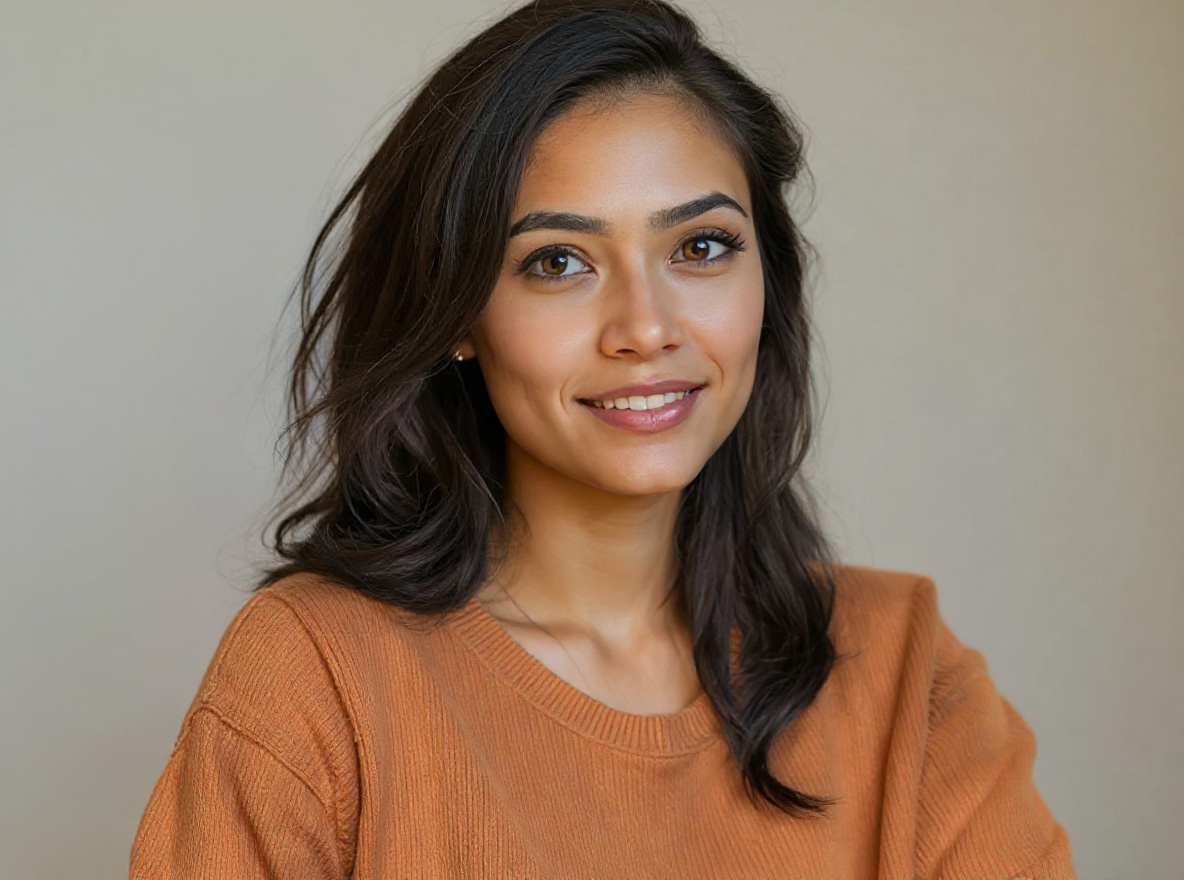
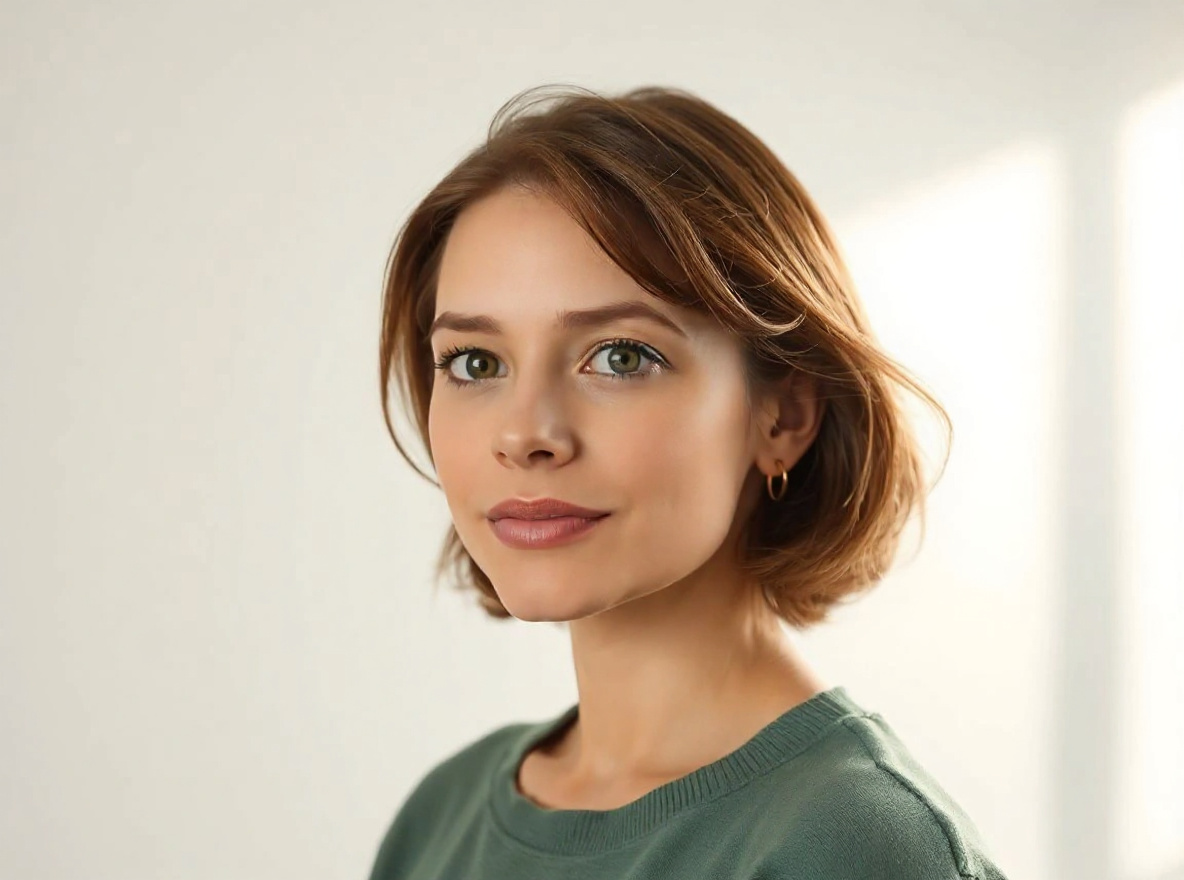
This prompt helps users create a bright flash-style social photo with clean crop, punchy highlights, and realistic skin detail. Copy it as a same-effect edit instruction, replace variables such as outfit, background, mood, and aspect ratio, then use it in AI Editor RSP or an external AI photo editor.
Real provider output · replicate · qc2m99cw89rmy0cz3qxrzw4ear
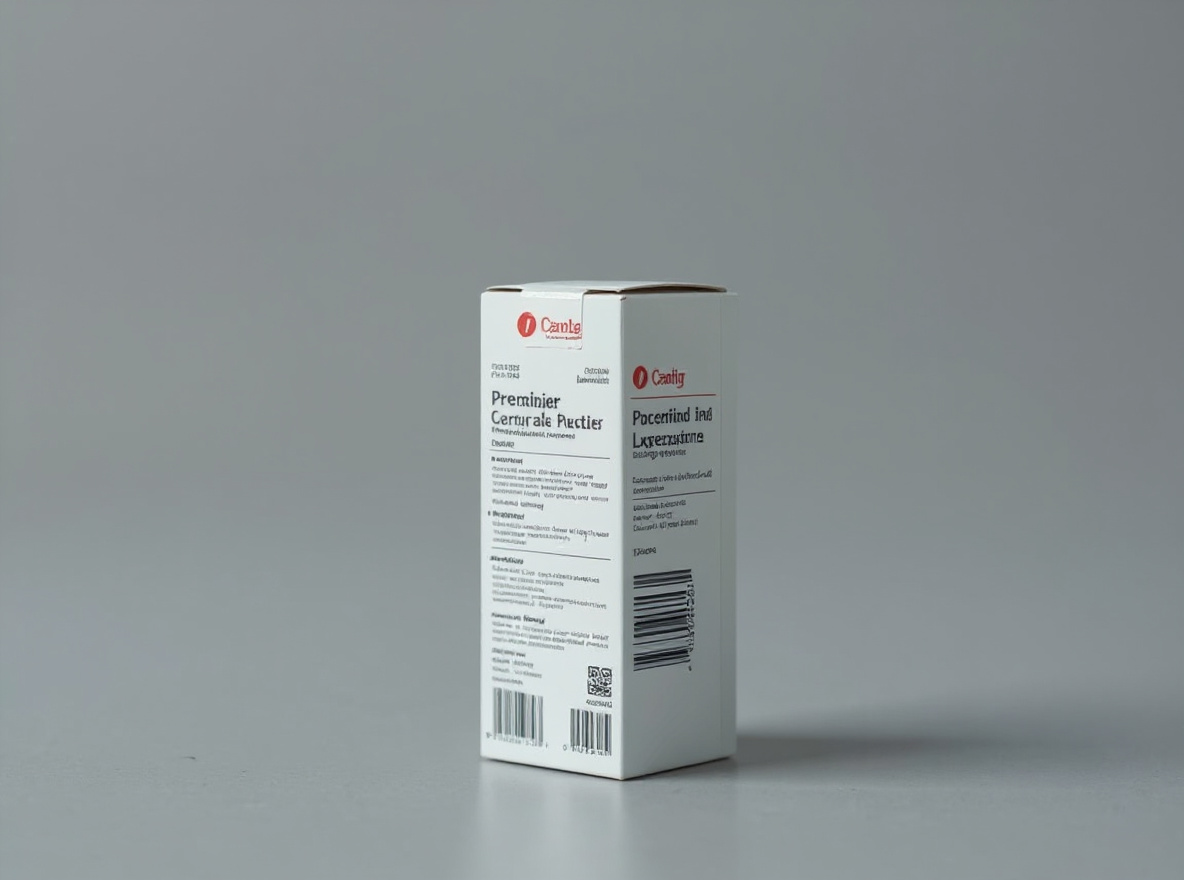
This prompt helps users create a marketplace-ready product photo with natural grounded shadow, crisp edges, and unchanged product details. Copy it as a same-effect edit instruction, replace variables such as outfit, background, mood, and aspect ratio, then use it in AI Editor RSP or an external AI photo editor.
Real provider output · replicate · hmtbngxf51rmy0cz3qyrcfr8ng
This prompt helps users create a cleaner ad creative photo with stronger subject hierarchy and blank copy-safe zones. Copy it as a same-effect edit instruction, replace variables such as outfit, background, mood, and aspect ratio, then use it in AI Editor RSP or an external AI photo editor.
Real provider output · replicate · shtb7rmzfsrmw0cz3qmterpms0
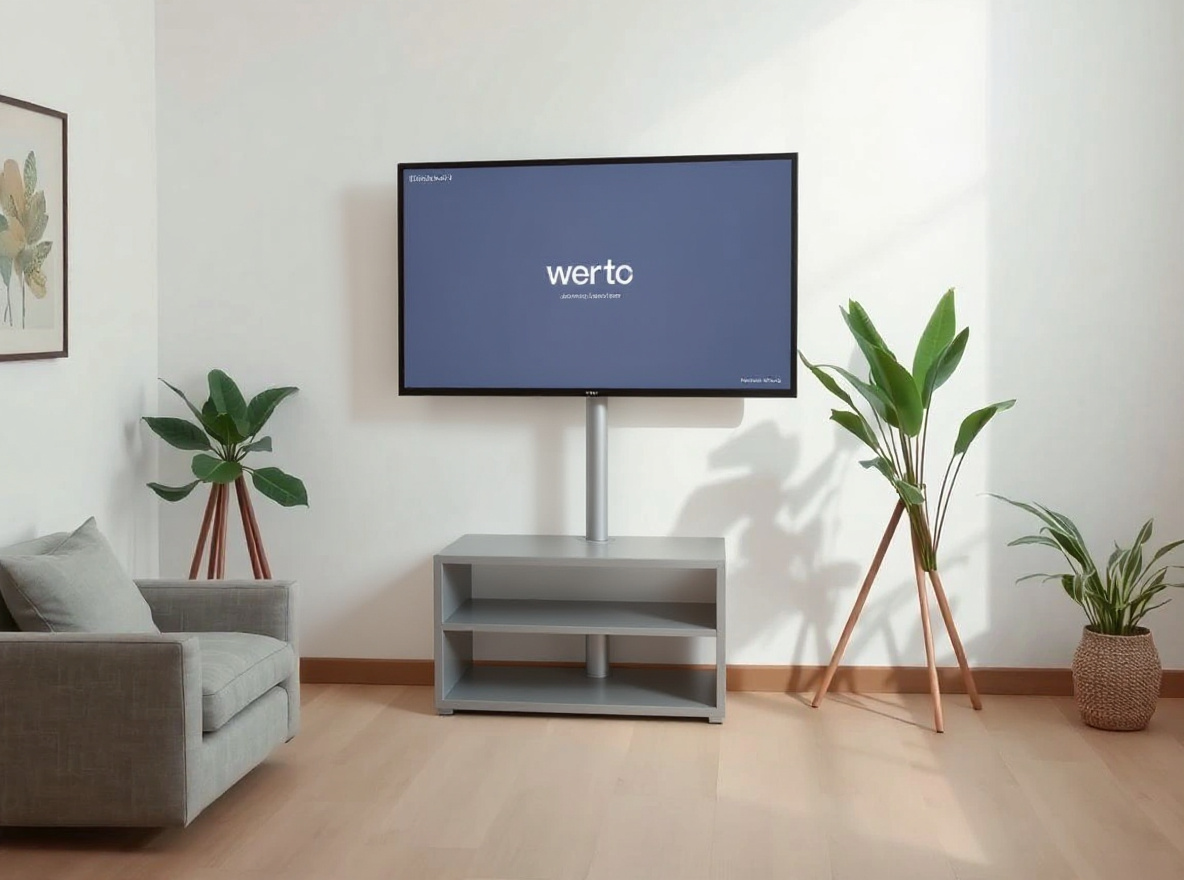
This prompt helps users create a launch hero visual with product-safe device framing, clean light, and no fake UI claims. Copy it as a same-effect edit instruction, replace variables such as outfit, background, mood, and aspect ratio, then use it in AI Editor RSP or an external AI photo editor.
Real provider output · replicate · 0t9fjmkrz1rmy0cz3qmvp8emrr
This prompt helps users create a CapCut-style recipe card describing transitions, overlays, and safe source-photo edit notes without unsafe downloads. Copy it as a same-effect edit instruction, replace variables such as outfit, background, mood, and aspect ratio, then use it in AI Editor RSP or an external AI photo editor.
Real provider output · replicate · rt5w7dqab9rmr0cz3qm8rejc6r
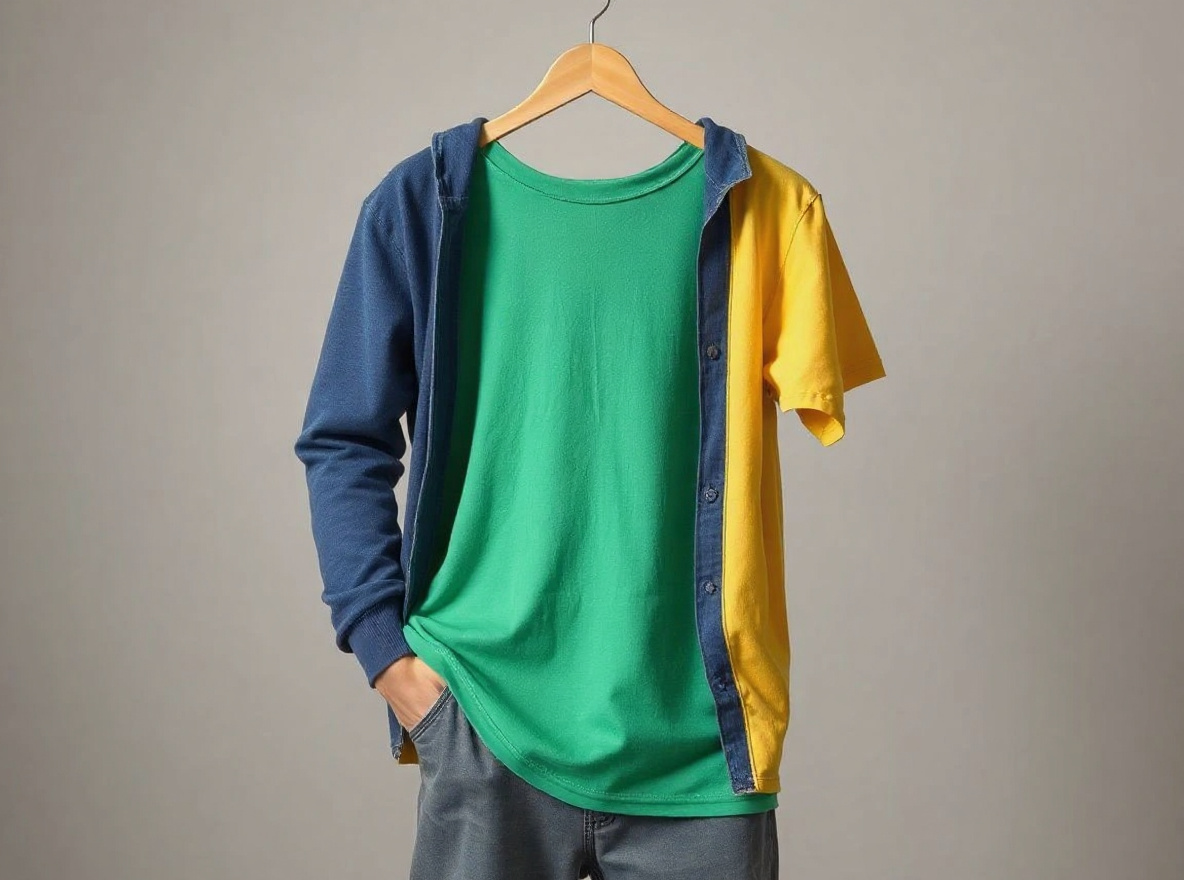
This prompt helps users create a safe clothing color or style edit while preserving face, pose, hands, and body proportions. Copy it as a same-effect edit instruction, replace variables such as outfit, background, mood, and aspect ratio, then use it in AI Editor RSP or an external AI photo editor.
Real provider output · replicate · mq9xhdtxp5rmw0cz3qnb9vc1r8
This prompt helps users create a corporate event photo polish with better lighting, reduced clutter, and truthful scene preservation. Copy it as a same-effect edit instruction, replace variables such as outfit, background, mood, and aspect ratio, then use it in AI Editor RSP or an external AI photo editor.
Real provider output · replicate · 2z0qss55bnrmw0cz3qmr8k6rgc
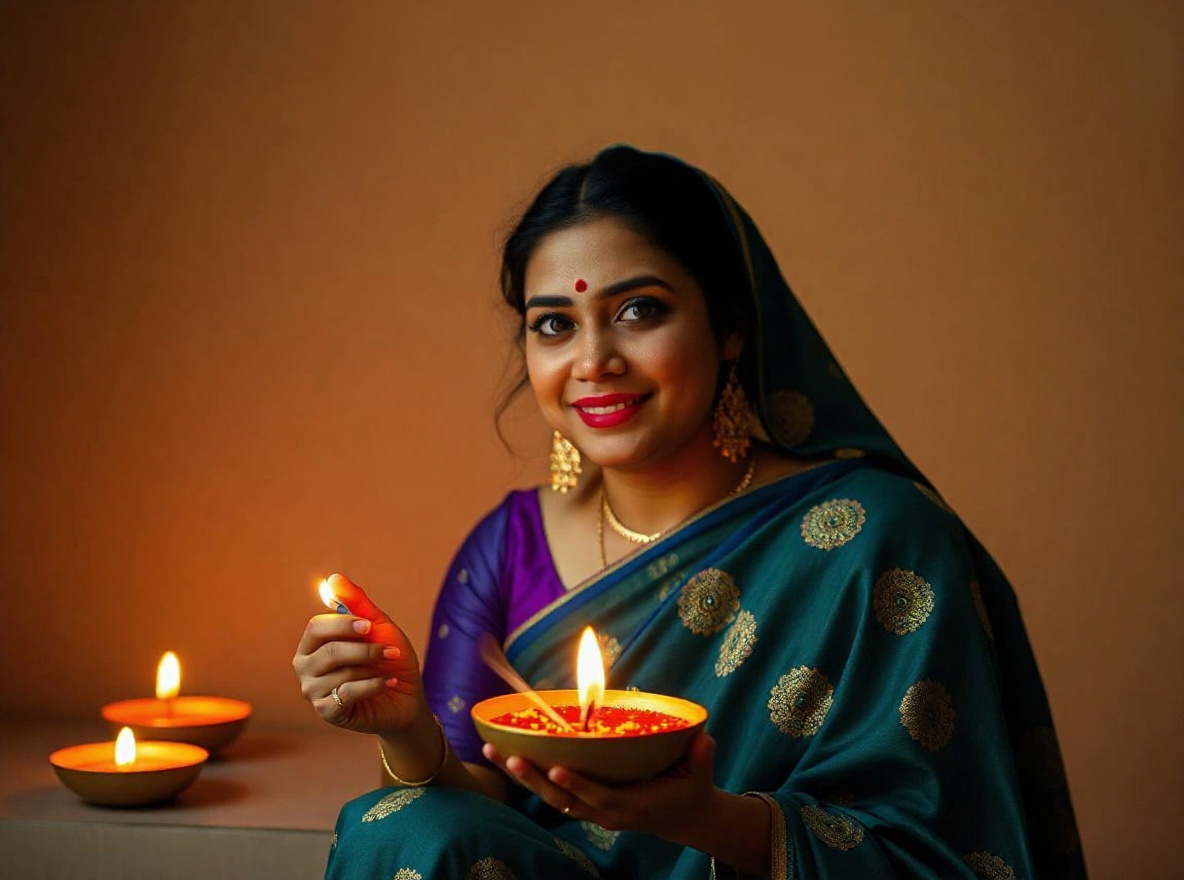
This prompt helps users create a Diwali portrait with diya glow, festive bokeh, and realistic face preservation. Copy it as a same-effect edit instruction, replace variables such as outfit, background, mood, and aspect ratio, then use it in AI Editor RSP or an external AI photo editor.
Real provider output · replicate · zm967e77j5rmw0cz3qks3cq4wm
This prompt helps users create an HD photo enhancement with sharper detail, balanced noise, and realistic texture. Copy it as a same-effect edit instruction, replace variables such as outfit, background, mood, and aspect ratio, then use it in AI Editor RSP or an external AI photo editor.
Real provider output · replicate · w1tx5ek1j1rmt0cz3qnbtfjgq4
This prompt helps users create a lifestyle product scene with natural props, realistic shadow, and preserved product accuracy. Copy it as a same-effect edit instruction, replace variables such as outfit, background, mood, and aspect ratio, then use it in AI Editor RSP or an external AI photo editor.
Real provider output · replicate · 33spejq90hrmt0cz3qmre2352g
This prompt helps users create a Lightroom-style preset recipe for warmth, contrast, grain, and realistic portrait tone. Copy it as a same-effect edit instruction, replace variables such as outfit, background, mood, and aspect ratio, then use it in AI Editor RSP or an external AI photo editor.
Real provider output · replicate · 0pbc5tzz9nrmr0cz3qm8r394wg
This prompt helps users create a marketplace listing image with balanced light, true color, and product-safe composition. Copy it as a same-effect edit instruction, replace variables such as outfit, background, mood, and aspect ratio, then use it in AI Editor RSP or an external AI photo editor.
Real provider output · replicate · d8fdca9775rmy0cz3qnavm515w
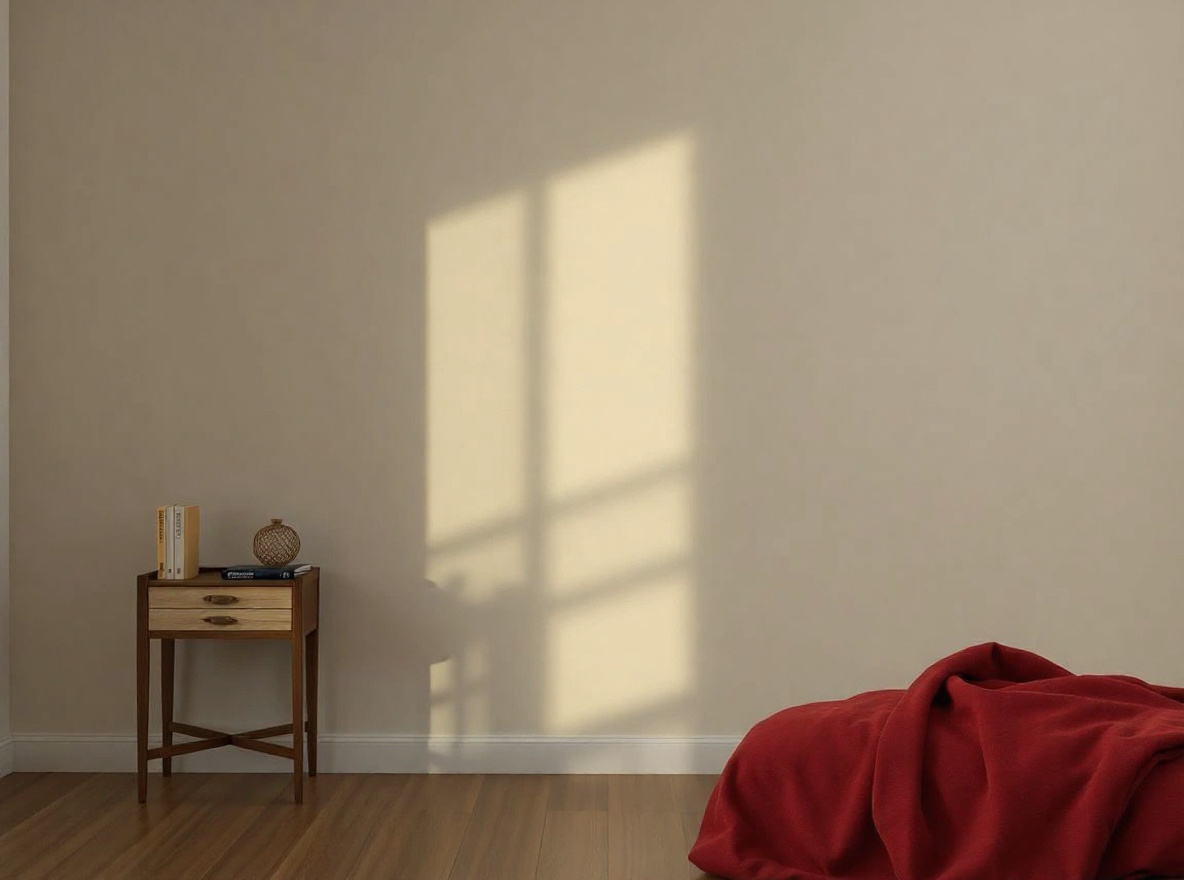
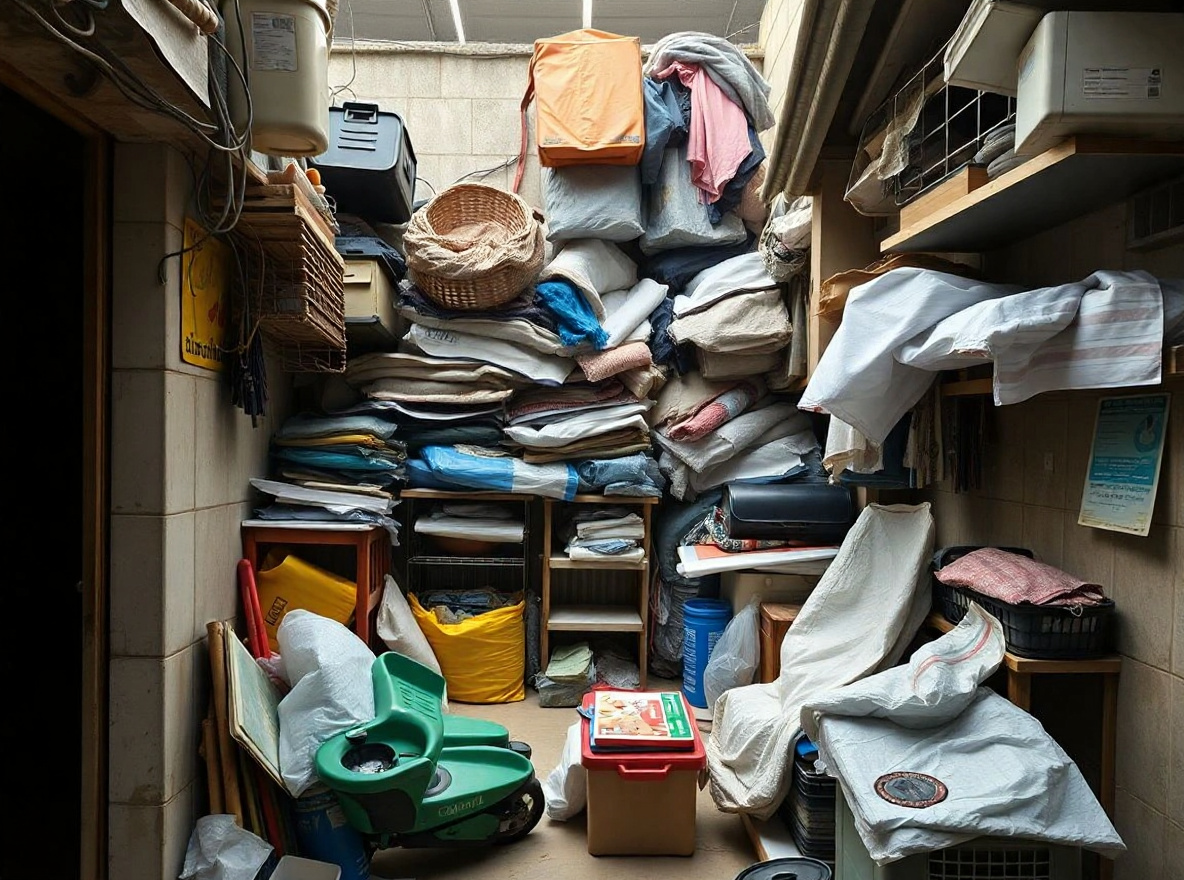
This prompt helps users create a clutter removal edit that removes distracting objects while keeping scene geometry believable. Copy it as a same-effect edit instruction, replace variables such as outfit, background, mood, and aspect ratio, then use it in AI Editor RSP or an external AI photo editor.
Real provider output · replicate · pkat4y2bdnrmt0cz3qn9gez2pc
This prompt helps users create a respectful old-photo restoration with gentle color, scratch cleanup, and no identity invention. Copy it as a same-effect edit instruction, replace variables such as outfit, background, mood, and aspect ratio, then use it in AI Editor RSP or an external AI photo editor.
Real provider output · replicate · 0p6ddwczfsrmr0cz3qnax1xct8
This prompt helps users create a neutral passport-style photo cleanup for lighting and background only, without claiming legal document compliance. Copy it as a same-effect edit instruction, replace variables such as outfit, background, mood, and aspect ratio, then use it in AI Editor RSP or an external AI photo editor.
Real provider output · replicate · 0b8vw694a9rmy0cz3qmtvnat2m
This prompt helps users create a premium product hero image with crisp highlight, clean background, and unchanged package details. Copy it as a same-effect edit instruction, replace variables such as outfit, background, mood, and aspect ratio, then use it in AI Editor RSP or an external AI photo editor.
Real provider output · replicate · gke3rspvx1rmt0cz3qxsc8z4br
This prompt helps users create a product label cleanup that improves lighting and dust while preserving all readable label information. Copy it as a same-effect edit instruction, replace variables such as outfit, background, mood, and aspect ratio, then use it in AI Editor RSP or an external AI photo editor.
Real provider output · replicate · g5atxkrt2hrmw0cz3qnaqfkc40
This prompt helps users create a tidy scene edit that removes visual clutter without changing the main subject. Copy it as a same-effect edit instruction, replace variables such as outfit, background, mood, and aspect ratio, then use it in AI Editor RSP or an external AI photo editor.
Real provider output · replicate · 4wwg5ectvnrmw0cz3qnayxemjw
This prompt helps users create a crop-safe photo adaptation for square, vertical, and thumbnail formats without cutting key details. Copy it as a same-effect edit instruction, replace variables such as outfit, background, mood, and aspect ratio, then use it in AI Editor RSP or an external AI photo editor.
Real provider output · replicate · qy7m7q4x61rmy0cz3qn9x5tk3g
This prompt helps users create a lighting restoration edit that fixes underexposure while keeping the original scene believable. Copy it as a same-effect edit instruction, replace variables such as outfit, background, mood, and aspect ratio, then use it in AI Editor RSP or an external AI photo editor.
Real provider output · replicate · zmnr7z48wxrmy0cz3qnb0f3thw
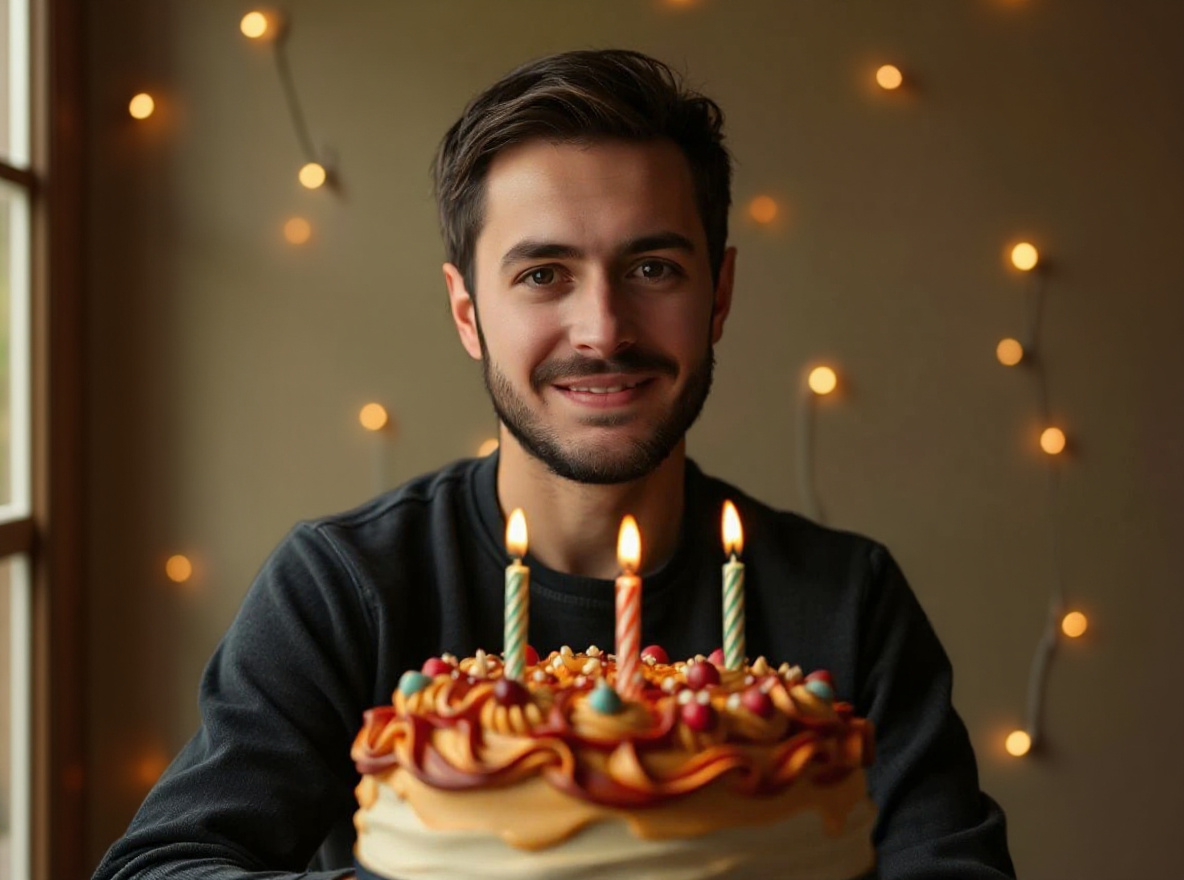
This prompt helps users create a shallow-depth bokeh portrait with warm background lights and crisp face preservation. Copy it as a same-effect edit instruction, replace variables such as outfit, background, mood, and aspect ratio, then use it in AI Editor RSP or an external AI photo editor.
Real provider output · replicate · 52894ebn11rmt0cz3qks920yam
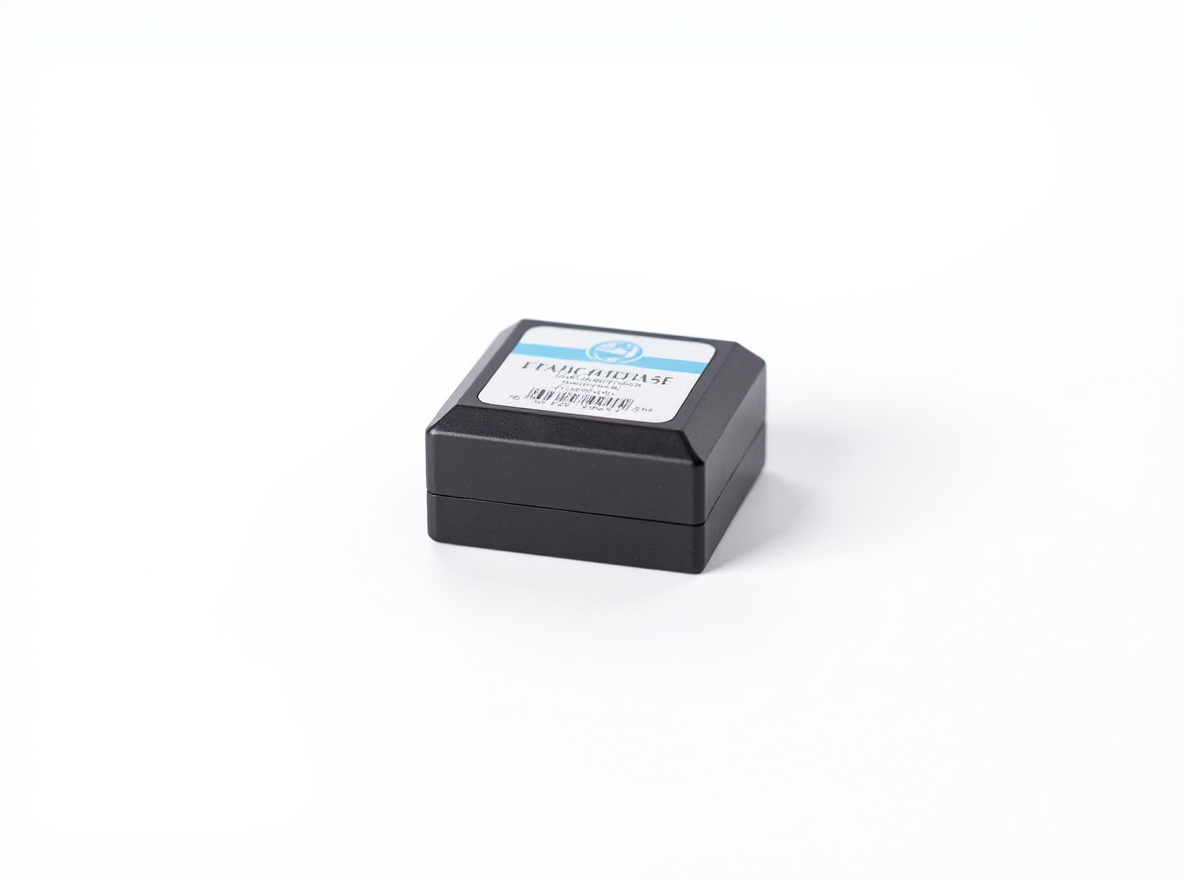
This prompt helps users create a white-background product photo with clean edges, realistic surface contact, and unchanged label. Copy it as a same-effect edit instruction, replace variables such as outfit, background, mood, and aspect ratio, then use it in AI Editor RSP or an external AI photo editor.
Real provider output · replicate · 49xgy5701srmr0cz3qmvz4bpcm
Billing and credits: AI Editor RSP is operated by Nextfield Labs LLC, Wyoming, USA. Google login, Stripe Checkout, Stripe Tax collection fields, subscription credits, credit packs, and receipt-backed entitlement records are wired through the production backend. Stripe remains the payment processor, not a Merchant of Record; filing, remittance, support, and refund obligations remain with the operator.
 Utility