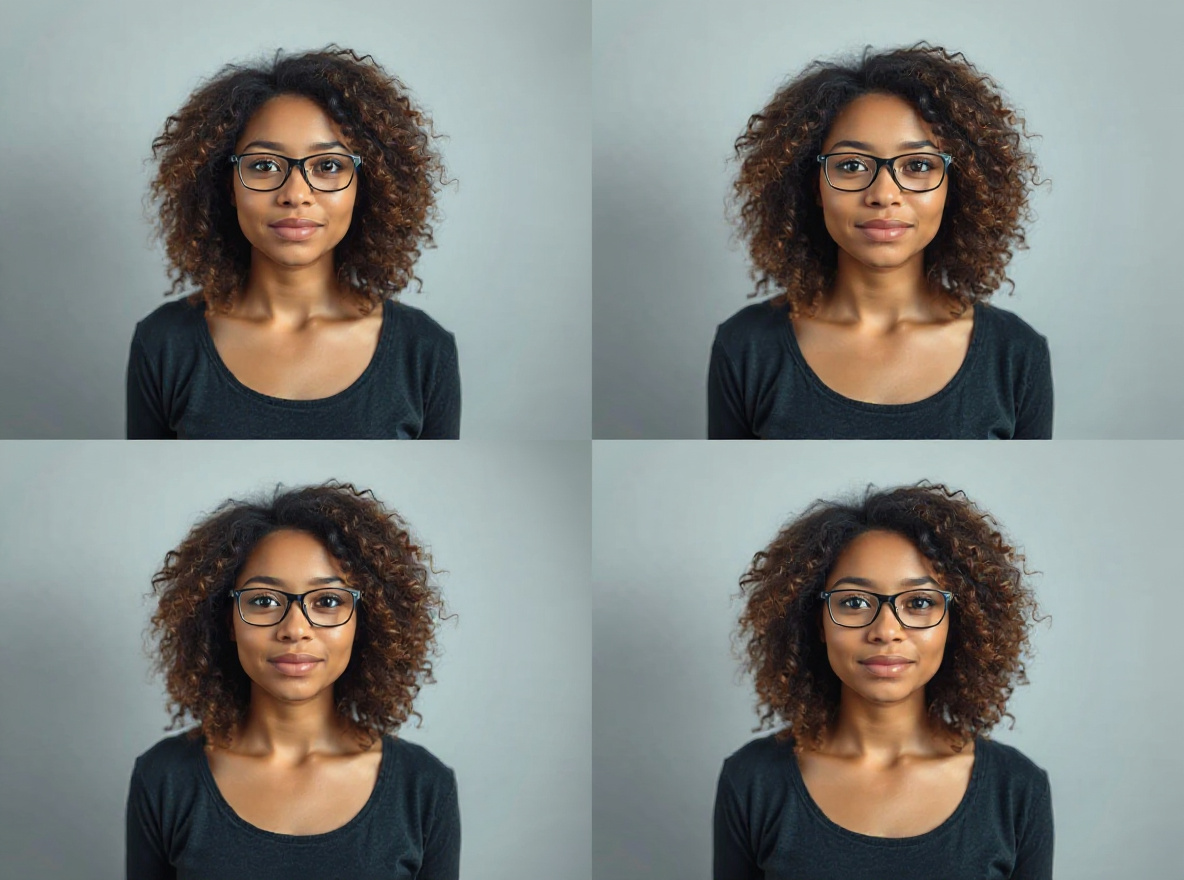
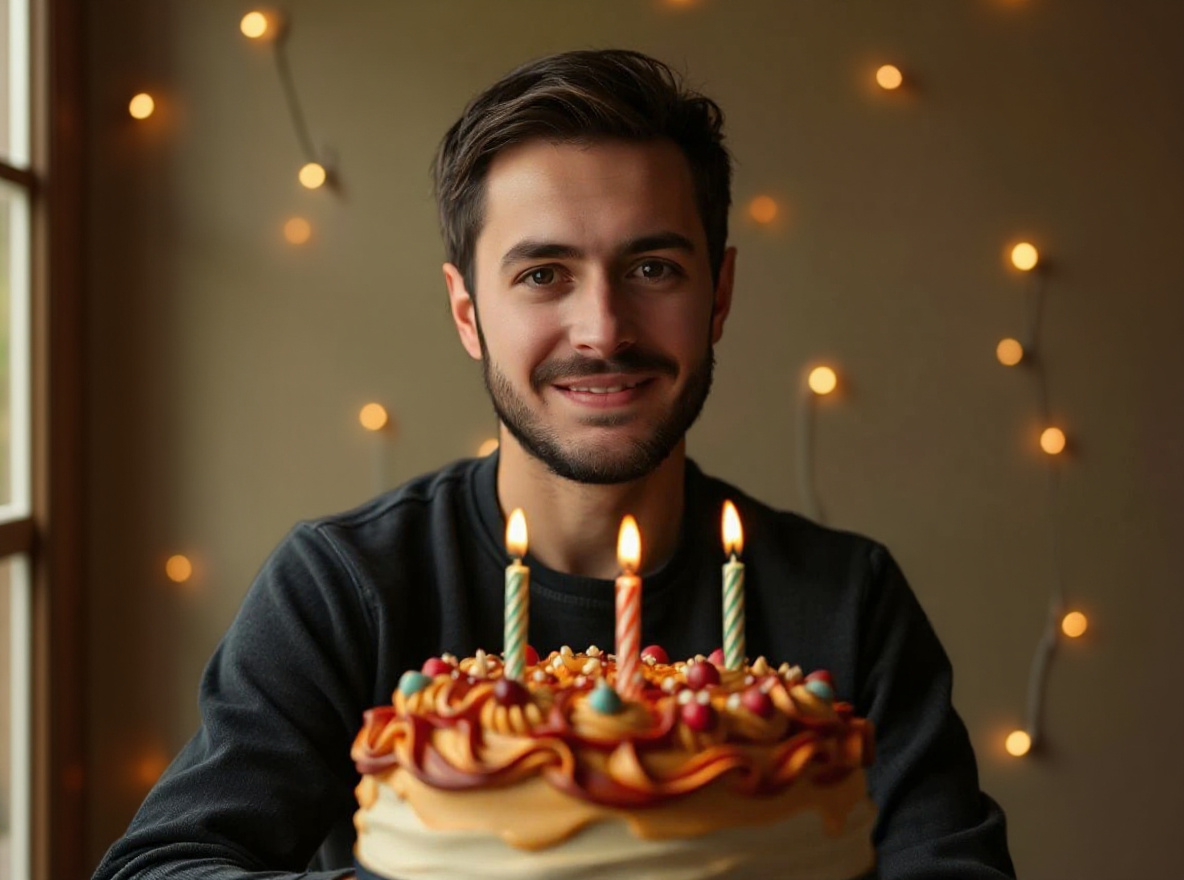
Best for
- quick photo fixes
- before/after demos
- external AI editing
- daily creator workflows
Utility · Active trend
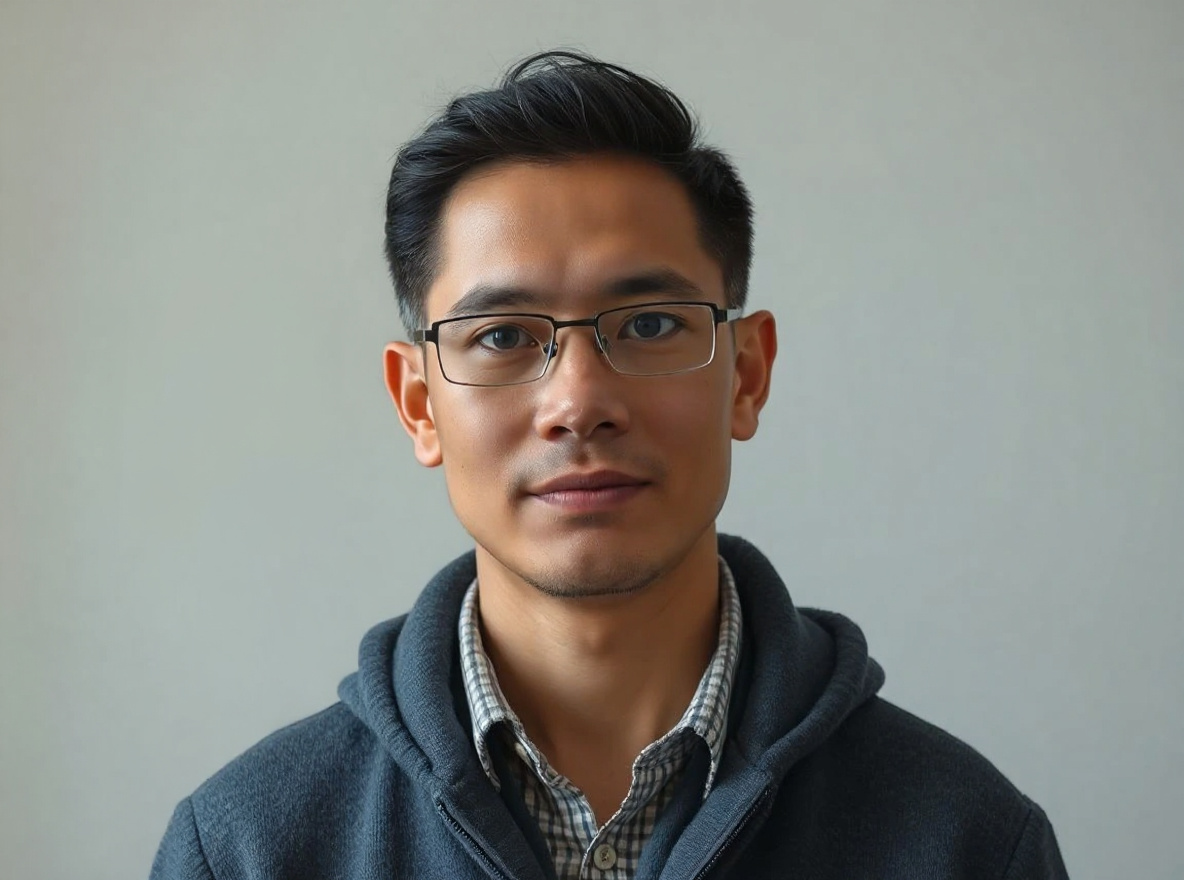
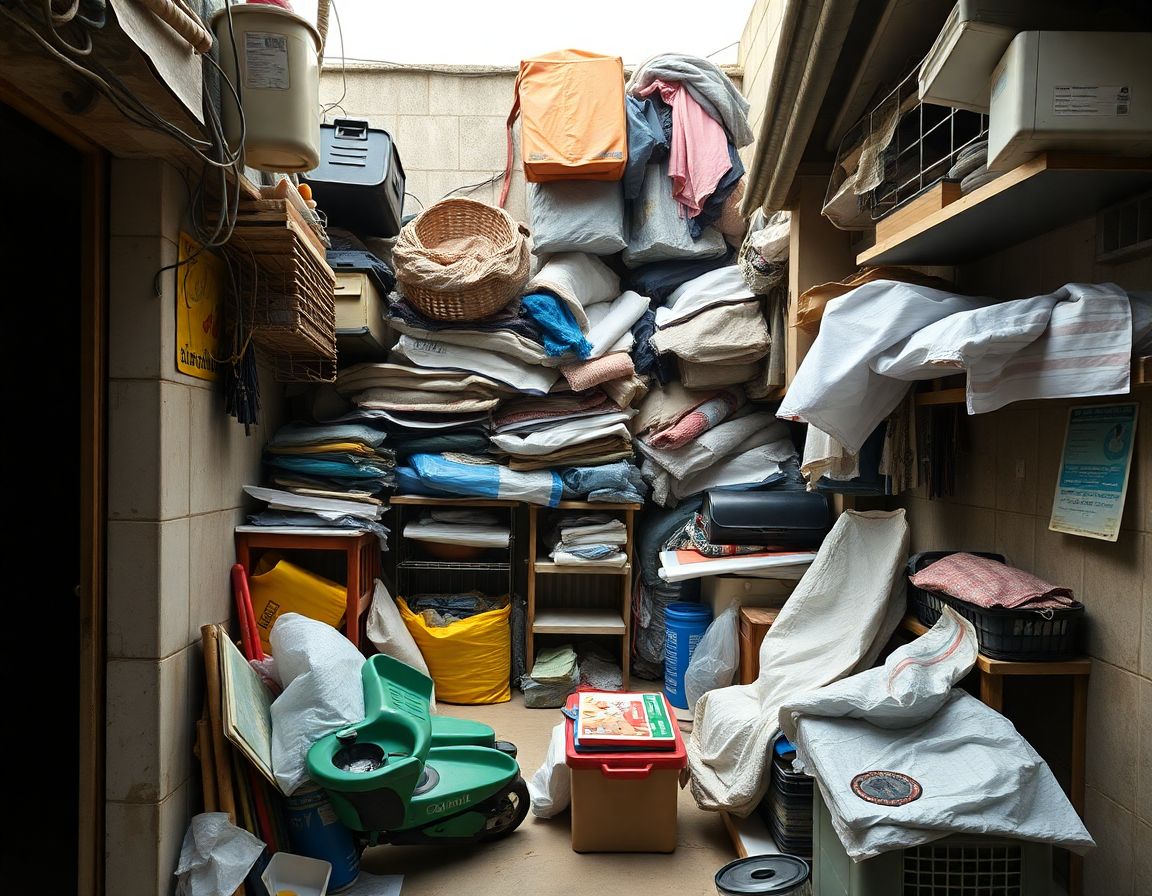
This prompt helps users create a clean new background while the subject remains exactly recognizable. Copy it as a same-effect edit instruction, replace variables such as outfit, background, mood, and aspect ratio, then use it in AI Editor RSP or an external AI photo editor.
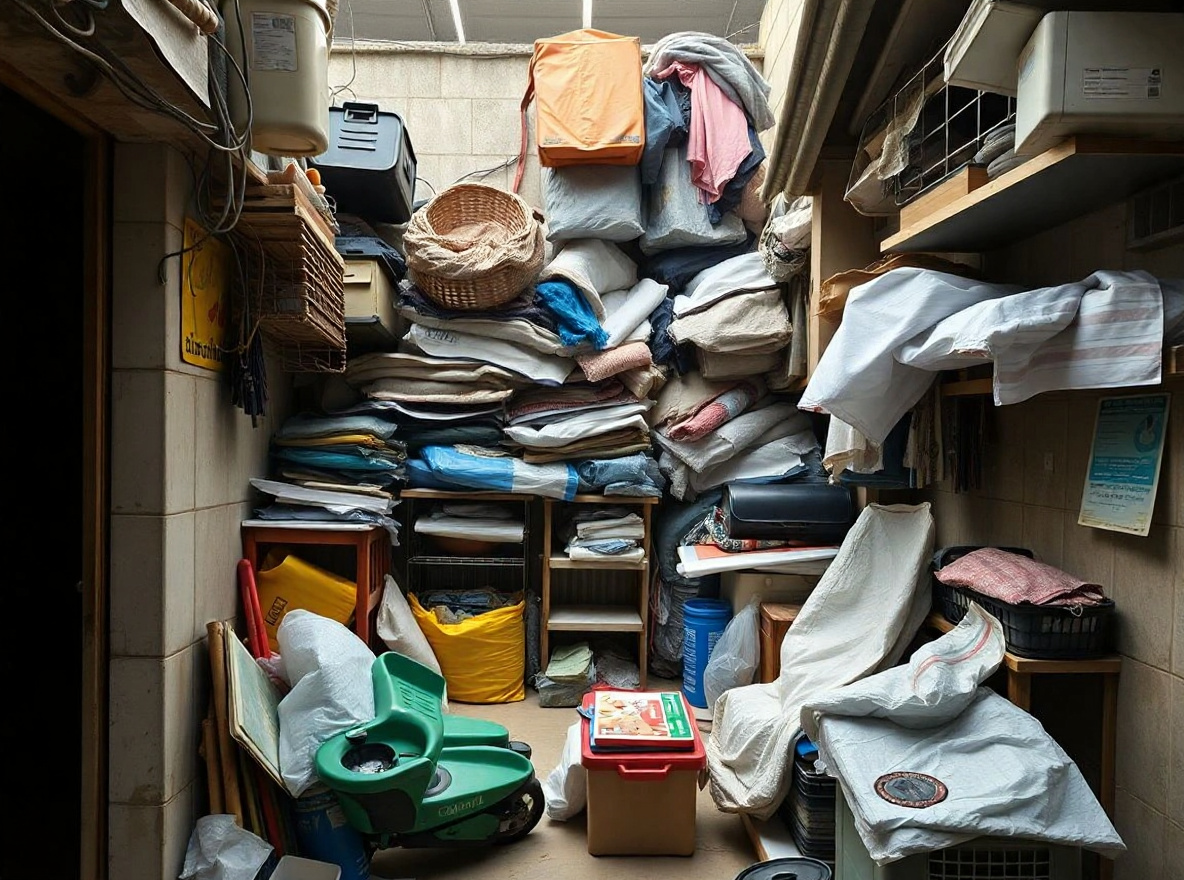
Real provider output · replicate · tbg52s7c41rmt0cz3qyv5mcj24 · 2026-07-01. Your own source image will produce a different but source-anchored result.
COPY_PROMPT_ALWAYS_AVAILABLE
Copy this prompt directly, or open it in the editor. Upload-to-edit may depend on provider availability; copying never requires credits.
Edit this image into a clean new background while the subject remains exactly recognizable. Preserve subject edges, proportions, hair or product edges, lighting direction. Keep the result realistic and source-anchored. Do not change identity, proportions, readable labels, logos, UI text, or factual context unless the user explicitly asks for that specific safe change. Do not add fake text, do not distort hands, and do not imply any provider or brand endorsement.TRY_WITH_YOUR_PHOTO
Open the editor with this prompt prefilled, upload a source image you own or have consent to edit, then review provider state before generation.
Gemini · ChatGPT · Nano Banana · Generic AI editor
selfie subject · boy · girl · couple · product · team member
casual shirt · traditional outfit · business shirt · festival outfit · unchanged
urban street · studio · festival lights · plain white · marketplace scene · cinematic background
golden hour · soft studio · neon · festival glow · natural daylight
cinematic · clean · premium · festive · professional · viral social
1:1 · 4:5 · 9:16 · 16:9
YOU_MIGHT_ALSO_LIKE
More same-intent prompt pages for users who want a nearby look before spending a generation credit.
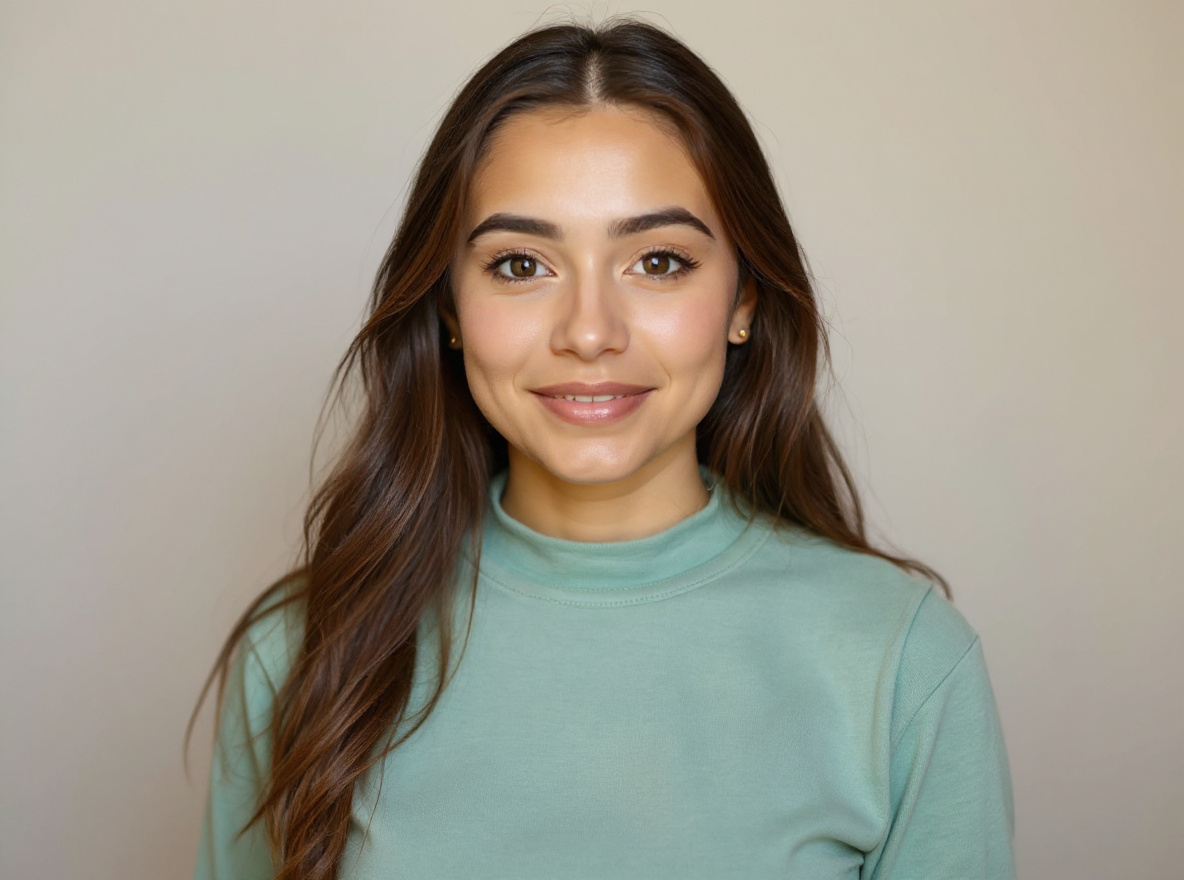 Social Creator
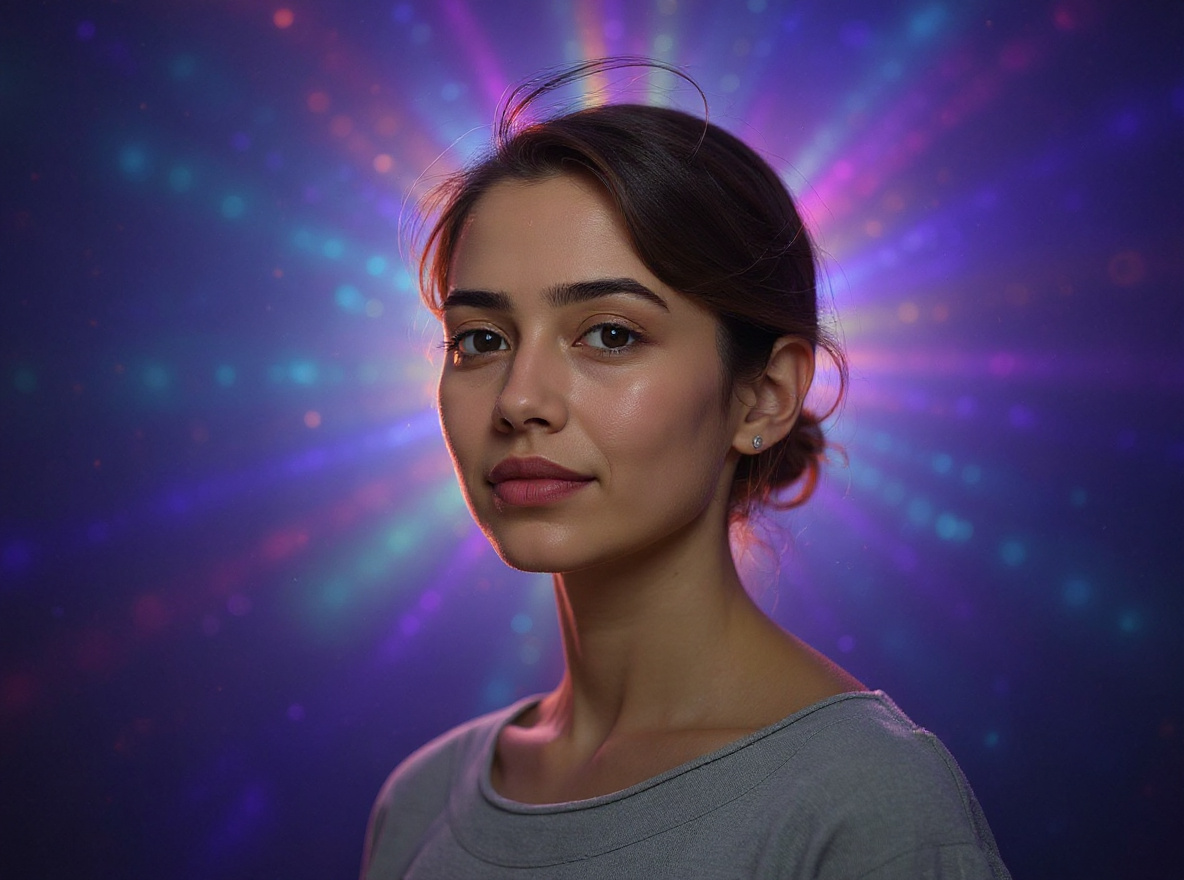
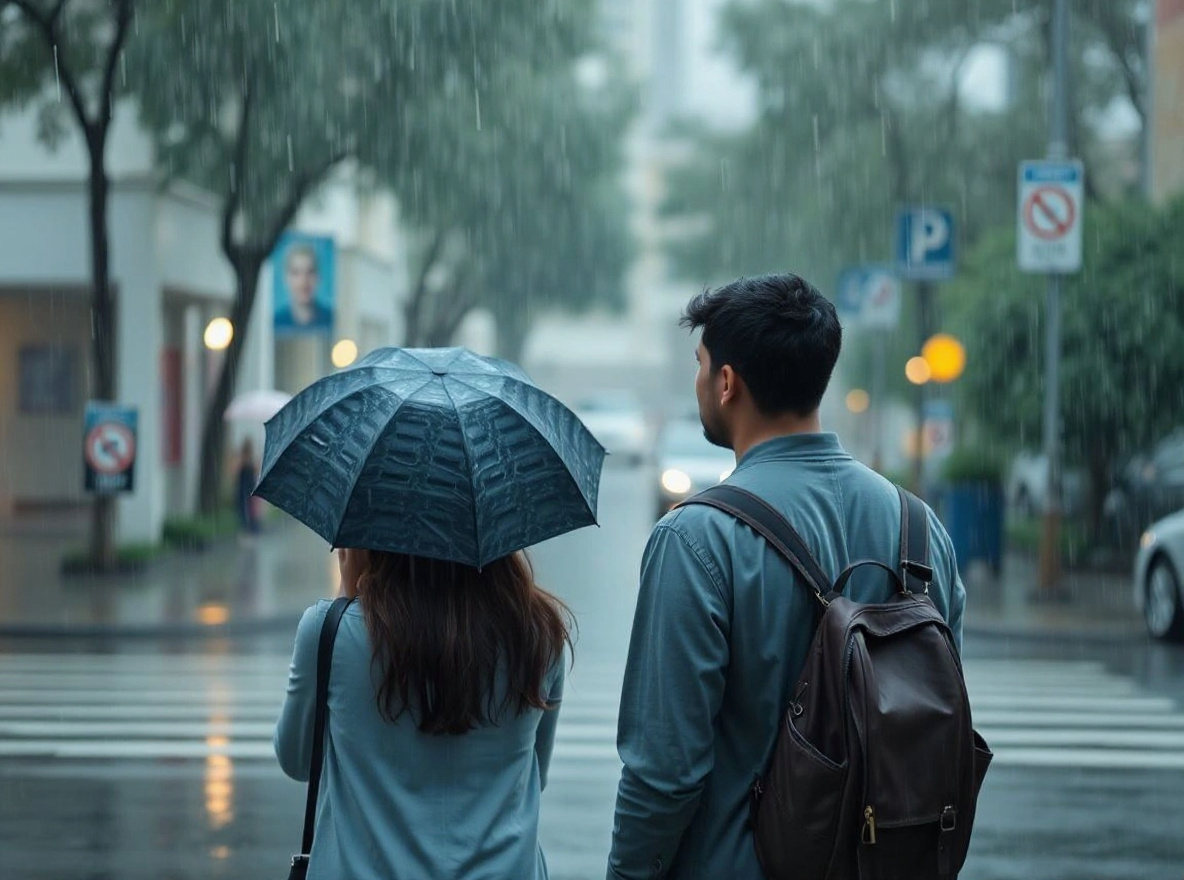
This prompt helps users create a bright flash-style social photo with clean crop, punchy highlights, and realistic skin detail. Copy it as a same-effect edit instruction, replace variables such as outfit, background, mood, and aspect ratio, then use it in AI Editor RSP or an external AI photo editor.
Real provider output · replicate · qc2m99cw89rmy0cz3qxrzw4ear
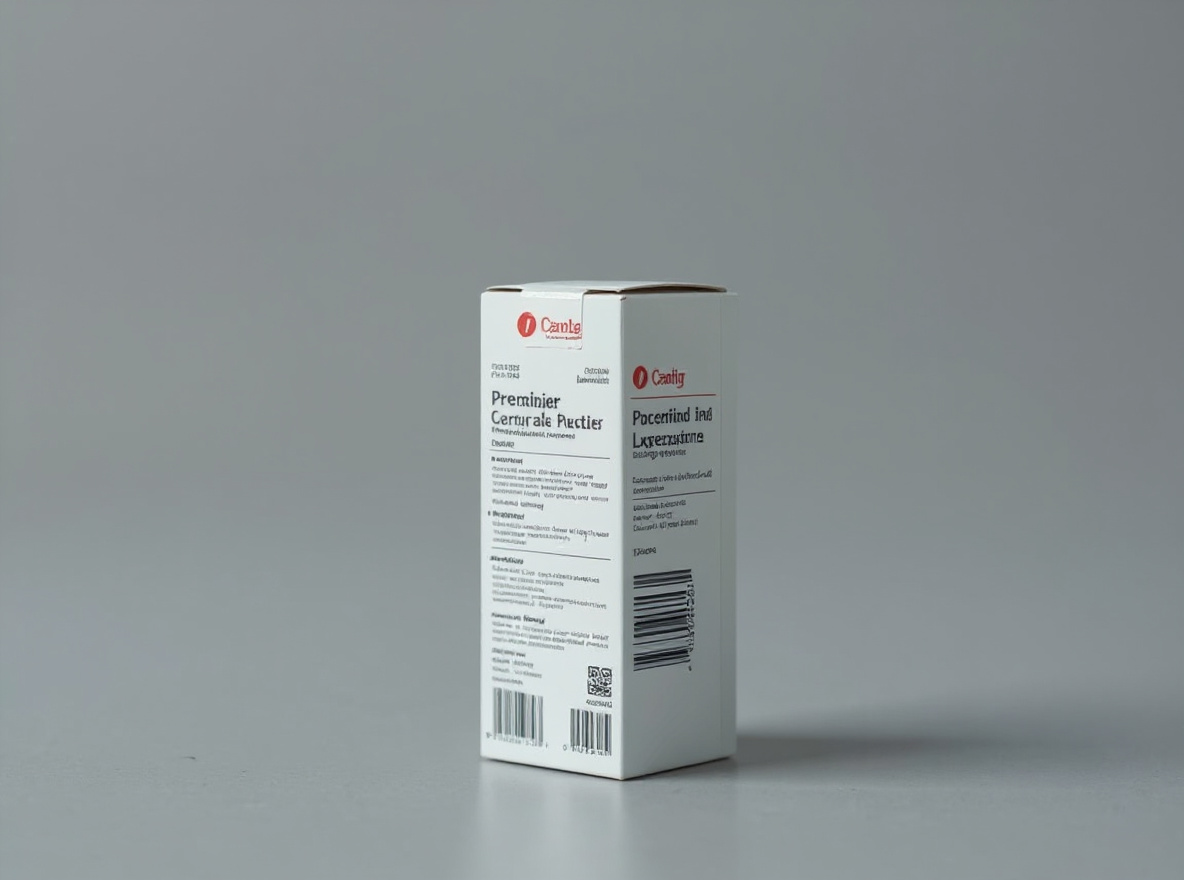 Ecommerce
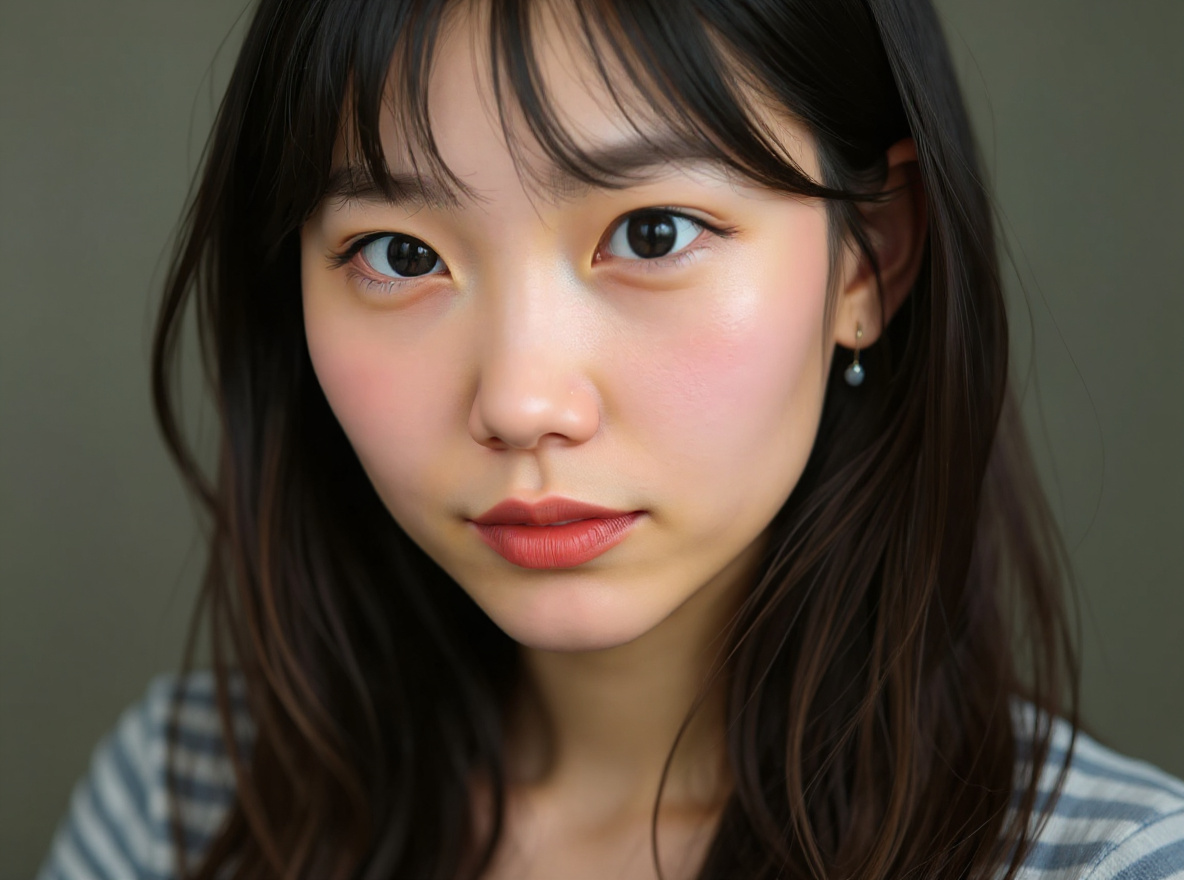
This prompt helps users create a marketplace-ready product photo with natural grounded shadow, crisp edges, and unchanged product details. Copy it as a same-effect edit instruction, replace variables such as outfit, background, mood, and aspect ratio, then use it in AI Editor RSP or an external AI photo editor.
Real provider output · replicate · hmtbngxf51rmy0cz3qyrcfr8ng
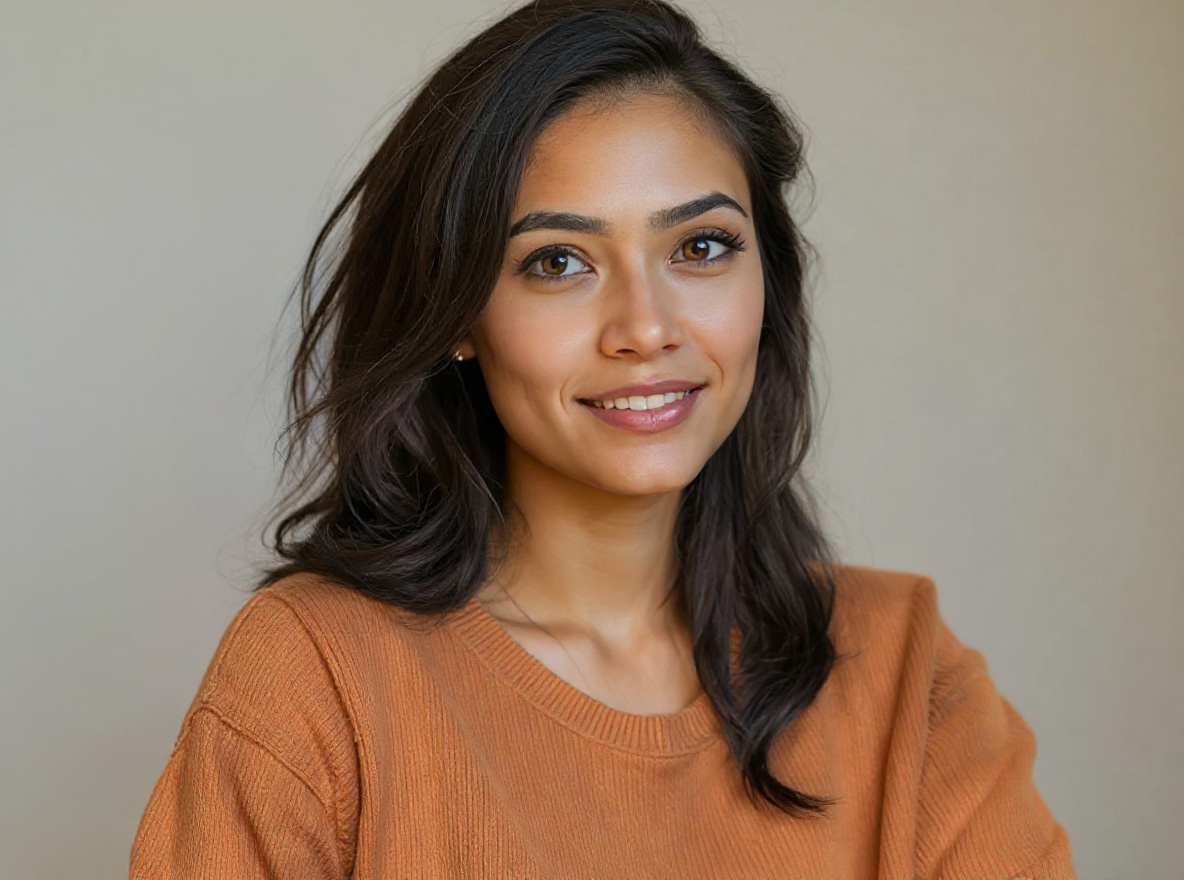 Business
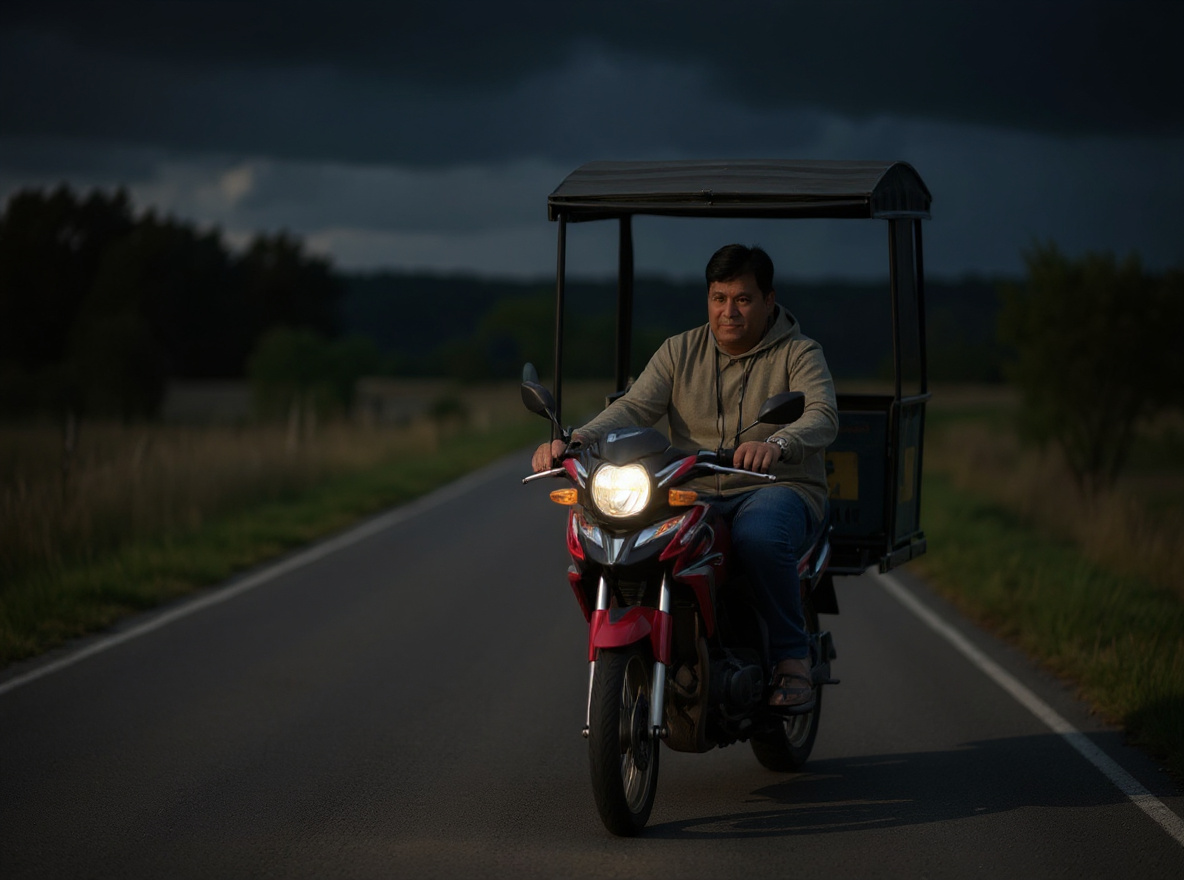
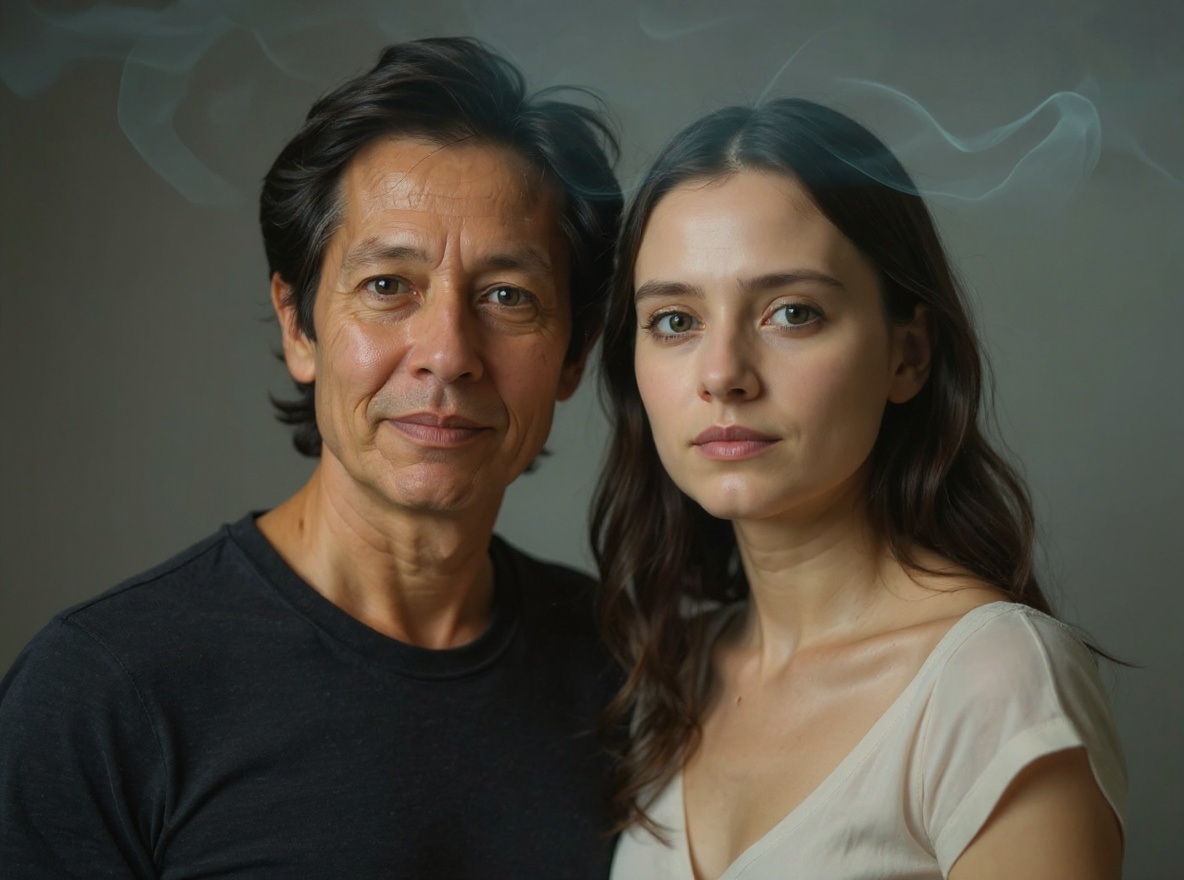
This prompt helps users create a cleaner ad creative photo with stronger subject hierarchy and blank copy-safe zones. Copy it as a same-effect edit instruction, replace variables such as outfit, background, mood, and aspect ratio, then use it in AI Editor RSP or an external AI photo editor.
Real provider output · replicate · shtb7rmzfsrmw0cz3qmterpms0
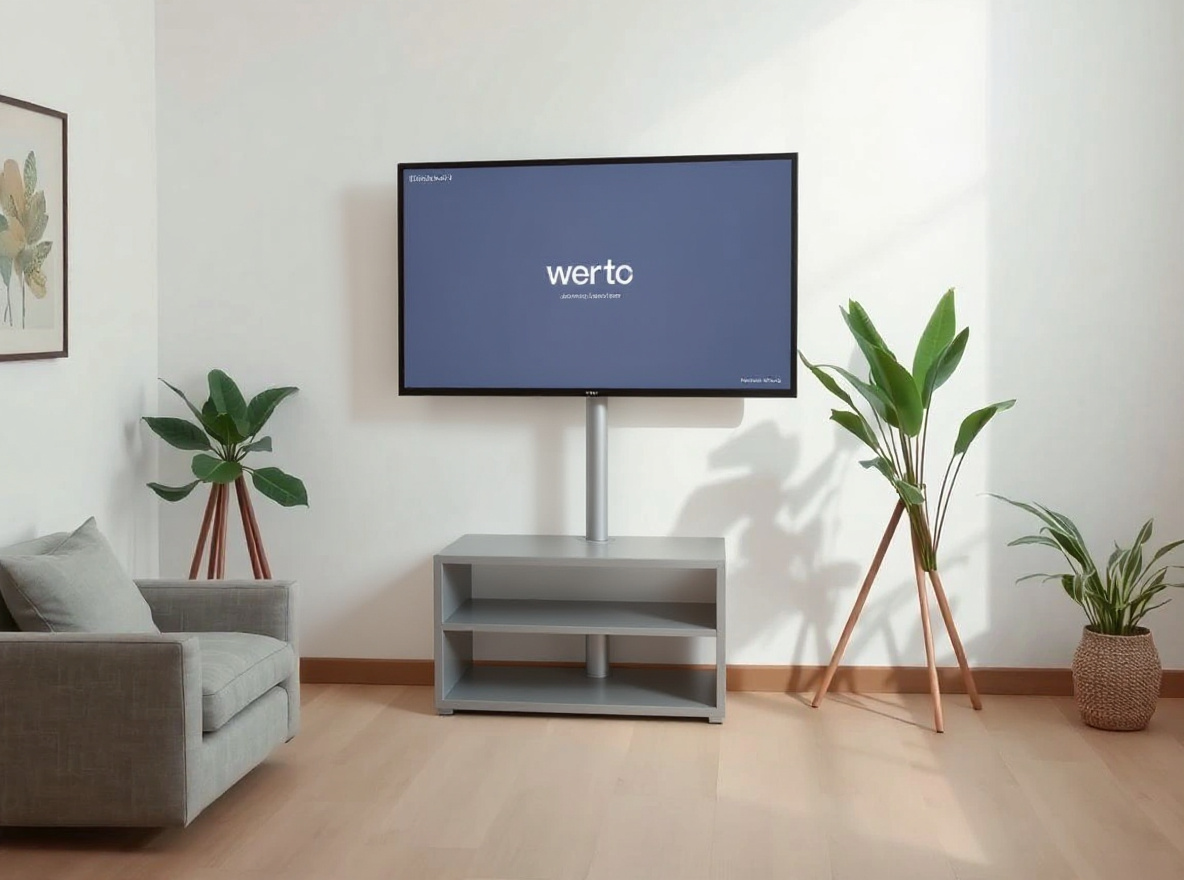 Business
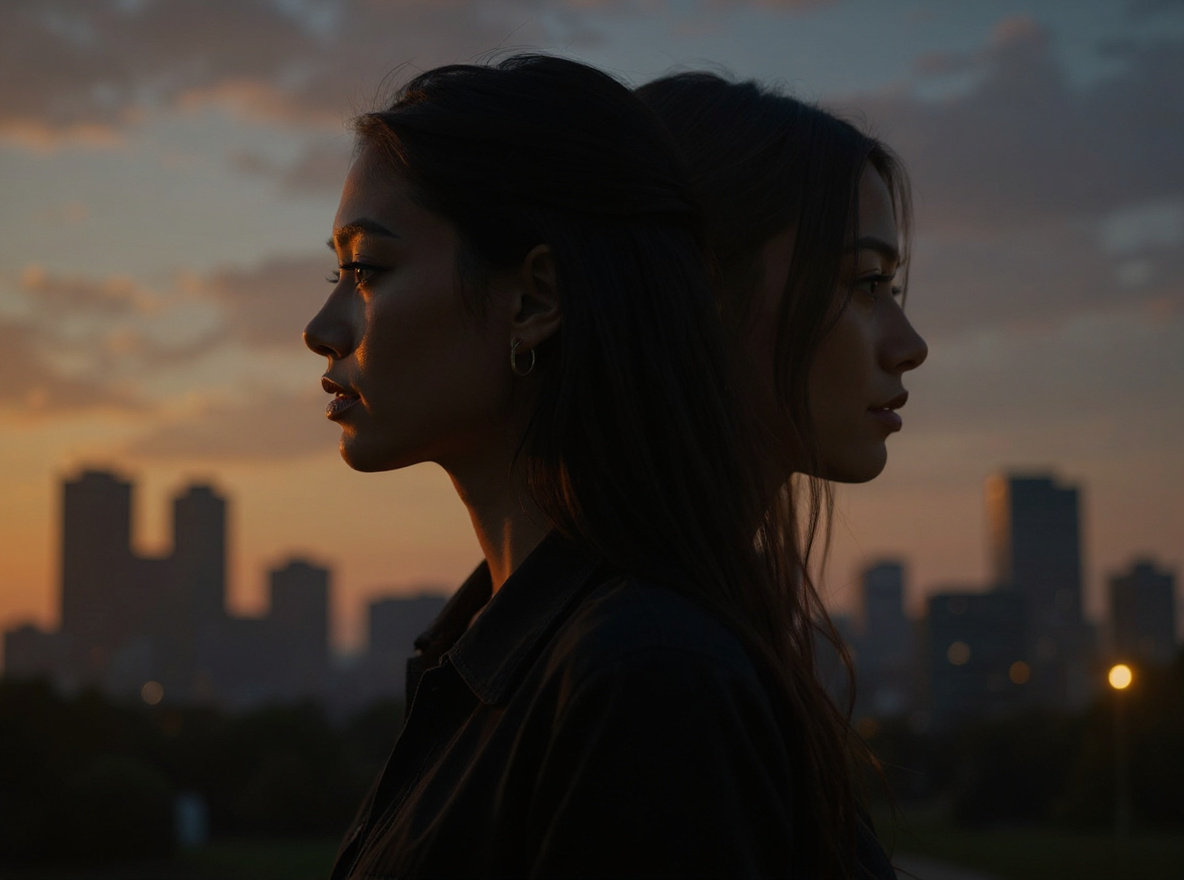
This prompt helps users create a launch hero visual with product-safe device framing, clean light, and no fake UI claims. Copy it as a same-effect edit instruction, replace variables such as outfit, background, mood, and aspect ratio, then use it in AI Editor RSP or an external AI photo editor.
Real provider output · replicate · 0t9fjmkrz1rmy0cz3qmvp8emrr
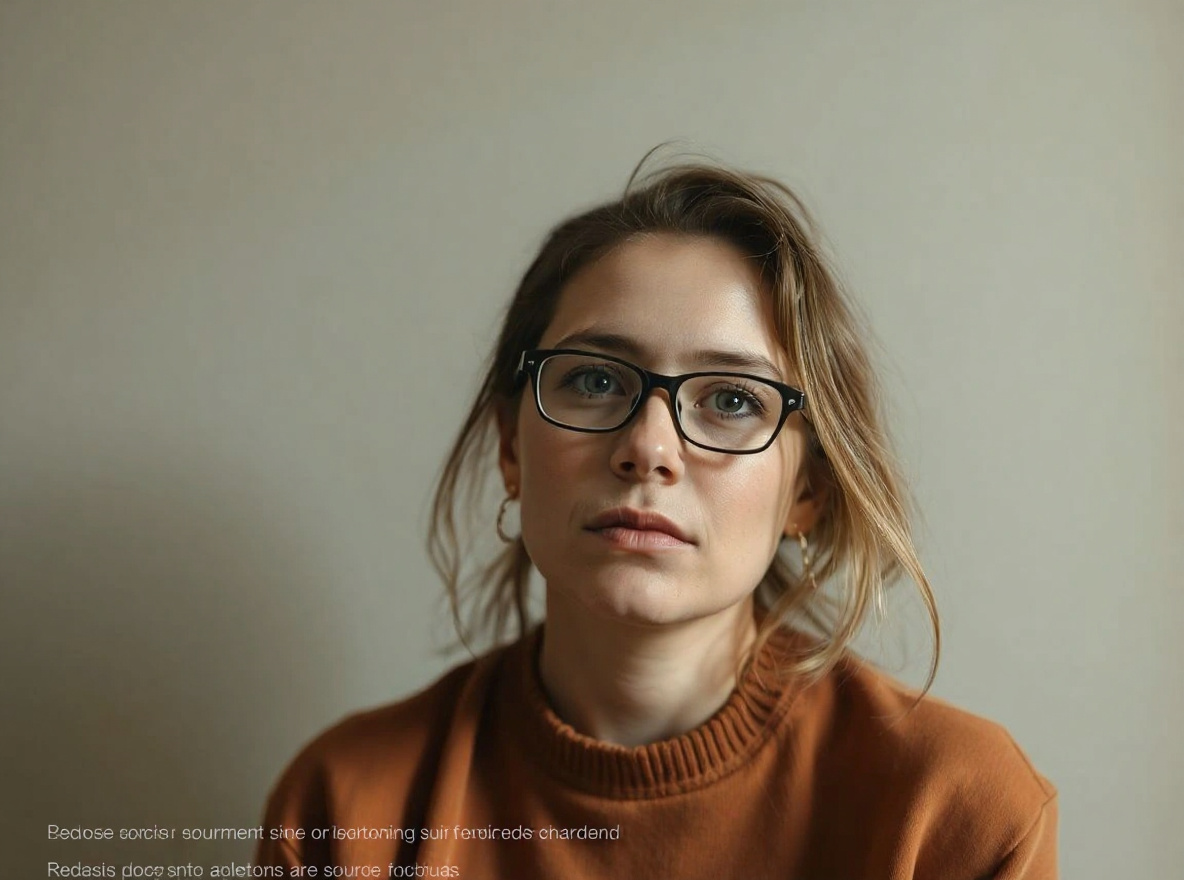 Provider-specific
This prompt helps users create a CapCut-style recipe card describing transitions, overlays, and safe source-photo edit notes without unsafe downloads. Copy it as a same-effect edit instruction, replace variables such as outfit, background, mood, and aspect ratio, then use it in AI Editor RSP or an external AI photo editor.
Real provider output · replicate · rt5w7dqab9rmr0cz3qm8rejc6r
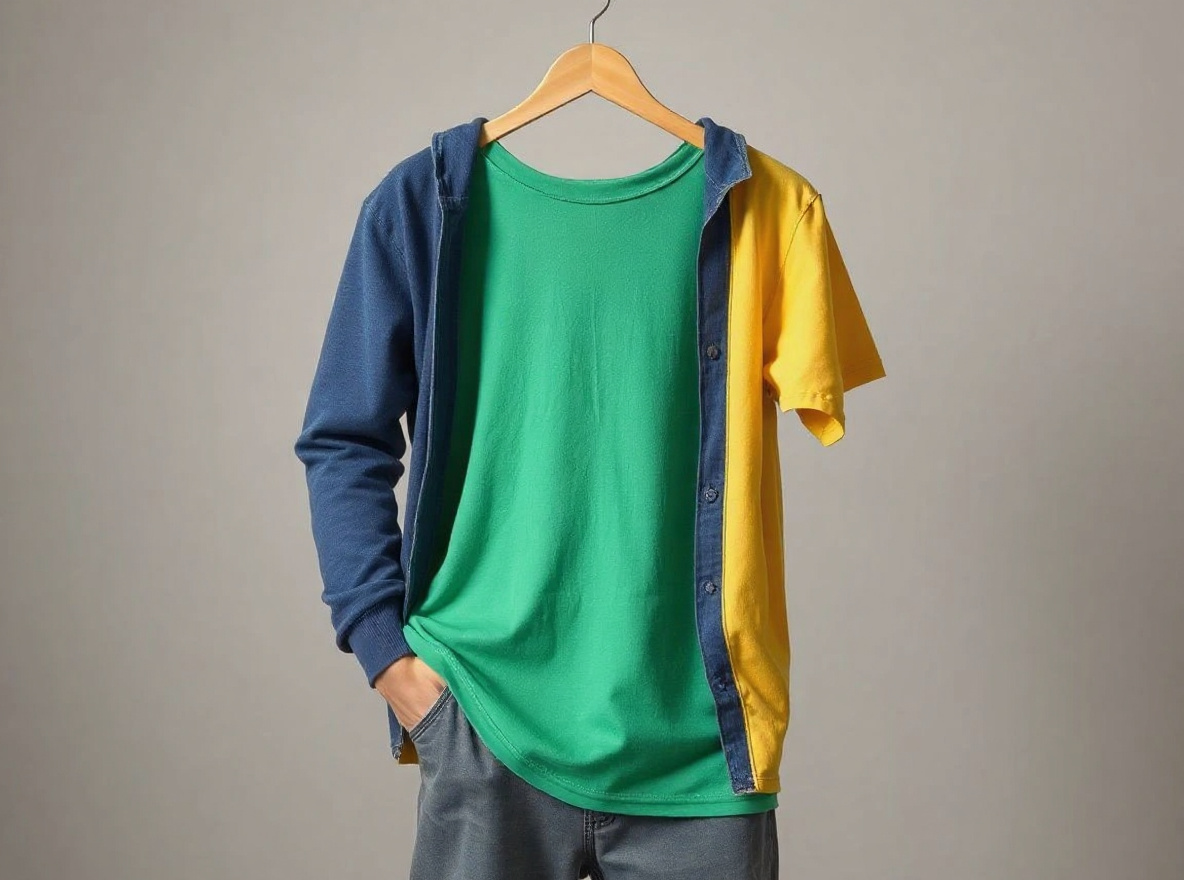 Utility
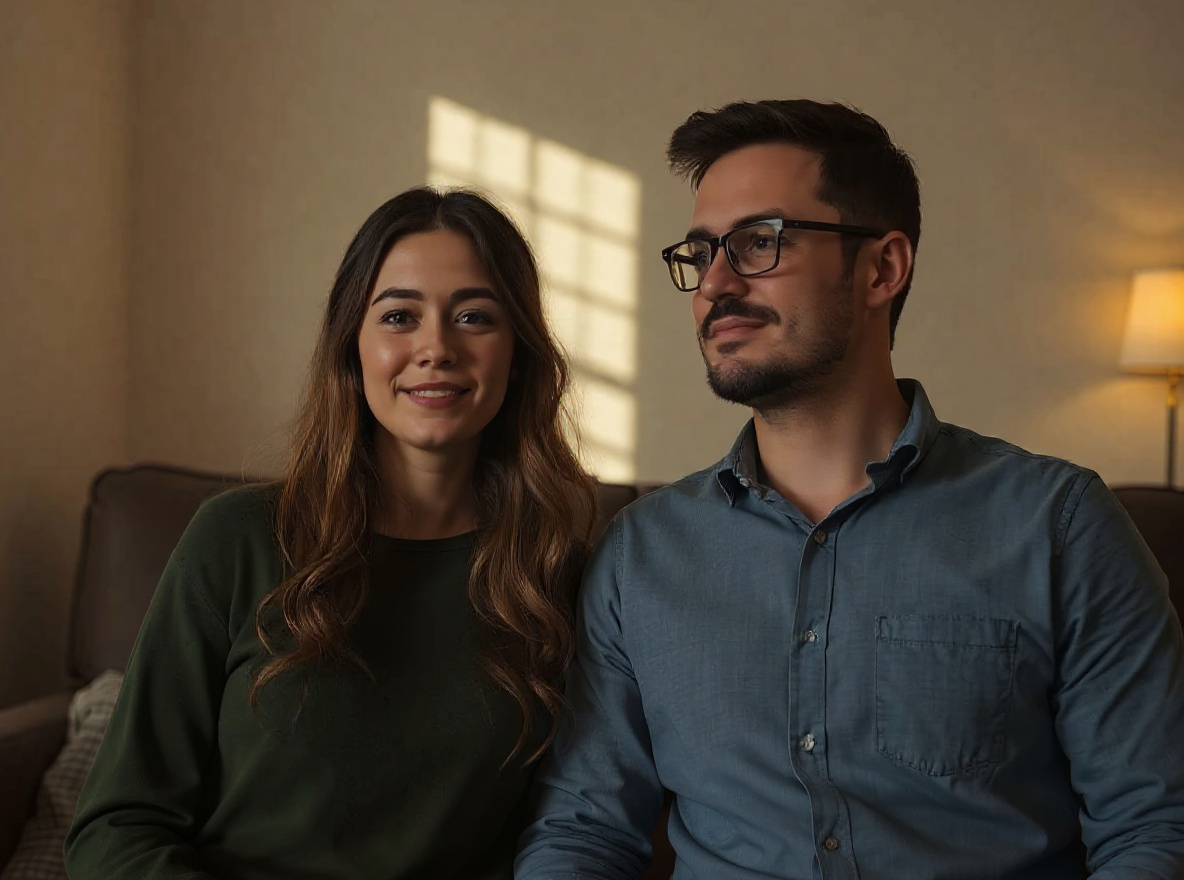
This prompt helps users create a safe clothing color or style edit while preserving face, pose, hands, and body proportions. Copy it as a same-effect edit instruction, replace variables such as outfit, background, mood, and aspect ratio, then use it in AI Editor RSP or an external AI photo editor.
Real provider output · replicate · mq9xhdtxp5rmw0cz3qnb9vc1r8
PROMPT_LIBRARY_MAP
PromptPlum-style internal navigation for AI Editor RSP's proof-backed prompt library.
Soft cinematic girl-photo and girlfriend-style RSP prompts with glowing skin, dreamy bokeh, social crop, and identity-safe preservation rules.
Men DP, attitude portrait, black-shirt, bike, college fresher, and WhatsApp profile prompts with dramatic light and realistic face detail.
Warm highlights, deep shadows, clean skin tones, bokeh, teal-orange contrast, and 2026 preset-style color grading prompts.
Reels cover, TikTok cover, YouTube thumbnail, CapCut-style recipe, and short-video visual prompts for RSP creators.
Profile picture, dating profile, men DP, girl DP, and clean avatar prompts optimized for mobile social identity and realistic crops.
Identity-safe portrait, DP, cinematic, attitude, and studio photo prompts with copy-ready preservation rules.
LinkedIn, resume, founder, team-avatar, and studio headshot prompts that preserve face identity and natural skin texture.
Romantic, rainy, wedding, and festival couple prompts with consent-first two-person identity preservation.
Ecommerce, white-background, marketplace, product shadow, label cleanup, and hero image prompts with geometry and label preservation.
Safe background swap and cleanup prompts that preserve subject edges, perspective, shadows, and product or face details.
Instagram, TikTok, YouTube thumbnail, Reels cover, UGC ad, and profile-picture prompts optimized for readable social crops.
Diwali, Holi, Eid, IPL, Republic Day, Ram Navami, Raksha Bandhan, and Indian festival prompt effects with non-affiliated styling.
AI Editor RSP is an unofficial prompt library and is not affiliated with Google, OpenAI, Instagram, Bing, CapCut, Lightroom, Nano Banana, or RSP Editing.
gemini: Upload the source photo first, paste the prompt, and keep identity or product preservation explicit. Treat this as an external-compatible prompt, not an affiliation claim. · chatgpt: Attach the image, paste the prompt as an edit instruction, ask for one realistic output first, then request variations only after checking preservation. · nano_banana: Use the prompt as an image-edit instruction, not a from-scratch text-to-image request. Keep the same-effect goal and preservation constraints visible.
Billing and credits: AI Editor RSP is operated by Nextfield Labs LLC, Wyoming, USA. Google login, Stripe Checkout, Stripe Tax collection fields, subscription credits, credit packs, and receipt-backed entitlement records are wired through the production backend. Stripe remains the payment processor, not a Merchant of Record; filing, remittance, support, and refund obligations remain with the operator.