RSP_PROMPT_HUB
RSP Prompt Hub
Browse copyable RSP-style photo prompts by trend, use case, and visual effect. Copy a prompt for free, use a template page to customize it, or try it in the editor with your own image.
Find by result scene
Jump into the same intent buckets people search for: girl photo, couple edit, men DP, Lightroom preset, Reels cover, and WhatsApp DP.
Start with a visual trend, not a model name.
Use search for RSP, bike, couple, flash, IPL, product, or headshot. Every card keeps three paths visible: copy the prompt, use the template page, or try it with your own photo.
Clusters
All clusters
BeforeAfter
RSP / India Social Trends
RSP AI Editing Boy Cinematic Prompt
This prompt helps users create a cinematic AI boy portrait with dramatic depth, golden-hour light, and identity-preserving face detail. Copy it as a same-effect edit instruction, replace variables such as outfit, background, mood, and aspect ratio, then use it in AI Editor RSP or an external AI photo editor.
Real provider output · replicate · 7qbqr3k2mdrmy0cz3qxrx21yzg
- Best for
- Instagram Reels · WhatsApp DP · short-video covers
- Avoid if
- celebrity imitation · non-consensual couple edits
Edit this image into a cinematic AI boy portrait with dramatic depth, golden-hour light, and identity-preserving face detail. Preserve face identity, hairstyle, pose, outfit shape. Keep the result realistic and source-anchored. Do not change identity, proportions, readable labels, logos, UI text, or factual context unless the user explicitly asks for that specific safe change. Do not add fake text, do not distort hands, and do not imply any provider or brand endorsement.BeforeAfter
Personal Photo
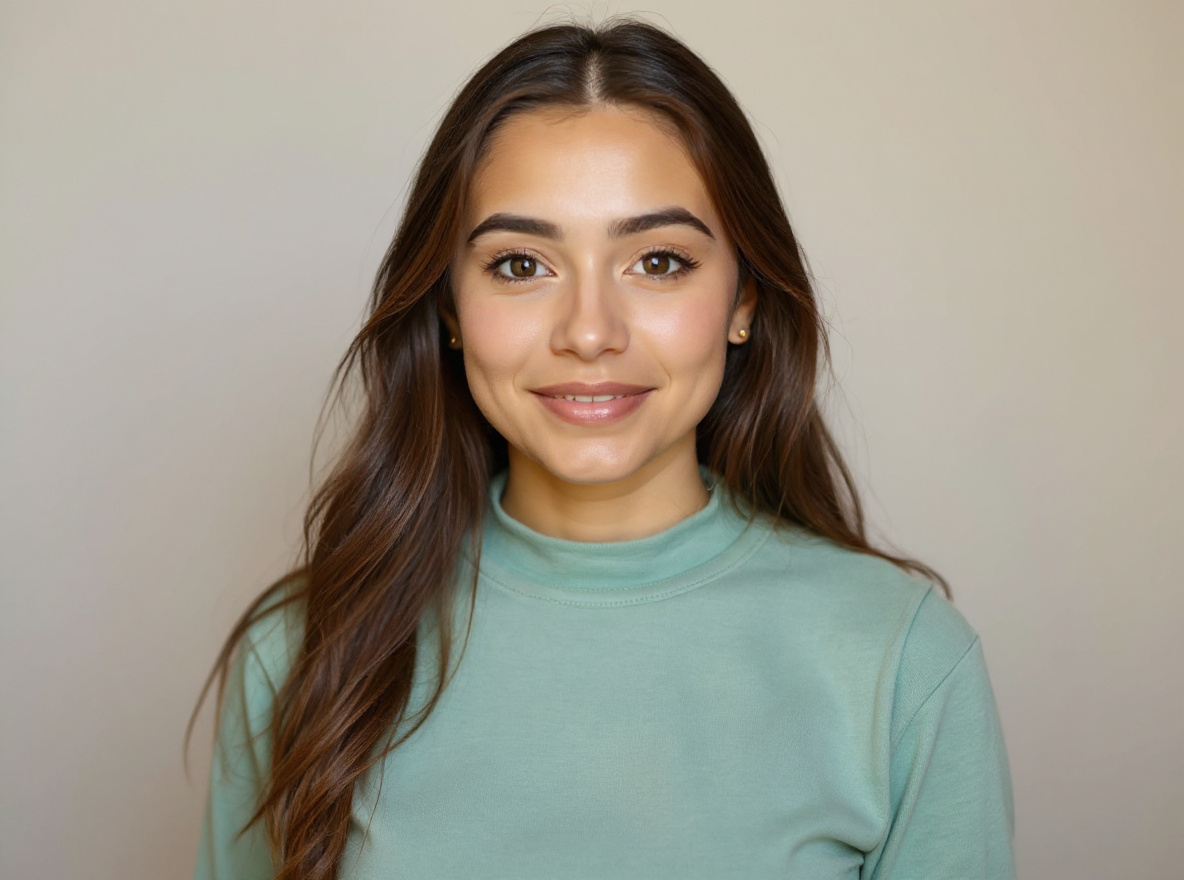
Professional Headshot From Selfie Prompt
This prompt helps users create a clean professional studio headshot with soft light, neutral background, and realistic skin texture. Copy it as a same-effect edit instruction, replace variables such as outfit, background, mood, and aspect ratio, then use it in AI Editor RSP or an external AI photo editor.
Real provider output · replicate · 4mjzq3b401rmt0cz3qxtfsrmm0
- Best for
- profile photos · personal branding · avatars
- Avoid if
- source face is heavily occluded · user expects identity or age change
Edit this image into a clean professional studio headshot with soft light, neutral background, and realistic skin texture. Preserve face identity, expression, skin texture, hairline. Keep the result realistic and source-anchored. Do not change identity, proportions, readable labels, logos, UI text, or factual context unless the user explicitly asks for that specific safe change. Do not add fake text, do not distort hands, and do not imply any provider or brand endorsement.BeforeAfter
Festival / Culture
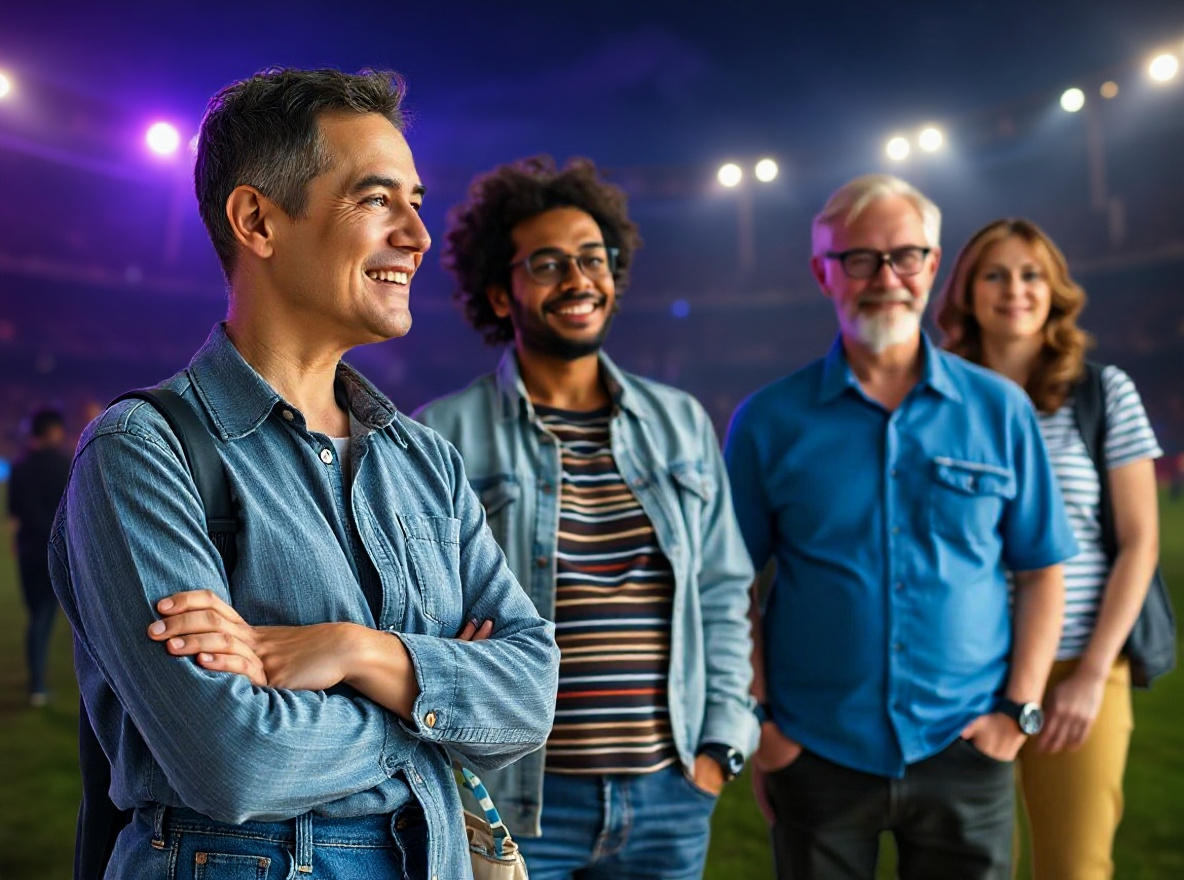
Gemini IPL AI Photo Editing Prompt
This prompt helps users create a cricket-season social portrait with team-color lighting, stadium energy, and safe non-affiliated fan styling. Copy it as a same-effect edit instruction, replace variables such as outfit, background, mood, and aspect ratio, then use it in AI Editor RSP or an external AI photo editor.
Real provider output · replicate · seaecbk3a1rmr0cz3qxtsp62mr
- Best for
- festival posts · WhatsApp DP · family-friendly social posts
- Avoid if
- political or religious provocation · offensive cultural framing
Edit this image into a cricket-season social portrait with team-color lighting, stadium energy, and safe non-affiliated fan styling. Preserve face identity, outfit shape, pose, no real team logos unless provided by user. Keep the result realistic and source-anchored. Do not change identity, proportions, readable labels, logos, UI text, or factual context unless the user explicitly asks for that specific safe change. Do not add fake text, do not distort hands, and do not imply any provider or brand endorsement.BeforeAfter
RSP / India Social Trends
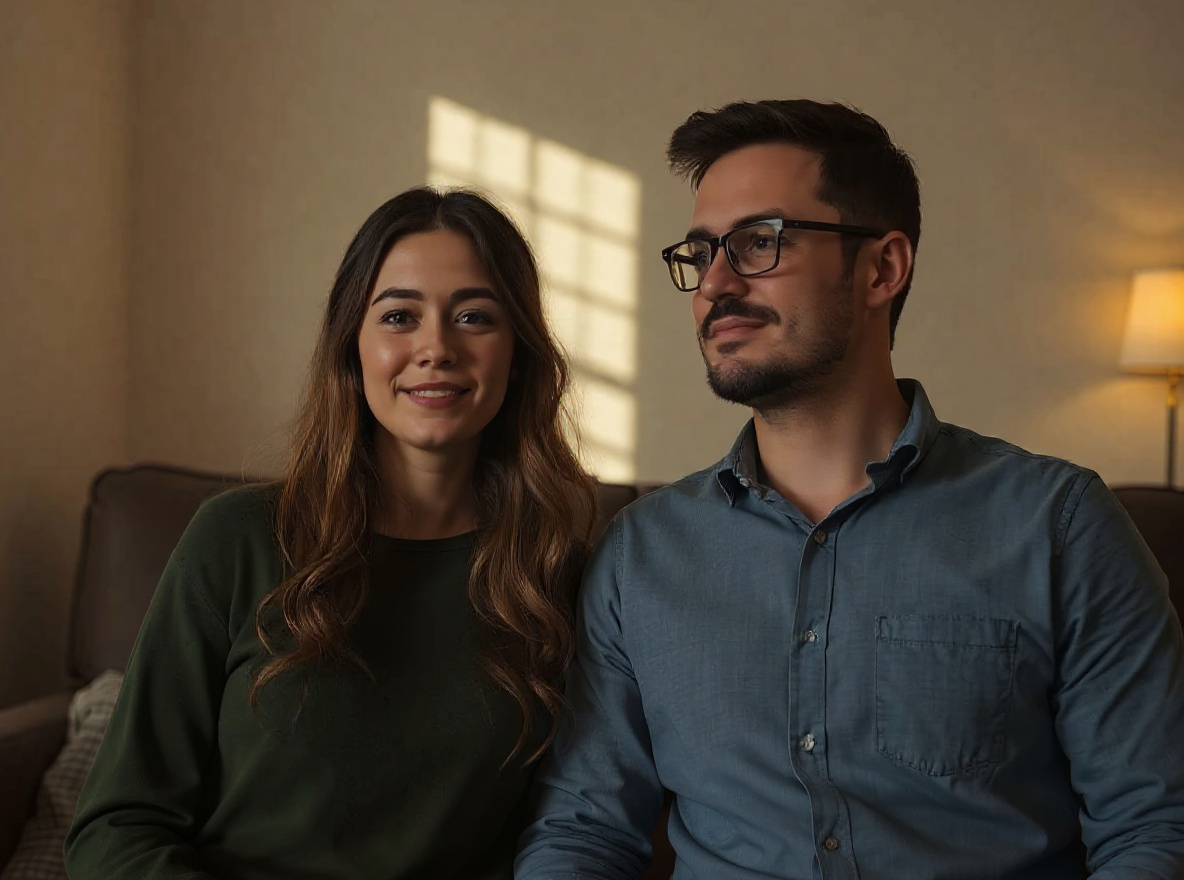
Couple Photo Editing Prompt
This prompt helps users create a warm couple portrait edit with cinematic background, natural expressions, and consent-first identity preservation. Copy it as a same-effect edit instruction, replace variables such as outfit, background, mood, and aspect ratio, then use it in AI Editor RSP or an external AI photo editor.
Real provider output · replicate · tavvahvmkxrmt0cz3qyss1wj5w
- Best for
- Instagram Reels · WhatsApp DP · short-video covers
- Avoid if
- celebrity imitation · non-consensual couple edits
Edit this image into a warm couple portrait edit with cinematic background, natural expressions, and consent-first identity preservation. Preserve both face identities, relative pose, natural expressions, body proportions. Keep the result realistic and source-anchored. Do not change identity, proportions, readable labels, logos, UI text, or factual context unless the user explicitly asks for that specific safe change. Do not add fake text, do not distort hands, and do not imply any provider or brand endorsement.BeforeAfter
Ecommerce
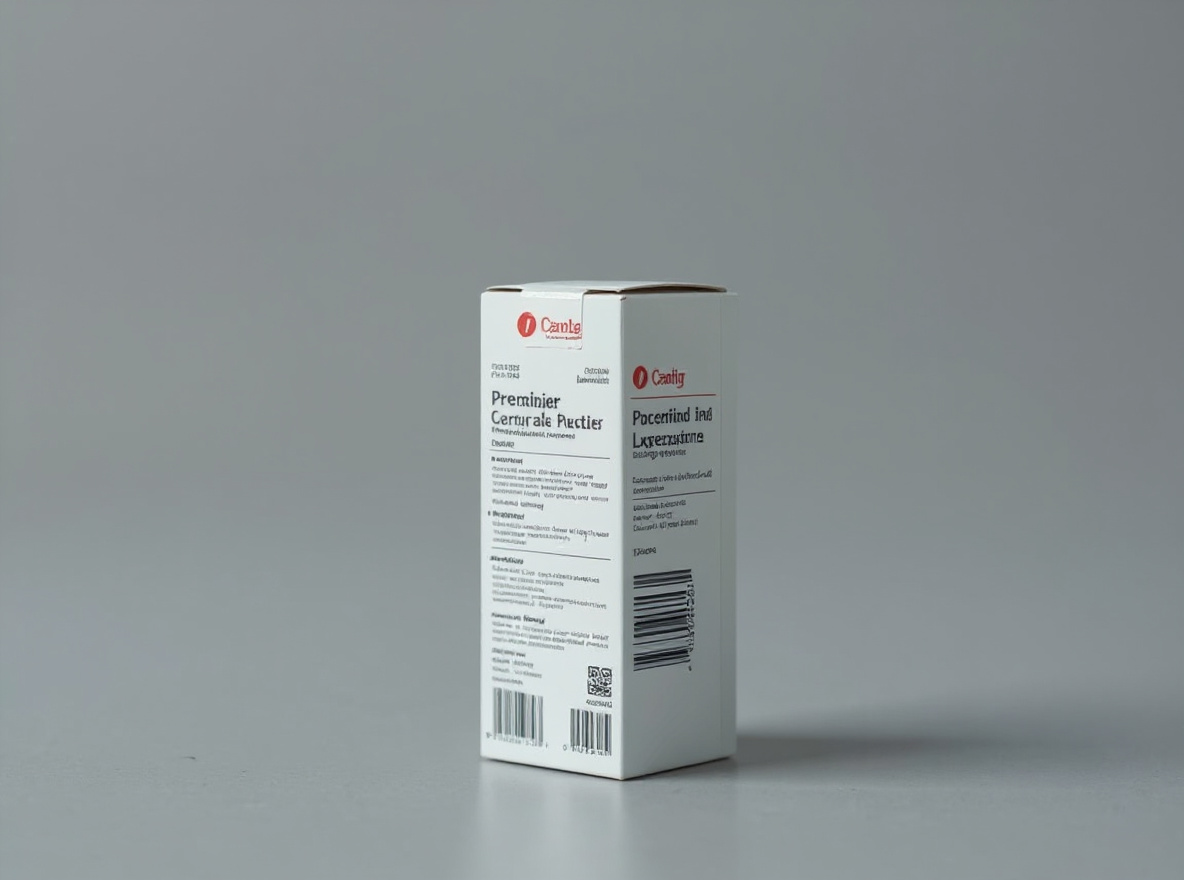
Product Photo Shadow Prompt
This prompt helps users create a marketplace-ready product photo with natural grounded shadow, crisp edges, and unchanged product details. Copy it as a same-effect edit instruction, replace variables such as outfit, background, mood, and aspect ratio, then use it in AI Editor RSP or an external AI photo editor.
Real provider output · replicate · hmtbngxf51rmy0cz3qyrcfr8ng
- Best for
- product listings · marketplace photos · storefront visuals
- Avoid if
- label accuracy requires legal review · source product photo is not owned
Edit this image into a marketplace-ready product photo with natural grounded shadow, crisp edges, and unchanged product details. Preserve product geometry, label, material, scale. Keep the result realistic and source-anchored. Do not change identity, proportions, readable labels, logos, UI text, or factual context unless the user explicitly asks for that specific safe change. Do not add fake text, do not distort hands, and do not imply any provider or brand endorsement.BeforeAfter
Social Creator
Instagram Flash Filter Prompt
This prompt helps users create a bright flash-style social photo with clean crop, punchy highlights, and realistic skin detail. Copy it as a same-effect edit instruction, replace variables such as outfit, background, mood, and aspect ratio, then use it in AI Editor RSP or an external AI photo editor.
Real provider output · replicate · qc2m99cw89rmy0cz3qxrzw4ear
- Best for
- short-form covers · social posts · creator thumbnails
- Avoid if
- exact platform UI text · celebrity/franchise imitation
Edit this image into a bright flash-style social photo with clean crop, punchy highlights, and realistic skin detail. Preserve face identity, expression, silhouette, crop safety. Keep the result realistic and source-anchored. Do not change identity, proportions, readable labels, logos, UI text, or factual context unless the user explicitly asks for that specific safe change. Do not add fake text, do not distort hands, and do not imply any provider or brand endorsement.BeforeAfter
RSP / India Social Trends
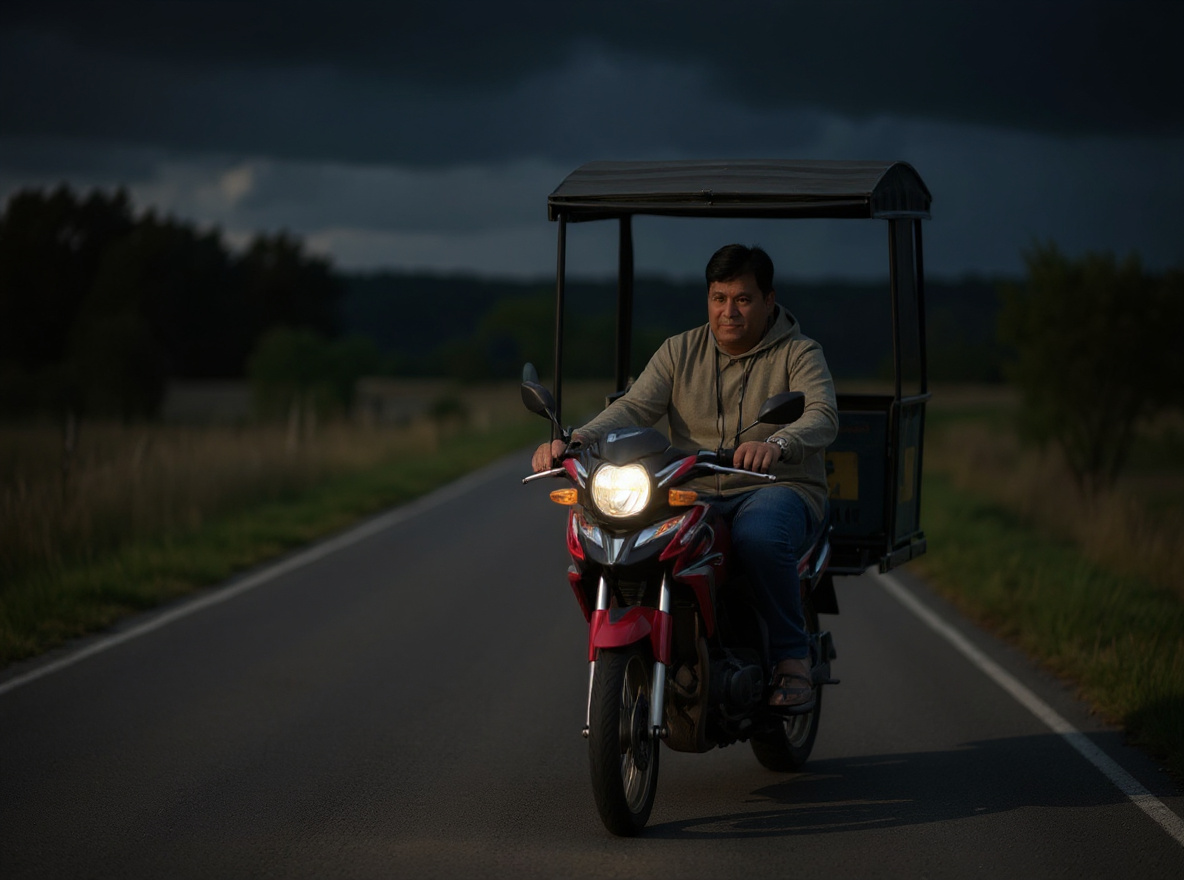
Bike AI Photo Editing Prompt
This prompt helps users create a cinematic bike portrait with road depth, dramatic light, and the rider and vehicle preserved. Copy it as a same-effect edit instruction, replace variables such as outfit, background, mood, and aspect ratio, then use it in AI Editor RSP or an external AI photo editor.
Real provider output · replicate · fffb6gmz9srmw0cz3qxtnse59g
- Best for
- Instagram Reels · WhatsApp DP · short-video covers
- Avoid if
- celebrity imitation · non-consensual couple edits
Edit this image into a cinematic bike portrait with road depth, dramatic light, and the rider and vehicle preserved. Preserve rider face identity, bike shape, pose, visible vehicle details. Keep the result realistic and source-anchored. Do not change identity, proportions, readable labels, logos, UI text, or factual context unless the user explicitly asks for that specific safe change. Do not add fake text, do not distort hands, and do not imply any provider or brand endorsement.BeforeAfter
RSP / India Social Trends
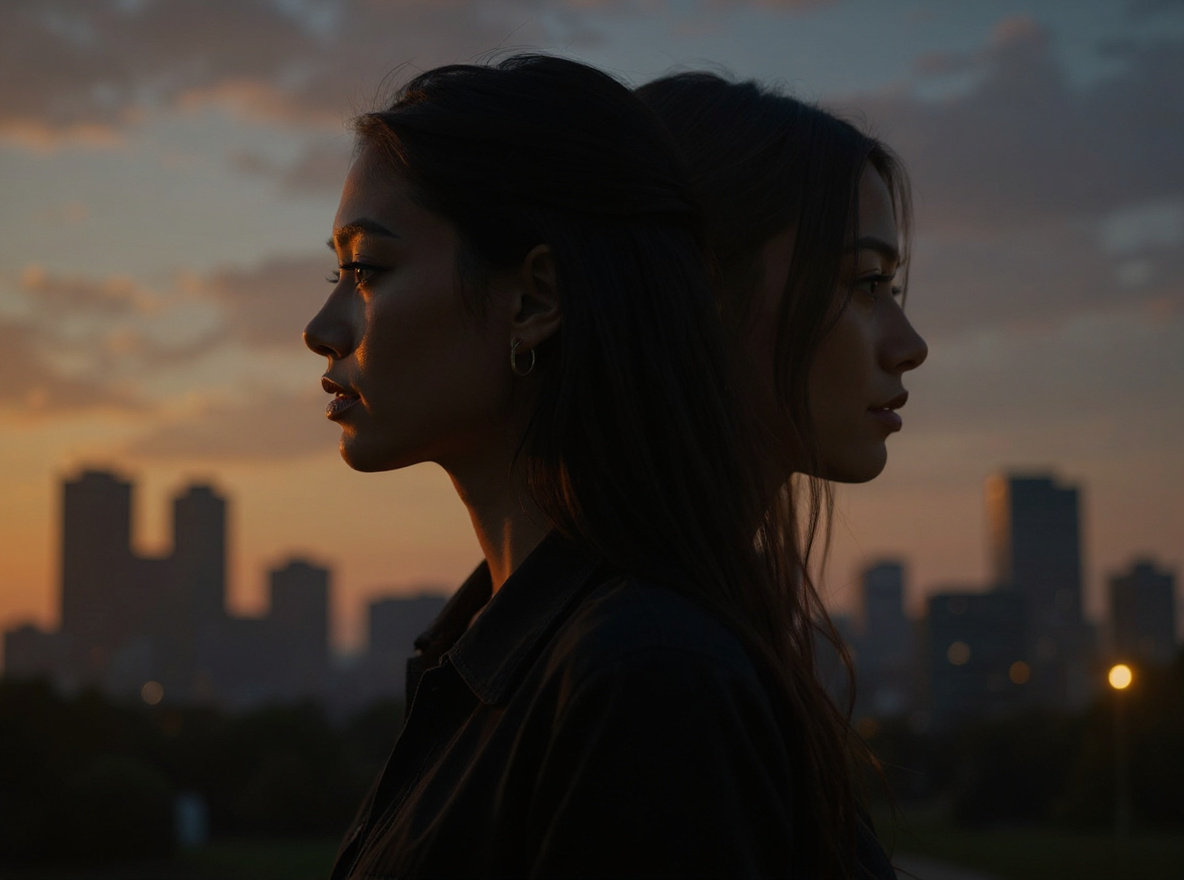
Double Exposure AI Photo Prompt
This prompt helps users create a double-exposure portrait blending the subject with a city, nature, or festival silhouette while keeping identity readable. Copy it as a same-effect edit instruction, replace variables such as outfit, background, mood, and aspect ratio, then use it in AI Editor RSP or an external AI photo editor.
Real provider output · replicate · pzy1d2d98nrmr0cz3qkbd738y0
- Best for
- Instagram Reels · WhatsApp DP · short-video covers
- Avoid if
- celebrity imitation · non-consensual couple edits
Edit this image into a double-exposure portrait blending the subject with a city, nature, or festival silhouette while keeping identity readable. Preserve face outline, main expression, hair silhouette, core subject framing. Keep the result realistic and source-anchored. Do not change identity, proportions, readable labels, logos, UI text, or factual context unless the user explicitly asks for that specific safe change. Do not add fake text, do not distort hands, and do not imply any provider or brand endorsement.BeforeAfter
Utility
Background Swap Without Changing Subject Prompt
This prompt helps users create a clean new background while the subject remains exactly recognizable. Copy it as a same-effect edit instruction, replace variables such as outfit, background, mood, and aspect ratio, then use it in AI Editor RSP or an external AI photo editor.
Real provider output · replicate · tbg52s7c41rmt0cz3qyv5mcj24
- Best for
- quick photo fixes · before/after demos · external AI editing
- Avoid if
- editing evidence or documents · watermark removal
Edit this image into a clean new background while the subject remains exactly recognizable. Preserve subject edges, proportions, hair or product edges, lighting direction. Keep the result realistic and source-anchored. Do not change identity, proportions, readable labels, logos, UI text, or factual context unless the user explicitly asks for that specific safe change. Do not add fake text, do not distort hands, and do not imply any provider or brand endorsement.BeforeAfter
RSP / India Social Trends
RSP AI Editing Girl Cinematic Prompt
This prompt helps users create a cinematic AI girl portrait with soft glow, sharp facial detail, and social-ready depth. Copy it as a same-effect edit instruction, replace variables such as outfit, background, mood, and aspect ratio, then use it in AI Editor RSP or an external AI photo editor.
Real provider output · replicate · f45hzrpfd9rmy0cz3qxsks1zy4
- Best for
- Instagram Reels · WhatsApp DP · short-video covers
- Avoid if
- celebrity imitation · non-consensual couple edits
Edit this image into a cinematic AI girl portrait with soft glow, sharp facial detail, and social-ready depth. Preserve face identity, hair style, pose, outfit shape. Keep the result realistic and source-anchored. Do not change identity, proportions, readable labels, logos, UI text, or factual context unless the user explicitly asks for that specific safe change. Do not add fake text, do not distort hands, and do not imply any provider or brand endorsement.BeforeAfter
RSP / India Social Trends
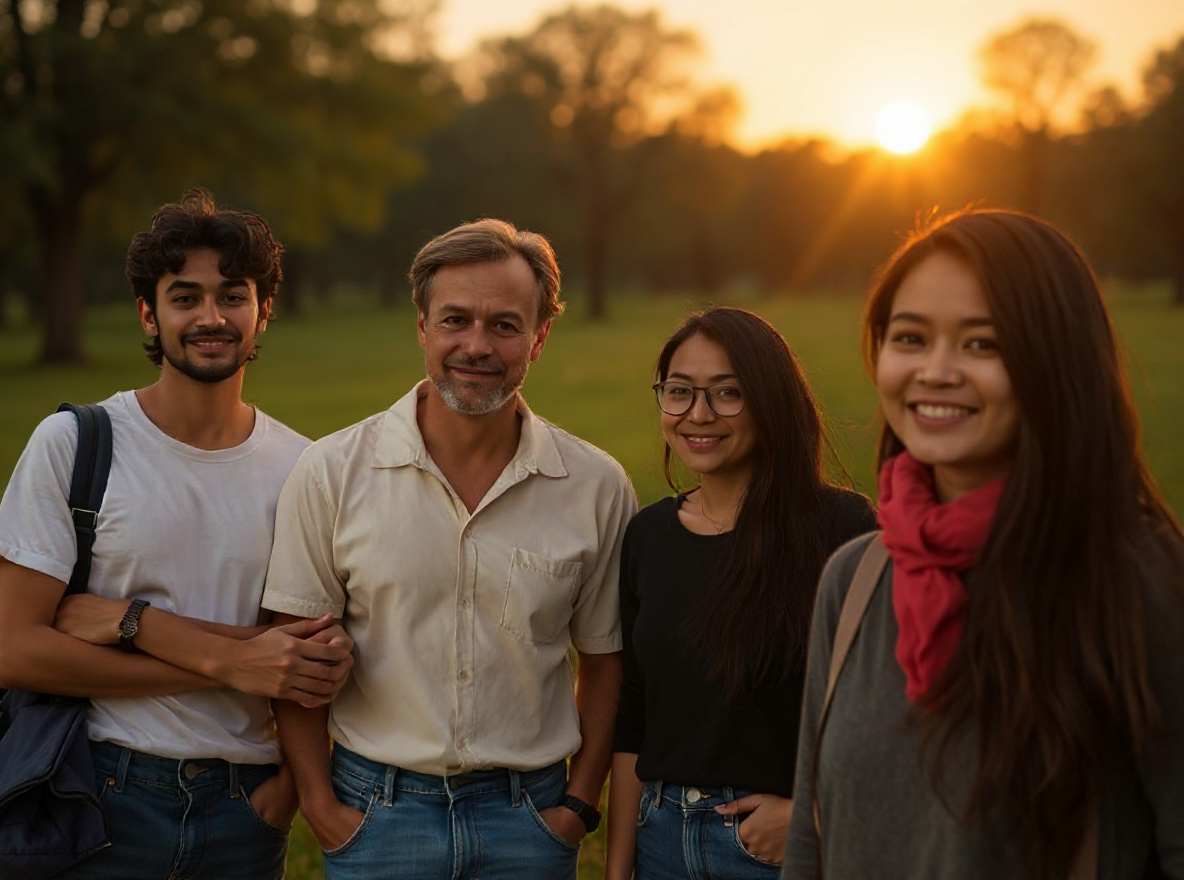
RSP 3 Layer AI Photo Prompt
This prompt helps users create a three-layer portrait composition with foreground glow, subject layer, and blurred cinematic background. Copy it as a same-effect edit instruction, replace variables such as outfit, background, mood, and aspect ratio, then use it in AI Editor RSP or an external AI photo editor.
Real provider output · replicate · 12fgdhz38drmy0cz3qkbvfw5pm
- Best for
- Instagram Reels · WhatsApp DP · short-video covers
- Avoid if
- celebrity imitation · non-consensual couple edits
Edit this image into a three-layer portrait composition with foreground glow, subject layer, and blurred cinematic background. Preserve face identity, subject scale, pose, main outfit. Keep the result realistic and source-anchored. Do not change identity, proportions, readable labels, logos, UI text, or factual context unless the user explicitly asks for that specific safe change. Do not add fake text, do not distort hands, and do not imply any provider or brand endorsement.BeforeAfter
RSP / India Social Trends
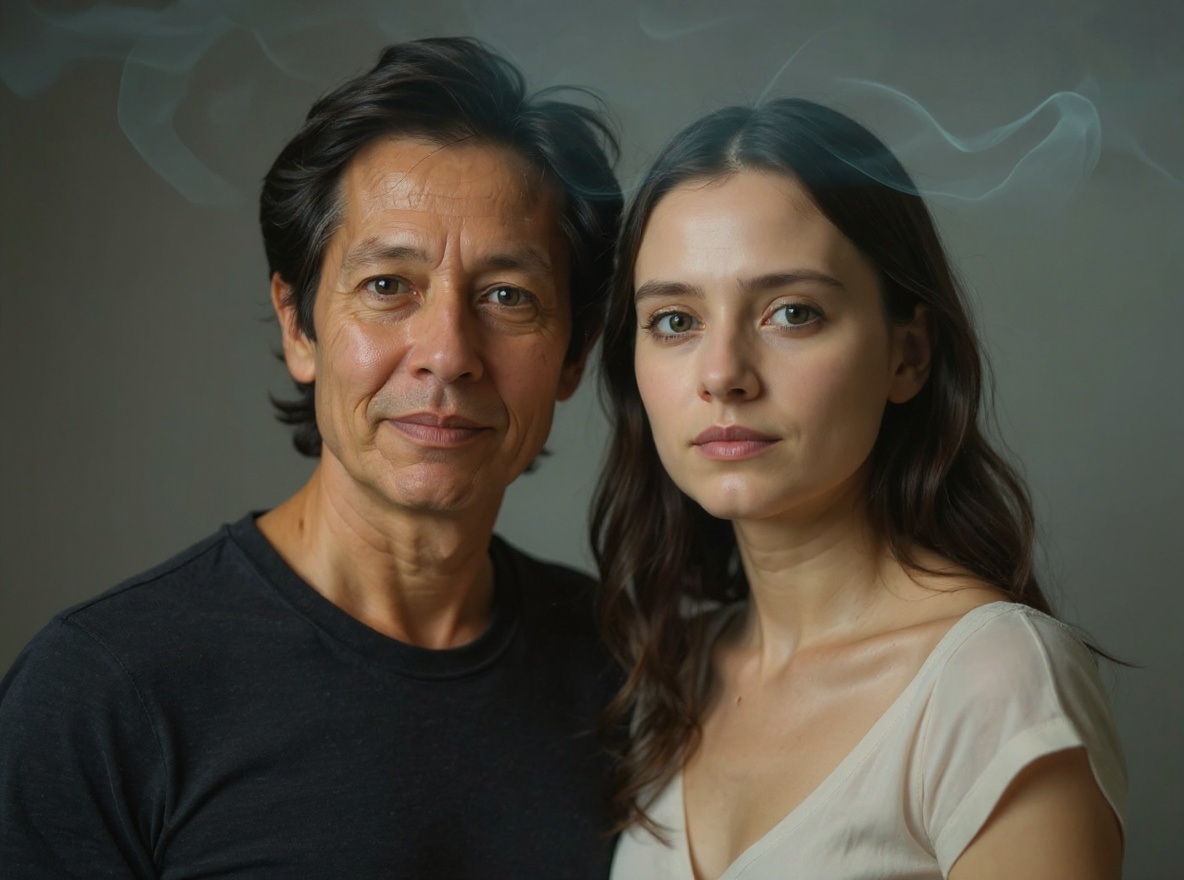
Ethereal Companion Portrait Prompt
This prompt creates an ethereal companion-style portrait effect with soft transparent light and staged, consent-safe subjects. It avoids implying real ghosts, deceased people, or non-consensual relationship edits.
Real provider output · replicate · 04sdr3m0dsrmt0cz3qnscq5vqg
- Best for
- Instagram Reels · WhatsApp DP · short-video covers
- Avoid if
- celebrity imitation · non-consensual couple edits
Edit this image into a staged ethereal companion portrait with soft translucent light, cinematic mood, and clear fantasy styling. Preserve the real source subject identity, pose, and proportions. Do not imply a real deceased person, public figure, non-consensual relationship, or endorsement. Keep it safe, fictional, and source-anchored.PROMPT_LIBRARY_MAP
Browse by use case and model
Use these indexable hubs to find the nearest prompt pattern before opening an individual effect page.
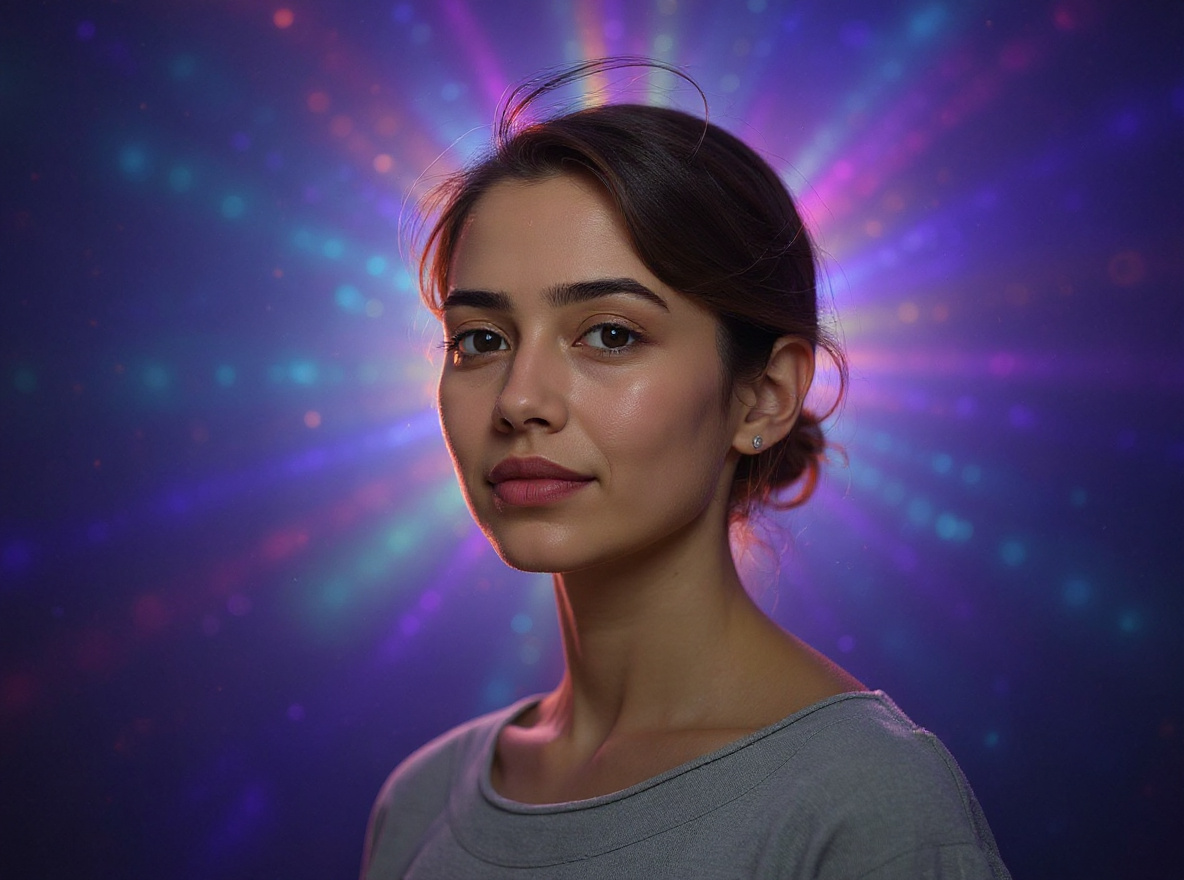
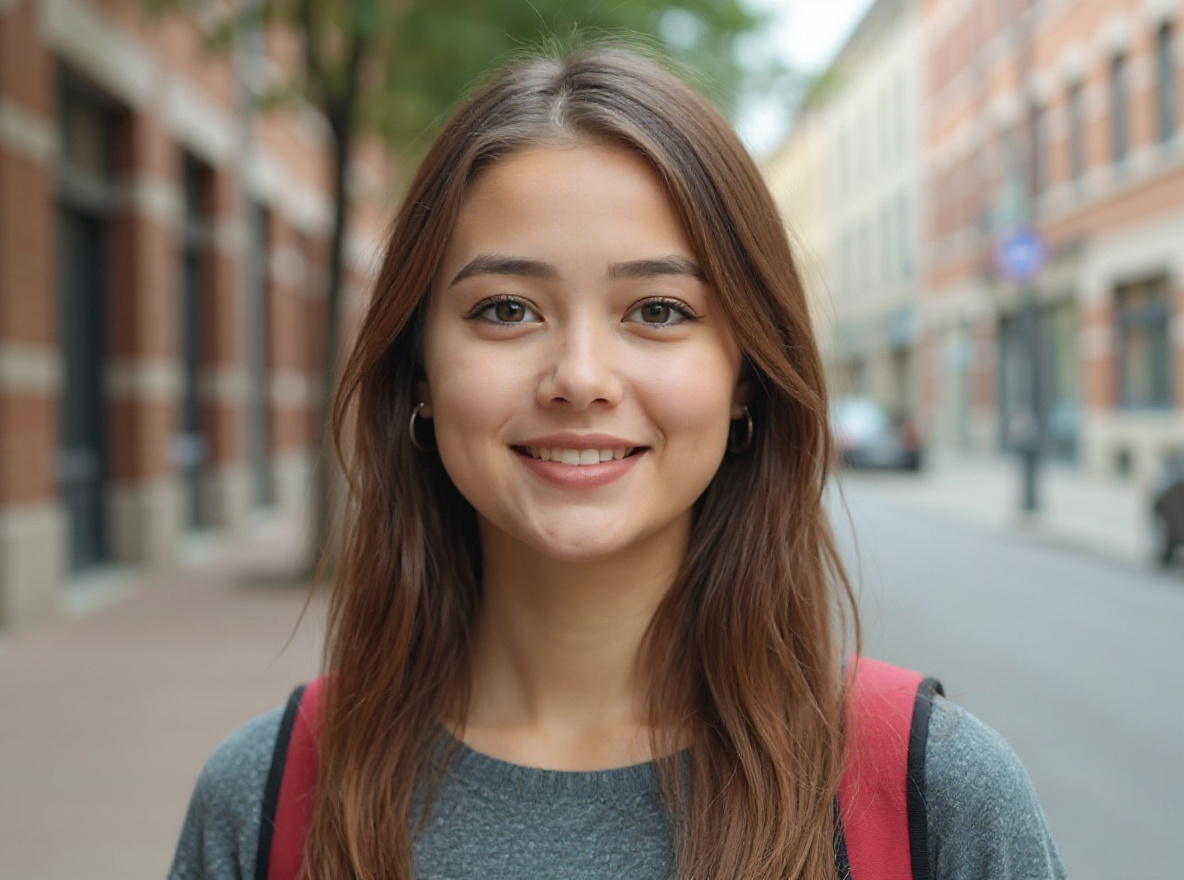
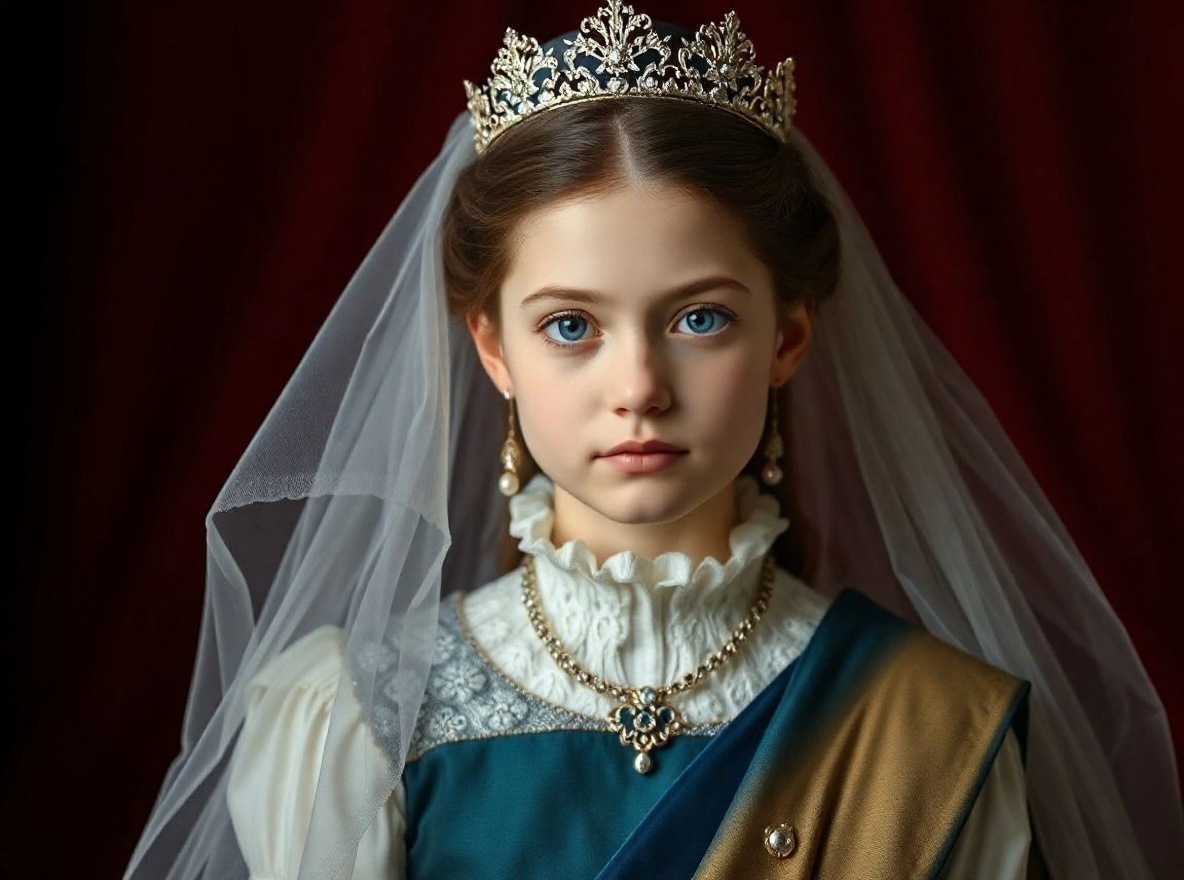
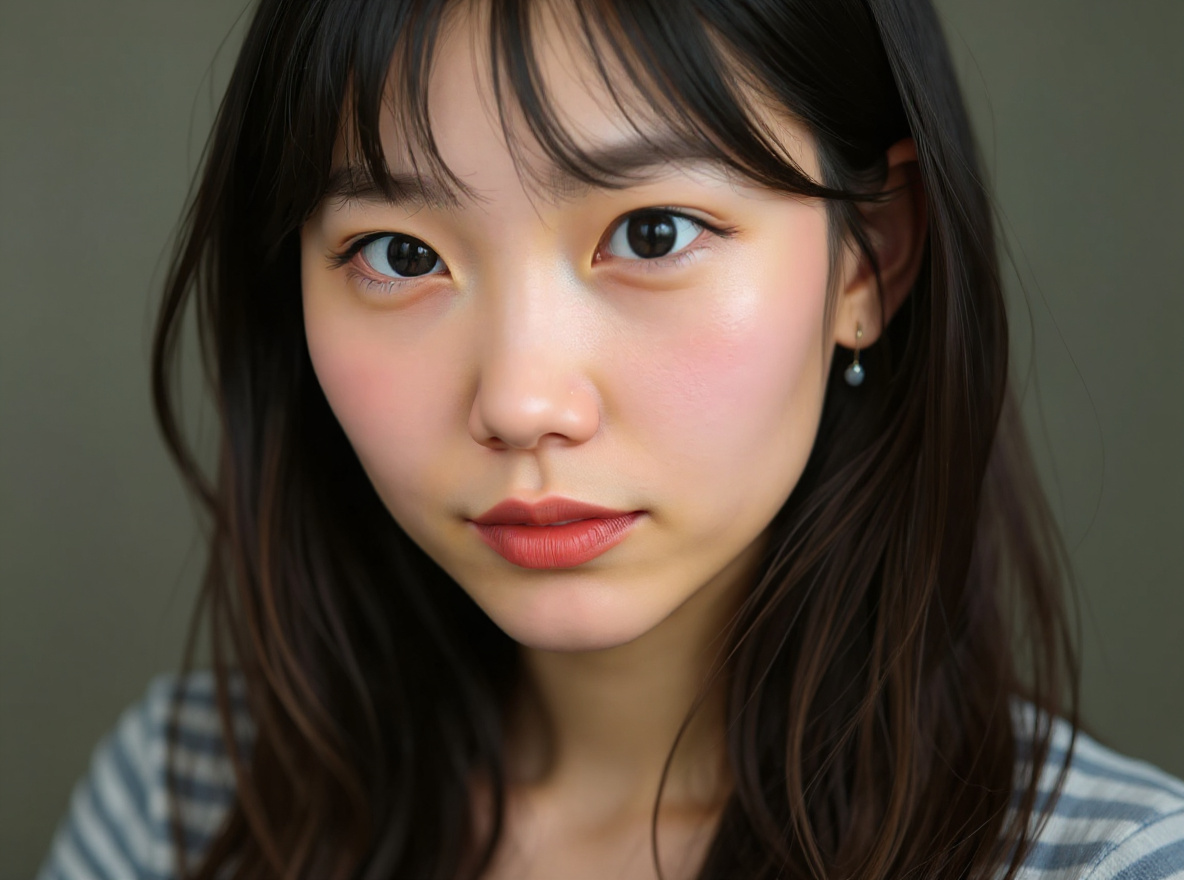
5 effects
RSP Girl Photo
Soft cinematic girl-photo and girlfriend-style RSP prompts with glowing skin, dreamy bokeh, social crop, and identity-safe preservation rules.
29 effects
Men DP
Men DP, attitude portrait, black-shirt, bike, college fresher, and WhatsApp profile prompts with dramatic light and realistic face detail.
23 effects
Lightroom Preset
Warm highlights, deep shadows, clean skin tones, bokeh, teal-orange contrast, and 2026 preset-style color grading prompts.
28 effects
AI Video RSP
Reels cover, TikTok cover, YouTube thumbnail, CapCut-style recipe, and short-video visual prompts for RSP creators.
44 effects
WhatsApp DP
Profile picture, dating profile, men DP, girl DP, and clean avatar prompts optimized for mobile social identity and realistic crops.
52 effects
Portraits
Identity-safe portrait, DP, cinematic, attitude, and studio photo prompts with copy-ready preservation rules.
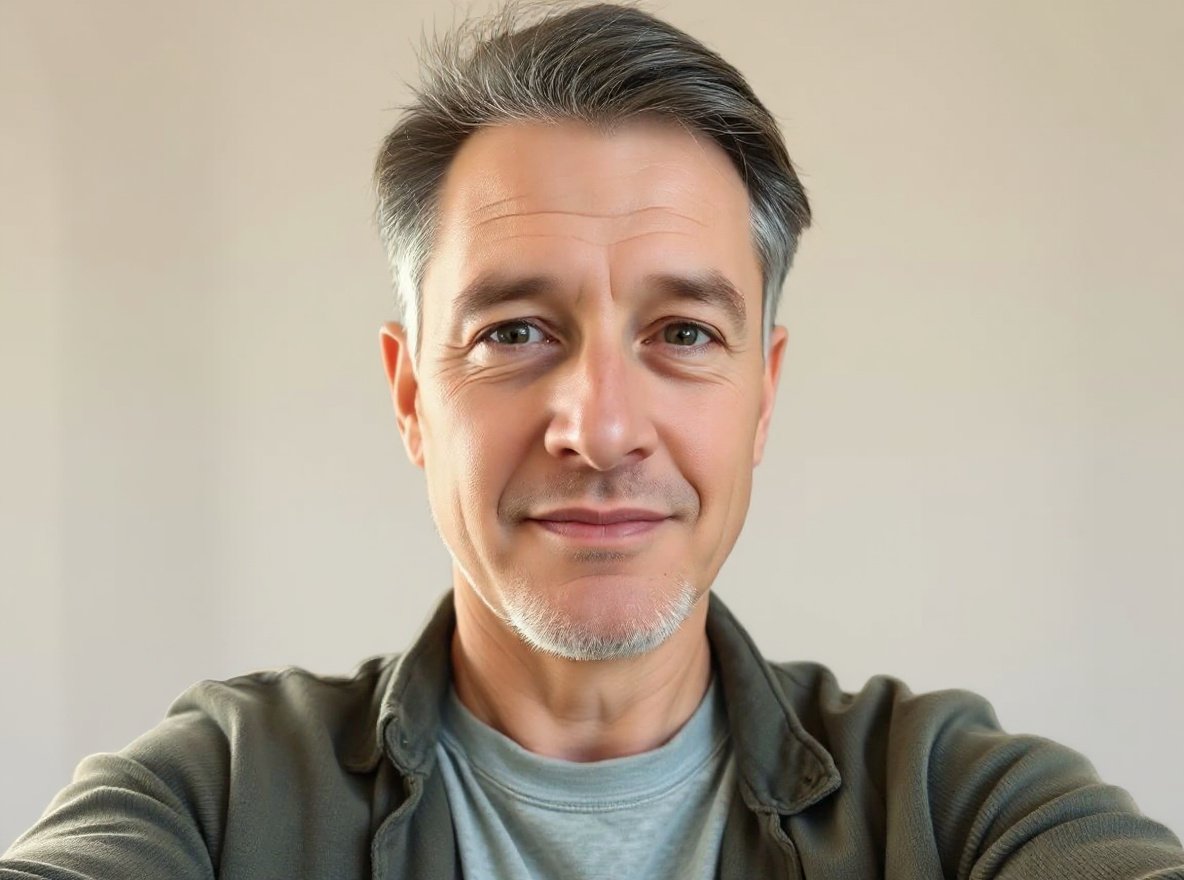
14 effects
Headshots
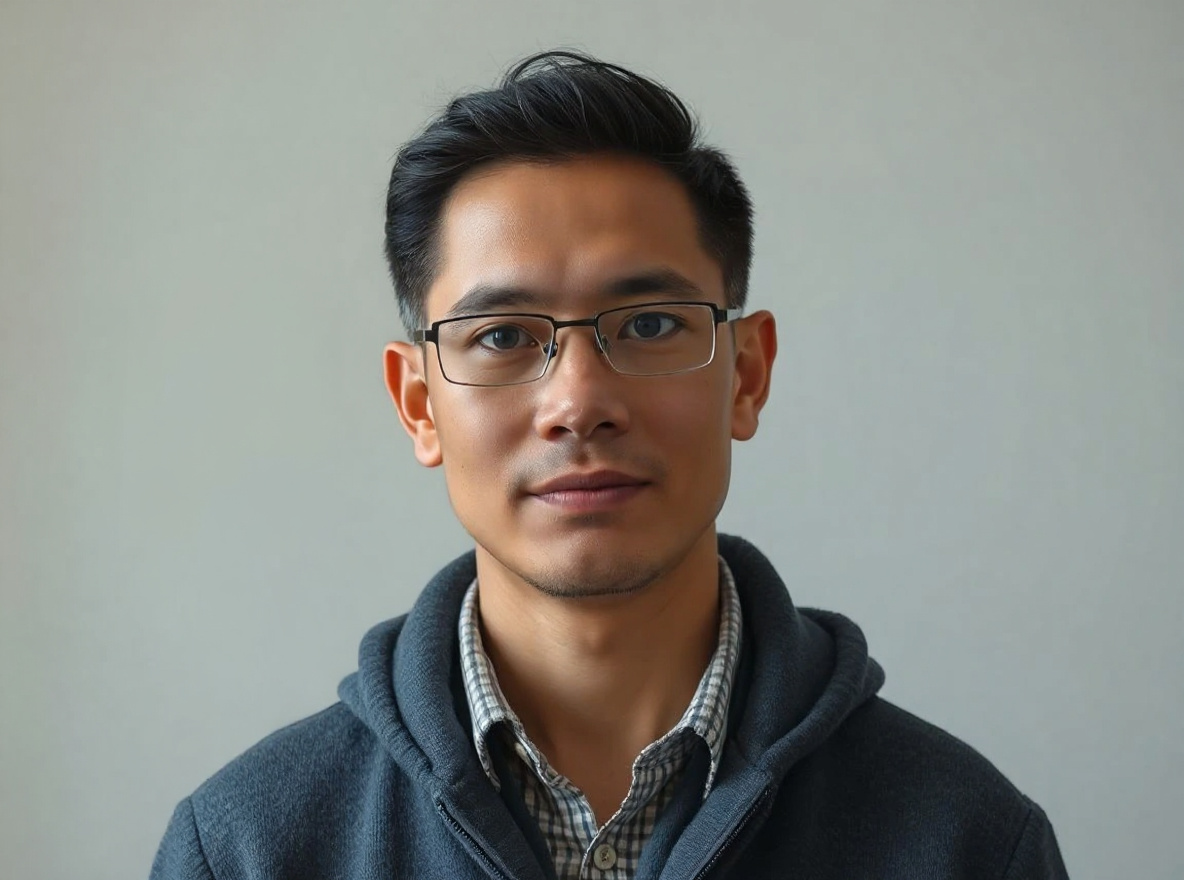
LinkedIn, resume, founder, team-avatar, and studio headshot prompts that preserve face identity and natural skin texture.
6 effects
Couple
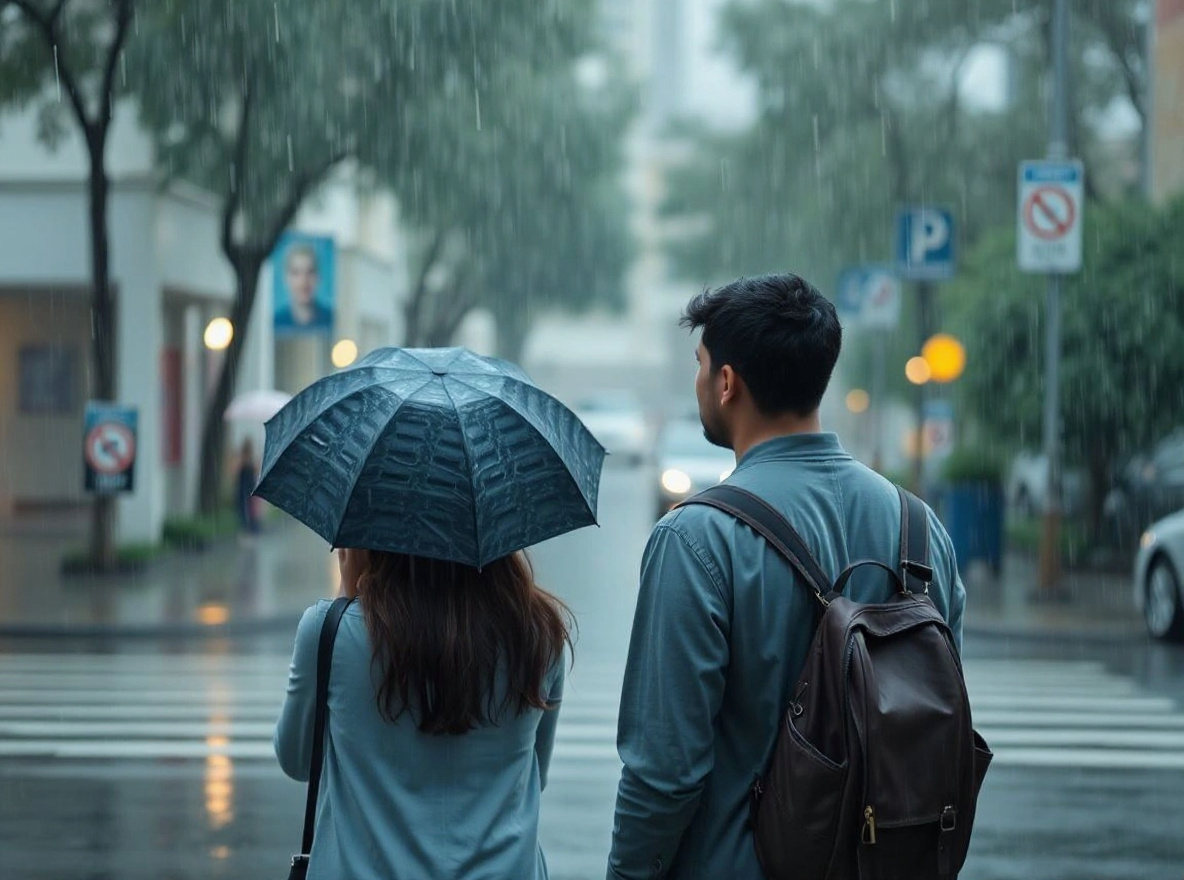
Romantic, rainy, wedding, and festival couple prompts with consent-first two-person identity preservation.
24 effects
Product Photos
Ecommerce, white-background, marketplace, product shadow, label cleanup, and hero image prompts with geometry and label preservation.
74 effects
Background Swap
Safe background swap and cleanup prompts that preserve subject edges, perspective, shadows, and product or face details.
44 effects
Social Visuals
Instagram, TikTok, YouTube thumbnail, Reels cover, UGC ad, and profile-picture prompts optimized for readable social crops.
14 effects
Festival
Diwali, Holi, Eid, IPL, Republic Day, Ram Navami, Raksha Bandhan, and Indian festival prompt effects with non-affiliated styling.